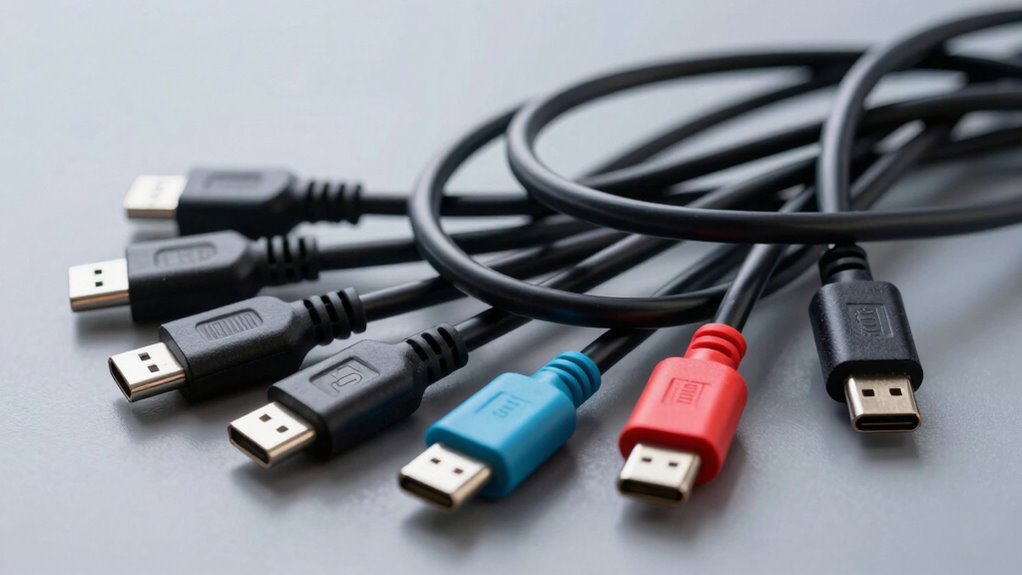

With so many USB-C cables out there, it’s easy to get overwhelmed. To find the right one, check for reinforced connectors, braided insulation, and high-quality internal wiring—these indicate durability and safety. Avoid cheap options that fray or overheat quickly; they can damage your devices and pose risks. Understanding these key features helps you pick reliable cables that last longer and perform better. Keep exploring to discover more ways to decode the chaos and choose wisely.

Get the latest gadgets delivered free — and shop member deals
- Fast, free delivery on millions of items
- Access to Prime Big Deal Days deals on October 6–7
- Prime Video, Amazon Music and more included
Key Takeaways
- Look for reinforced connectors and braided insulation for increased durability and safety.
- Understand USB-C standards (e.g., USB 3.1, Thunderbolt) to ensure compatibility and performance.
- Prioritize high-quality internal wiring for better performance and device protection.
- Beware of cheap cables that may cause device damage, overheating, or short circuits.
- Invest in reputable brands offering durable, well-made cables for long-term savings and reliability.
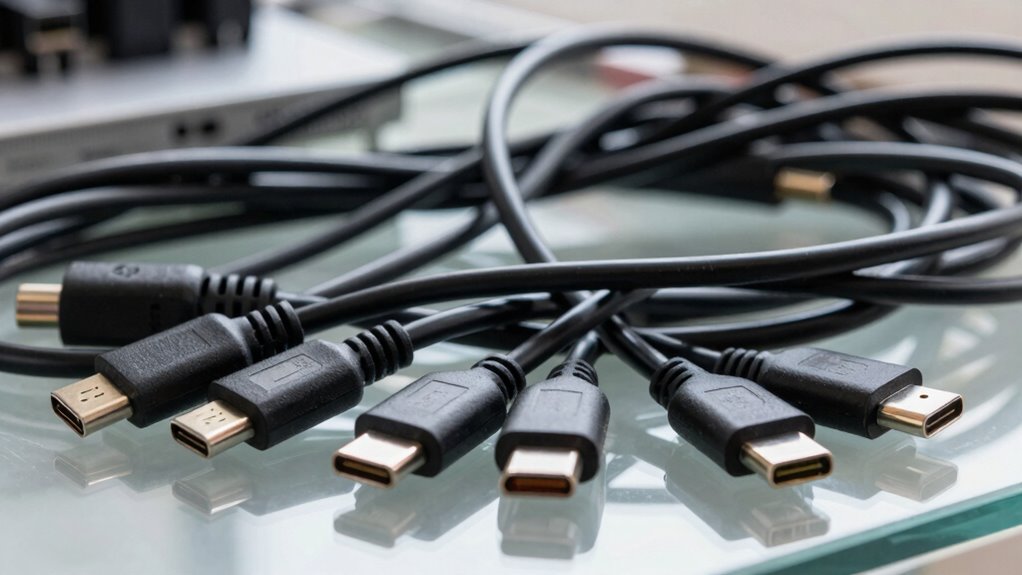
Ever feel overwhelmed trying to figure out which USB-C cable is right for your device? You’re not alone. The market’s flooded with options, each claiming to be the best, but many fall short in key areas like cable durability and compatibility. Choosing the wrong cable can lead to frustration, performance issues, or even damage to your devices. To navigate this chaos, understanding what to look for can save you time and trouble.
First, consider cable durability. Not all USB-C cables are built to last. Some use cheap materials that fray or break after just a few weeks of regular use. When shopping, check for reinforced connectors, braided or thicker insulation, and high-quality internal wiring. These features are indicators of a cable designed to withstand daily wear and tear. If you plan to use your cable frequently or in demanding environments, investing in a resilient option is worth it. A well-made cable might cost a little more upfront, but it pays off in longevity, ensuring you don’t have to replace it every few months. Remember, a flimsy cable not only wears out faster but can also pose safety risks, like short circuits or overheating. Cable durability is a crucial factor to consider when making your choice. Additionally, understanding the standards and specifications** can further help you select the most suitable cable for your needs. Knowing the internal wiring quality** can also be a good indicator of overall durability and performance.
USB-C cable with reinforced connectors
As an affiliate, we earn on qualifying purchases.
As an affiliate, we earn on qualifying purchases.
Frequently Asked Questions
Do All USB-C Cables Support Fast Charging?
Not all USB-C cables support fast charging. To guarantee you get quick power, check the cable’s durability and whether it follows proper charging standards like USB Power Delivery. Cheap or low-quality cables often lack the necessary specs, so investing in certified, high-quality cables makes a difference. Always read the packaging or product details to confirm fast charging support, ensuring your devices charge quickly and safely.
Can a USB-C Cable Connect Multiple Devices Simultaneously?
You can’t connect multiple devices simultaneously with a single USB-C cable, as most are designed for one device at a time. When choosing a cable, consider cable durability to prevent wear and tear, and compatibility concerns to make certain it works with your devices. Look for cables that support multi-port hubs or docking stations if you want to connect several devices, but remember, a standard USB-C cable typically isn’t built for multiple connections at once.
Are There Compatibility Issues Between Different USB-C Devices?
Yes, there can be compatibility issues between different USB-C devices. Device compatibility depends heavily on cable standards and specifications; not all cables support the same features like fast charging or data transfer. Before connecting devices, check their specifications to verify they adhere to compatible standards. Using certified cables designed for your device’s standards helps avoid issues and ensures reliable performance across your USB-C gadgets.
How Long Do USB-C Cables Typically Last?
USB-C cables typically last between 1 to 3 years, depending on cable durability and material quality. If you handle them gently, avoid tugging or bending, and choose high-quality materials, they can endure longer. Think of them as resilient runners—strong, flexible, yet susceptible to wear over time. Proper care extends their lifespan, ensuring your cables stay reliable through daily use, charging, and data transfer.
Is It Safe to Use Third-Party USB-C Cables?
Yes, using third-party USB-C cables can be safe if you choose cables with good cable durability and from reputable manufacturers. Look for certifications like USB-IF or USB-IF certified labels, which guarantee the cable meets safety standards. Avoid cheap, poorly made options, as they could damage your devices or pose safety risks. Always check reviews and manufacturer reliability to make sure you’re getting a quality cable that’s safe and durable.
Conclusion
Exploring the world of USB-C cables can feel overwhelming, but remember, “Knowledge is power.” By understanding key symbols and specifications, you can confidently choose the right cable for your needs. Don’t settle for confusion—decode the chaos and make smarter tech choices. With a little effort, you’ll avoid pitfalls and enjoy seamless connectivity. After all, the more you know, the more control you have over your tech experience.
Fall Picks
fall essentials
As an affiliate, we earn on qualifying purchases.