
HDMI 2.1 really matters most when your console and monitor both support the standard. When they’re compatible, you get the full benefits like higher resolutions, faster refresh rates, and better audio quality, making your gaming experience smoother and more immersive. Without matching support, you won’t see the true advantages, and performance could be limited. To access the best gaming performance, confirm both devices are HDMI 2.1 compatible — there’s more to learn if you keep exploring.
Key Takeaways
- HDMI 2.1 features are fully utilized only when both console and monitor support the standard.
- Compatibility ensures maximum performance, such as 4K at 120Hz or 8K, without bottlenecks.
- Using certified HDMI 2.1 cables prevents signal loss and ensures stable high-resolution gaming.
- Device agreement allows access to advanced audio features like eARC for immersive sound.
- Proper compatibility maximizes visual quality, responsiveness, and overall gaming experience.
When it comes to gaming, the difference between a good experience and a great one often hinges on the quality of your display and connection. If you’re serious about getting the most out of your console, understanding the importance of HDMI 2.1 becomes crucial. This newer standard isn’t just about faster data transfer; it’s about unlocking the full potential of your gaming setup. When your console and monitor support HDMI 2.1, you benefit from higher resolutions, faster refresh rates, and better responsiveness—all vital for immersive gameplay.
But for HDMI 2.1 to truly shine, compatibility matters. You need to ensure that both your console and monitor are compatible with this standard. Otherwise, you’re left with a bottleneck that prevents you from experiencing the full benefits. The connection should be seamless, supporting features like 4K at 120Hz or even 8K if your hardware allows. When both devices agree on HDMI 2.1, you get a smoother, more detailed picture that makes gaming more engaging and visually stunning.
Ensure your console and monitor support HDMI 2.1 for optimal gaming quality and seamless performance.
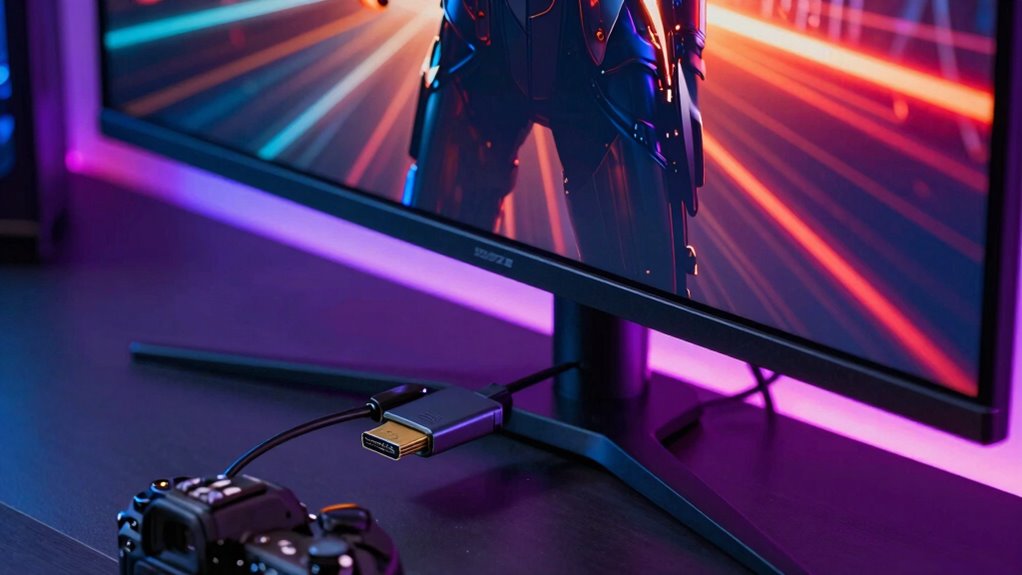
Another critical aspect often overlooked is cable quality. Not all HDMI cables are created equal, especially when it comes to HDMI 2.1. You need a high-quality cable that can handle the increased bandwidth without signal degradation. A subpar cable can cause flickering, lag, or even complete signal loss, ruining your gaming session. Investing in a certified HDMI 2.1 cable ensures that data and audio signals transfer reliably, maintaining the integrity of your visuals and sound. Proper cable certification can help you verify the quality and compatibility of your HDMI cable. Additionally, choosing cables with a high bandwidth capacity guarantees the best performance for high-resolution gaming.
Speaking of audio, audio compatibility is just as important as video. HDMI 2.1 supports enhanced audio formats, delivering richer sound for an even more immersive experience. Make sure your setup can handle these advanced audio features, like object-based surround sound or eARC, which provides higher-quality audio transmission. When your hardware supports both the video and audio capabilities of HDMI 2.1, you’re not just seeing better graphics—you’re hearing every detail, from explosions to dialogue, as intended. Understanding HDMI standards can help you make informed decisions about your gaming setup.
As an affiliate, we earn on qualifying purchases.
Frequently Asked Questions
Can Older Monitors Support HDMI 2.1?
Older monitors generally don’t support HDMI 2.1 directly, but you might still use them through signal conversion. Monitor compatibility depends on their input options; if your monitor only has HDMI 1.4 or earlier, you’ll need a converter to connect HDMI 2.1 devices. Keep in mind, signal conversion can limit features like higher refresh rates or 4K at high frames, so check your monitor’s specs before upgrading.
Is HDMI 2.1 Backward Compatible With Previous Versions?
Imagine your HDMI cable as a superhero capable of bending time, and yes, HDMI 2.1 is backward compatible with previous versions. This means your old cables and devices won’t break a sweat connecting to new tech. It guarantees signal compatibility and maintains cable durability, so you get seamless gaming and streaming experiences. You won’t need new cables for your existing gear, making upgrades smoother and more flexible than ever.
What Are the Main Benefits of HDMI 2.1 for Gamers?
HDMI 2.1 offers gamers improved graphics performance and reduced latency, making gameplay smoother and more immersive. You’ll notice higher resolutions like 4K at higher refresh rates and even 8K support, enhancing visual clarity. The technology also reduces input lag, giving you a competitive edge. Overall, HDMI 2.1 guarantees your gaming experience is more vibrant, responsive, and enjoyable, especially when paired with compatible consoles and monitors.
Do All New Consoles Support HDMI 2.1?
About 70% of new consoles support HDMI 2.1, but not all do. You need to check cable compatibility and hardware upgrades to guarantee you get the full benefits. Some consoles still use HDMI 2.0, limiting features like higher refresh rates and 4K at 120Hz. If you want the best gaming experience, consider upgrading your hardware and cables to HDMI 2.1-compatible options.
How Does HDMI 2.1 Impact Overall Gaming Experience?
HDMI 2.1 notably enhances your gaming experience by enabling better graphics enhancement and reducing latency. With this upgrade, you’ll enjoy sharper visuals, higher resolutions, and smoother gameplay, especially when paired with compatible consoles and monitors. The reduced latency means less lag, making your reactions faster and gameplay more responsive. Overall, HDMI 2.1 guarantees you get the most immersive, high-quality gaming sessions possible, elevating your entertainment to new levels.
Conclusion
When your console and monitor are on the same page, HDMI 2.1 truly shines. It delivers higher refresh rates, better resolution, and smoother gameplay. When compatibility and performance align, you experience the full potential of your gaming setup. It’s about clarity and speed, about immersion and precision. So, make sure they agree, and you’ll unleash the true power of HDMI 2.1, enjoying visuals that captivate and performance that excites.