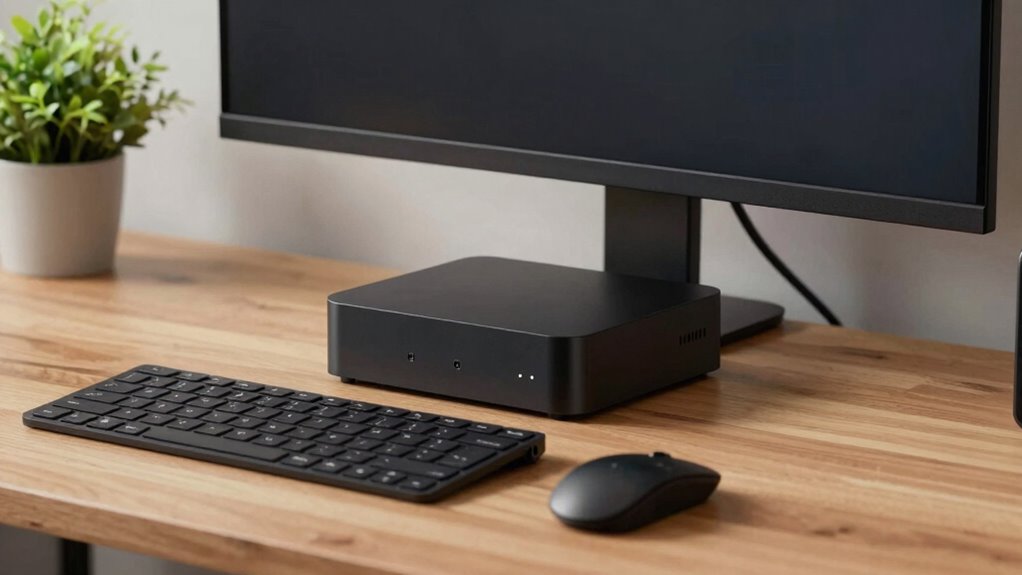

Mini PCs have become the quiet workhorses of modern setups because they pack powerful performance into a small, efficient design that minimizes noise. They operate with fewer or smaller fans and advanced cooling tech, reducing background sound. Plus, their energy-efficient components lower heat output and cut electricity costs. As innovations continue, Mini PCs get even better at staying quiet while handling everyday tasks. If you want to discover how they achieve this balance, keep exploring.
Key Takeaways
- Advanced cooling technologies enable mini PCs to operate quietly while maintaining optimal performance.
- Fewer and smaller fans reduce noise compared to traditional desktop systems.
- Energy-efficient components generate less heat, decreasing the need for loud cooling solutions.
- Compact design minimizes vibration and mechanical noise during operation.
- Continuous technological innovations enhance both cooling efficiency and silent performance.
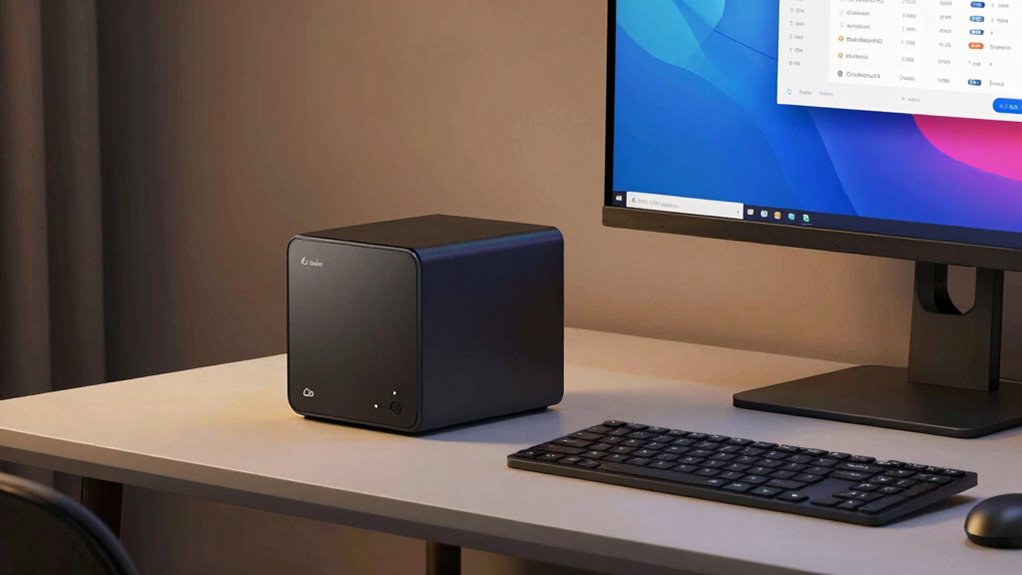
Have you ever noticed how traditional desktop PCs can be noisy and bulky? They often generate a lot of heat, requiring multiple fans to keep everything cool, which leads to constant noise. These large machines also take up significant space on your desk or in your workspace, making them less ideal for small offices or home setups. Over time, many users started looking for alternatives that could offer the same power without the downsides of size and noise. That’s where mini PCs come into play. They’re designed to be compact, yet surprisingly powerful, and they have become the quiet workhorses of modern setups.
One of the key reasons mini PCs gained popularity is their energy efficiency. Unlike traditional desktops that draw a lot of power and generate heat, mini PCs use low-power components that consume less electricity. This not only reduces your energy bills but also minimizes heat output, which in turn means less need for cooling. With fewer or smaller fans, mini PCs operate with near-silent performance, allowing you to focus without constant background noise. Their energy-efficient design makes them an excellent choice for long hours of work or media consumption, especially if you’re conscious of your overall energy footprint.
Portability advantages are another major factor behind their rise. Because mini PCs are small and lightweight, you can easily move them from room to room or pack them for travel without much hassle. If you work remotely or need a setup that can be quickly assembled or relocated, mini PCs are ideal. You can fit them into smaller spaces, even behind a monitor or inside a cabinet, freeing up valuable desk real estate. This portability doesn’t come at the expense of performance; many mini PCs pack enough processing power for everyday tasks, multimedia editing, or even light gaming. Their compact size also makes them easier to maintain and upgrade since they lack the cumbersome casing of traditional desktops. Additionally, their energy-efficient components contribute to reducing overall power consumption and heat output, further enhancing their appeal as quiet and environmentally friendly options. As technology advances, mini PCs are becoming even more capable of handling a wider range of computing needs, making them a versatile choice for users seeking both performance and tranquility. Moreover, ongoing innovations in mini PC design continue to improve cooling solutions, making these devices even more silent and efficient. Many manufacturers are now developing advanced cooling technologies that further reduce operational noise, making mini PCs suitable for noise-sensitive environments. Additionally, the integration of smart cooling systems ensures that mini PCs adapt their cooling performance based on workload, further minimizing noise during lighter tasks.
mini PC with quiet cooling
As an affiliate, we earn on qualifying purchases.
As an affiliate, we earn on qualifying purchases.
Frequently Asked Questions
How Do Mini PCS Compare to Traditional Desktops in Gaming Performance?
Mini PCs generally can’t match traditional desktops in gaming performance due to limited space for powerful components. However, they excel in low noise levels and portability, allowing you to enjoy gaming without loud fan noise or bulky setups. While high-end gaming might require a traditional desktop, mini PCs are perfect for casual gaming and maximizing space, giving you a quieter, more portable experience without sacrificing too much in performance.
What Are the Best Mini PCS for Professional Video Editing?
Think of a mini PC as a compact Swiss Army knife for editing. You’ll want models like the Intel NUC 11, Apple Mac Mini M1, or ASUS PN64, which offer powerful processors and ample RAM, ideal for professional video editing. While Mini PC limitations include upgradeability and potential thermal issues, their portability benefits make them perfect for editing on the go, giving you the flexibility to work anywhere without sacrificing performance.
Can Mini PCS Handle High-End 3D Rendering Tasks?
Mini PCs can handle high-end 3D rendering tasks, but their performance depends on thermal management and power efficiency. If you choose a model with a robust cooling system and a powerful processor, you’ll find it capable of managing intensive workloads without overheating. Look for mini PCs with advanced thermal solutions and optimized power efficiency to guarantee smooth rendering, even during prolonged sessions. Proper hardware selection makes all the difference in demanding 3D tasks.
How Upgradeable Are Mini PCS for Future Hardware Improvements?
You’ll find that many mini PCs are somewhat upgradeable, especially regarding expandable storage, allowing you to add or swap drives easily. However, thermal management can limit upgrades, as compact designs often restrict internal space for additional hardware or better cooling solutions. While some models support RAM upgrades, others are more sealed. So, your upgrade options depend on the specific mini PC, but generally, they’re designed with limited future-proofing in mind.
What Is the Typical Lifespan of a Mini PC Under Heavy Use?
Under heavy use, your mini PC will typically last 3-5 years before needing an upgrade or replacement. It quietly endures the noise levels and energy efficiency, making it the perfect workhorse for those who prefer their tech to whisper rather than shout. Its compact design minimizes heat, prolonging lifespan, but relentless workloads eventually take a toll. So, embrace the quiet life, knowing your mini PC’s lifespan is a well-earned, finite window.
energy-efficient mini desktop
As an affiliate, we earn on qualifying purchases.
As an affiliate, we earn on qualifying purchases.
Conclusion
Mini PCs have truly become the quiet workhorses of modern setups, offering powerful performance without the noise and bulk of traditional desktops. Did you know that over 60% of users prefer mini PCs for their home offices because they’re compact, energy-efficient, and operate quietly? Whether you’re working, gaming, or streaming, these small machines deliver big results. So, if you’re looking for a reliable, unobtrusive powerhouse, a mini PC might just be your perfect upgrade.
compact silent computer
As an affiliate, we earn on qualifying purchases.
As an affiliate, we earn on qualifying purchases.
small form factor PC for home office
As an affiliate, we earn on qualifying purchases.
As an affiliate, we earn on qualifying purchases.