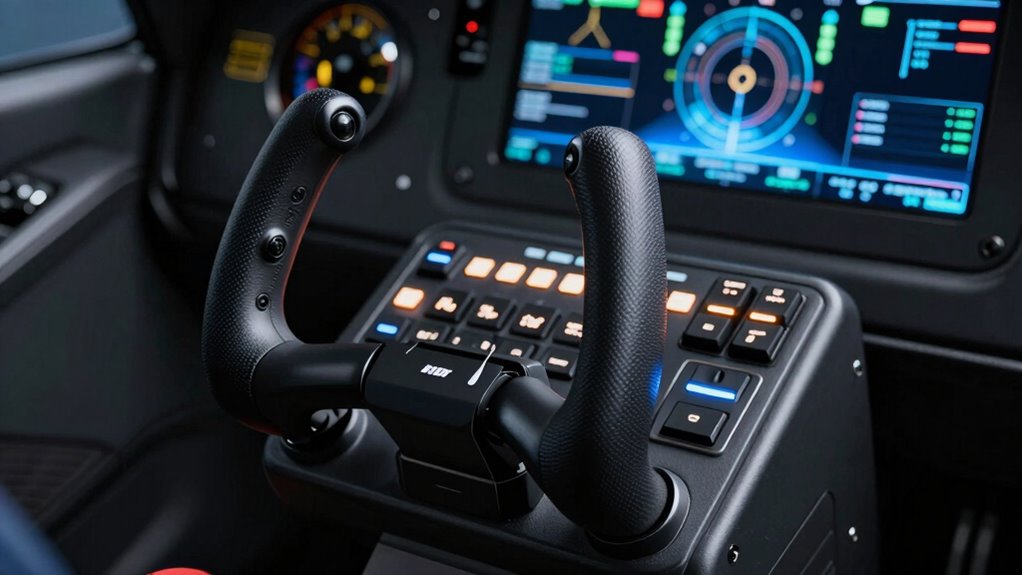
Better keybinds on your HOTAS make your setup more efficient and responsive than adding more buttons. When you assign critical commands to easily accessible controls, you reduce finger travel and minimize accidental inputs. This improves reaction times and keeps you immersed in the flight experience. Prioritizing smart, ergonomic layouts helps you stay comfortable during long sessions. Keep exploring how optimizing your controls can elevate your flight simulations even further.

Get the latest gadgets delivered free with Prime
- Fast, free delivery on millions of items
- Prime Video, Amazon Music and more included
- Member-only deals all year
Key Takeaways
- Better keybinds improve reaction times by placing critical controls within easy reach, reducing delays during high-pressure situations.
- A streamlined layout minimizes finger travel, decreasing fatigue and accidental inputs over long simulation sessions.
- Fewer, well-placed buttons enhance ergonomics, increasing comfort and precision during extended flying periods.
- Prioritizing essential functions with keybinds avoids clutter, making controls more intuitive and easier to memorize.
- Customized keybinds create a more immersive experience, allowing pilots to focus on flying rather than searching for controls.
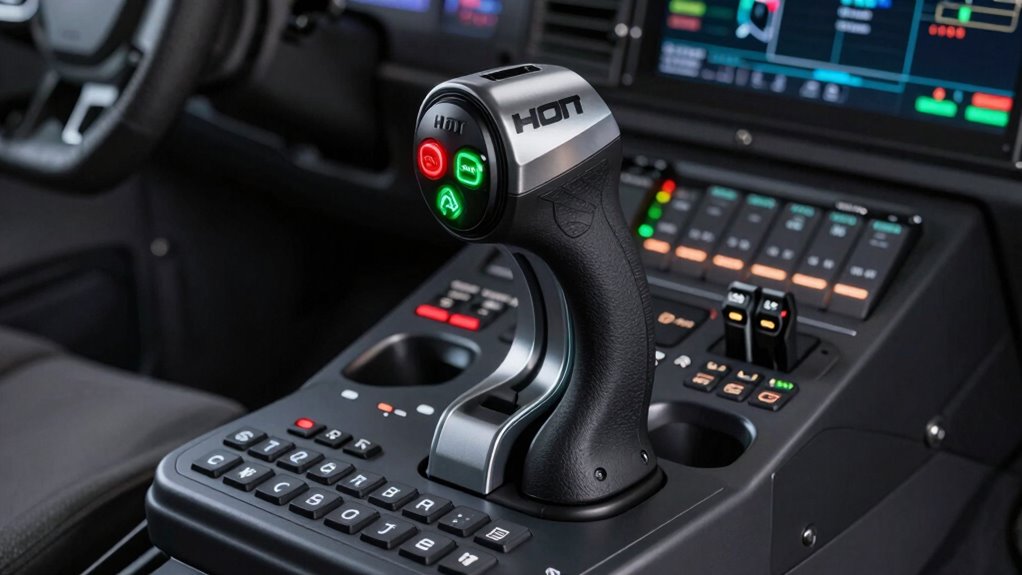
Hotas mapping is a vital aspect of customizing your flight simulation experience, allowing you to assign functions and controls to your Throttle and Stick. Whether you’re a seasoned pilot or just starting, optimizing your keybinds can significantly improve your gameplay. Instead of cluttering your setup with an excessive number of buttons, focus on creating a layout that emphasizes better button customization. This approach ensures that you access essential controls quickly without overwhelming yourself with options, ultimately providing a smoother, more immersive experience.
Prioritize smart button placement and customization for a smoother, more immersive flight experience.
When you prioritize better keybinds over more buttons, you enhance joystick ergonomics. Comfort and intuitive access matter a lot during intense flight sessions. By thoughtfully assigning functions, you minimize finger travel and reduce the risk of accidental inputs. This not only keeps you more focused but also prevents fatigue. For instance, instead of trying to reach for a tiny, hard-to-press button, you assign critical commands to larger, easily accessible controls. The result is a more natural, comfortable grip that allows you to operate your setup with precision and ease.
Button customization plays a crucial role here. It’s tempting to map every conceivable function to your HOTAS, but that often leads to clutter and confusion. Instead, identify the most frequently used commands—like weapon toggles, communication, or autopilot controls—and assign them to your most accessible buttons. Less critical functions can be mapped to secondary controls or even external devices like pedals or voice commands. This way, your control scheme becomes streamlined, making it faster to execute commands without hunting for the right button. Additionally, understanding control layouts can further improve your setup by helping you identify the most efficient and natural arrangement of functions. Moreover, learning about ergonomic design principles can help you create a more comfortable and effective control setup. Incorporating customization options allows for a tailored experience that suits your unique flying style and preferences.
In the end, better keybinds trump simply adding more buttons. A well-mapped HOTAS setup, with thoughtful button customization and ergonomic placement, enhances your reaction times and reduces fatigue. It makes your flight experience more intuitive, allowing you to focus on flying rather than hunting for controls. Remember, it’s not about having the most buttons but about creating a smart, efficient layout that works for you. That’s the real power of effective HOTAS mapping. Properly mapping controls can transform your simulation experience and give you a competitive edge.
As an affiliate, we earn on qualifying purchases.
Frequently Asked Questions
Can HOTAS Mapping Improve Overall Flight Immersion?
Yes, HOTAS mapping can considerably improve your flight immersion by enhancing flight realism. When you customize keybinds effectively, you reduce the need to look away from the cockpit, making controls more intuitive and responsive. This immersion enhancement lets you focus more on flying and less on managing controls, creating a smoother, more authentic experience. Better keybinds make your cockpit feel more alive, heightening the overall sense of flight realism.
How Do I Customize HOTAS Settings for Different Aircraft?
You can customize your HOTAS settings for different aircraft by adjusting throttle customization and button placement. Start by assigning controls specific to each aircraft’s needs, like weapon controls or landing gear. Use profiles or save presets for quick switching. Experiment with button placement to guarantee easy access and avoid accidental presses. This tailored setup helps you fly each aircraft more efficiently, boosting immersion and control during your flights.
What Are Common Mistakes When Setting HOTAS Keybinds?
When setting your HOTAS keybinds, avoid common pitfalls like button clutter and ergonomic issues. Overloading your setup with too many commands can make it hard to find what you need, causing frustration. Instead, focus on intuitive placement and prioritizing essential controls. This helps you stay comfortable and responsive during flights, turning your setup into a smooth, enjoyable experience rather than a tangled maze of buttons that slows you down.
Is There a Recommended HOTAS Setup for Beginners?
For beginners, a recommended HOTAS setup emphasizes good ergonomics and keybind consistency. Choose a model with accessible, comfortable controls that fit your hand size, like the Thrustmaster T.16000M or Logitech X52. Keep your keybinds logical and consistent, avoiding clutter. This setup minimizes fatigue and confusion, helping you learn faster and perform better in-flight. Prioritize comfort and simplicity to build a solid foundation.
How Does HOTAS Mapping Impact Multiplayer Gameplay Performance?
Your HOTAS mapping directly impacts multiplayer gameplay by optimizing your button layout for quick access and control sensitivity. A well-designed setup allows you to react faster, reducing the chances of mistakes during intense moments. Proper control sensitivity guarantees precise movements, giving you an edge over opponents. When you customize your controls thoughtfully, you improve your overall performance and responsiveness, making multiplayer encounters more competitive and enjoyable.
Conclusion
So, next time you sit down with your HOTAS, remember—it’s not about how many buttons you can press, but how smartly you map them. Will you gain access to the perfect balance between accessibility and speed? Or let complexity hold you back? The choice is yours, but one thing’s certain: mastering better keybinds could change everything. Are you ready to take that leap, or will you keep guessing in the dark? The future of your flight depends on it.
Halloween Picks
halloween
As an affiliate, we earn on qualifying purchases.