

The main reason green screens fail is uneven lighting, which causes shadows, hotspots, or color inconsistencies that make keying difficult. To fix this fast, guarantee your green background is evenly lit using softboxes or LED panels, positioning lights at angles that eliminate shadows and hotspots. Keep your lighting consistent and avoid mixing different color temperatures. Proper lighting and camera setup are essential, and if you follow these tips, you’ll improve your results dramatically—plus, there’s more to learn below.
Key Takeaways
- Ensure even, diffuse lighting on the green screen to eliminate shadows and hotspots that cause keying issues.
- Use softboxes or LED panels positioned to evenly illuminate the background without glare or dark spots.
- Match camera settings to lighting, including white balance, resolution, and exposure, for consistent footage.
- Avoid mixed light sources with different color temperatures to prevent color spill and uneven green color.
- Regularly check footage during shooting to identify and correct lighting or camera issues immediately.
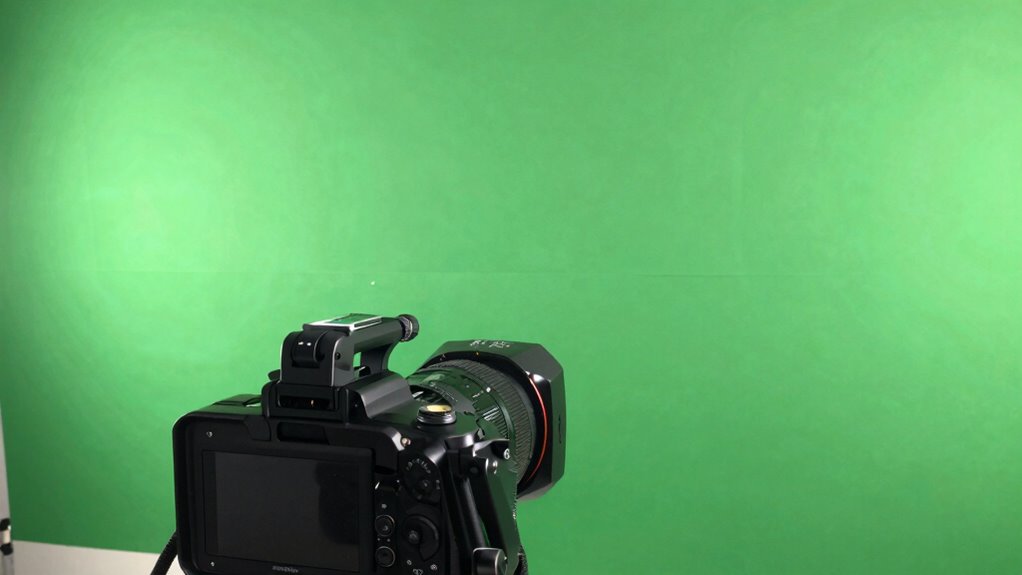
Green screens are a popular tool for creating compelling visual effects, but they often fail when the lighting isn’t just right. One of the most common reasons your green screen shot turns out poorly is due to lighting issues. If the green backdrop isn’t evenly lit, you’ll notice shadows, hotspots, or uneven color, which makes it difficult for editing software to separate the subject from the background cleanly. To fix this, you need to guarantee consistent, diffuse lighting across the entire screen. Use softboxes or LED panels to eliminate harsh shadows and hotspots. Position your lights at an angle that evenly illuminates the backdrop without creating glare or dark spots. Additionally, avoid mixing light sources with different color temperatures, as this can cause color spill and make keying more challenging.
Beyond lighting, your camera settings play a vital role in achieving a clean green screen shot. If your camera isn’t properly configured, even the best lighting setup can fall apart. Make sure you shoot in the highest possible resolution and choose a low ISO setting to reduce noise, which complicates keying. Set your aperture to a mid-range value to keep both your subject and background in focus, preventing blurriness that can interfere with keying. Keep your shutter speed fast enough to avoid motion blur, especially if you’re recording moving subjects. When you shoot, avoid using automatic white balance; instead, manually set it to match your lighting conditions to prevent color shifts that could affect the green screen’s uniformity. Proper lighting techniques are essential for a successful keying process, as they directly impact the uniformity of the green background.
Pay close attention to your camera’s color profile and picture style settings. Shooting in a flat or log profile can preserve more detail and make it easier to adjust the footage during post-production. Also, double-check your focus before recording to ensure sharp images, as softness can make it tougher to key out the background cleanly. If your camera has a histogram or zebra pattern feature, use it to verify proper exposure—overexposure can wash out the green, while underexposure can cause shadows that ruin the keying process.

LINCO Lincostore Photo Video Studio Light Kit AM169
- Softbox Reflectors: 2x 24×24 inch with diffusers
- Photography Umbrellas: 2x 33-inch white nylon umbrellas
- Adjustable Lamp Holders: 4 durable, spring-loaded, multi-angle holders
As an affiliate, we earn on qualifying purchases.
As an affiliate, we earn on qualifying purchases.
Frequently Asked Questions
Can Green Screen Issues Be Caused by Camera Settings?
Yes, green screen issues can be caused by camera settings. If your camera angle isn’t aligned properly or your lens focus isn’t sharp, you might get uneven lighting or blurry edges that make keying difficult. Make sure your camera is steady, the lens focus is crisp, and your angle captures the subject evenly. Properly adjusting these settings guarantees a clean green screen shot, making the post-production process smoother.
How Do I Choose the Right Green Screen Material?
Choosing the right green screen material is like picking a sturdy foundation for a house. Opt for high-quality green screen fabrics that are both smooth and non-reflective, ensuring even lighting. Prioritize material durability to prevent wrinkles and tears, which can ruin your shot. Look for fabrics with a matte finish and good stretchability, so you get a seamless background that holds up over time and keeps your footage flawless.
What Lighting Setup Is Best for Green Screen Filming?
You should use even, diffused lighting techniques to minimize shadows and prevent color spill on your green screen. Position lights at 45-degree angles to the screen and your subject for balanced illumination. Keep the camera at eye level and experiment with different angles to avoid unwanted reflections. Proper lighting guarantees a clean key, so take your time adjusting the setup for best results.
How Do I Fix Shadows on the Green Screen?
To fix shadows on your green screen, start by adjusting your lighting setup to guarantee even illumination, minimizing shadows. Use diffused lights placed at 45-degree angles to the screen and your subject. Also, check your camera angles to prevent casting shadows from objects or your subject onto the backdrop. Keep lights soft and consistent, and reposition your lights or subject until the shadows disappear for a cleaner key.
Is Post-Production Editing Necessary for Green Screen Success?
Post-production editing is often necessary for green screen success. Using green screen software, you can key out the background and fix issues like shadows or uneven lighting. Post-production editing helps refine your shot, ensuring clean edges and a seamless composite. It allows you to adjust colors, remove artifacts, and enhance the overall quality, making your final video look professional and polished. Skipping this step can leave your footage looking less convincing.
Conclusion
Remember, when green screens fail, it’s often a simple fix waiting to be uncovered. Think of it like a puzzle—every piece, or setting, has its place. With a little patience and the right adjustments, you’ll transform those frustrating backgrounds into seamless scenes. Don’t let technical hiccups dim your creativity; instead, see them as opportunities to learn and grow. After all, every great filmmaker started with a few green screen mishaps!