
To secure your smart lock immediately, enable a strong, unique access code for each user and regularly update them. Turn on auto lock to automatically secure your door after a set time, reducing risks of forgetting to lock up. Activate alerts for tampering attempts and connect your lock to your home security system for real-time notifications. Always keep your firmware up to date and review permissions to guarantee only trusted users have access. Continue to explore smart lock settings for complete protection.
Key Takeaways
- Enable auto lock to automatically secure the door after a set period, preventing accidental or unauthorized entry.
- Turn on all available alarm and tampering alerts to receive real-time notifications of potential breaches.
- Use encryption protocols and update firmware regularly to protect against hacking vulnerabilities.
- Set complex, unique access codes for each user and deactivate unused or compromised codes immediately.
- Enable remote locking features for added control and review security settings periodically for optimal protection.
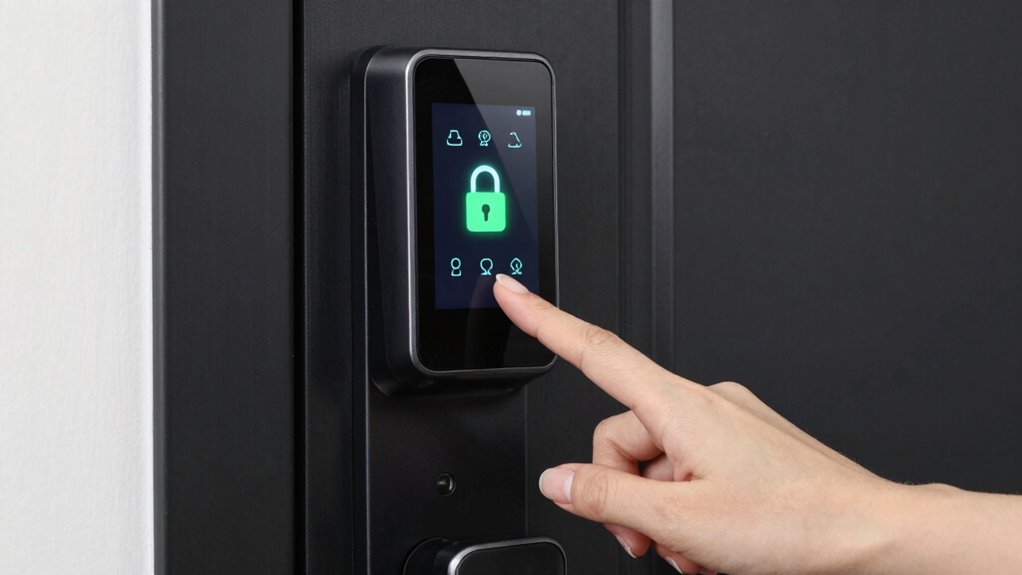
Smart locks offer convenient access control, but their security settings are essential to prevent unauthorized entry. When you set up your smart lock, one of the first things you should do is establish a strong access code. This code acts as your primary line of defense against intruders. Avoid simple or easily guessable numbers like “1234” or “0000.” Instead, choose a complex combination that combines numbers, and if possible, change it regularly to keep your home secure. Many smart locks allow you to create multiple access codes for different users—family members, friends, or service providers. Make certain to assign unique codes to each person and delete or deactivate codes when they’re no longer needed. This way, you retain control over who has access and can prevent unauthorized entries.
Another critical security feature you shouldn’t overlook is auto lock. Auto lock ensures your door automatically secures itself after a certain period, like 30 seconds or a minute, once you’ve unlocked it. This feature is especially valuable if you’re prone to forgetting to lock the door manually. By enabling auto lock, you reduce the risk of leaving your home vulnerable if you forget to lock up when leaving or returning home. Most smart locks let you customize the auto lock delay, so you can choose what works best for your routine. Remember, the goal is to make your home safer without sacrificing convenience. Auto lock acts as a safety net, ensuring your door isn’t left open unintentionally. Incorporating security features like encryption protocols can further safeguard your smart lock from hacking attempts.
Beyond setting a strong access code and activating auto lock, it’s wise to explore additional security features your smart lock offers. Many models have alarm systems that alert you if someone attempts to tamper with the lock. Others can be integrated with your home security system to provide real-time notifications or remote locking capabilities. Always keep your firmware updated as well, since manufacturers regularly release security patches to fix vulnerabilities.

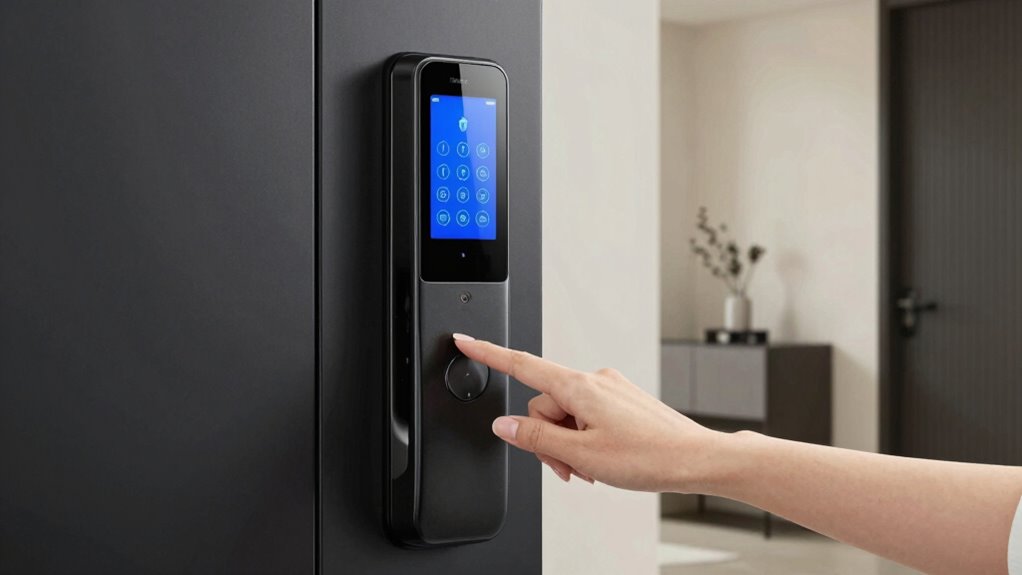
Veise VE017 Fingerprint Smart Door Lock, App Control, 8-in-1 Keyless Entry, Auto Lock, Emergency Power Port, Electronic Touchscreen Keypad, Biometric Smart Locks for Front Door, Matte Black
- Remote User Management: Control access via KK Home App
- Multi-Method Unlocking: Fingerprint, app, code, key, voice, more
- Auto Lock Feature: Set auto lock timer in app
As an affiliate, we earn on qualifying purchases.
As an affiliate, we earn on qualifying purchases.
Frequently Asked Questions
Can Smart Locks Be Hacked Remotely?
Yes, smart locks can be hacked remotely if you don’t secure them properly. Hackers might exploit encryption vulnerabilities or use remote hacking techniques to gain access. To protect yourself, make certain your lock’s firmware is always up to date, use strong, unique passwords, and enable all security features. These steps help prevent remote hacking attempts and keep your smart lock secure from potential threats.
Are Smart Locks Compatible With All Smart Home Systems?
Like a puzzle piece fitting perfectly, smart locks aren’t compatible with all smart home systems. You might face compatibility issues or system integration challenges depending on your setup. Before buying, check if your smart lock supports your existing smart hub or platform. Otherwise, you could end up with a device that doesn’t work seamlessly, making your smart home feel more like a jumble than a unified system.
What Is the Average Lifespan of a Smart Lock Battery?
Your smart lock’s battery life typically lasts between 6 months to a year, depending on usage and power management. To extend battery life, you should enable power-saving features and monitor usage regularly. Efficient power management helps prevent unexpected lockouts. Keep spare batteries on hand, and consider models with low-battery alerts so you can replace batteries before they die, ensuring your lock remains secure and functional at all times.
How Do I Reset My Smart Lock if It Malfunctions?
Ever wondered how to troubleshoot your smart lock when it malfunctions? To reset your smart lock, locate the reset button usually on the interior side, then press and hold it for about 10 seconds. This lock reset clears any glitches and restores factory settings. Follow your manufacturer’s instructions for specific steps. A proper lock reset can fix most issues, ensuring your smart lock functions smoothly again.
Do Smart Locks Require Professional Installation?
You don’t need professional installation for most smart locks, as they’re designed for DIY troubleshooting and easy setup. Many models come with step-by-step instructions, allowing you to install them yourself without concerns about complex installation. However, if you face installation concerns or encounter compatibility issues, consulting a professional might be helpful. Overall, smart locks are user-friendly, making secure home access achievable without hiring an expert.
Conclusion
Don’t wait until your house feels like Fort Knox to activate those security settings. Think of your smart lock as your digital knight, guarding your castle from modern-day marauders. By turning on the right features now, you’re sealing the gates and ensuring peace of mind—like a vigilant sentry in your own home. Remember, in this age of technology, a few simple clicks today can save you from a medieval mess tomorrow.