📊 Full opportunity report: Mac vs GPU Tower for Local LLMs: The Heat-and-Noise Tradeoff on ThorstenMeyerAI.com — validation score, market gap, and execution plan.
TL;DR
This article compares Mac Studio with Apple Silicon and GPU towers for local large language model inference, highlighting differences in heat, noise, capacity, and performance. The choice depends on model size and workload needs.
Apple Silicon-based Macs, such as the Mac Studio with M3 Ultra, offer near-silent operation and low power consumption for local large language model inference, contrasting sharply with high-performance GPU towers that generate significant heat and noise.
The core distinction lies in architecture: GPU towers prioritize memory bandwidth, enabling faster inference on models that fit within their VRAM, with RTX 5090 GPUs delivering roughly 1,792 GB/s. In contrast, Apple Silicon chips optimize for memory capacity, sharing up to 512GB of unified memory across CPU, GPU, and Neural Engine, allowing them to run larger models (70B+ parameters) that exceed GPU VRAM limits. This fundamental difference influences performance and usability: towers excel in throughput for small-to-medium models, while Macs can handle larger models at the cost of slower speeds. Thermally, GPU towers operate as space heaters, with high wattage draws (575W to over 800W) producing significant heat requiring complex cooling solutions and ongoing thermal management. Conversely, Macs are designed to be near-silent and produce minimal heat, making them ideal for continuous, unobtrusive operation. The tradeoff is slower inference speeds for large models, which may be acceptable depending on workload priorities. The decision between the two hinges on specific needs: if maximum throughput for models fitting in 32GB VRAM is essential, GPU towers are superior. For models exceeding VRAM limits, or for users prioritizing silence and low power, Apple Silicon offers a compelling alternative, despite slower inference speeds.Mac vs GPU tower
for local LLMs.
What if you sidestep the heat entirely with a different kind of machine? A tower is a high-bandwidth furnace you spend five levers quieting. Apple Silicon is near-silent by design — but asks for different tradeoffs. Match your priority in Part 2.
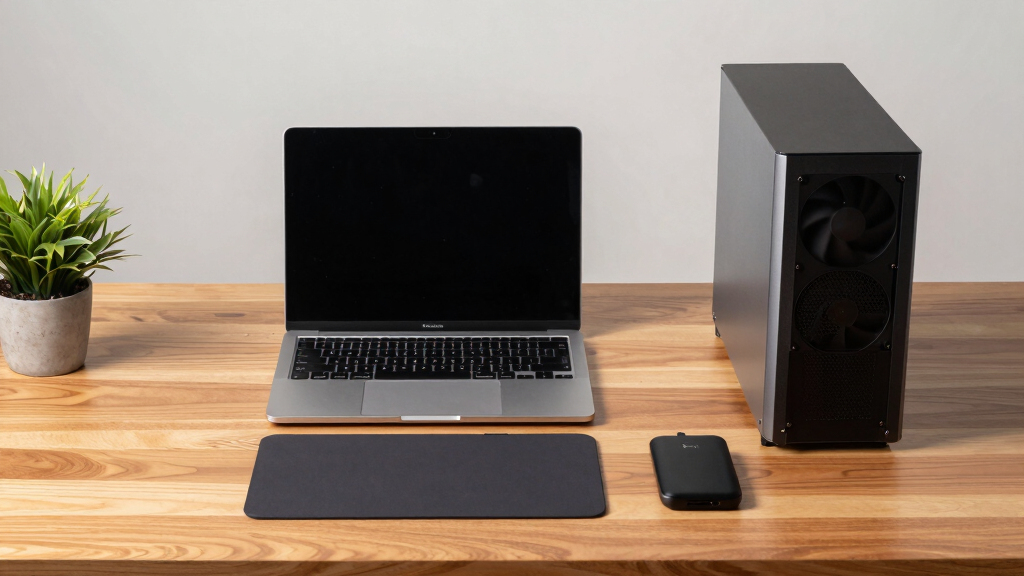
Put the loud, hot machine where its noise doesn’t matter, and the quiet one where you do. SSH into the tower when you need raw power; let the Mac handle everything else, silently.
Implications for Local AI Hardware Choices
This comparison impacts how individuals and organizations choose hardware for running large language models locally. For latency-sensitive applications requiring high throughput on smaller models, GPU towers remain the preferred choice. However, for users seeking a quiet, power-efficient machine capable of handling larger models that cannot fit in GPU VRAM, Apple Silicon Macs present a practical alternative. The decision influences not only performance but also operational costs, thermal management, and noise considerations, which are critical for desktop environments or always-on setups.
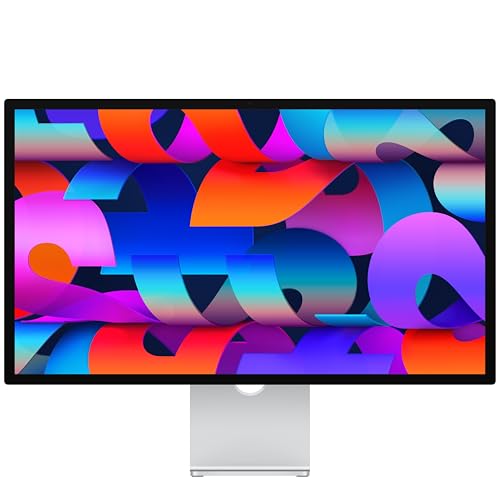
Apple Studio Display: Standard Glass, Tilt-Adjustable Stand
- Display Size: 27-inch 5K Retina display
- Camera: 12MP Center Stage with Desk View
- Audio: Studio-quality three-mic array
As an affiliate, we earn on qualifying purchases.
As an affiliate, we earn on qualifying purchases.
Hardware Architecture and Performance Tradeoffs
The debate between Mac Silicon and GPU towers reflects fundamental architectural differences. GPU towers leverage high-bandwidth memory to maximize inference speed on models within VRAM limits, with CUDA ecosystem support facilitating fine-tuning and training. They are upgradeable and scalable, but at the cost of high power consumption and heat generation. Apple Silicon, with its unified memory architecture, sacrifices some inference speed for the ability to run larger models directly on the device. Its low power profile and silent operation make it attractive for continuous, desktop-based AI workloads. This shift aligns with a broader trend toward energy-efficient AI hardware, though it limits some advanced model training and fine-tuning capabilities.
"The heat and noise tradeoff is one of the sharpest differences between Mac Silicon and GPU towers, shaping how users approach local AI setups."
— Thorsten Meyer
Unresolved Questions About Hardware Performance
It remains unclear how upcoming GPU or Apple Silicon models will shift this balance, particularly with potential architectural improvements or new hardware releases. The long-term scalability and ecosystem support for Mac-based AI workflows are still evolving, and real-world performance may vary depending on specific workloads and configurations.
Future Developments in Local AI Hardware
Next steps include observing new hardware releases from NVIDIA and Apple, as well as real-world benchmarking of large models on both platforms. Advances in cooling, power efficiency, and memory technology may further influence the hardware landscape, potentially narrowing the performance gap or expanding the capacity advantages of each approach.
Key Questions
Can a Mac run the same models as a GPU tower?
Large models that exceed VRAM capacity, such as 70B+ parameters, can run on Macs with unified memory, but at slower inference speeds compared to GPU towers.
Is noise a significant factor when choosing hardware for local AI?
Yes. GPU towers generate substantial heat and noise, requiring cooling solutions, while Macs are designed to operate quietly and with minimal heat, making noise a key consideration for continuous use.
Will future GPU or Apple Silicon hardware change this comparison?
Potential hardware updates could alter performance and capacity tradeoffs, but current differences in architecture and design principles remain fundamental.
Which hardware is better for training models?
GPU towers with CUDA ecosystem support are generally better suited for training and fine-tuning, whereas Macs are primarily optimized for inference of larger models within their capacity limits.
What are the operational costs associated with each option?
GPU towers consume significantly more power and require active cooling, leading to higher electricity and maintenance costs. Macs are more energy-efficient and require less thermal management, reducing ongoing expenses.
Source: ThorstenMeyerAI.com