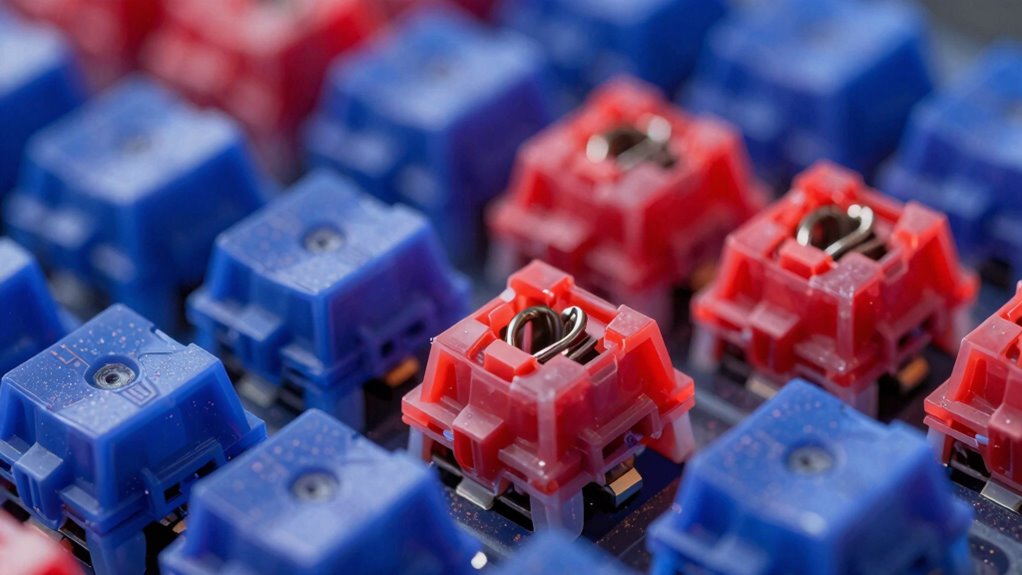

If your mechanical switches feel stiff, gritty, or noisy, they likely need proper lubrication or cleaning. Over time, dirt, dust, and old grease can cause switches to become less smooth and inconsistent. By carefully opening the switches and applying a thin layer of quality lubricant, you can restore their smoothness and reduce noise. Proper maintenance often makes a noticeable difference, and if you want to learn more about perfecting your keyboard feel, keep exploring these techniques.
Key Takeaways
- Worn or unlubricated switches can cause a gritty, inconsistent feel; proper lubrication smooths keystrokes.
- Dirt, dust, or debris inside switches may lead to stiffness or noise, which cleaning and maintenance can fix.
- Lack of lubrication or uneven application can result in scratchy or sluggish switches needing re-lubrication.
- Changes in switch components like springs or film modifications can alter feel, addressing “off” sensations.
- Regular switch modding and proper cleaning extend switch lifespan and restore optimal performance.
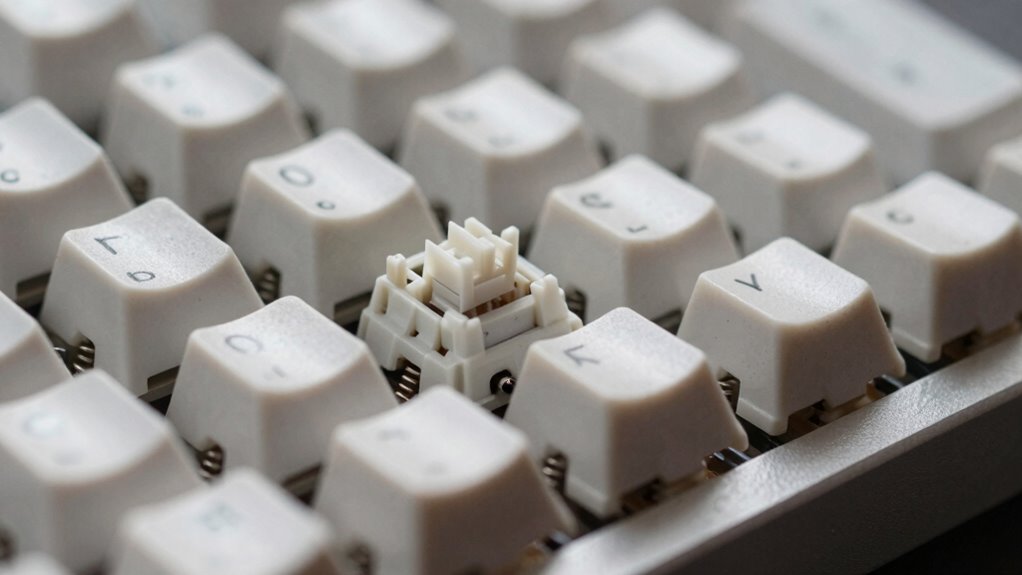
Mechanical keyboard switches are the core components that determine how your keyboard feels and performs. If your typing experience feels gritty, inconsistent, or just not as smooth as it used to be, the culprit might be worn or unlubricated switches. Switch lubrication is a simple yet effective way to improve the feel of your switches, reducing friction and noise. When switches aren’t lubricated properly, they can feel scratchy or stiff, making your typing less enjoyable and less precise. Luckily, switch modding—an umbrella term for customizing and maintaining switches—can help you restore or even enhance your keyboard’s performance.
Switch modding begins with opening up your switches, which can seem intimidating at first, but with the right tools, it’s straightforward. Once you have access, applying switch lubrication is the next step. You’ll want to use a high-quality lubricant designed specifically for mechanical switches; this helps reduce metal-to-metal friction, softens the feel of the keystrokes, and minimizes sound. When doing switch lubrication, focus on the stem and slider parts that rub against each other. Be careful to apply a thin, even layer—more isn’t always better, as excess lubricant can cause sticky or sluggish keys. A small brush or a precision applicator makes this process easier and helps you achieve a smooth, consistent feel across all your switches.
Regular switch modding and lubrication can transform your typing experience, especially if you’ve noticed increased resistance or noise. Over time, dust and debris can settle inside switches, and the grease originally used by manufacturers can break down, leading to a less desirable feel. By disassembling your switches and applying fresh lubricant, you can rejuvenate their performance without having to replace them entirely. This process not only improves feel but can also extend the lifespan of your switches, making your keyboard more reliable in the long run. Additionally, understanding switch lubrication and its benefits can help you make informed decisions when customizing your keyboard setup.
If you’re into customizing your keyboard further, switch modding opens up many options. You can experiment with different lubricants to find the perfect balance of smoothness and sound dampening. Some enthusiasts even change out springs or add film modifications to tweak actuation force and responsiveness. Just remember, switch modding requires patience and a steady hand, but the payoff—an ultra-smooth, quieter, and more satisfying typing experience—is worth the effort. Whether you’re fixing a sluggish feel or just wanting to personalize your setup, switch lubrication and modding are your best tools to get your mechanical keyboard feeling just right.

RUNJRX Keyboard Lube Kit and Switch Lube 15g/0.53oz JRX-205 G0 with Switch Opener Tweezers for Custom Keyboard
【KEYBOARD SWITCH LUBE】JRX 205G0 grease has high temperature stability, oxidative stability and good compatibility,Suitable for lubrication and maintenance…
As an affiliate, we earn on qualifying purchases.
As an affiliate, we earn on qualifying purchases.
Frequently Asked Questions
How Do I Identify the Type of Switch I Have?
To identify your switch type, start by removing a keycap and looking for switch labeling on the switch itself. If labels aren’t clear, press each key to feel the actuation force and clickiness. You can also try switch cleaning to improve performance and better assess the switch’s feel. Comparing these sensations to common switch types helps you determine if you have a clicky, linear, or tactile switch.
Can Switch Modifications Improve Key Feel?
Yes, switch modifications can improve your key feel considerably. You can try switch lubrication to reduce friction and noise, making keystrokes smoother. Switch filming also helps by stabilizing the switch components, resulting in a more consistent feel. Both modifications require careful disassembly, but they can make your typing experience more comfortable and responsive, especially if your switches feel gritty or inconsistent right now.
Are There Compatibility Issues With Different Switch Brands?
Did you know that over 60% of keyboard enthusiasts face switch compatibility issues? Yes, switch compatibility can be tricky, especially when mixing switch brands. Different switch brands often have varying stem sizes, pin configurations, and actuation forces, making some switches incompatible with certain hot-swappable keyboards or PCB layouts. Always check your keyboard’s specifications and stick to compatible switch brands to guarantee your typing experience remains smooth and frustration-free.
How Long Do Mechanical Switches Typically Last?
Mechanical switches typically last between 50 million to 100 million keystrokes, ensuring long-lasting durability. Your switch lifespan depends on factors like build quality, usage intensity, and how well you maintain your keyboard. Regular cleaning, avoiding excessive force, and choosing switches with high durability ratings can extend their lifespan. So, if you notice your switches feeling off sooner, it might be time to check for wear or consider replacing them.
Is It Worth Upgrading to Premium Switches?
Upgrading to premium switches is often worth it if you want better switch customization and a more satisfying typing experience. Premium switches usually offer smoother keystrokes, quieter sound dampening, and enhanced durability. If you’re into customizing your keyboard’s feel and sound, investing in higher-quality switches can make a noticeable difference. Plus, they can reduce noise and improve comfort, making your overall experience more enjoyable and personalized.
RUNJRX Keyboard Lube Kit and Switch Lube 15g/0.53oz JRX-205 G0 with Switch Opener Tweezers for Custom Keyboard
【KEYBOARD SWITCH LUBE】JRX 205G0 grease has high temperature stability, oxidative stability and good compatibility,Suitable for lubrication and maintenance…
As an affiliate, we earn on qualifying purchases.
As an affiliate, we earn on qualifying purchases.
Conclusion
So, next time your mechanical keyboard feels off, remember—it’s probably just your switches throwing a tantrum. Instead of blaming your typing skills, take a moment to clean or replace them. After all, these tiny switches are the unsung heroes behind your flawless typing, yet they can be as moody as a teenage gamer. Ironically, fixing that “off” feeling might just turn your keyboard into your new best friend—no magic needed, just a little maintenance.

Minatee 9 Pcs Keyboard Lube Switch Puller Kit Ic Extractor, Key Cap Puller, Elbow Tweezers, Pointed Tweezers, Flat Head Fine & Head Grease Brush Compatible with Switches for Modding and Maintenance
Set Includes: the package comes with 9 pieces of keyboard lube switch puller tools, including IC extractor, switch…
As an affiliate, we earn on qualifying purchases.
As an affiliate, we earn on qualifying purchases.
RUNJRX Keyboard Lube Kit and Switch Lube 15g/0.53oz JRX-205 G0 with Switch Opener Tweezers for Custom Keyboard
【KEYBOARD SWITCH LUBE】JRX 205G0 grease has high temperature stability, oxidative stability and good compatibility,Suitable for lubrication and maintenance…
As an affiliate, we earn on qualifying purchases.
As an affiliate, we earn on qualifying purchases.