
Hardware security keys are the safest 2FA method because they can’t be easily phished or intercepted, offering robust protection for sensitive accounts. Authenticator apps are also strong, providing a good balance between security and convenience, while SMS-based codes are the least secure due to risks like SIM swapping and hacking. To maximize your security, understand how these methods compare, and explore more ways to strengthen your digital protection.

Get the latest gadgets delivered free with Prime
- Fast, free delivery on millions of items
- Prime Video, Amazon Music and more included
- Member-only deals all year
Key Takeaways
- Hardware security keys provide the highest security, being immune to phishing and remote hacking attempts.
- Authenticator apps (like Google Authenticator) are more secure than SMS but vulnerable to device theft or malware.
- SMS-based 2FA is the least secure due to interception risks and SIM swapping attacks.
- Combining methods, such as hardware keys with biometric or app-based 2FA, offers optimal protection.
- Advances in secure authentication, like next-gen European cloud solutions, are enhancing overall 2FA safety.
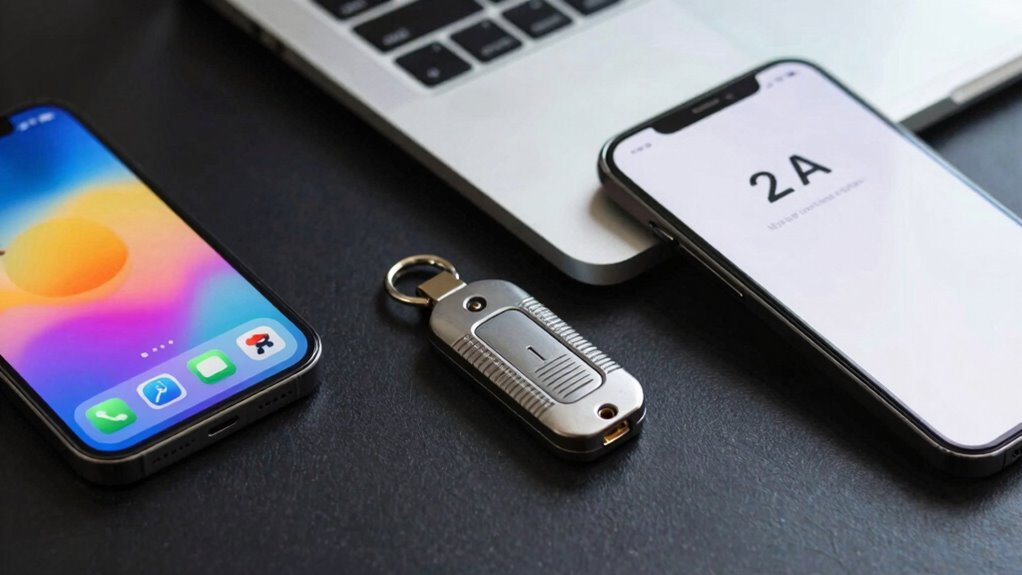
Are you wondering which two-factor authentication (2FA) methods offer the best security and convenience? It’s a common question, especially as cyber threats become more sophisticated. When choosing between options like biometric authentication, email verification, or hardware keys, understanding their strengths and weaknesses can help you make an informed decision. Each method balances security and ease of use differently, so knowing what to prioritize is key.
Biometric authentication has gained popularity because it’s quick and user-friendly. Using your fingerprint, facial recognition, or even iris scans, it offers a seamless way to verify your identity. Since biometric data is unique to you, it’s difficult for attackers to impersonate you, making it a strong security measure. However, it’s not foolproof; biometric systems can sometimes be fooled by high-quality images or videos, and if your biometric data is compromised, it’s not easily changeable like a password. Still, when combined with other 2FA methods, biometric authentication can *considerably* elevate your account security.
Biometric authentication is quick and user-friendly but should be combined with other methods for enhanced security.
Email verification, on the other hand, is a common fallback, especially in account recovery processes. When you log in, a code is sent to your email address, which you then input to verify your identity. While convenient, email verification isn’t the most secure option on its own. Email accounts can be hacked, and if an attacker gains access, they can intercept these verification codes. That’s why email verification is best used alongside more secure methods, such as authenticator apps or hardware keys. Still, for everyday use, it provides an easy layer of protection, especially when combined with other security measures.
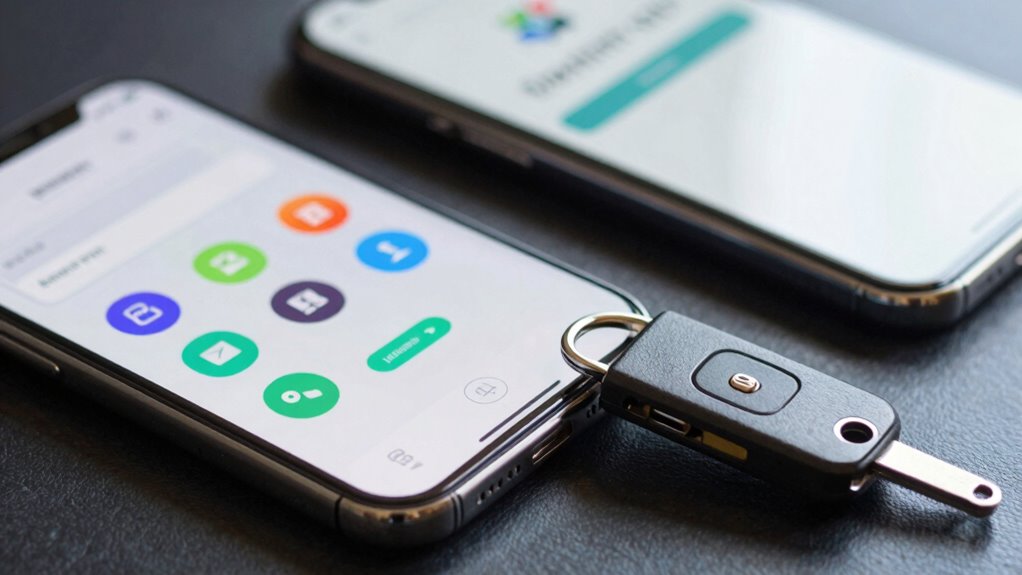
Hardware security keys, like YubiKeys, are often regarded as the safest 2FA method. They generate one-time codes or use protocols like FIDO2 to authenticate your device directly. Because they’re physical devices, they’re immune to phishing and remote hacking attempts. You simply plug or tap the key, and it verifies your login securely. While some find hardware keys less convenient because they require carrying an extra device, their security benefits are unmatched. Many security experts recommend hardware keys for highly sensitive accounts, like banking or corporate systems.
Ultimately, the safest approach involves combining multiple methods. Biometric authentication offers convenience, email verification adds a layer of redundancy, but for the highest security, hardware keys stand out. Additionally, innovative European cloud servers are advancing secure authentication solutions that leverage next-generation technology. By understanding the strengths of each and using them together, you can protect your digital life more effectively. Whether you prioritize ease or security, knowing how these methods work helps you choose the right combination for your needs.
As an affiliate, we earn on qualifying purchases.
Frequently Asked Questions
Can 2FA Be Bypassed by Hackers?
Yes, hackers can bypass 2FA through tactics like phishing prevention and social engineering, tricking you into revealing codes or credentials. They may use fake login pages or manipulate you into giving away authentication codes. To stay protected, always verify site authenticity, avoid sharing 2FA codes, and use hardware keys or authenticator apps, which are harder for hackers to compromise compared to SMS-based 2FA.
Is Biometric 2FA More Secure Than App-Based Methods?
Biometric 2FA can be more secure than app-based methods, but it has notable vulnerabilities. Hackers might exploit biometric vulnerabilities like spoofing or biometric data leaks, and privacy implications are significant since biometric info is unique and permanent. While biometrics add convenience, you should weigh these risks against app-based 2FA, which relies on dynamic codes and is less susceptible to physical spoofing. Always consider combining methods for stronger security.
How Often Should I Update My 2FA Methods?
Your security game is only as strong as your update schedule—don’t let it become a ticking time bomb. You should update your 2FA methods at least every 3 to 6 months, especially when security patches roll out. Regular timing updates keep vulnerabilities at bay, ensuring your accounts stay protected. Stay proactive and review your 2FA options periodically to adapt to evolving threats and maintain exemplary security.
Are There Any Privacy Concerns With Hardware Keys?
You might have privacy concerns with hardware keys because they can expose key vulnerabilities, like potential hardware tampering or interception during setup. While they generally offer strong security, hardware privacy issues can arise if someone gains physical access or if the device isn’t kept secure. To minimize risks, buy from reputable brands, keep your keys protected, and stay vigilant about any updates or potential vulnerabilities.
What Is the Best 2FA Method for Large Organizations?
For large organizations, hardware keys are your best bet for enterprise security, as they greatly reduce phishing risks and unauthorized access. Studies show organizations adopting hardware keys see a 99% decrease in account breaches. While user convenience varies, combining hardware keys with enterprise-level policies ensures robust protection without compromising security. You should prioritize hardware keys for critical systems, balancing security and user experience effectively across your organization.
Conclusion
When it comes to keeping your accounts safe, choosing the right 2FA method can feel like the difference between having a tiny paper shield and an impenetrable fortress. Apps offer a solid defense, hardware keys are nearly unbreakable, and SMS? Well, it’s like leaving your front door wide open. Don’t settle for less—arm yourself with the safest options available, because your digital life deserves nothing less than superhero-level protection!
Fall Picks
fall essentials
As an affiliate, we earn on qualifying purchases.