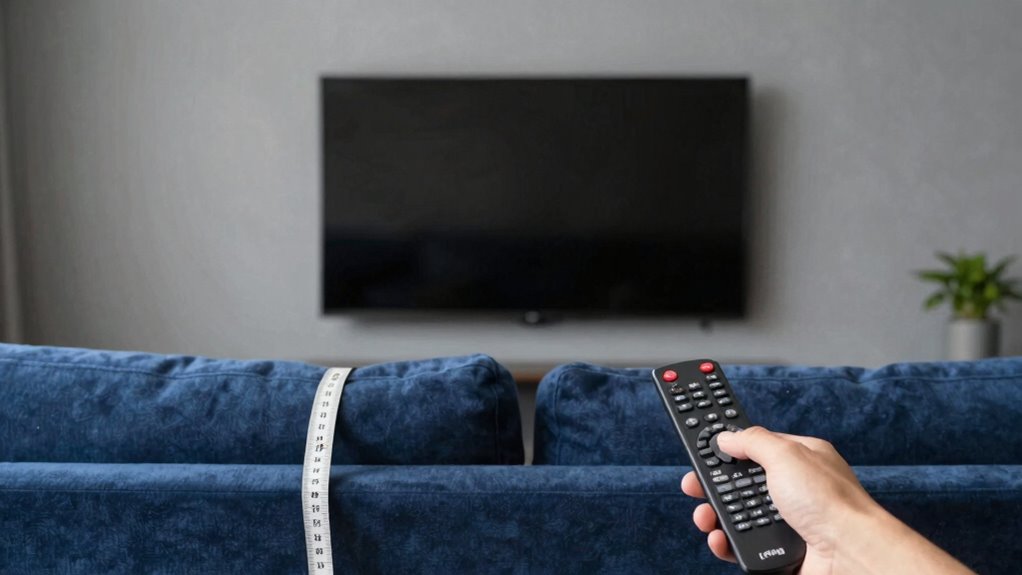

Calculating your ideal TV viewing distance is straightforward when you consider the screen size and resolution. A common rule is sitting about 1.5 to 2.5 times the TV’s diagonal size away from the screen. For example, a 55-inch TV should be about 6.9 to 11.5 feet back. Higher resolutions like 4K make it easier to sit closer without pixelation. Keep these tips in mind, and you’ll find it’s simpler than it looks to optimize your setup.
Key Takeaways
- The basic formula is 1.5 to 2.5 times the TV’s diagonal size for optimal viewing distance.
- Higher resolution TVs (4K, 8K) allow closer seating without pixelation.
- Larger screens need to be viewed from farther away to prevent eye strain.
- Adjusting distance based on resolution enhances picture clarity and immersion.
- Using simple guidelines makes choosing the right viewing distance straightforward and effective.
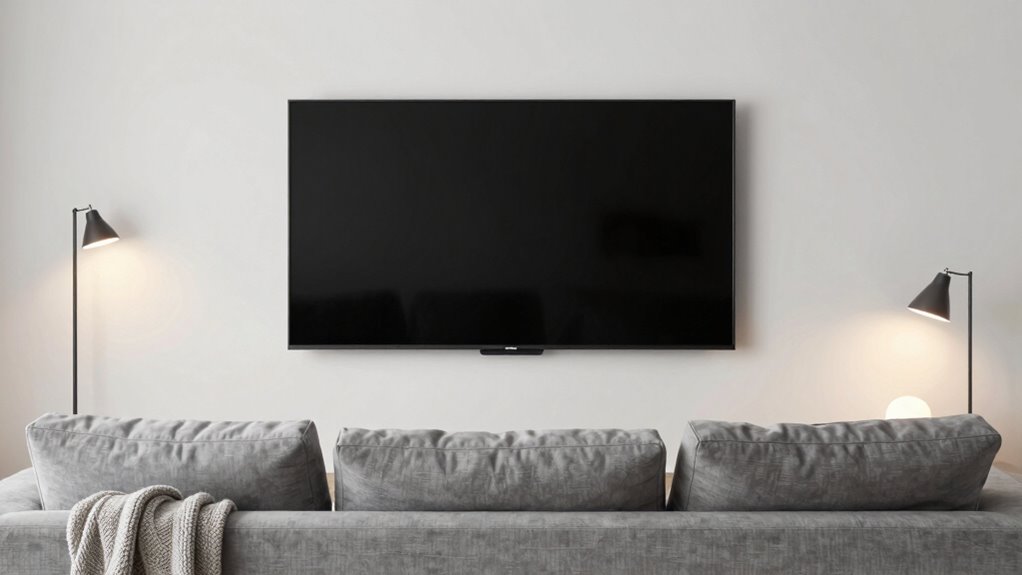
Have you ever wondered how close you should sit to your TV for the best viewing experience? It’s a common question, but the answer isn’t as complicated as it might seem. The key factors are your TV’s screen size and resolution quality. When you understand how these work together, figuring out the ideal distance becomes straightforward. Larger screens are impressive, but they need to be watched from the right distance to avoid straining your eyes or missing details. Likewise, higher resolution TVs, like 4K or 8K models, allow you to sit closer without noticing pixelation. So, your goal is to find a sweet spot that maximizes picture clarity and minimizes eye fatigue.
First, consider your screen size. A bigger TV means you should sit farther back to take in the whole picture comfortably. The general rule of thumb is that your viewing distance should be about 1.5 to 2.5 times the diagonal measurement of your screen. For example, if you own a 55-inch TV, sitting between roughly 6.9 and 11.5 feet away provides a good balance between immersion and comfort. This range ensures you see all the details without having to turn your head or squint. On the other hand, if your screen is smaller, you can sit closer without losing picture quality or comfort. Additionally, understanding the resolution quality of your TV can help you optimize your viewing experience further. It’s also helpful to consider the screen size when planning your space to ensure the best setup.
Next, look at your TV’s resolution quality. If you have a 4K or higher resolution TV, you can sit closer without noticing pixels or losing sharpness. This is because these higher resolutions pack more pixels into the same space, resulting in clearer images at shorter distances. Conversely, if you have a standard HD TV, sitting too close might reveal pixelation, making the picture look less crisp. In that case, sticking to the recommended distance based on the screen size helps you enjoy a sharper picture without distraction. Adjusting your viewing distance based on your TV’s resolution and size ensures a more comfortable and immersive experience.

Roku 55-Inch Select Series Smart TV 2026-4K QLED TV – Roku TV
- Fast Streaming with Roku: Quick app launches and smooth streaming
- Stunning 4K QLED Display: Rich detail with bright, accurate colors
- Smart Picture Optimization: Enhances picture quality automatically
As an affiliate, we earn on qualifying purchases.
As an affiliate, we earn on qualifying purchases.
Frequently Asked Questions
Why Does Screen Size Affect Ideal Viewing Distance?
Screen size affects your ideal viewing distance because larger screens require you to sit farther back to maintain the best visual clarity. If you’re too close, the image may seem overwhelming or blurry, and if you’re too far, details can be lost. By matching the screen size to your viewing distance, you guarantee a clear, immersive experience without straining your eyes, making your TV watching more enjoyable and comfortable.
How Do Room Lighting Conditions Influence Viewing Distance Recommendations?
Like a painter adjusting their canvas, you should consider ambient lighting and glare reduction when choosing your viewing distance. Bright rooms or lots of ambient light can cause glare, so sitting farther back helps reduce eye strain. In dimmer spaces, you can sit closer for a more immersive experience. Balancing lighting and distance guarantees comfortable viewing, much like a well-lit stage enhances a performance.
Are There Differences in Viewing Distance for 4K vs. HD TVS?
Yes, there are differences in viewing distance for 4K versus HD TVs. You can sit closer to a 4K TV without noticing pixelation, enhancing your experience with better color calibration and sound quality. For HD TVs, sitting too close might reveal pixelation, diminishing picture quality. To optimize your viewing, consider room lighting and your TV’s resolution, ensuring you’re at the right distance to enjoy sharp images and immersive sound.
What Is the Best Way to Measure My Tv’s Optimal Distance?
You can measure your TV’s ideal distance by sitting a few feet back—roughly 1.5 to 2.5 times the screen’s diagonal size. Sure, it’s as simple as aligning your eyes with the screen, but don’t forget, screen calibration and sound quality matter just as much for immersive viewing. So, tweak your settings first, then test different distances until you find your perfect sweet spot.
Does Seating Arrangement Impact the Ideal Viewing Distance?
Seating arrangement definitely impacts your ideal viewing distance because it influences seating comfort and room acoustics. When your seats are too close or too far, it can strain your eyes or make sound quality worse. To optimize your experience, arrange seats for comfortable viewing angles and good sound, considering room acoustics. This way, everyone gets the best picture and sound, no matter where they sit.
Conclusion
Now that you know the simple math behind TV viewing distance, it’s easier to find your perfect spot. Did you know that sitting too close can cause eye strain, while sitting too far reduces immersion? The ideal distance is about 1.5 to 2.5 times your screen size. So, measure your TV and enjoy a comfortable, cinematic experience without any guesswork—making your viewing time as enjoyable as it should be.