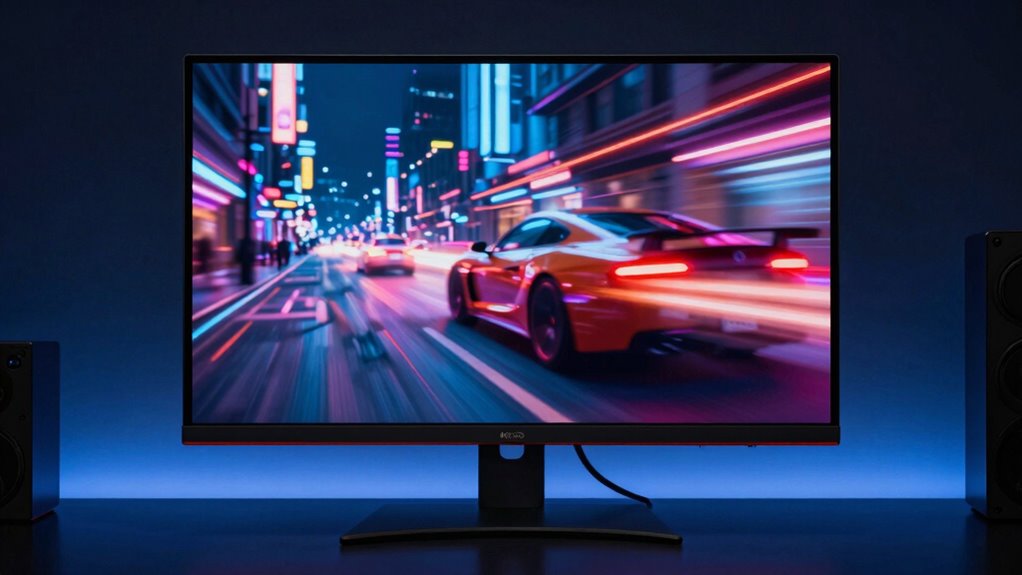

When you see a 240Hz screen in action, everything feels smoother and more natural immediately. Your eyes quickly notice the faster updates, making motion appear clearer and less blurry, especially during fast movement. This improved fluidity reduces stuttering and ghosting, giving you a more responsive experience. You won’t need to understand the technical details to sense the difference. Keep exploring to discover why such high refresh rates create this seamless, immersive feeling.
Key Takeaways
- Higher refresh rates produce smoother, more fluid motion that is immediately perceptible to the eyes.
- Rapid visual updates reduce stuttering and ghosting, creating a clearer, more natural viewing experience.
- The brain quickly recognizes the more seamless flow of motion, enhancing overall responsiveness.
- Visual artifacts during fast movements are minimized, making quick actions look sharper and more precise.
- The enhanced motion clarity feels more immersive and engaging, even without technical understanding.
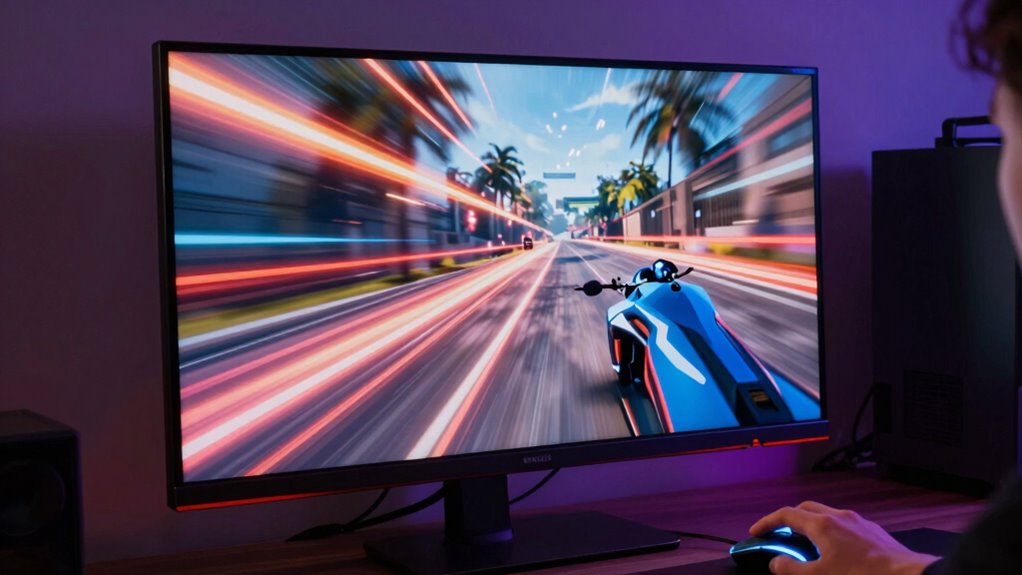
When you switch to a 240Hz monitor, the difference in motion clarity becomes immediately noticeable, even if you’re accustomed to lower refresh rates. The refresh rate fundamentally determines how many times your monitor updates with new images each second. At higher refresh rates like 240Hz, your screen refreshes more frequently, which makes fast-moving visuals appear smoother and more fluid. You’ll find that rapid movements—whether in games, videos, or scrolling—look sharper and less blurry. This isn’t just about raw numbers; it’s about the experience of seeing motion so clear that it it almost feels real.
Your eyes are used to seeing images update at slower intervals, so when you upgrade to a higher refresh rate, your brain quickly recognizes the enhanced motion clarity. Unlike lower refresh rates, which can produce noticeable stuttering or ghosting during quick actions, a 240Hz display minimizes these artifacts. Movements in fast-paced games, like quick turns or projectile trajectories, look more precise and natural. This clarity can give you a competitive edge, especially in fast reflex-based games, because you can react faster to smoother visuals. Even in everyday tasks, such as scrolling through webpages or moving windows, the refresh rate influences how seamlessly everything appears. You’ll notice less lag and more fluidity, making your overall experience feel smoother and more responsive.
Higher refresh rates reduce stuttering and ghosting, making fast movements look more natural and giving you a competitive edge.
What makes 240Hz feel different isn’t just the numbers; it’s the immediate perception of how your monitor handles motion. You don’t need to understand the technical details to feel the difference—your eyes and brain pick up on the fluidity right away. The higher the refresh rate, the fewer artifacts you see during quick movements, which means less eye strain and fatigue over time. This smoother motion also makes fast-paced visuals more immersive, pulling you into the action rather than distracting you with blurry or choppy images. Understanding refresh rate can help you appreciate why these differences matter and how they impact your visual experience.
In effect, the switch to a 240Hz monitor transforms your visual experience by markedly improving motion clarity. It’s not just about sharper images; it’s about how effortlessly everything moves across your screen. Your brain adapts quickly, and you start to appreciate the seamless flow of visuals, making your gaming, work, or entertainment feel more natural and engaging. The difference isn’t only in the numbers—it’s in how your eyes perceive the world in motion, making everything appear sharper, smoother, and more responsive.
As an affiliate, we earn on qualifying purchases.
Frequently Asked Questions
Does Higher Refresh Rate Improve Gaming Performance?
Yes, a higher refresh rate improves gaming performance by reducing gaming latency and enhancing visual fluidity. When you play on a 240Hz monitor, your game responds more quickly to your actions, making gameplay smoother and more responsive. This is especially noticeable in fast-paced games where quick reactions matter. Ultimately, higher refresh rates can give you an edge by making your gaming experience feel more seamless and less laggy.
How Does Motion Blur Relate to Refresh Rates?
You might think higher refresh rates eliminate motion blur, but ironically, they actually sharpen visual clarity rather than erase it. When your monitor refreshes faster, it reduces the streaking effect caused by slow frame shifts. Frame interpolation can help, but it often adds artificial motion, making blur worse. So, while high refresh rates improve smoothness, they don’t completely eliminate motion blur—they just make it less noticeable, enhancing your overall gaming experience.
Can Humans Perceive the Difference Between 120HZ and 240HZ?
Yes, you can perceive the difference between 120Hz and 240Hz. Your visual perception and temporal resolution improve with higher refresh rates, making motion smoother and reducing motion blur. At 240Hz, your brain processes rapid changes more effectively, giving you a more fluid experience. While it might be subtle, especially during fast-paced gaming or fast-moving scenes, many users notice the enhanced clarity and reduced eye strain at higher refresh rates.
What Hardware Is Needed to Support 240HZ Displays?
To support 240Hz displays, you need compatible hardware that includes a high-refresh-rate monitor, a graphics card capable of handling 240Hz output, and appropriate display cables like DisplayPort or HDMI 2.0/2.1. Make certain your system’s hardware compatibility aligns with the display technology requirements. Upgrading your GPU and checking your monitor’s specifications guarantees smooth performance and fully leverages the benefits of high refresh rates.
Is 240HZ Beneficial for Non-Gaming Activities?
A 240Hz refresh rate can benefit you during non-gaming activities by providing smoother visuals, reducing refresh rate fatigue, and enhancing visual comfort. You’ll notice less eye strain during long hours of work or content consumption, as the high refresh rate keeps motion fluid and reduces flickering. This creates a more comfortable viewing experience overall, making your screen easier on your eyes and helping you stay focused longer.
Conclusion
Once you experience 240Hz, you’ll notice the smoother motion even before fully grasping the numbers behind it. That feeling of seamless responsiveness isn’t just in your head—it’s backed by a 25% reduction in motion blur compared to 144Hz displays. So, next time you game or scroll, remember that the higher refresh rate delivers more than just numbers; it offers a noticeably better experience that truly transforms how you see the action unfold.