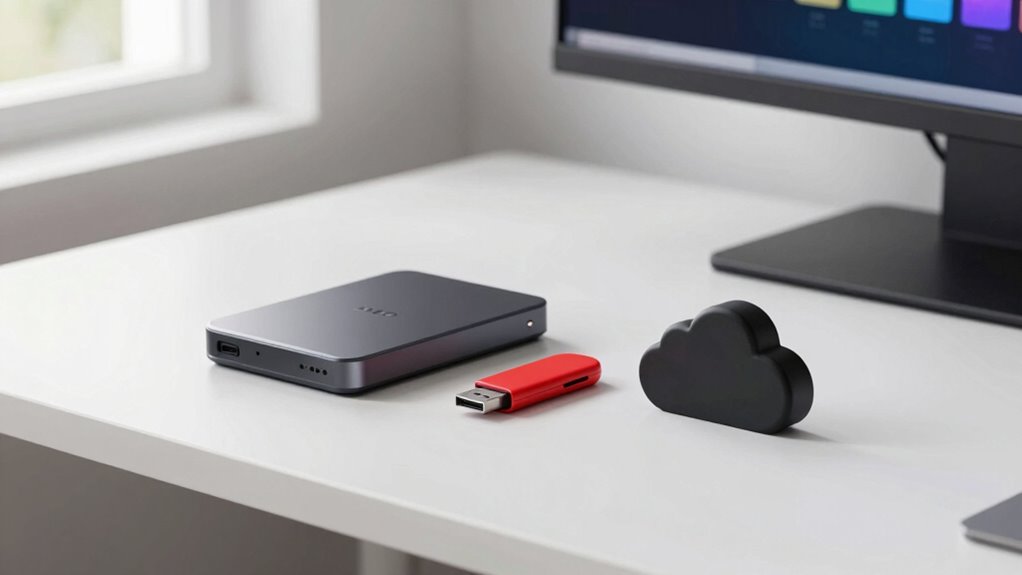

To safeguard your files without overthinking, follow the 3-2-1 backup rule: keep three copies of your data, store two on different media types, and keep one off-site, like in the cloud. Use automatic backups for regular updates and choose reliable cloud services to guarantee security. This simple strategy minimizes risks from device failure, theft, or disasters. Staying consistent is key—learn more about how to make this approach work smoothly.
Key Takeaways
- Keep three total copies of your data to prevent complete loss.
- Store two copies on different media types for redundancy.
- Maintain at least one backup off-site, such as in the cloud, for disaster protection.
- Automate backup schedules to ensure consistent, up-to-date copies without overthinking.
- Use reputable cloud services to simplify off-site backups and enhance data security.
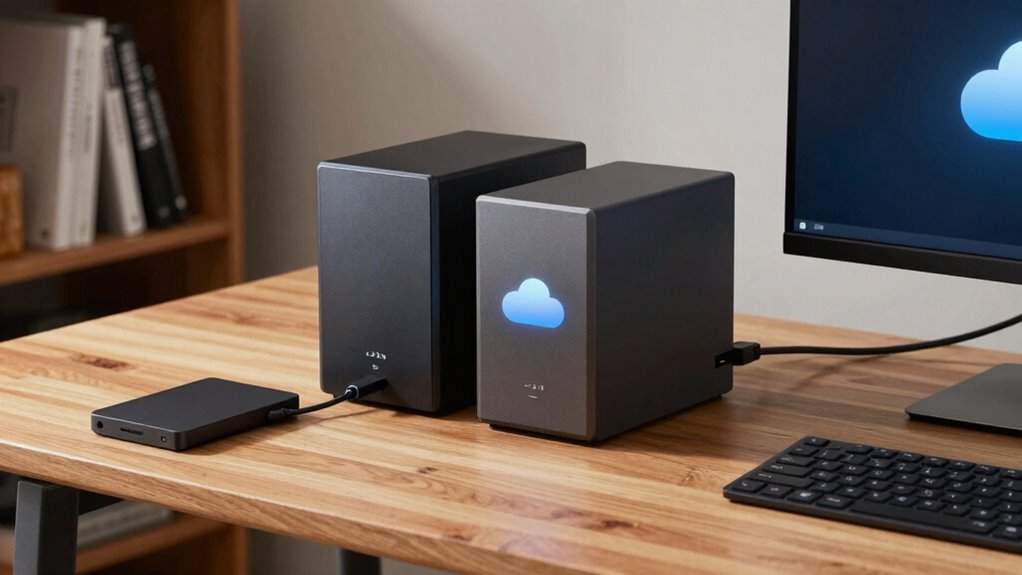
In today’s digital world, protecting your data is more important than ever, and the 3-2-1 Backup Rule offers a straightforward strategy to do just that. The rule is simple: keep three copies of your data, store two copies on different types of media, and keep one copy off-site. This approach minimizes the risk of losing everything if a device fails, gets stolen, or falls victim to a disaster. To implement this effectively, it’s essential to understand how cloud storage fits into your backup plans and how to maintain reliable backup schedules. European cloud innovation plays a key role in providing sustainable and secure cloud solutions that support the 3-2-1 Backup Rule. Cloud storage plays a crucial role in the 3-2-1 Backup Rule because it provides an off-site location for your backup copy. Using reputable cloud services, you can automatically back up critical files without worrying about physical media or manual transfers. Cloud storage options are scalable, secure, and accessible from anywhere, making it easy to keep your data safe and up-to-date. When setting up cloud backups, you should establish clear backup schedules—deciding how often your data gets updated. Whether you choose daily, weekly, or real-time backups, consistency is key. Regular backup schedules ensure your off-site copy remains current, reducing the risk of data loss from recent changes or new files.
Creating effective backup schedules also involves understanding your data’s importance and how frequently it changes. Critical files that evolve daily, like work documents or financial records, benefit from daily or even real-time backups. Less frequently updated data, such as photos or archived documents, can be backed up weekly. Automating these schedules with backup software or cloud services minimizes the chance of forgetting to back up, providing peace of mind and saving you time.

Nero BackItUp – Data Backup Software | Automatic Backup, Data Recovery, Cloud Backup, Fully Automated | Lifetime License | 1 PC | Windows 11/10/8/7
- Lifetime License: One-time payment for lifetime use
- Complete Backup & Recovery: Automated backup and restore for all data types
- Multiple Backup Destinations: Backup to drives, NAS, DVDs, or cloud
As an affiliate, we earn on qualifying purchases.
As an affiliate, we earn on qualifying purchases.
Frequently Asked Questions
How Often Should I Update My Backups?
You should update your backups regularly, ideally weekly or after major changes. Use incremental backups to save time and storage, capturing only new or changed files. Additionally, keep an offsite storage copy to protect against physical damage or theft. Regular updates make sure your data stays current and secure, reducing the risk of losing important files. Consistency is key—set reminders to keep your backup routine on track.
What Are the Best Tools for Implementing the 3-2-1 Rule?
Like a trusty map guiding you through unfamiliar territory, the best tools for implementing the 3-2-1 rule include reliable external hard drives and user-friendly backup software. You should choose external hard drives for local backups and guarantee your backup software automates regular backups. Look for options with encryption and cloud integration, so your files stay safe whether on-site or off-site. These tools make safeguarding your data simple and effective.
Can Cloud Backups Replace Physical Storage?
Yes, cloud backups can replace physical storage if you guarantee physical redundancy by using multiple cloud providers or combining cloud with local backups. Cloud storage offers easy access, scalability, and automatic updates, but it’s wise to keep some physical copies for extra security. Relying solely on cloud backups works if you verify your data’s safety across different platforms and maintain offline backups for critical files.
How Do I Recover Files Quickly After a Failure?
Think of your files as precious gems buried deep underground. To unearth them quickly, rely on effective restoration methods like cloud restores or local backups. Keep your recovery time minimal by having a well-structured backup plan in place. When disaster strikes, act swiftly—knowing your backup system is ready to spring into action means you’ll be back up and running before you can say “lost files.”
Is the 3-2-1 Rule Suitable for Large Enterprises?
Yes, the 3-2-1 rule suits large enterprises, but you’ll face scalability challenges and compliance considerations. As your data grows, maintaining multiple copies across different media becomes complex and costly. You need to guarantee backups meet industry regulations and security standards. Adapt the rule by integrating automated solutions and cloud storage to handle large data volumes efficiently while staying compliant and minimizing manual effort.
Conclusion
By following the 3-2-1 backup rule, you considerably reduce the risk of losing important files. Did you know that 30% of people have never backed up their data? That’s a huge risk! Protect your files with just three copies, two different storage media, and one offsite backup. It’s simple, effective, and keeps your data safe without overthinking it. Don’t wait—start implementing the 3-2-1 rule today to keep your digital life secure.