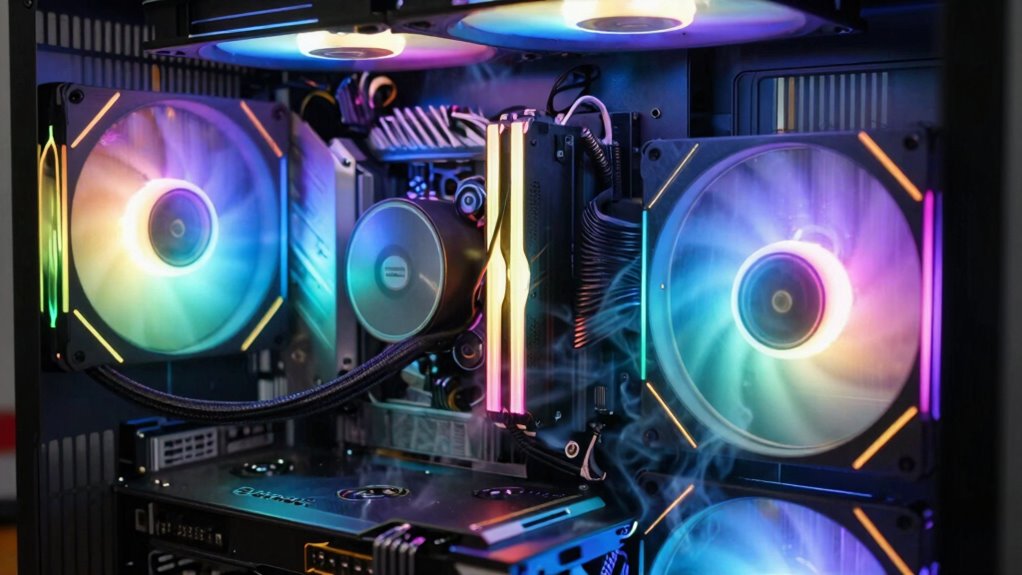

Loud cooling noise can break your immersion more than frame drops because persistent, steady sounds create a physical barrier that pulls your focus away from gameplay or tasks. When your PC’s fans or liquid cooling systems are loud, it’s harder to forget the distraction, even more than minor frame issues. Improving airflow or upgrading to quieter solutions can help. Keep exploring to learn how you can minimize this disruption and stay fully immersed.

Get the latest gadgets delivered free with Prime
- Fast, free delivery on millions of items
- Prime Video, Amazon Music and more included
- Member-only deals all year
Key Takeaways
- Steady loud fan or pump noise creates a constant physical barrier that distracts and reduces immersion more than sporadic frame drops.
- Persistent cooling sounds are more noticeable and disruptive than occasional visual performance issues.
- Elevated noise levels can pull focus away from gameplay or tasks, diminishing overall engagement.
- Proper maintenance and quieter cooling solutions significantly improve user comfort and immersive experience.
- Adjusting fan speeds and improving airflow reduces noise, helping maintain immersion during intensive tasks.
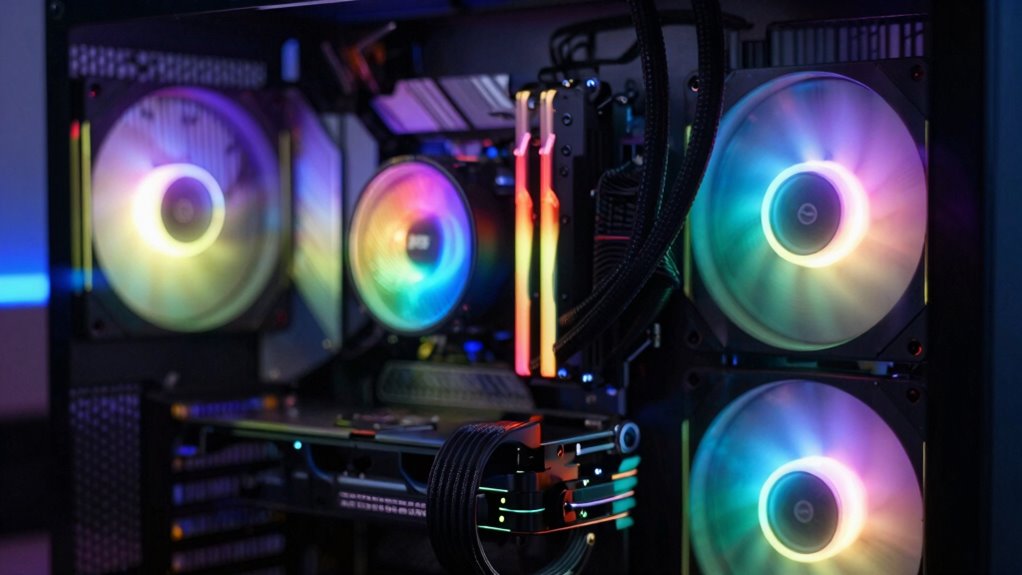
When your PC’s cooling system starts making loud noises, it can be both distracting and concerning. You might notice the whirring sounds grow louder during intense gaming sessions or heavy workloads, and it’s natural to wonder what’s causing it. Often, loud fan noise levels are the culprit, especially if your system relies on traditional air cooling. But these sounds aren’t just a minor annoyance—they can actually break your immersion more than frame drops do. When the noise becomes persistent or overwhelming, it pulls your focus away from the game or task at hand, making it harder to stay engaged.
One reason for this is that fans working overtime to cool your CPU or GPU generate a consistent racket, especially if they’re spinning at high speeds. You might find yourself turning up your volume to drown out the noise, which defeats the purpose of having good audio or an immersive environment. This constant sound distraction can be more disruptive than a few skipped frames, which are often less noticeable unless they happen repeatedly. In contrast, loud, steady fan noise creates an almost physical barrier to immersion, making you more aware of your surroundings and less absorbed in your digital experience.
Steady fan noise can be more distracting than frame drops, pulling you out of your gaming zone.
If you’re using liquid cooling, you might assume it’s quieter, but that’s not always the case. While liquid cooling systems generally produce lower fan noise levels, they aren’t completely silent. Pumps and radiators can still generate noise, especially if they’re working hard to keep temperatures down. When those components get loud, they similarly break your concentration and immersion. In some cases, the hum from liquid cooling setups can be more noticeable because it’s a steady, low-frequency noise, which your brain can fixate on more easily than the sporadic sounds from fans. Additionally, aerodynamic noise from pump operation can contribute to overall noise levels, further impacting immersion. Moreover, cooling efficiency can vary depending on the setup, influencing how loud your system becomes under load. Ensuring proper maintenance and keeping components dust-free can significantly reduce these unwanted noises and improve overall comfort. Regular cleaning and upkeep of cooling components help maintain optimal performance and minimize excessive noise, ensuring a peaceful computing environment.
Furthermore, poor maintenance or dust buildup can increase the noise levels from cooling components and exacerbate the problem. Ultimately, noise is more than just a background annoyance; it affects how you experience your PC. Even if your frame rates stay high, loud cooling noises can pull you out of your gaming zone. Adjusting fan speed settings, improving airflow, or upgrading to quieter cooling solutions can help. Remember, a quieter PC not only enhances your comfort but also keeps your focus sharp, allowing you to enjoy your games or work without constant auditory interruptions. So, don’t underestimate how much cooling noise levels impact your immersion—sometimes, a peaceful environment makes all the difference.
As an affiliate, we earn on qualifying purchases.
Frequently Asked Questions
How Does Cooling Noise Impact Overall PC Lifespan?
Cooling noise itself doesn’t directly impact your PC’s lifespan, but loud, constant noise often indicates issues like dust buildup or failing fans, which can harm hardware over time. When dust accumulates, fans work harder, reducing their lifespan and increasing noise. Regular cleaning and maintenance keep fans running smoothly, preventing overheating and extending your PC’s overall longevity. So, quieter cooling usually means healthier components and a longer-lasting system.
Are There Silent Cooling Solutions Available for High-Performance PCS?
Yes, silent cooling solutions are available for high-performance PCs. You can opt for silent fans designed to minimize noise while maintaining airflow, or choose liquid cooling systems that operate quietly and efficiently. Liquid cooling, in particular, offers quieter operation compared to traditional air cooling, helping you stay immersed in your gaming or work without the distraction of loud fans. These options guarantee ideal performance without compromising on silence.
Can Cooling Noise Cause Hardware Overheating?
Cooling noise itself doesn’t directly cause hardware overheating, but loud fan vibrations and airflow disruptions can. When fans are noisy or poorly mounted, vibrations may shake components or disturb airflow, reducing cooling efficiency. This can lead to hotspots and higher temperatures. To prevent overheating, make certain your fans are stable, well-maintained, and operating smoothly. Proper airflow management keeps temperatures low, regardless of noise levels, ensuring your hardware stays safe and performs well.
What Are the Best Ways to Measure Cooling Noise Levels?
Did you know that over 65% of gamers find cooling noise disruptive? To measure cooling noise levels, you should use a decibel meter to get precise readings. Focus on fan efficiency and noise dampening features, comparing noise levels at different loads. Position the meter close to your PC, ideally near the fans, to accurately capture the noise. Regular testing helps identify noisy components and improve your gaming or work experience.
How Does Cooling Noise Compare to Other PC Noise Sources?
Cooling noise often stands out more than other PC sounds because fans can be loud during intense tasks. Fan synchronization helps reduce this noise by aligning fan speeds for quieter operation. Acoustic insulation further dampens fan noise, making your experience more immersive. Compared to hard drives or power supplies, cooling fans tend to produce more noticeable sound, especially if not synchronized or insulated properly, impacting your overall gaming or work environment.
Conclusion
Imagine you’re deep into a game when suddenly, your PC’s cooling fan kicks into overdrive, shattering your focus like a loud thunderclap. That noise can yank you out of immersion more than a few dropped frames ever could. Just like a disruptive song at a concert ruins the mood, cooling noise breaks your concentration and enjoyment. Sometimes, a quieter setup isn’t just about comfort—it’s about keeping you truly lost in the game.
Columbus Day / Indigenous Peoples' Day Picks
long weekend sales
As an affiliate, we earn on qualifying purchases.