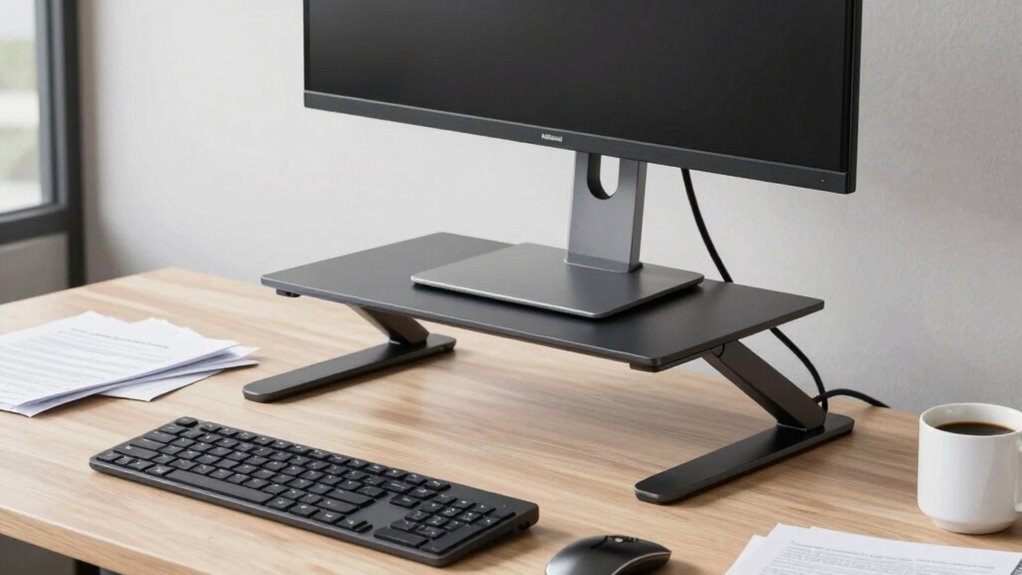

Many monitor stands, even those marketed as space-saving, can actually take up more desk area than you expect. Larger or decorative models have a bigger footprint and can push other essentials farther away, reducing your workspace. Elevated stands may also make your desk feel cluttered and less organized. To truly maximize your space, you need to choose stands that are sleek, adjustable, and fit your ergonomic needs. Keep going to discover the best solutions for a tidy, efficient workspace.
Key Takeaways
- Larger, decorative monitor stands often have a bigger footprint than the monitor itself, occupying more desk space.
- Elevated or ornate stands push other desk essentials further away, reducing usable surface area.
- Stylish stands with extended bases can create clutter, limiting workspace organization.
- Fixed or poorly designed stands may force users to spread out accessories, increasing overall desk footprint.
- Compact, ergonomic stands maximize space while maintaining functionality and aesthetic appeal.
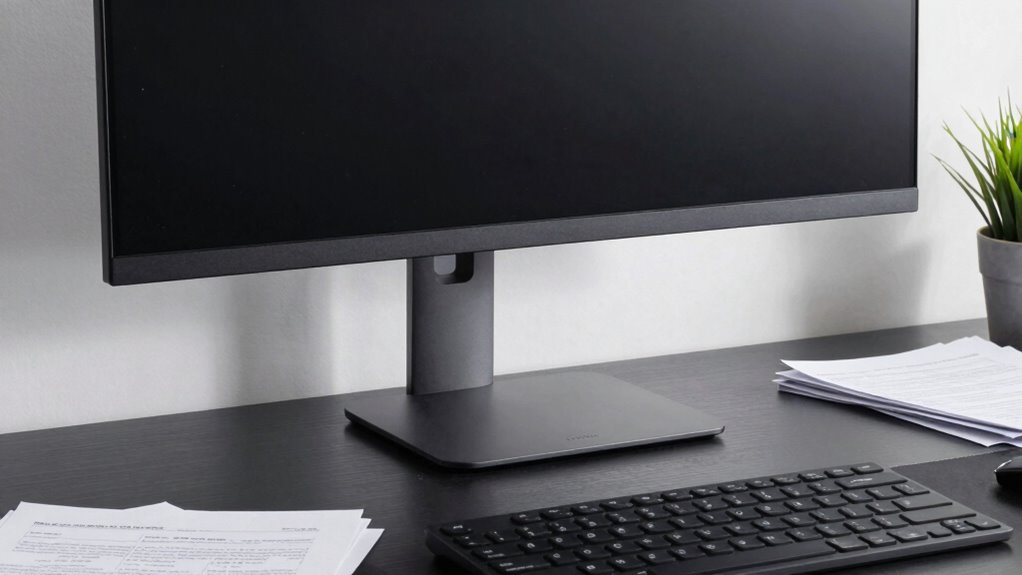
Many people assume monitor stands save space, but in reality, they often consume more desk area than you’d expect. You might think elevating your monitor helps free up workspace, but in practice, the footprint of the stand can take up significant room. This is especially true if you choose larger, more decorative models designed to enhance aesthetic appeal. While they can add a stylish touch to your desk, these stands can inadvertently limit your usable surface, forcing you to rearrange or clutter your workspace to compensate.
Monitor stands often take up more space than expected, especially larger, decorative models that limit your workspace.
Beyond just occupying more space, monitor stands often impact your ergonomic setup. An adjustable stand can improve your posture by raising your monitor to eye level, reducing neck strain and promoting better spinal alignment. However, many stands are fixed or poorly designed, forcing you to compromise your comfort or add extra accessories. Instead of streamlining your workspace, some stands create additional clutter, making your desk feel cramped and less efficient. If your goal is to maximize both ergonomic benefits and usable space, you need a stand that’s both functional and compact.
Aesthetic appeal is another factor to contemplate. Many monitor stands are marketed as stylish accessories that can elevate the look of your workspace. While a sleek, modern stand might seem like a good investment, it often comes with trade-offs. Larger, decorative models may look attractive but can extend beyond your monitor’s footprint, pushing your keyboard or other essentials further away. This can lead to a less organized setup, where aesthetic enhancements actually hinder your workflow. In some cases, you’re better off choosing a minimalist stand that complements your desk’s design without sacrificing space or comfort. Additionally, selecting a space-efficient stand can help you maintain a clean and organized workspace without sacrificing style.
Ultimately, the key lies in balancing aesthetic appeal and ergonomic benefits with practical use of space. Instead of defaulting to larger, more ornate monitor stands, you should evaluate options that offer adjustable height, a slim profile, and a low footprint. Consider stands that elevate your monitor without adding unnecessary bulk, freeing up desk real estate for other essentials. Additionally, choosing compact and ergonomic stands can help optimize your workspace by reducing clutter while maintaining comfort. Remember, a well-chosen monitor stand doesn’t just improve your posture—it also helps keep your workspace tidy and functional. Carefully selecting a stand that aligns with your ergonomic needs and aesthetic preferences can make your desk feel more open and comfortable, rather than cluttered and cramped. Moreover, integrating space-saving solutions can further enhance your overall workspace efficiency and maximize desk space.

BoYata Monitor Stand, Adjustable Monitor Riser Metal Computer Stand Compatible with TV, PC, Laptop, Computer, iMac, and All Screen Display-Black
Adjustable Height: Unlike the traditional stand, our monitor stand has an adjustment twist knob that can adjust the…
As an affiliate, we earn on qualifying purchases.
As an affiliate, we earn on qualifying purchases.
Frequently Asked Questions
Do Monitor Stands Come in Space-Saving Designs?
Yes, monitor stands do come in space-saving designs. These compact options not only maximize your desk space but also offer ergonomic benefits by elevating your monitor to a comfortable viewing height. Plus, their sleek, modern designs enhance the aesthetic appeal of your workspace. Choosing a space-efficient monitor stand helps you stay organized, reduces clutter, and creates a more ergonomic and visually pleasing environment.
How Do Monitor Stands Impact Overall Desk Organization?
Monitor stands considerably impact your desk organization by offering ergonomic benefits and aesthetic enhancement. They elevate your screen to eye level, reducing neck strain and improving comfort, while also freeing up space underneath for your keyboard or accessories. However, traditional stands can take up more room than you realize, cluttering your desk. Opt for space-saving designs to maximize organization, maintain a clean look, and enjoy the ergonomic perks they provide.
Are There Adjustable Monitor Stands That Save Space?
Yes, adjustable monitor stands do save space and offer ergonomic benefits. Like a chameleon adapting to its surroundings, these stands can be customized to your needs, raising or lowering your monitor effortlessly. They maximize desk space and improve posture, enhancing aesthetic appeal. With their sleek design and flexibility, you can create a clutter-free workspace that boosts productivity and comfort. So, investing in one transforms your desk into a harmonious, space-efficient zone.
Can Monitor Stands Be Combined With Other Desk Accessories?
Yes, you can combine monitor stands with other desk accessories. Doing so enhances ergonomic benefits by creating a more organized workspace, reducing clutter, and promoting better posture. It also boosts aesthetic appeal, as matching or complementary accessories give your desk a cohesive look. Just make certain the combined setup maintains stability and doesn’t compromise space efficiency, so you can enjoy both ergonomic comfort and a sleek, stylish workspace.
What Are Alternative Ways to Elevate Monitors Without Wasting Space?
You can elevate your monitors without wasting space by using wall mounts or adjustable arms, which offer ergonomic benefits like improved posture and comfort. Floating monitor mounts keep your desk clear, enhancing aesthetic appeal and functionality. Additionally, compact risers or stackable platforms provide height adjustment without bulky stands. These options maximize desk space, promote better ergonomics, and create a sleek, organized look that benefits your workspace overall.
BoYata Monitor Stand, Adjustable Monitor Riser Metal Computer Stand Compatible with TV, PC, Laptop, Computer, iMac, and All Screen Display-Black
Adjustable Height: Unlike the traditional stand, our monitor stand has an adjustment twist knob that can adjust the…
As an affiliate, we earn on qualifying purchases.
As an affiliate, we earn on qualifying purchases.
Conclusion
Next time you pick up a monitor stand, think of it as a tiny island in your desk ocean—seemingly small, but taking up more space than you realize. I once saw a simple stand turn a tidy workspace into a cluttered maze in days. Just like that island, your monitor stand quietly consumes valuable space, making your desk feel cramped. Choosing smarter options can free up room, creating a more open, productive environment.

BONTEC Dual Monitor Stand Riser with Smartphone Holder, Adjustable Length & Swivel Angle, Ergonomic Wooden Desktop Organizer for PC Monitor, Laptop, Printer, Large Storage, White
DUAL MONITOR STAND WITH ADJUSTABLE LENGTH & ANGLE – Elevate two monitors to an ergonomic height for better…
As an affiliate, we earn on qualifying purchases.
As an affiliate, we earn on qualifying purchases.

Single LCD Computer Monitor Free-Standing Desk Stand Mount Riser for 13 inch to 32 inch screen with Swivel, Height Adjustable, Rotation, Vesa Base Stand Holds One (1) Screen up to 77Lbs(HT05B-001))
COMPATIBILITY ☞ Single Computer monitor mount free standing Desk Stand Riser fitting screens for 13,15,17,19,21,23,27,30,32 inch LCD LED…
As an affiliate, we earn on qualifying purchases.
As an affiliate, we earn on qualifying purchases.