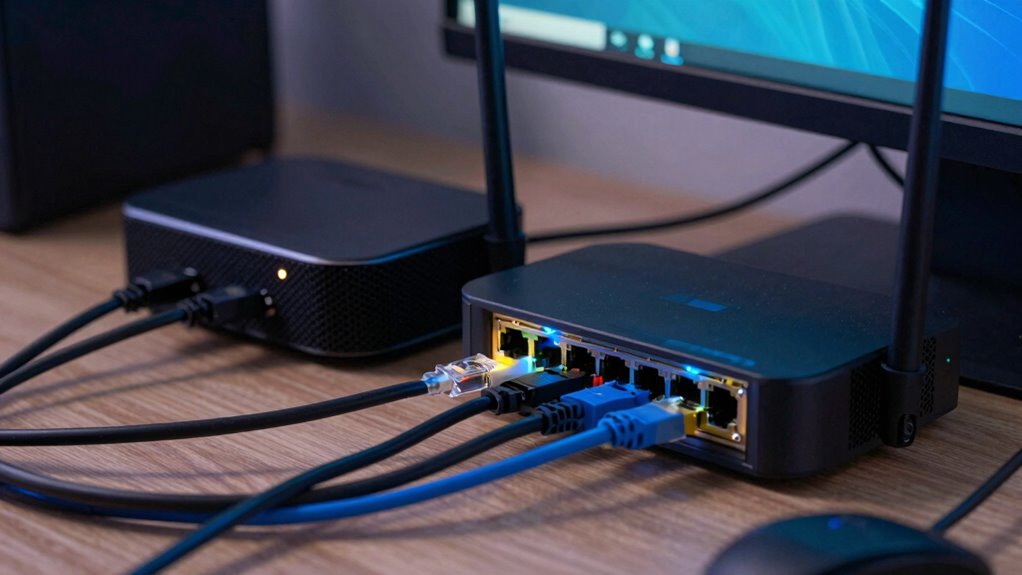

Ignoring the quality of your mesh network’s backhaul can cause nodes to fail, leading to unstable connections and poor performance. When the backhaul is weak or inconsistent, data can’t flow smoothly between nodes, resulting in dropped links and slow speeds. Overlooking backhaul management often causes network congestion and frustrated devices. If you keep neglecting this essential part of your network, problems will persist. However, understanding how to maintain a strong backhaul can help you prevent these issues entirely.
Key Takeaways
- Ignoring backhaul stability causes mesh nodes to lose connectivity, leading to network failures.
- Weak or overloaded backhaul creates bottlenecks, disrupting data flow between nodes.
- Poor backhaul management results in dropped connections and incomplete firmware updates.
- Inadequate backhaul capacity hampers network performance, causing nodes to become unresponsive.
- Neglecting backhaul monitoring prevents early detection of issues, increasing node failure risks.
When backhaul connections are overlooked in mesh networks, the entire system can quickly become unreliable. Your mesh nodes rely heavily on stable backhaul links to communicate effectively and distribute data across the network. If the backhaul is weak or inconsistent, you’ll notice performance issues like dropped connections, slow speeds, and network instability. One common culprit is network congestion, which intensifies when multiple devices compete for bandwidth over a single, overloaded backhaul. As more gadgets connect and transmit data simultaneously, the backhaul can become a bottleneck, causing delays and packet loss. This congestion hampers not only individual device performance but also the overall health of your mesh network.
Ignoring the importance of a robust backhaul can also lead to problems during firmware updates. Firmware updates are essential for maintaining security, fixing bugs, and improving features, but they often require significant data transfer. If your backhaul isn’t up to the task, these updates can fail or take longer than expected, leaving your network vulnerable or outdated. When the backhaul isn’t properly managed or prioritized, the updates may stall midway or cause nodes to disconnect, risking security vulnerabilities or compatibility issues. Ensuring your backhaul connection is strong and capable of handling such data-intensive tasks is critical for the seamless operation of your mesh network. Additionally, backhaul capacity plays a crucial role in supporting high-bandwidth activities and maintaining network stability. Properly managing network traffic can help alleviate congestion and improve overall performance. A balanced and optimized backhaul setup is essential to prevent these issues from affecting your entire network. Moreover, paying attention to backhaul performance can help identify potential weaknesses before they impact your network’s reliability. Maintaining a robust backhaul is fundamental to supporting the growing demands of modern networks and ensuring consistent connectivity.

TP-Link Deco WiFi 6 Mesh System (Deco X20) – Covers up to 5800 Sq.Ft, Replaces Wireless Routers and Extenders, 3-Pack, 6 Ethernet Ports in Total, Supports Wired Backhaul, Dual-Band WiFi
- Wi-Fi Standard: Wi-Fi 6 AX1800 Mesh System
- Coverage Area: Up to 5800 sq ft
- System Type: Whole Home Mesh Wi-Fi
As an affiliate, we earn on qualifying purchases.
As an affiliate, we earn on qualifying purchases.
Frequently Asked Questions
How Can I Identify if My Mesh Node’s Backhaul Is Failing?
You can identify if your mesh node’s backhaul is failing by checking your network topology and monitoring signal interference. If you notice slow speeds, frequent disconnections, or devices dropping off, it’s a sign. Use your router’s management interface to see backhaul status and look for weak or unstable connections. High signal interference from other devices or thick walls can disrupt the backhaul, so consider relocating nodes for better connectivity.
What Are the Signs of Backhaul Issues in Mesh Networks?
Backhaul issues in your mesh network are like a clogged artery—causing slow or dropped connections. You’ll notice devices struggling with buffering, frequent disconnections, or slow speeds. Wireless interference from nearby electronics or thick walls can worsen the problem. To fix it, make sure your firmware is up-to-date, and reduce interference sources. If problems persist, check if your backhaul connection is stable and functioning properly, preventing network bottlenecks.
Can Mesh Node Failures Occur Without Apparent Backhaul Problems?
Yes, mesh node failures can happen without obvious backhaul problems. Wireless interference from nearby devices or structural obstacles can disrupt communication even if the backhaul seems fine. Additionally, outdated firmware updates might cause nodes to malfunction unexpectedly. You should check for interference sources and verify all nodes have the latest firmware updates, as these steps can prevent failures that aren’t directly linked to backhaul issues.
How Does Ignoring Backhaul Impact Overall Network Security?
Ignoring backhaul risks your network’s security, and you might not realize it until it’s too late. Wireless interference and power limitations can cause vulnerabilities, making it easier for intruders to exploit weak spots. Without proper backhaul management, sensitive data becomes exposed, and malicious actors can infiltrate your system unnoticed. Stay vigilant, guarantee robust backhaul connections, and don’t let overlooked issues compromise your entire network’s safety.
Are There Specific Backhaul Types More Prone to Causing Node Failures?
Yes, certain backhaul types are more prone to causing node failures, especially if they face wireless interference or power supply issues. Wireless backhauls, like microwave links, are vulnerable to interference from other devices, leading to disruptions. Additionally, if the power supply to the backhaul or mesh nodes is unstable, it can cause failures. Ensuring reliable power and minimizing interference can help maintain network stability.
Conclusion
So, next time you set up your mesh network, don’t forget the backhaul. Ignoring it is like sailing without a compass—you’re bound to hit rough waters. Your mesh nodes will fail, leaving you stranded in digital limbo. Think of it as a lesson from the past, like the telegraph’s demise when neglected. Keep the backhaul in check, and your network will run smoother than a well-oiled steam engine, all aboard for reliable connectivity.