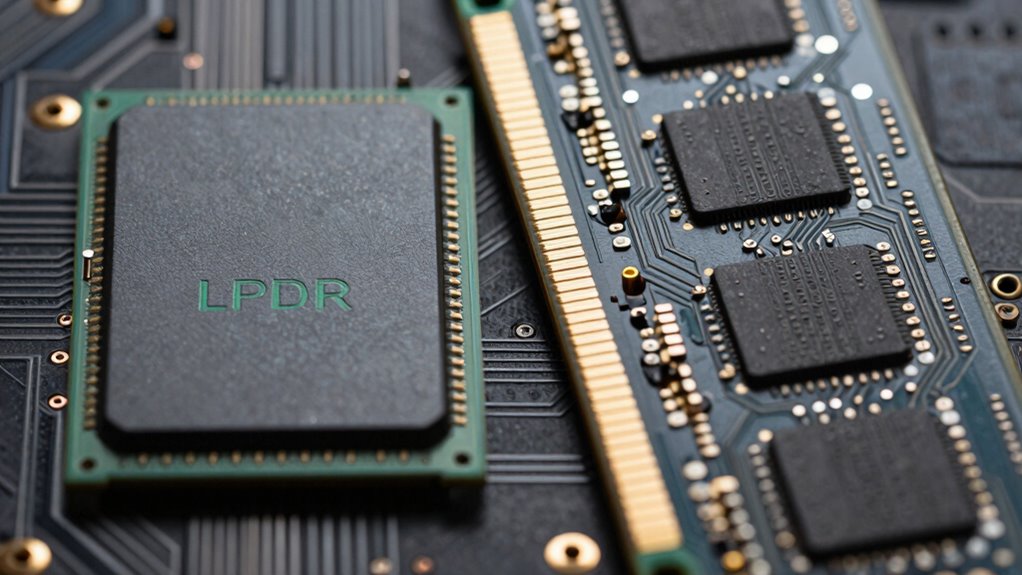

LPDDR and DDR5 differ mainly in design and power use, which affects how they feel and perform. LPDDR is soldered directly onto the motherboard, making it more integrated, energy-efficient, and quieter, ideal for slim laptops. DDR5 modules are larger, slot into desktops, and consume more power, producing more heat. These differences make laptop memory feel more compact and cooler, while desktop RAM offers higher performance options. To understand the full impact on device feel and performance, keep exploring further.

Get the latest gadgets delivered free — and shop member deals
- Fast, free delivery on millions of items
- Access to Prime Big Deal Days deals on October 6–7
- Prime Video, Amazon Music and more included
Key Takeaways
- LPDDR is soldered directly to the motherboard, making it less upgradeable and integrated for portability, unlike removable desktop DDR5 modules.
- LPDDR operates at lower voltages and consumes less power, resulting in a cooler, quieter device with a different user experience.
- Desktop DDR5 modules are larger, slot-in, and designed for high performance, contributing to a distinct, more customizable feel.
- Heat generation is higher in DDR5, requiring enhanced cooling, which affects device noise and overall thermal management compared to LPDDR.
- Device design and intended use (portable vs. high-performance) shape the memory’s physical and functional differences, influencing how they feel during use.
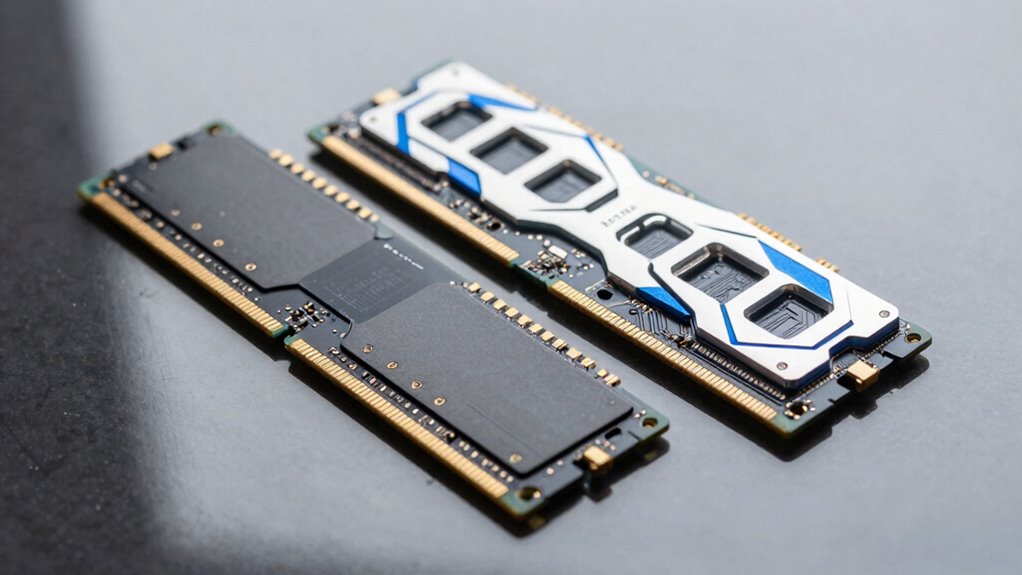
Are you wondering how LPDDR and DDR5 RAM compare? When it comes to choosing the right memory for your device, understanding their differences can help you make an informed decision. One of the key distinctions lies in power consumption. LPDDR, or Low Power Double Data Rate memory, is designed specifically to minimize energy use, making it ideal for portable devices like laptops and smartphones. It operates at lower voltages and uses power-saving features that extend battery life, which is vital when you’re on the go. DDR5, on the other hand, is optimized for desktops and high-performance systems. It consumes more power because it’s built for maximum speed and bandwidth, but it’s less of a concern in stationary setups where power efficiency isn’t a priority.
The form factor also plays a significant role in why laptop memory feels different from desktop RAM. LPDDR modules are typically soldered directly onto the motherboard, which means they’re compact and integrated to save space. This design contributes to the slim profiles of modern laptops, allowing manufacturers to craft lightweight and thin devices. You won’t usually see or upgrade LPDDR memory easily, because it’s built into the device. Meanwhile, DDR5 RAM modules are larger and come in standard DIMM (Dual Inline Memory Module) sizes, which slot into dedicated RAM slots on desktop motherboards. This makes upgrading or replacing desktop RAM straightforward, giving you flexibility and control over your system’s performance.
Another aspect that influences the user experience is the form factor. LPDDR’s integrated design results in quieter, more energy-efficient operation, which contributes to the overall quietness and longevity of your device. It also helps keep the device cooler since less power is wasted as heat. DDR5 modules, with their larger size and higher power draw, tend to generate more heat and often require better cooling solutions. As a user, you notice these differences in everyday use: laptops with LPDDR tend to run longer on battery and stay cooler, while desktops with DDR5 can be overclocked and tuned for high performance, but with increased power and cooling needs. Additionally, the device design considerations for each type influence how they are integrated and maintained over time. Recognizing these differences can also help you understand the manufacturing processes behind each memory type and their impact on performance and reliability, affecting long-term use and stability.
In essence, your choice between LPDDR and DDR5 depends on your device and what you prioritize—portability and energy efficiency or maximum performance and upgradeability. While they both serve the same fundamental purpose of memory storage, their design considerations, especially regarding power consumption and form factor, set them apart and influence how they feel and function in your devices. Notably, advancements in memory technology continue to evolve, potentially bridging some of these differences in future models.
As an affiliate, we earn on qualifying purchases.
Frequently Asked Questions
Can LPDDR Be Upgraded Separately From the Processor?
You can’t upgrade LPDDR separately from the processor because it’s integrated directly onto the motherboard, often with the CPU. This design supports laptop mobility by reducing size and power consumption. Unlike desktop RAM, LPDDR’s memory is tightly integrated, preventing upgrades. If you want better memory, you’ll need a new laptop or a model with higher-capacity LPDDR options, since memory integration limits you from swapping out individual modules like with desktop RAM.
Which Memory Type Consumes Less Power Overall?
Think of LPDDR as a wise traveler, conserving energy on long journeys. It consumes less power overall compared to DDR5, thanks to superior power efficiency and lower energy consumption. This makes LPDDR ideal for laptops, where battery life matters most. DDR5, while faster, uses more energy. So, if you want longer battery life and better energy efficiency, LPDDR is your best choice, just like a traveler mindful of every drop of fuel.
Are LPDDR Modules Compatible With Standard Desktop Motherboards?
No, LPDDR modules aren’t compatible with standard desktop motherboards. They’re designed for mobile integration, with a focus on power efficiency, which means they use different connectors and operate under different voltage requirements. If you’re aiming for power-efficient memory options for laptops, LPDDR is ideal, but for desktops, DDR5 remains the standard. Always check your motherboard’s specifications before attempting to install any memory modules.
How Does Latency Differ Between LPDDR and DDR5?
Coincidences in latency mean LPDDR typically offers lower latency than DDR5, making it feel more responsive. You notice this difference in memory bandwidth and power efficiency: LPDDR’s reduced latency enhances mobile performance, while DDR5’s higher latency caters to desktop tasks. This rhythm influences how quickly your device responds, with LPDDR’s optimized latency delivering smoother multitasking and energy savings, contrasting sharply with DDR5’s focus on raw speed.
Will DDR5 Eventually Replace LPDDR in Laptops?
Yes, DDR5 will likely replace LPDDR in laptops eventually, but not completely. DDR5 offers higher performance and increased capacity, appealing for demanding tasks, while LPDDR excels in mobile memory with better power efficiency. As technology advances, you’ll see more laptops adopting DDR5 for power and speed benefits, though LPDDR will still be used in ultraportables needing longer battery life. The shift will be gradual, balancing performance and power efficiency.
Conclusion
So, next time you notice your laptop’s memory feels different from your desktop’s, remember that LPDDR and DDR5 are designed for distinct needs. LPDDR, with its low power consumption, powers over 70% of mobile devices worldwide, making it ideal for portability. Meanwhile, DDR5 offers up to 50% higher speeds than DDR4, boosting desktop performance. Understanding these differences helps you appreciate why your laptop’s memory feels different—and better suited for mobility—than your desktop RAM.
Fall Picks
fall essentials
As an affiliate, we earn on qualifying purchases.