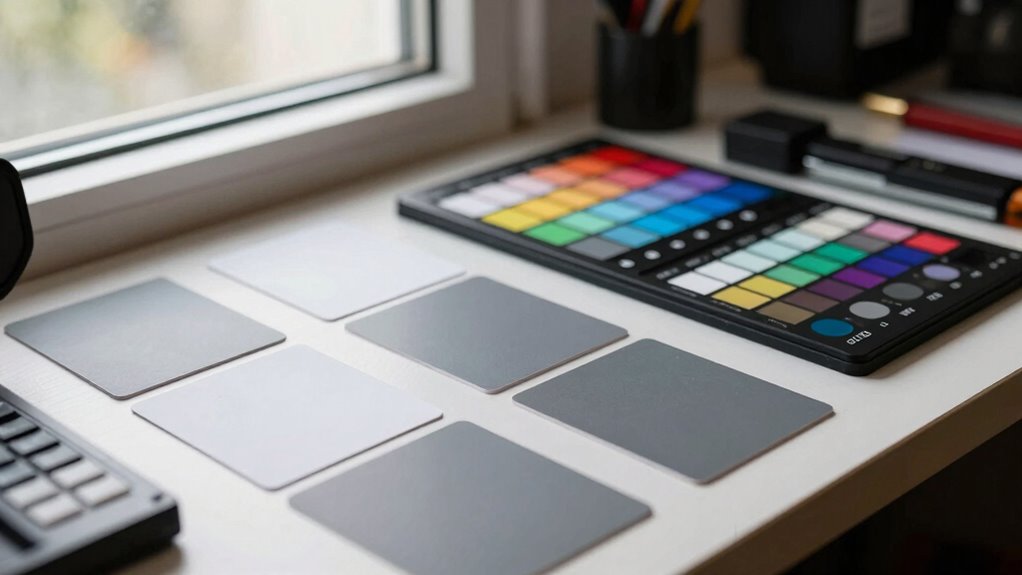

In mixed-light rooms, adjusting for different light sources can be a challenge because each type—incandescent, fluorescent, LED, or daylight—emits varying hues and temperatures. Without proper calibration tools, your displays can distort colors, affecting work quality and perception. These tools measure ambient light and fine-tune your devices for consistent, true-to-life colors despite changing lighting conditions. If you want to master color accuracy in such complex environments, you’ll find useful tips ahead.

Get the latest gadgets delivered free with Prime
- Fast, free delivery on millions of items
- Prime Video, Amazon Music and more included
- Member-only deals all year
Key Takeaways
- Mixed lighting sources create inconsistent color perception, making calibration essential for accurate color display.
- Calibration tools measure ambient light to adjust device settings, ensuring true-to-life colors across varying conditions.
- In mixed-light environments, calibration maintains color consistency despite fluctuating color temperatures and hues.
- Automated calibration sensors adapt to changing lighting, reducing color shifts and improving visual accuracy.
- Understanding light source spectral qualities helps optimize calibration for complex lighting interactions.
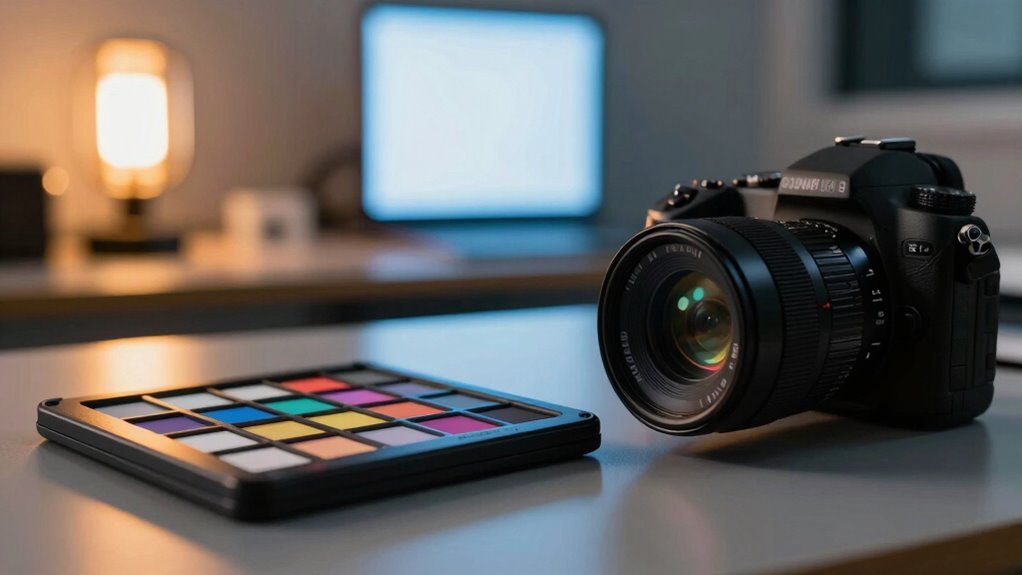
In rooms with mixed lighting sources, maintaining accurate color representation becomes increasingly challenging, making color calibration tools indispensable. When you have different types of lighting—such as incandescent, fluorescent, LED, and daylight—their varying color temperatures can distort how colors appear on your screens or in your photographs. Each light source emits a different hue, which affects the overall ambient lighting and can make colors look unnatural or inconsistent across your workspace or studio. This is where understanding and adjusting for color temperature becomes critical. Color temperature, measured in Kelvin, influences whether the light appears warm (yellowish) or cool (bluish), and mismatched temperatures can cause a significant shift in how colors are perceived.
Mixed lighting sources can distort colors, making calibration essential for accurate, consistent visual representation.
Ambient lighting, which is the surrounding light in a room, plays a substantial role in how your eyes interpret colors. When ambient lighting fluctuates or combines multiple sources, it can create a visual environment that confuses your perception. For example, a room lit by both daylight and artificial lights can cause your monitor or camera to interpret colors differently, leading to inaccurate color reproduction. Without proper calibration, photos might have a bluish cast under daylight but appear warmer under incandescent bulbs. This inconsistency can be problematic, especially if you’re doing color-sensitive work like photography, graphic design, or video editing. Color consistency becomes essential for maintaining professional-quality results.
Using color calibration tools helps you counteract these issues by fine-tuning your devices to match the true color spectrum under your specific lighting conditions. These tools measure the ambient lighting and adjust your monitor’s color temperature accordingly, ensuring that what you see on-screen aligns with the actual colors. In mixed-light rooms, calibration becomes even more crucial because it helps create a neutral baseline, balancing the influence of different light sources. A calibrated device maintains consistent color output regardless of changes in ambient lighting or color temperature, so your work remains precise and reliable. Proper calibration also extends the lifespan of your displays by reducing unnecessary strain caused by mismatched color settings. Additionally, understanding ambient lighting and its impact on color perception can help you optimize your workspace for better visual accuracy. Recognizing the importance of light sources and their spectral qualities can further enhance your calibration process.
Furthermore, calibration tools often include sensors that detect the current lighting conditions, automatically adjusting your display to compensate for ambient lighting effects. This automation simplifies the process and ensures ongoing accuracy, especially when lighting conditions change throughout the day. When you invest in proper calibration tools, you’re fundamentally creating a controlled environment where colors are true to life, regardless of the complex interplay of mixed lighting sources. Proper calibration also helps mitigate color shifts caused by varying light sources, ensuring your work remains consistent and true to the original. This not only enhances the quality of your visual work but also reduces the frustration of dealing with inconsistent or skewed colors caused by varying ambient lighting and color temperatures.
color calibration tools for monitors
As an affiliate, we earn on qualifying purchases.
As an affiliate, we earn on qualifying purchases.
Frequently Asked Questions
How Often Should I Calibrate My Color Tools?
You should calibrate your color tools at least once a month to maintain best color accuracy. Regular calibration guarantees your devices stay precise, especially if you work in environments with changing lighting conditions or use them frequently. If you notice color inconsistencies or shifts, increase the calibration frequency. Consistent calibration helps you achieve reliable results, making your work more accurate and professional over time.
Can Calibration Fix All Color Inconsistencies?
Calibration isn’t a magic fix for all color inconsistencies. Think of it like tuning a guitar—while it improves sound, some strings might still be out of tune. Proper calibration boosts color accuracy and guarantees calibration stability over time, but it can’t address all issues caused by lighting or camera limitations. Regular calibration helps maintain dependable results, yet understanding each tool’s limits keeps your expectations realistic.
Are There Budget-Friendly Calibration Options?
Yes, there are affordable options for calibration that can improve calibration accuracy without breaking the bank. You can find budget-friendly calibration tools like basic colorimeters or software solutions that offer decent performance for personal or small studio use. While they may not be as precise as high-end professional tools, these options still considerably enhance color consistency and accuracy, making them a smart choice for those on a budget.
How Do Mixed Lighting Conditions Affect Calibration Accuracy?
Mixed lighting conditions are like a chaotic symphony, causing spectral variations and unpredictable light temperature shifts that throw off your calibration. You might think your colors are accurate, but in reality, they’re battling conflicting light sources. This inconsistency makes calibration tricky, leading to inaccurate color representation. To get it right, you need precise tools that adapt to these spectral variations, ensuring your workspace stays true to its colors regardless of the lighting chaos.
What Are the Signs of Poorly Calibrated Color Tools?
When your color calibration tools are poorly calibrated, you’ll notice inconsistent color accuracy across different devices or images. Colors may appear dull, overly saturated, or off from true hues. You might also see a quick decline in tool longevity, as inaccurate calibration causes unnecessary wear. To guarantee reliable results and extend your tools’ lifespan, regularly check calibration, follow manufacturer guidelines, and replace or recalibrate when signs of inaccuracy emerge.
Conclusion
So, next time you think about skipping color calibration, remember—your fancy monitor might be just as confused as your eyes in a mixed-light room. Sure, those tools seem like a hassle, but they’re actually your best shot at truth in color. Ironically, the very technology that promises perfection is most needed when the lighting’s at its messiest. Sometimes, it’s the chaos that highlights how much we really rely on precise calibration.
Fall Picks
fall essentials
As an affiliate, we earn on qualifying purchases.