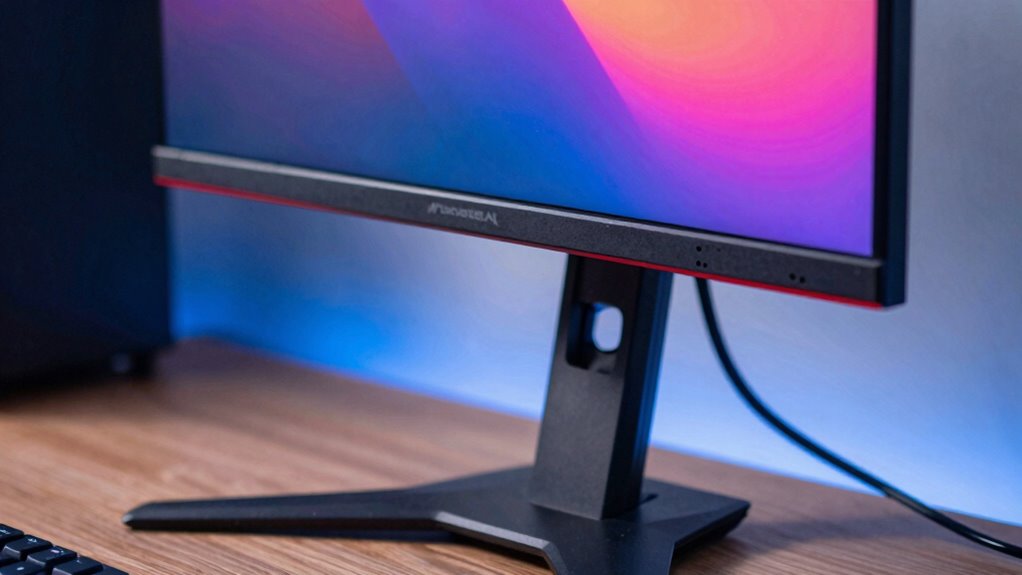

Your monitor height is more important in gaming than you might realize because it affects your comfort, focus, and reaction times. When your screen is at the right level, you maintain ergonomic posture, reducing neck, eye, and shoulder strain, which helps you stay alert longer. Proper placement also prevents unnecessary movements, keeps your visuals clear, and boosts performance. Keep this in mind, and you’ll discover how adjusting your monitor can transform your gaming experience.

Get the latest gadgets delivered free with Prime
- Fast, free delivery on millions of items
- Prime Video, Amazon Music and more included
- Member-only deals all year
Key Takeaways
- Proper monitor height enhances ergonomic posture, reducing neck and eye strain during long gaming sessions.
- Optimal height improves visual alignment, boosting focus and reaction time for better gameplay performance.
- Adjusting monitor height minimizes discomfort and fatigue, allowing extended gaming without physical strain.
- Correct positioning prevents unnecessary head and body movements, maintaining stability and consistency in gameplay.
- Using ergonomic setup techniques supports overall health and sustains comfort, directly impacting gaming efficiency and enjoyment.
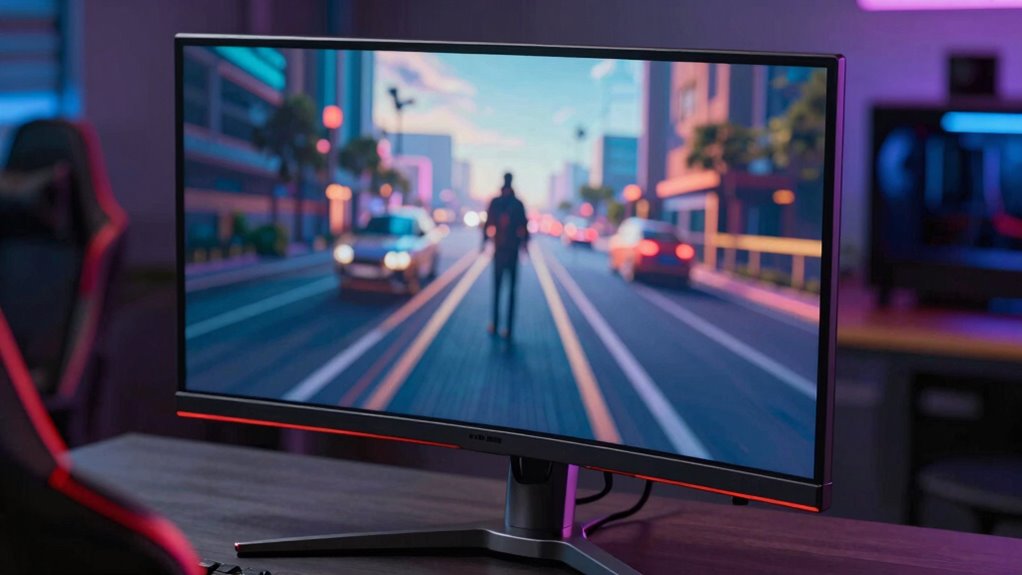
Choosing the right monitor height is crucial for an ideal gaming experience, as it directly affects your comfort and performance. When your monitor is positioned at the appropriate height, you can maintain an ergonomic posture that minimizes strain on your neck, shoulders, and eyes. This isn’t just about comfort; it’s about maximizing your ability to focus and react quickly during gameplay. If your monitor sits too high or too low, you may find yourself constantly adjusting your head or slouching, which leads to fatigue and distraction. Proper monitor height helps you create a natural line of sight, reducing unnecessary movements and keeping your eyes aligned with the center of the screen.
Proper monitor height enhances comfort, focus, and quick reactions during gaming sessions.
Understanding screen adjustment techniques is key to finding that perfect setup. You want to position your monitor so that the top of the screen is roughly at eye level, allowing you to look slightly downward when viewing the middle of the display. This positioning encourages an ergonomic posture, preventing neck strain over long gaming sessions. Adjusting your monitor isn’t just about height — tilt and distance also matter. A slight tilt can reduce glare and reflections, while sitting at an ideal distance ensures your eyes aren’t strained or overworked. Typically, keeping the monitor about arm’s length away gives you a comfortable viewing angle that reduces eye fatigue and enhances clarity.
You should also consider how your body interacts with your gaming station. Your chair height and desk position influence monitor placement. When your chair is adjusted properly, your feet rest flat on the floor, and your elbows are at a 90-degree angle when your hands are on the keyboard and mouse. From there, you can fine-tune the monitor height so that your gaze naturally falls on the screen without craning your neck or tilting your head. Regularly reassessing your setup ensures you maintain an ergonomic posture, especially during long gaming marathons. Additionally, understanding the importance of monitor placement can help you optimize your setup for both comfort and performance. Being mindful of ergonomic principles in your gaming setup can prevent discomfort and improve your overall experience.
Incorporating simple screen adjustment techniques can make a significant difference in your gaming performance and health. Use adjustable monitor stands or mounts to achieve the ideal height and angle. Don’t settle for a setup that causes discomfort or forces you into awkward positions. Instead, invest a few minutes adjusting your monitor whenever needed to keep your posture ergonomic and your view perfect. Remember, the right monitor height isn’t just about aesthetics; it’s an essential component of your gaming environment that supports your comfort, minimizes fatigue, and ultimately enhances your overall gameplay experience.
As an affiliate, we earn on qualifying purchases.
Frequently Asked Questions
How Does Monitor Height Affect Eye Strain During Long Gaming Sessions?
Adjusting your monitor height directly impacts eye strain during long gaming sessions. When your monitor is at the right height, you maintain an ergonomic posture, reducing neck and eye fatigue. Proper height guarantees your eyes stay level with the screen’s top, promoting better visual comfort. If the monitor is too high or low, you’ll strain your eyes, leading to discomfort and fatigue. Prioritizing monitor height keeps you comfortable and enhances your gaming performance.
What Is the Ideal Monitor Height for Competitive Gaming?
The ideal monitor height for competitive gaming is eye level, ensuring your neck stays relaxed and your eyes remain focused without strain. This setup promotes ergonomic comfort and enhances visual clarity, giving you quicker reactions and better precision. While it might seem minor, proper height minimizes fatigue during intense sessions. Remember, a slightly elevated or lowered monitor can make a significant difference in maintaining peak performance and staying comfortable throughout long gaming marathons.
Can Adjustable Monitor Stands Improve Gaming Performance?
Yes, adjustable monitor stands can markedly improve your gaming performance by allowing you to optimize ergonomics and reduce strain during long sessions. By customizing your monitor height, you enhance comfort and focus, which helps maintain quick reflexes and sharp vision. Additionally, adjustable stands support aesthetic considerations, giving your setup a clean, professional look while ensuring your monitor stays at the perfect height for peak gaming efficiency.
How Does Monitor Height Influence Peripheral Vision in Games?
Think of your monitor as a window into your game world; its height shapes how well you see the vibrant colors and details. When you adjust the height, you control your head positioning, which directly affects peripheral vision. A well-placed monitor lets you perceive color nuances and movements on the edges, giving you a tactical advantage and making gameplay more immersive and responsive.
Is There a Difference in Monitor Height Preferences Between Genres?
Yes, your monitor height preferences vary by genre. For fast-paced games like shooters, you might prefer a lower monitor for quick reactions, while strategy games benefit from a higher position for better ergonomic posture and clearer visuals. Your choice also impacts aesthetic appeal, making your setup look sleek and comfortable. Adjusting monitor height lets you optimize both performance and comfort, enhancing your overall gaming experience across genres.
Conclusion
As you settle into your gaming space, imagine your monitor perfectly aligned with your eyes, like a window opening into the game’s world. When your monitor height hits that sweet spot, every detail feels sharper, and your reactions become quicker. It’s not just about comfort; it’s about immersing yourself fully. So, adjust that monitor until it cradles your gaze, and watch your gaming experience transform into a seamless adventure where every moment feels right at home.
Halloween Picks
halloween
As an affiliate, we earn on qualifying purchases.