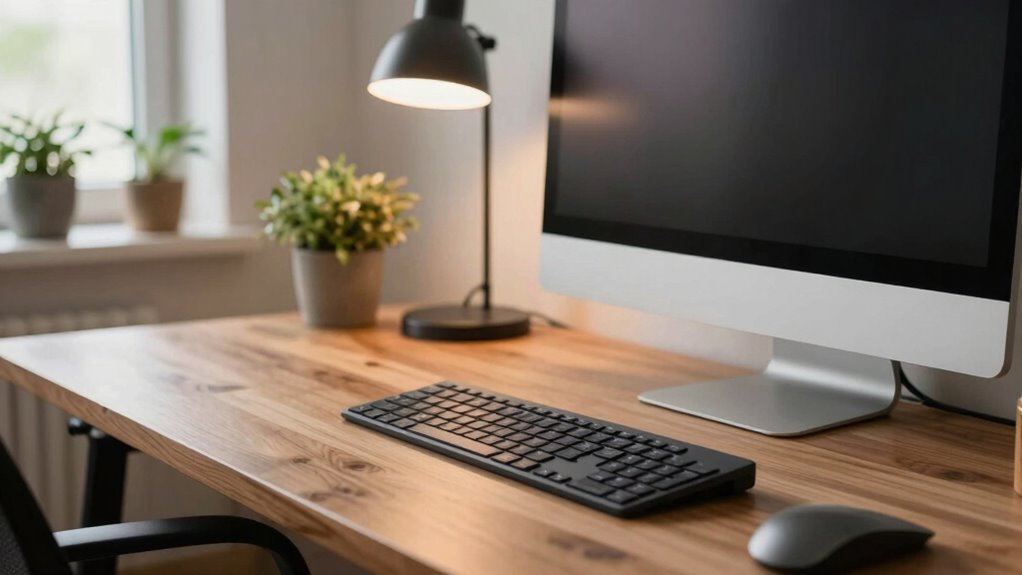
To save your eyes and neck, measure your desk depth to guarantee your monitor is at arm’s length, about 20-30 inches away. It should be at eye level to prevent neck strain and eye fatigue. A proper depth also keeps your keyboard within easy reach without stretching, promoting better posture. Small adjustments in your desk setup greatly impact comfort and health over time. Keep going to discover how precise measurements can transform your workspace.
Key Takeaways
- Proper desk depth ensures the monitor is at an optimal distance to reduce eye strain and improve viewing comfort.
- Accurate measurement prevents the need to lean forward or stretch, supporting better neck and back posture.
- Ideal desk depth facilitates easy access to keyboard, mouse, and essentials, minimizing unnecessary movements.
- Correct depth enhances workspace organization, promoting efficiency and reducing clutter.
- Measuring desk depth accurately promotes ergonomic adjustments and long-term health benefits for eyes and posture.
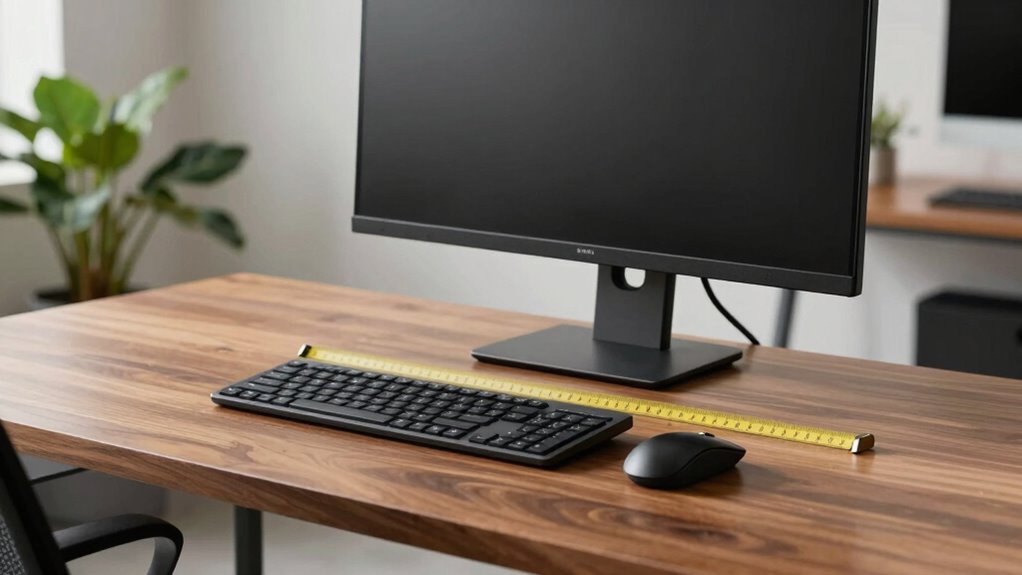
Choosing the right desk depth is essential for creating an ergonomic and functional workspace. When you select the correct measurement, you set yourself up for better ergonomic adjustments, which can prevent discomfort and injuries over time. The depth of your desk influences how comfortably you can reach your keyboard, monitor, and other essentials without straining your neck or eyes. It also plays a crucial role in workspace organization, helping you arrange your tools efficiently and maintain a clutter-free environment.
Choosing the right desk depth enhances ergonomics, organization, and comfort for a healthier, more efficient workspace.
A properly measured desk depth ensures your monitor is at an optimal distance—usually about arm’s length away—reducing eye strain and promoting better focus. If your desk is too shallow, you’ll find yourself leaning forward, which can cause neck and back pain. Conversely, a desk that’s too deep might force you to stretch or reach excessively, leading to unnecessary fatigue. The key is to find a balance that allows you to keep your monitor at eye level and your keyboard within comfortable reach, minimizing awkward postures.
When you consider ergonomic adjustments, the depth of your desk becomes the foundation for other important factors, such as monitor height and placement, keyboard position, and even lighting. For instance, if your desk is too deep, you might need to push your monitor back or adjust your lighting to avoid glare, which can cause eye fatigue. If it’s too shallow, you may struggle to maintain a healthy distance from your screens, resulting in eye strain and neck tension. Taking the time to measure accurately allows you to make these adjustments with confidence, ensuring your workspace promotes good posture and reduces strain. Proper desk measurement is a fundamental step in creating an ergonomic workspace that adapts to your needs.
In terms of workspace organization, a well-measured desk depth helps you optimize your surface space. You’ll know exactly where to place your monitors, keyboard, mouse, and other tools so that everything is within easy reach. This minimizes unnecessary movements and keeps your workspace tidy. When your desk depth aligns with your body’s proportions, you avoid cluttered surfaces and create a more efficient environment. You’ll find it easier to switch between tasks and stay productive because everything you need is strategically positioned.
Ultimately, understanding desk depth math isn’t just about measurements; it’s about creating a workspace that supports your health and productivity. With the right measurement, you can make ergonomic adjustments that prevent discomfort, and organize your workspace more effectively. Proper desk measurement can also help you select furniture that fits your unique needs, ensuring long-term comfort and efficiency. This small but significant detail can make a big difference in how comfortable and efficient your daily work routine becomes. So, take the time to measure carefully and tailor your workspace to fit your needs—your eyes and neck will thank you.

Brezpick 2026 Version Ergonomic VESA Monitor Stand, 150mm Spring Height adjustment,, Tool-Free Base, Swivel, Tilt & Rotation, for 26–32" Monitors, 7.28–8.82 lb, 100x100mm Vesa Mount (7.28~8.82LB)
BEFORE YOU BUY: Only compatible with 100×100 mm. Not compatible with 75×75 mm VESA mounts.
As an affiliate, we earn on qualifying purchases.
As an affiliate, we earn on qualifying purchases.
Frequently Asked Questions
How Often Should I Reevaluate My Desk Height?
You should reevaluate your desk height and ergonomic adjustments every few months or whenever you notice discomfort. Changes in your posture, health, or workspace can affect how your desk setup works for you. Regularly checking your desk height guarantees it stays aligned with your body’s needs, reducing strain. Staying proactive helps prevent long-term issues, keeping your workspace comfortable and supporting good ergonomics over time.
Can Desk Depth Adjustments Improve Overall Posture?
Imagine your workspace as a well-tuned instrument—adjusting your desk depth directly influences your desk ergonomics and posture alignment. When you customize your desk depth, you create a seamless flow between your body and work surface, reducing strain and promoting better posture. This proactive adjustment helps prevent discomfort, keeps your spine aligned, and supports long-term health, making your workspace work for you rather than against you.
What Tools Are Best for Measuring Desk Depth Accurately?
You should use a measuring tape or a laser distance meter for accurate desk depth measurement. A measuring tape is simple, portable, and provides quick results, making it ideal for most setups. For greater precision, especially in larger spaces, a laser distance meter is excellent. It offers accurate readings from a distance, ensuring you get the exact depth needed to optimize your workspace and improve your posture effectively.
Does Desk Depth Vary for Different Types of Work?
Just as a painter adjusts their canvas, your desk depth varies based on your work. For desk customization and ideal workstation ergonomics, consider your tasks—whether typing, drawing, or reading. Different activities demand different depths to prevent strain and boost comfort. You intuitively adapt your space like a sculptor shaping their masterpiece, ensuring your workspace supports you perfectly, whether you’re focused on detailed work or relaxed browsing.
Are There Ergonomic Guidelines for Different Body Sizes?
Yes, ergonomic standards recommend body-specific adjustments to guarantee comfort and safety. You should customize your workspace based on your height, arm length, and sitting posture. Adjust your chair height, monitor position, and desk depth accordingly, so you can maintain proper eye level and support your neck. These personalized adjustments help prevent strain and improve productivity, making sure your workspace fits your unique body size and work needs.

TOOGOND Digital Depth Caliper Electronic Depth Gauge Caliper Depth Rule for Accurate Depth Measurement and DIY Use 0-150mm 0.01mm
Durable Construction: This Depth Gauge is crafted from premium stainless steel, ensuring exceptional strength, stability, and high reliability…
As an affiliate, we earn on qualifying purchases.
As an affiliate, we earn on qualifying purchases.
Conclusion
Getting your desk depth just right is like tuning a guitar—you’ll notice the harmony in your comfort and productivity. When I adjusted my desk depth, I felt like I’d finally found the sweet spot, reducing eye strain and neck pain almost instantly. Remember, small tweaks can make a big difference. Think of it as fine-tuning your workspace for *best* performance—because your eyes and neck deserve the perfect fit.

Wireless Keyboard and Mouse Combo, 2.4G Full Size Wave Keys Ergonomic Keyboard with Wrist Rest and 3-Level DPI Adjustable Wireless Ergonomic Mouse for Windows, Mac OS Desktop/Laptop/PC(Black)
【Wave Ergonomic Wireless Keyboard and Mouse Combo】The wireless keyboard features a wave key and wrist rest design that…
As an affiliate, we earn on qualifying purchases.
As an affiliate, we earn on qualifying purchases.

MOUNTUP Single Monitor Desk Mount Holds Screen up to 32 inch, Height Adjustable Monitor Arm, Computer Monitors Stand with Clamp/Grommet Mounting Base, VESA Mounts Fit 4.4-17.6lbs Computer, Black
Universal Monitor Arm: MOUNTUP monitor desk mount perfectly fits most LED/OLED/QLED flat or curved computer screens up to…
As an affiliate, we earn on qualifying purchases.
As an affiliate, we earn on qualifying purchases.