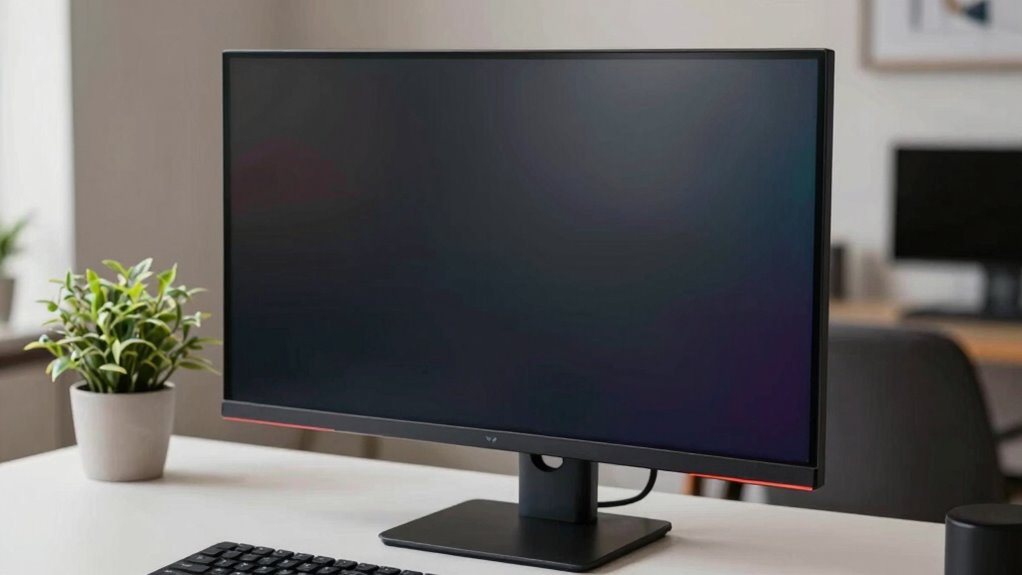

Curved monitors help when you spend long hours editing, gaming, or working on large screens, as they reduce eye strain and improve comfort by aligning with your natural eye movement. They also create an immersive experience when you sit directly in front. However, if you mainly do casual browsing or have an irregular setup, the curve might just be marketing hype. Interested in understanding whether a curved monitor truly benefits you? Keep exploring to find out more.

Get the latest gadgets delivered free — and shop member deals
- Fast, free delivery on millions of items
- Access to Prime Big Deal Days deals on October 6–7
- Prime Video, Amazon Music and more included
Key Takeaways
- Curved monitors reduce eye strain and improve posture during extended use, offering ergonomic benefits for serious tasks and gaming.
- The shape aligns with natural eye movement, enhancing focus and reducing fatigue during long sessions.
- Aesthetic appeal and modern design can make curved monitors more engaging, but may be subjective and not necessary for function.
- Perception of the curve varies based on seating position, influencing whether the curvature provides practical benefits.
- For casual use, the visual impact of the curve may be mostly marketing, with limited functional advantages.
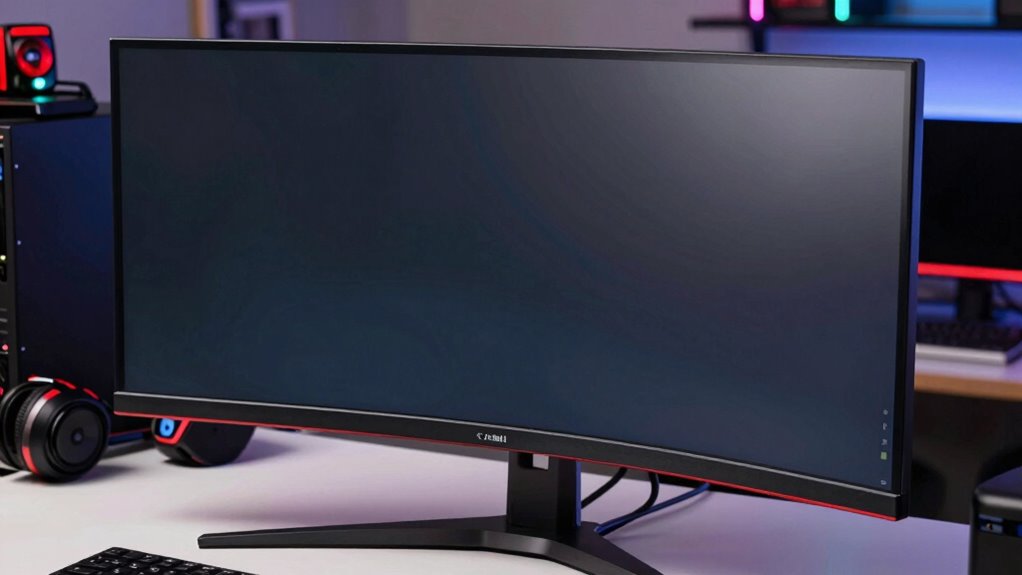
Have you ever wondered if the curved design of a monitor truly enhances your viewing experience or if it’s just a marketing gimmick? The answer isn’t always straightforward. Curved monitors are often marketed as the next step in visual technology, promising a more immersive experience and better ergonomics. But before you invest, it’s important to understand when the curve genuinely offers ergonomic benefits and when it’s mainly about aesthetic appeal.
One of the main advantages of a curved monitor is its ergonomic benefits. The curvature helps reduce eye strain by allowing your eyes to naturally follow the screen’s shape, minimizing the need for constant refocusing. This is especially noticeable on larger screens or ultra-wide displays, where flat screens can cause your eyes to dart back and forth. When you sit directly in front of a curved monitor, the edges are closer to your peripheral vision, which can help create a more uniform viewing distance. This setup helps maintain consistent focus, reducing fatigue during long work or gaming sessions. If you spend hours in front of your screen, a curved monitor might genuinely make your viewing more comfortable by aligning with the natural shape of your eyes and face, promoting better posture and decreasing neck strain. Additionally, understanding the visual perception of curved screens can help you determine whether the shape aligns with your specific needs or preferences.
Curved monitors reduce eye strain by promoting natural focus and a more uniform viewing distance during long sessions.
However, the aesthetic appeal of curved monitors shouldn’t be underestimated. For many, the sleek, modern look adds a sense of sophistication to their workspace or gaming setup. The smooth, flowing lines of a curved display catch the eye and can make your environment feel more dynamic and engaging. This visual impact can boost your motivation and enjoyment, especially if you’re passionate about design or gaming. But keep in mind, aesthetics are subjective. Some might find the curve distracting or prefer the clean simplicity of a flat screen. While the visual appeal can enhance your overall experience, it’s not always a functional necessity. Moreover, the design philosophy behind curved monitors can help you determine whether the shape aligns with your specific needs or preferences. Understanding the perception of curved screens among different viewers is also helpful, as it can vary depending on the seating position and viewing setup.
When choosing a curved monitor, consider your typical usage. If your work involves long hours, complex editing, or gaming, and you’re looking for ergonomic benefits, a curved screen could be worth it. It offers a more natural viewing angle and reduces eye fatigue. On the other hand, if you mainly use your monitor for casual browsing or occasional tasks, the aesthetic appeal might be the main factor driving your decision. Ultimately, the key is balancing form and function—understanding that the curve can genuinely improve comfort in some cases but is also a stylish design choice that adds visual flair.
As an affiliate, we earn on qualifying purchases.
Frequently Asked Questions
How Is Monitor Curvature Measured and Specified?
You measure monitor curvature using measurement techniques that assess how much the screen arcs, often expressed in radius units like millimeters. Curvature specifications are usually listed as a ratio, such as 1800R or 1500R, indicating the radius of the curve. A lower number means a more pronounced curve. These specs help you determine whether the curvature suits your viewing preferences or if it’s just marketing hype.
Do Curved Monitors Improve Color Accuracy?
Do curved monitors really improve color accuracy? Not necessarily. While they can enhance your viewing angles and reduce glare, curvature mainly benefits immersion and viewing comfort. Color consistency depends more on the panel technology and calibration than on curvature. So, if you’re aiming for precise color work, focus on high-quality panels and proper calibration, rather than relying solely on a curved design to boost color accuracy.
Are Curved Screens Better for Multi-Monitor Setups?
Curved screens can be beneficial for multi-monitor setups, offering ergonomic benefits by reducing neck strain and providing a more immersive viewing experience. They also enhance aesthetic appeal, creating a seamless and modern look. However, if you’re working with multiple monitors of different sizes or setups, the curvature might cause distortions or visual inconsistencies. Assess your workspace and preferences to determine if the aesthetic and ergonomic advantages outweigh potential drawbacks.
Can Curved Monitors Reduce Eye Strain?
Curved monitors can reduce eye strain by providing a more natural, immersive viewing experience, especially if they feature an ergonomic design. They help minimize distortion and glare, making it easier on your eyes. Additionally, many curved screens come with blue light filters, which further decrease eye fatigue during long sessions. If you prioritize comfort and reduce eye strain, look for a curved monitor with these features to enhance your viewing experience.
What Are the Drawbacks of Curved Monitors?
Like a double-edged sword, curved monitors can sometimes cut into your ergonomic benefits, causing discomfort during long use. They may distort images or viewing angles, making tasks more challenging. Their aesthetic appeal might look sleek, but the drawbacks include limited compatibility with stands or mounts, and potential glare issues. If you prioritize comfort and versatility, these drawbacks could outweigh the visual allure, making straight monitors a more practical choice.
Conclusion
Ultimately, monitor curvature is like a spice—you can enhance your viewing experience or just add unnecessary flavor. When it curves around your field of vision, it pulls you into the action, making games and movies feel immersive. But if it’s just a marketing ploy, you’ll barely notice the difference. Think of it as a dance—when it’s in sync, it lifts your experience; when it’s out of step, it’s just noise. Choose wisely, and let your eyes be the judge.
Fall Picks
fall essentials
As an affiliate, we earn on qualifying purchases.