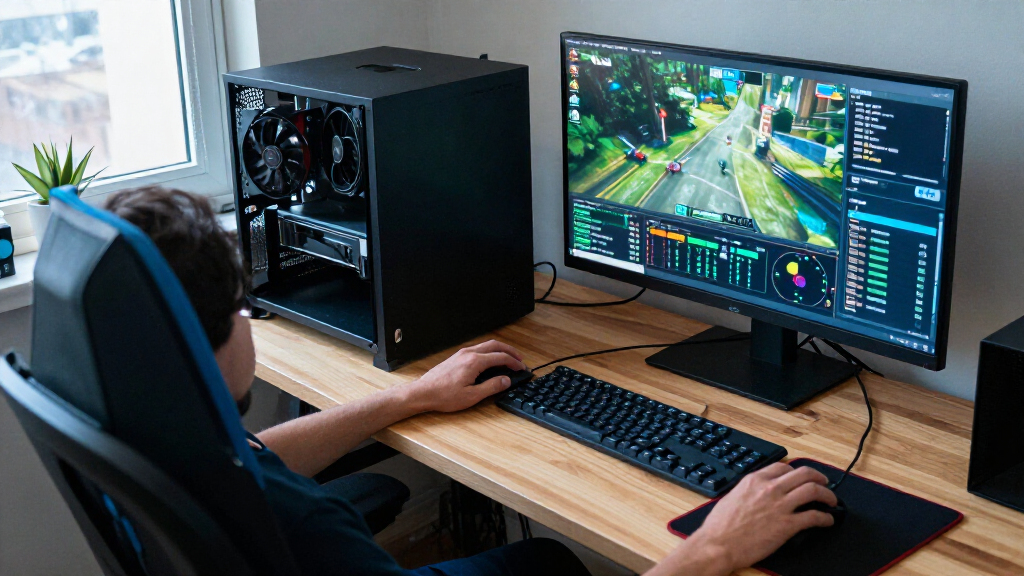

🔍 Read the full analysis: What Are The 10 Best Graphics Cards For Work And Gaming In 2027? on ThorstenMeyerAI.com

Get the latest gadgets delivered free with Prime
- Fast, free delivery on millions of items
- Prime Video, Amazon Music and more included
- Member-only deals all year
TL;DR
A buying guide from ThorstenMeyerAI.com compares 10 graphics cards across gaming, creative workloads and basic display use, favoring recent models for performance and features. Its rankings and product specifications are source claims, not independently verified here; buyers should check current pricing, compatibility and driver support before purchasing.
ThorstenMeyerAI.com has published a comparison of 10 graphics cards aimed at gaming, creative work and basic display tasks, placing the ASUS ROG Astral GeForce RTX 5080 at the top and older models such as the RX 550 among its budget options. The guide distinguishes premium performance from lower-cost legacy use, but its product rankings and specifications are claims from the source and are not independently verified here.
The guide’s central recommendation is the ASUS ROG Astral GeForce RTX 5080, which it describes as a high-end choice for gaming and creative professionals because of its ray-tracing performance, cooling and overclocking headroom, topics also covered in this graphics card overview. It also favors the ASUS Dual GeForce RTX 5060 Ti as a more accessible option, citing a 16GB configuration and newer features. The source does not provide comparative benchmark results or prices to substantiate how the cards perform per dollar.
For AMD buyers, the guide identifies the Radeon RX 9070 XT as an alternative in the upper mid-range, particularly for workloads focused on conventional rasterized graphics, alongside options in this graphics card roundup. It also includes the RX 580, RX 550 and GeForce GT 730, but frames these older cards as options for particular needs rather than modern gaming. The RX 550 and GT 730 are described as suitable mainly for display output and light tasks.
The source says its selection considered architecture, memory bandwidth, cooling, connectivity and case fit. It gives priority to newer architectures and cards with at least 8GB of memory for gaming. These are the guide’s stated criteria, not a formal independent test methodology: it does not report controlled benchmarks, test systems or a complete price comparison.
The 10 picks
- 1
 ASUS ROG Astral GeForce RTX 5080 OC Edition 16GB GDDR7 Graphics CardView on Amazon →
- 2
 PNY NVIDIA GeForce RTX 5080 OC Triple-Fan Graphics CardView on Amazon →
- 3
 ASUS Prime Radeon RX 9070 XT 16GB GDDR6 OC Edition Gaming Graphics CardView on Amazon →
- 4
 ASUS Prime Radeon RX 9070 EVO 16GB GDDR6 OC Gaming Graphics CardView on Amazon →
- 5
 ASUS Dual GeForce RTX 5060 Ti 16GB GDDR7 White OC Edition Graphics CardView on Amazon →
- 6
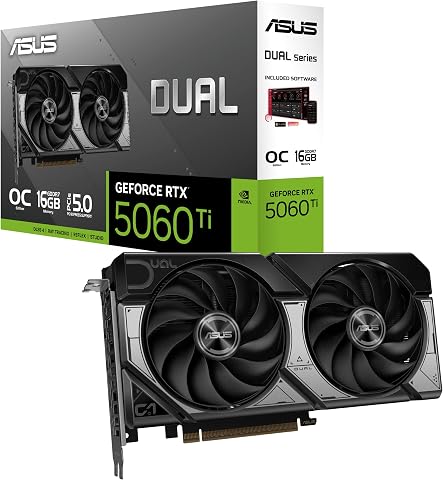 ASUS Dual GeForce RTX 5060 Ti 16GB GDDR7 OC Edition Gaming Graphics CardView on Amazon →
- 7
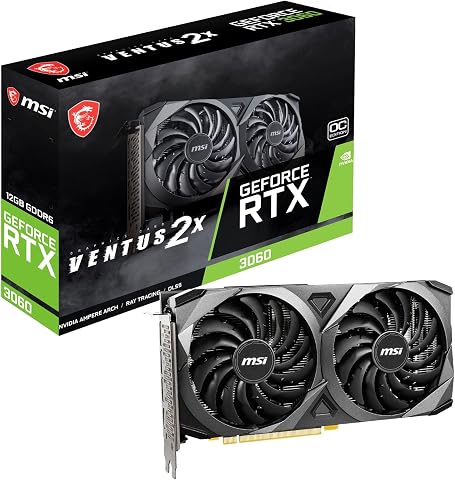 MSI GeForce RTX 3060 Ventus 2X 12G OC V1 Graphics CardView on Amazon →
- 8
 VisionTek AMD Radeon RX 580 8GB Graphics Card with 6 Mini DisplayPort OutputsView on Amazon →
- 9
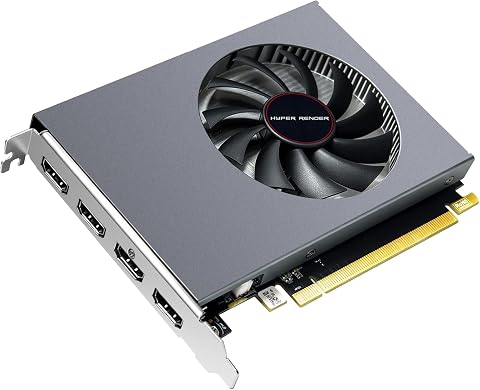 RX 550 4GB GDDR5 Graphics Card 4 HDMI GPU Tarjeta Gráfica 4 Port Video cardView on Amazon →
- 10
 Vandossy GeForce GT 730 4GB GDDR5 Graphics Card with 4 HDMI PortsView on Amazon →
Matching GPUs to Real Workloads
The comparison highlights a practical tradeoff: newer cards generally offer more current gaming and creator features, while older, cheaper models may still serve straightforward display or workstation needs. Choosing based only on a product’s place in a ranking can lead to wasted spending if the intended software does not use its features, or if the card cannot handle a desired game’s resolution and settings.
For readers, the strongest takeaway is to match the GPU to the workload and the rest of the computer. Power supply capacity, physical clearance, memory needs and application support all affect whether a card is a useful upgrade. The guide’s broad categories can help narrow a shortlist, but buyers need current pricing and independent testing before deciding which option offers the best value.
Products Worth Considering

LG UltraGear 32-inch QHD Curved Gaming Monitor, 180Hz, 1ms, FreeSync

Apple MacBook Air 13-inch Laptop with M5 Chip, 32GB Memory, 1TB SSD, Silver

Apple MacBook Air 15-inch with M5 chip, 32GB memory, 512GB SSD, Midnight
As an affiliate, we earn on qualifying purchases.
How the Guide Ranks Its Picks
The source contrasts recent NVIDIA RTX 50-series and AMD RX 9000-series cards with older models, arguing that newer hardware supports features that cannot simply be added to legacy cards through driver updates. It also says 16GB of video memory can help with demanding games and high-resolution workloads, while warning that cards with smaller memory capacities may face limitations. Actual requirements vary by game, settings and professional application.
Its hardware advice includes checking case dimensions and recommended power supply capacity before buying. Large, high-performance cards may occupy several expansion slots and need more power than older entry-level models. The source also points to software ecosystems: NVIDIA CUDA and video-encoding features may suit some creative workflows, while AMD offers its own drivers and upscaling tools. These recommendations depend on the particular software and version a buyer uses.
“The main tradeoff lies between paying for cutting-edge architecture and accepting older technology for cost savings.”
— ThorstenMeyerAI.com guide
Prices and Test Results Missing
The source does not give prices, release or availability details, benchmark data, or a consistent test setup. Its performance descriptions and rankings should be treated as editorial assessments rather than verified comparisons. The supplied material also does not define every product configuration in the list, and specifications can differ among board partners and models.
It is also unclear how the guide assesses claims such as future-proofing, driver support and suitability for specific creative applications. These depend on changing software, workloads and regional availability. Readers should verify the exact card model, memory configuration, power requirements and current driver status before purchase.
Verify Before You Buy
Before buying, compare independent gaming and creator benchmarks for the exact models under consideration, then check current local pricing and warranty terms. Confirm that the chosen card fits the case, works with the power supply and is supported by the applications used for work.
Because the guide provides no pricing or testing details, its list is best treated as a starting shortlist rather than a final buying verdict. Any later assessment would need updated availability, measured performance and power and thermal results across comparable systems.
Key Questions
Which card does the guide recommend as its top overall pick?
ThorstenMeyerAI.com names the ASUS ROG Astral GeForce RTX 5080 its leading option for high-end gaming and creative work, citing cooling and ray-tracing capabilities. The source does not include independent benchmarks to verify that ranking.
Does the comparison say older budget cards are suitable for modern gaming?
No. The guide describes the RX 550 and GT 730 as better suited to display output and light tasks, not modern games. Check current game requirements and independent tests before considering any older card for gaming.
Is 16GB of graphics memory necessary?
The source presents 16GB as useful for demanding games and high-resolution work, but it does not establish that every user needs that capacity. Requirements depend on the game, resolution, settings and creative software.
What should buyers check besides performance?
Check card dimensions, power supply capacity, connectors, memory configuration and software compatibility. The source also recommends checking whether professional applications support the GPU features relevant to your workflow.
Source: ThorstenMeyerAI.com