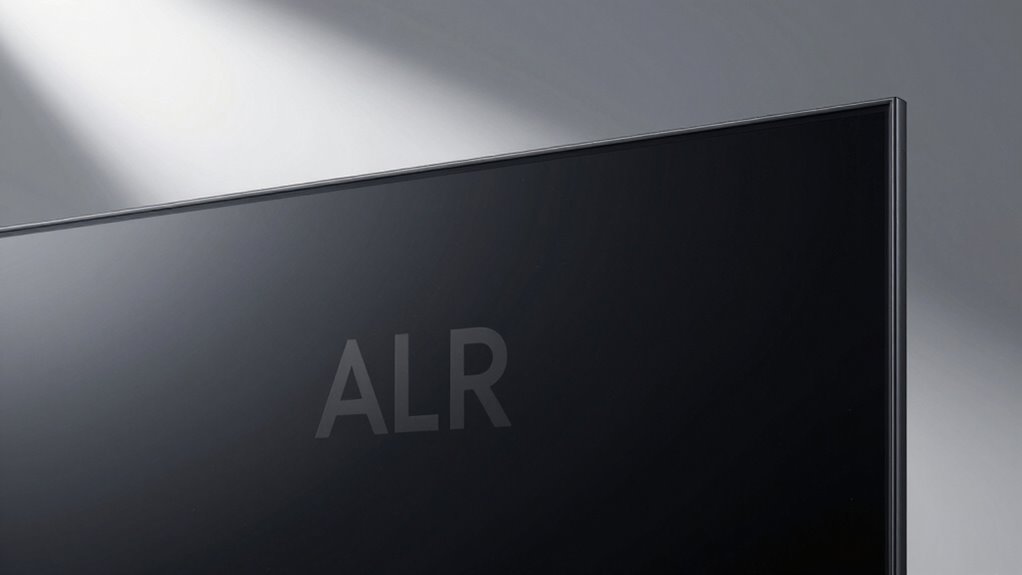

To get the best performance from your ALR screen, you need to pay attention to the light direction. When light hits the screen from the right angles, the optical layers can block ambient reflections and reduce glare effectively. Properly aligned lights make images brighter, clearer, and more vibrant. If lights are misplaced or misaligned, your screen won’t perform well, and visuals may look washed out. Keep exploring to learn how to optimize your setup and get top results.

Get the latest gadgets delivered free with Prime
- Fast, free delivery on millions of items
- Prime Video, Amazon Music and more included
- Member-only deals all year
Key Takeaways
- ALR screens rely on specific light angles to effectively block ambient reflections and glare.
- Proper light direction ensures the optical layers can redirect or absorb stray light efficiently.
- Misaligned lighting reduces the screen’s ability to maintain contrast and vibrant colors.
- Controlling light angles prevents direct reflections that cause glare and image distortion.
- Optimal light positioning enhances overall image clarity, contrast, and viewing experience.
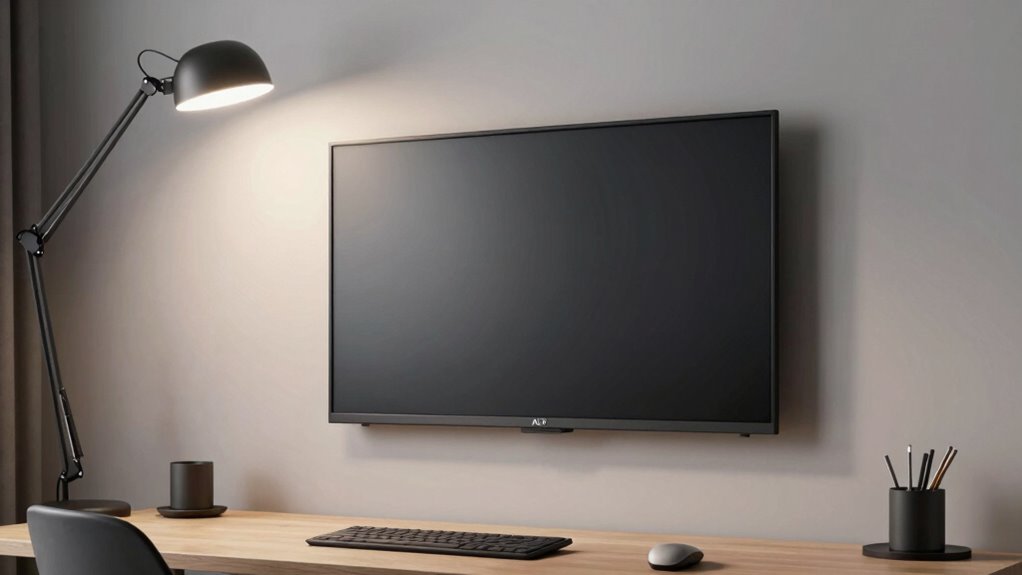
If you want your ALR (Ambient Light Rejecting) screen to deliver its best performance, understanding the importance of proper light direction is essential. These screens are designed to minimize ambient reflection and glare, but their effectiveness depends heavily on how light interacts with them. When light hits the screen from the right angles, the ALR technology can effectively block out unwanted reflections, allowing you to enjoy brighter, clearer images even in well-lit rooms. Conversely, if the light source is misplaced or comes from the wrong direction, the screen’s ability to reject ambient light diminishes, resulting in washed-out visuals and increased glare.
Ambient reflection occurs when stray light from surrounding sources bounces off surfaces and reaches your screen. If this reflection isn’t controlled, it can wash out the projected image, making details harder to see and colors less vibrant. ALR screens are engineered with special optical layers that direct ambient light away from your line of sight, but they require the light to come from specific angles. When the light source aligns properly with the screen’s design, the optical layers effectively absorb or redirect ambient reflection, which *greatly* enhances contrast and color richness. This is the key to achieving sharp, vivid images even in bright environments. Additionally, proper light management can help maintain the integrity of the image quality over time. Adjusting the lighting environment to complement the screen’s design can further improve performance and ensure consistent results.
Properly aligned light sources enhance ALR screens’ ability to block reflections, boosting contrast and vibrant colors.
Glare reduction is another critical aspect that hinges on correct light direction. Glare happens when direct light hits the screen at steep angles, creating bright spots that distract your eyes and obscure the image. To prevent this, you need to position your lights and projectors so that the light doesn’t strike the surface head-on. Ideally, any ambient or artificial light should come from angles that are either above or to the sides of the screen, avoiding direct reflection back to your viewing position. By controlling light direction, you ensure that the ALR screen can perform its core function: rejecting glare and ambient reflection, maintaining high contrast levels, and preserving image clarity. Proper light direction is especially important in spaces with multiple light sources or windows that are difficult to control.
In practice, this means adjusting your room’s lighting setup and viewing angles carefully. Use directional lighting fixtures, curtains, or shading to limit stray light sources. When setting up your projector and screen, consider the angles at which light enters the room and how it interacts with the screen surface. Properly managing light direction isn’t just about reducing glare; it’s about optimizing the screen’s ability to reject ambient reflection and deliver the high-quality viewing experience you want. In short, the right light direction makes all the difference in ensuring your ALR screen performs at its peak. Additionally, understanding ambient reflection and how light behaves in your environment can significantly improve your overall viewing experience.
As an affiliate, we earn on qualifying purchases.
Frequently Asked Questions
Can ALR Screens Work With Natural Sunlight?
Yes, ALR screens can work with natural sunlight, but their effectiveness depends on ambient brightness and proper color calibration. You need to control the light direction so sunlight doesn’t hit the screen directly, which can wash out the image. By managing ambient brightness and ensuring the screen is calibrated correctly, you’ll experience better contrast and vivid colors, even in rooms with lots of natural light.
What Types of Lighting Are Best for ALR Screens?
Bright, balanced, and benign lighting benefits ALR screens best. You should aim for an ambient glow that avoids glare and harsh shadows, creating a cozy, clear viewing experience. Soft, subtle lighting with a warm or neutral color temperature helps reduce reflections and enhances contrast. Keep lights indirect and avoid direct beams, ensuring your screen stays sharp and vibrant without straining your eyes or distorting colors.
How Does Light Angle Affect Image Quality?
The light angle directly impacts your ALR screen’s image quality by influencing ambient illumination and glare reduction. If light hits the screen at the wrong angle, you’ll notice washed-out images and glare, reducing clarity. To guarantee picture quality, position lights to minimize direct reflections and avoid harsh ambient illumination. Proper light direction ensures your ALR screen maintains high contrast, vibrant colors, and sharp details, delivering an ideal viewing experience.
Can Multiple Light Sources Interfere With ALR Screens?
Multiple light sources can absolutely sabotage your ALR screen. They cause ambient glare and unwanted light reflection, making the image look washed out and dull. When various lights shine from different angles, it’s like a battlefield of reflections, overwhelming the screen’s ability to display vibrant images. To enjoy ideal picture quality, keep lighting consistent and directed properly, avoiding multiple sources that clash and diminish your viewing experience.
Is Special Lighting Equipment Necessary for Optimal Performance?
You don’t need special lighting equipment for optimal ALR screen performance, but managing ambient lighting is essential. Use well-placed light sources with proper light diffusion to prevent glare and shadows that can diminish image clarity. Avoid direct light hitting the screen, and opt for indirect or diffused lighting to enhance contrast and color accuracy. Proper lighting guarantees your ALR screen works effectively, providing a vivid, high-quality viewing experience.
Conclusion
To make your ALR screen shine like a star in the night sky, you need to direct the light just right. Think of it as guiding a gentle stream to find its perfect path, ensuring every detail pops and colors bloom vividly. When you align the light wisely, your screen becomes a window into another world—vivid, immersive, and flawless. Get the direction right, and watch your cinematic universe come alive with brilliance.
Halloween Picks
halloween
As an affiliate, we earn on qualifying purchases.