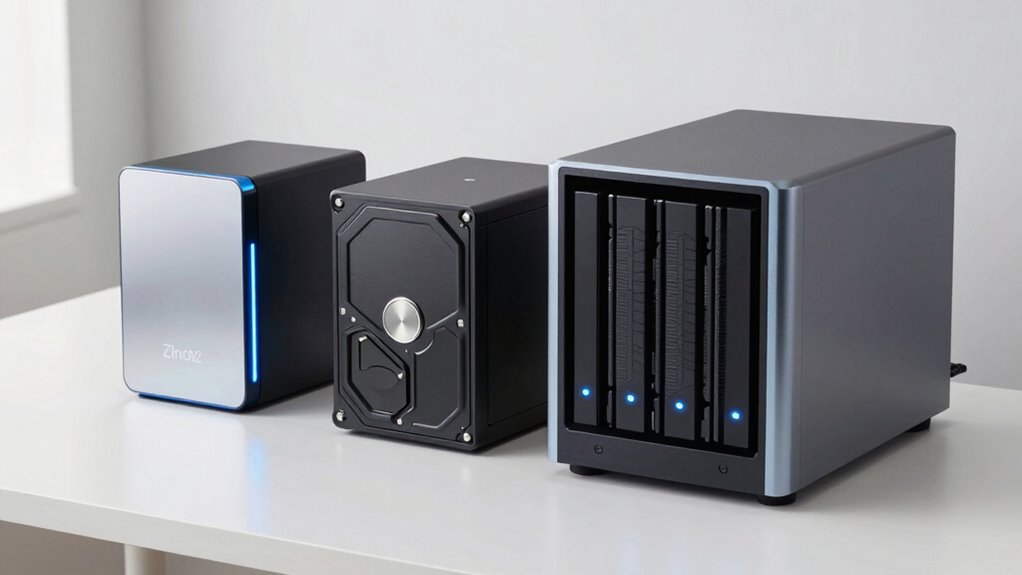

Many creators regret not setting up a proper storage system earlier, knowing that combining SSDs for speed, HDDs for large capacity, and NAS for redundancy can save time and prevent data loss. Relying on just one type leaves you vulnerable to hardware failure or accidental deletion. Understanding the strengths and weaknesses of each option and establishing backup routines early helps you avoid costly mistakes. Keep going to discover how to build a resilient storage setup that works for you.
Listen free for 30 days with Audible
Thousands of audiobooks and originals — cancel anytime.
As an affiliate, we earn on qualifying purchases.
Key Takeaways
- Early adoption of NAS ensures centralized, scalable storage and automatic backups, preventing workflow disruptions.
- Using SSDs for active projects and HDDs for archives balances speed and cost, reducing data loss risks.
- Implementing comprehensive backup routines across multiple devices or cloud storage minimizes catastrophic data loss.
- Recognizing the importance of data redundancy early safeguards valuable creative work from hardware failures.
- Delaying storage and backup strategies can lead to regret, data loss, and costly recovery efforts later.
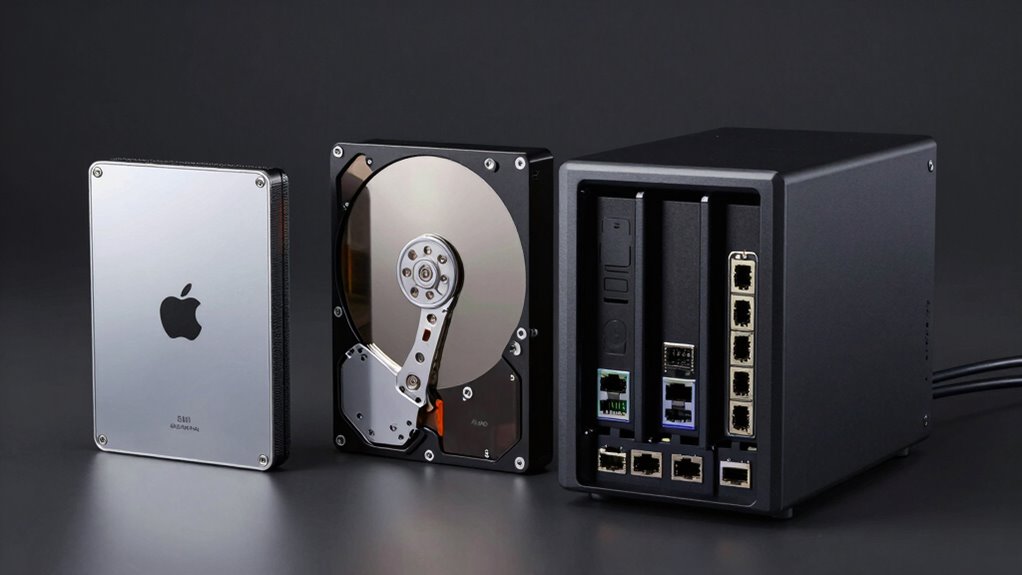
When choosing storage solutions for your data needs, understanding the differences between SSDs, HDDs, and NAS devices is essential. The right setup can prevent costly data loss and streamline your workflow, but many creators overlook the importance of strategic storage choices early on. One key aspect often missed is implementing effective backup strategies, which rely heavily on understanding data redundancy. Data redundancy involves creating multiple copies of your files across different storage devices or locations, ensuring that if one fails, your data remains safe and accessible. This approach is particularly crucial when using HDDs, which are more vulnerable to mechanical failure, or NAS devices that house multiple drives. Recognizing the strengths and weaknesses of each storage type helps you design a resilient system that protects your creative projects.
Understanding storage options and data redundancy is vital to safeguarding your creative projects and ensuring workflow continuity.
SSDs have revolutionized storage for creators due to their speed and reliability. They allow you to access and transfer large files quickly, significantly reducing wait times during editing or rendering. This speed can be a game-changer, especially when working with high-resolution video or complex designs. However, SSDs are generally more expensive per gigabyte than HDDs, so many overlook their potential for data redundancy. While SSDs are less prone to mechanical failures, they still can fail unexpectedly, making regular backups crucial. Using an SSD as your primary drive for active projects combined with secondary HDDs or NAS devices for backups ensures you benefit from fast performance while safeguarding your work through data redundancy. Additionally, the integration of high-speed connectivity options can further optimize your workflow with SSDs.
HDDs, on the other hand, offer massive storage capacity at a lower cost, making them ideal for archiving and backups. They’re more economical for storing large libraries of footage, designs, or other files that don’t require constant access. But HDDs are susceptible to physical damage and mechanical issues, which can lead to data loss if not properly managed. This is where thoughtful backup strategies come into play. Regularly copying your data from HDDs to other drives or cloud storage creates redundancies that protect against hardware failure. Many creators regret not setting up these backup routines early, only realizing their importance after experiencing data corruption or drive failure.
NAS devices provide a centralized solution that combines the benefits of SSDs and HDDs, offering shared access, scalable storage, and built-in redundancy features like RAID. They enable you to automatically back up multiple devices and keep your data safe across a network. Incorporating NAS into your setup allows for continuous data redundancy, reducing the risk of losing vital work. Many creators wish they’d adopted NAS earlier, recognizing how it simplifies backup strategies, enhances data redundancy, and improves overall data security. Ultimately, understanding these storage options and implementing a comprehensive backup plan ensures your creative projects are protected, and your workflow remains uninterrupted.
As an affiliate, we earn on qualifying purchases.
Frequently Asked Questions
How Do SSDS Impact Gaming Performance?
You’ll notice a significant boost in gaming fps and faster load times when using an SSD. Games load almost instantly, reducing waiting around, and smoother gameplay becomes more achievable. An SSD minimizes stuttering caused by slow data retrieval, making your gaming experience more seamless. If you want quicker load times and improved performance, upgrading to an SSD is one of the best decisions you can make for gaming.
Can NAS Devices Replace External Hard Drives?
Yes, NAS devices can replace external hard drives, especially if you want cloud backup and remote access. They offer centralized storage, making it easy to access files from any device or location. Unlike external drives, NAS systems provide continuous data protection, remote management, and scalability. So, if you’re looking for a more robust, accessible solution for your data needs, a NAS is a smart upgrade over traditional external hard drives.
What Are the Energy Costs of Each Storage Type?
You’ll find that SSDs consume the least energy, making them more energy-efficient and environmentally friendly. HDDs use more power due to their spinning disks, increasing energy costs and environmental impact. NAS devices typically draw more energy because they operate continuously and serve multiple users. By choosing an SSD, you reduce energy consumption, lower electricity bills, and minimize your environmental impact, making it a smarter storage solution long-term.
How Secure Is Data Stored on NAS Versus SSD or HDD?
Data stored on a NAS is generally more secure than on SSDs or HDDs because it supports data encryption and remote access controls. You can set up strong encryption and user permissions, making unauthorized access harder. SSDs and HDDs, however, are vulnerable if stolen or physically compromised. To maximize security, guarantee your NAS has updated encryption, secure remote access, and regular backups, keeping your data safe from threats.
Are There Compatibility Issues With Older Computers?
You might face compatibility issues with older computers due to legacy ports and hardware limitations. Many older systems lack the necessary connections, like SATA or USB 3.0, to support modern SSDs, HDDs, or NAS devices. To avoid problems, check your computer’s ports and specifications before upgrading. You may need adapters or external enclosures to connect newer storage options, ensuring seamless integration without compromising performance.
Conclusion
Choosing the right storage setup is like planting a garden—you’ll reap the benefits when you invest wisely early on. SSDs, HDDs, and NAS each bring their own melody to your digital symphony, but delaying the decision can leave you stranded in the shadows of slow access and lost data. Don’t wait until you’re lost in the fog; embrace the clarity of a well-planned system now, and watch your data thrive like a well-tended bloom in full sunlight.
Flea & tick season Picks
flea and tick prevention
As an affiliate, we earn on qualifying purchases.