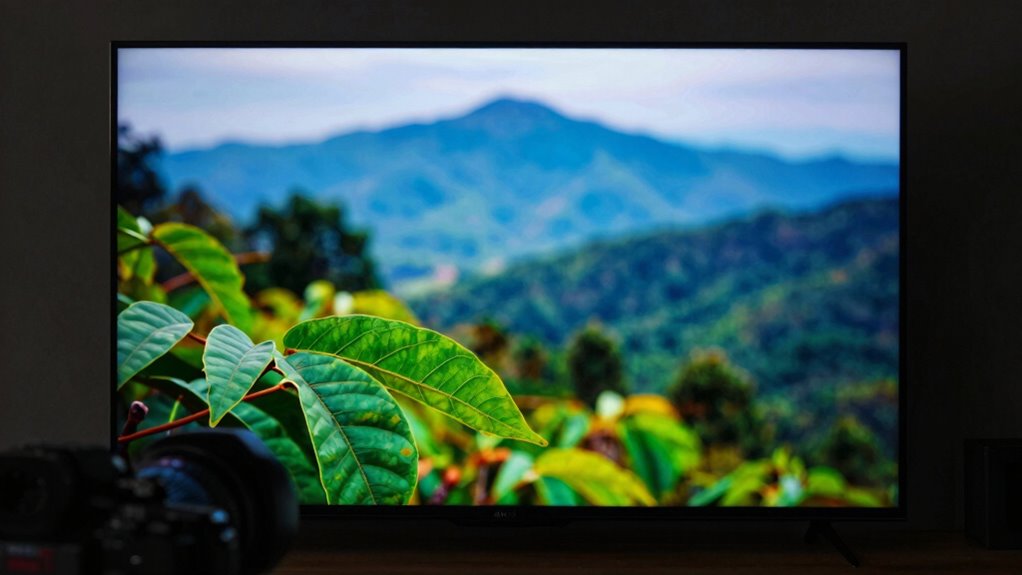
Many believe that streaming in 4K automatically guarantees incredible picture quality, but that’s often not true. Factors like your internet connection, device compatibility, and platform settings play a big role. If your bandwidth is limited or your hardware isn’t optimized, 4K streams can buffer, pixelate, or appear blurry. Crisper images aren’t assured without proper setup, so if you want to understand why ‘4K’ isn’t always perfect, keep exploring these common myths.
Key Takeaways
- Higher resolution does not guarantee better viewing; technical issues can undermine 4K quality.
- Poor internet speed causes buffering and resolution downgrades, making 4K streams look disappointing.
- Devices and hardware limitations may prevent proper display of true 4K content.
- Streaming services often auto-adjust resolution, leading to mismatched expectations and pixelation.
- Overall streaming quality depends on multiple factors beyond resolution, including internet stability and device compatibility.
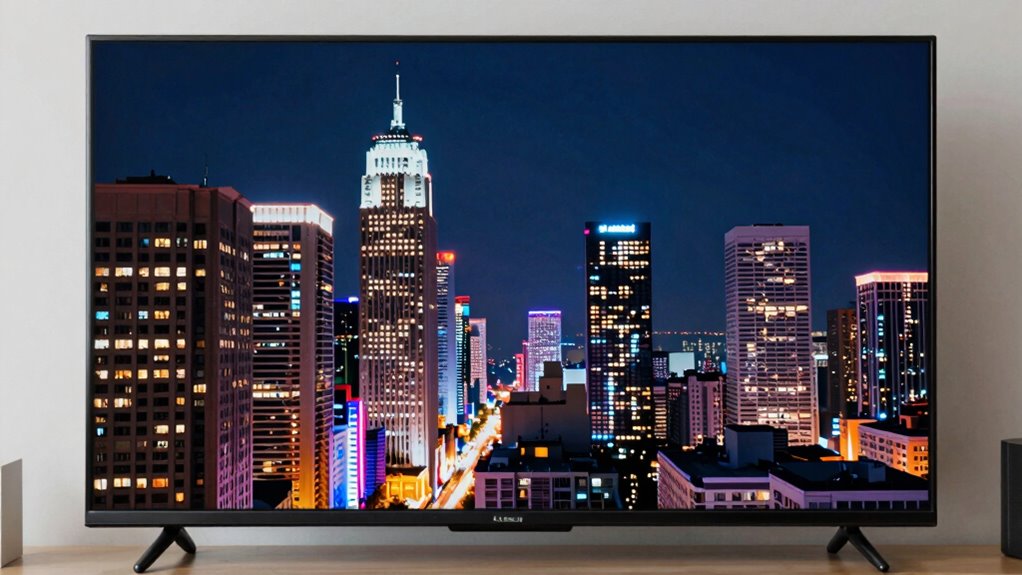
Many people believe that higher streaming quality always means better viewing experiences, but this isn’t always the case. When you switch to a 4K stream expecting crystal-clear visuals, you might find yourself disappointed, especially if you encounter buffering issues or resolution conflicts. These problems can quickly turn what should be an immersive experience into a frustrating one. The truth is, higher resolution isn’t a guarantee of better quality if your internet connection isn’t up to the task. Buffering issues tend to become more common at higher resolutions because streaming 4K content demands a faster, more stable connection. If your bandwidth is limited or inconsistent, the stream will continually pause or stutter, making it difficult to enjoy the content smoothly. Instead of experiencing the crisp details you expect, you’re left with a choppy, interrupted picture that undermines the purpose of high-quality streaming. Additionally, streaming infrastructure plays a significant role in how well 4K content is delivered and displayed on your devices. Resolution conflicts also play a significant role in why 4K often looks disappointing. Many streaming services automatically adjust the resolution based on your internet speed, but this can lead to mismatched expectations. You might see a 4K label on the title, yet the actual stream is playing at a lower resolution due to network limitations. Conversely, some platforms may push a 4K stream even if your device or internet can’t handle it properly, resulting in a degraded image that appears pixelated or blurry. This mismatch between what you see and what you expect creates resolution conflicts that diminish the overall viewing experience. Simply having a 4K title doesn’t mean you’ll see a stunning picture unless your setup supports it fully. Additionally, some TVs or devices may struggle to display 4K content ideally, further complicating matters. If your hardware isn’t capable of rendering true 4K resolution or if your settings aren’t properly configured, the content won’t look as impressive as advertised. This means that even with a fast internet connection, you could still end up with a subpar picture quality. It’s essential to understand that streaming quality isn’t solely about resolution; it’s equally about your internet speed, device compatibility, and how well the platform manages resolution conflicts. In the end, chasing higher resolutions like 4K without addressing these underlying issues can lead to more frustration than satisfaction. Instead of focusing solely on the number of pixels, make certain your internet connection is robust, your device supports the resolution, and you’re aware of how resolution conflicts can impact what you see. Only then can you truly appreciate the difference high-quality streaming is supposed to make.

Roku Ultra – Ultimate Streaming Player – 4K Streaming Device for TV with HDR10+, Dolby Vision & Atmos – Bluetooth & Wi-Fi 6 – Rechargeable Voice Remote Pro with Backlit Buttons – Free & Live TV
Ultra-speedy streaming: Roku Ultra is 30% faster than any other Roku player, delivering a lightning-fast interface and apps…
As an affiliate, we earn on qualifying purchases.
As an affiliate, we earn on qualifying purchases.
Frequently Asked Questions
How Does Internet Speed Affect 4K Streaming Quality?
Your internet speed directly impacts 4K streaming quality by preventing bandwidth bottlenecks and ensuring smooth playback. If your connection isn’t fast enough, you’ll experience buffering or lowered resolution. Make sure your router configurations are optimized—use a wired connection if possible, and prioritize streaming devices. A stable, high-speed internet connection is essential to enjoy consistent 4K quality without interruptions or degradation.
Can Device Limitations Impact Perceived 4K Video Clarity?
You notice the crisp details of a 4K image fading as your device hardware struggles to keep up, making the picture look dull or pixelated. Your device’s hardware and display technology directly impact perceived 4K clarity. If your hardware isn’t powerful enough or your display isn’t optimized for 4K, even the highest streaming quality can fall flat, leaving you disappointed instead of immersed in stunning, sharp visuals.
What Role Does Compression Play in Streaming Resolution?
Compression plays a big role in streaming resolution because it limits your experience through bitrate limitations and encoding artifacts. When streamers compress videos to reduce data, they often sacrifice quality, causing pixelation or blurriness. These artifacts can make even a 4K stream look disappointing. So, if your internet can’t support higher bitrates, you’ll notice lower clarity, and compression artifacts become more prominent, impacting your viewing enjoyment.
Are Some Streaming Services Better at Delivering True 4K?
Some streaming services paint a clearer picture of true 4K. You’ll find Service differences in compression, bitrate, and content quality, making some providers shine brighter. While one may offer a wider selection of 4K content, another might deliver sharper images. Your experience depends on these nuances, like choosing the right lens to see the full scene. So, pick a service that aligns with your content needs and quality expectations.
How Can Viewers Optimize Their Setup for Better 4K Quality?
To optimize your setup for better 4K quality, start with proper video calibration on your TV or monitor to enhance color and contrast. Use high-quality HDMI cables that support HDMI 2.0 or higher to guarantee maximum bandwidth and clarity. Also, check your streaming device’s settings to confirm 4K is enabled, and connect it directly to your TV for the best signal. These steps will greatly improve your 4K viewing experience.

Klein Tools VDV526-200 Cable Tester, LAN Scout Jr. 2 Ethernet Tester for CAT 5e, CAT 6/6A Cables with RJ45 Connections
VERSATILE CABLE TESTING: Cable tester for data (RJ45) terminated cables and patch cords, ensuring comprehensive testing capabilities
As an affiliate, we earn on qualifying purchases.
As an affiliate, we earn on qualifying purchases.
Conclusion
Don’t let the hype around 4K streaming fool you into expecting perfection. The truth is, many factors like internet speed, device quality, and compression play a bigger role in your viewing experience than just resolution. So, if your 4K looks disappointing, it’s not necessarily the technology’s fault—it’s about getting the right setup. Focus on optimizing your connection and device for better quality, and you’ll enjoy a truly impressive picture without unrealistic expectations.

INSIGNIA 43" Class F50 Series LED 4K UHD Smart Fire TV, Voice Remote with Alexa, Stream Live TV Without Cable
4k Ultra HD (2160p resolution): Enjoy breathtaking HDR10 4K movies and TV shows at 4 times the resolution…
As an affiliate, we earn on qualifying purchases.
As an affiliate, we earn on qualifying purchases.

NVIDIA Shield Android TV Pro | 4K HDR Streaming Media Player High Performance, Dolby Vision, 3GB RAM, 2X USB, Works with Alexa, Model:945-12897-2500-101
The Best of the Best. SHIELD TV delivers an amazing Android TV streaming media player experience, thanks to…
As an affiliate, we earn on qualifying purchases.
As an affiliate, we earn on qualifying purchases.