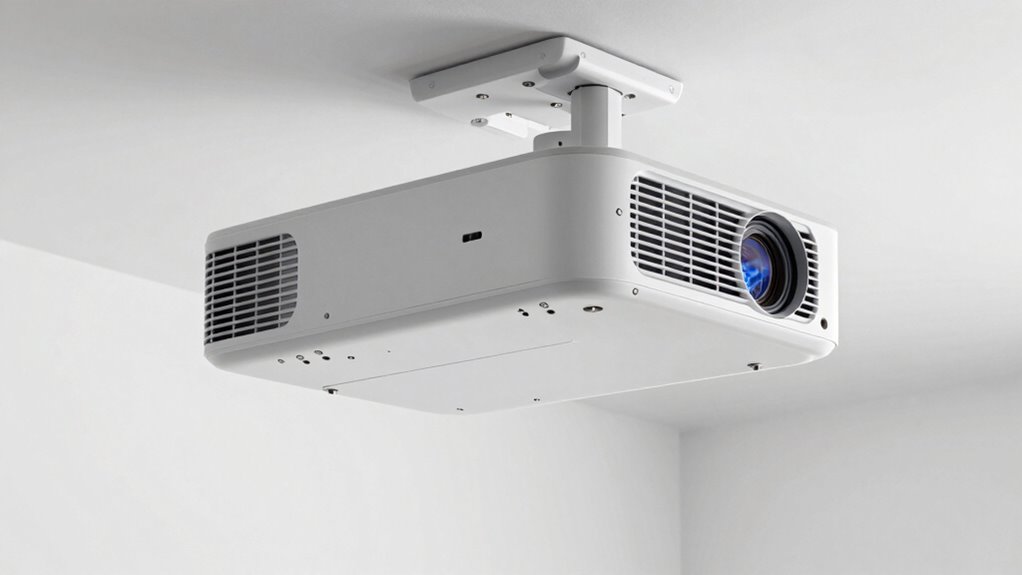
Even a tiny misalignment with your UST projector can critically ruin sharpness and picture quality. Positioning too high, off-center, or at the wrong angle causes keystone distortion and blurry edges. Precise placement, careful measurement, and leveling are key to sharp images. Small adjustments during setup make a big difference in clarity. If you want to keep your picture crisp and clear, understanding how tiny errors affect your image is essential — and there’s more to learn.
Key Takeaways
- Small misalignments, like slight tilts or off-center positioning, cause keystone distortion that reduces sharpness.
- Proper height and angle adjustments prevent skewed images and maintain edge clarity.
- Using a level during setup ensures the projector is perfectly aligned with the screen surface.
- Even minor lateral shifts can lead to blurriness at the edges, impacting overall image sharpness.
- Precise placement minimizes keystone correction needs, preserving image clarity and sharpness.
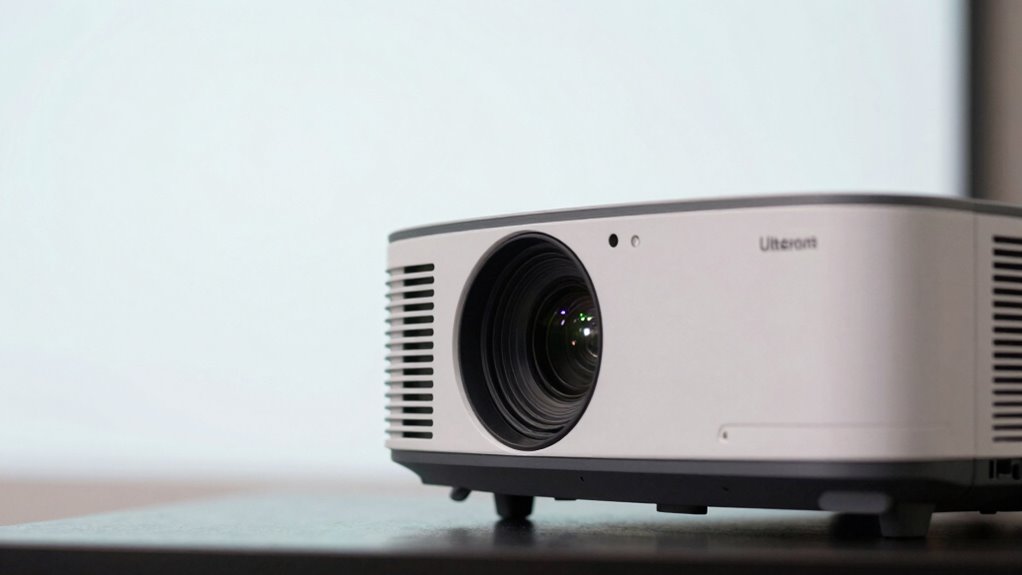
Choosing the right placement for your Ultra Short Throw (UST) projector is essential to achieving a clear, crisp image without shadows or glare. The key factors you need to consider are screen size and ambient light, as both directly influence the quality of your projected image. When setting up your UST projector, you want to ensure it’s positioned close enough to the wall or screen to produce a large, immersive display, but not so close that it causes distortion or focus issues. A proper screen size depends on your viewing space and personal preference, but generally, the projector should be placed just a few inches from the wall to maximize size without sacrificing clarity. Too close, and you risk image distortion; too far, and the image might be too small or lose sharpness. You want to find that sweet spot where the image is comfortably large and sharply defined. Additionally, precise placement is crucial to prevent keystone effects and maintain image integrity. Ambient light plays a crucial role in your projector’s performance. UST projectors are designed to work well in rooms with some ambient lighting, but excessive light can wash out the image, reducing contrast and detail. Bright sunlight or strong indoor lighting can create glare and shadows that diminish the overall picture quality. To optimize your setup, you should control ambient light as much as possible—close curtains, turn off unnecessary lights, or use dimmable fixtures—especially during movie nights or important presentations. If reducing ambient light isn’t feasible, consider a higher lumens rating on your projector, but remember, even then, placement remains critical to avoid unwanted glare and shadows that can obscure parts of the image. Positioning your projector perfectly requires understanding the relationship between its placement and the screen size. The closer you position it, the larger your image will be, but only if the projector is aligned accurately. Small misalignments, even by a few inches, can cause keystone distortion or blurry edges, which diminishes sharpness. It’s vital to use a level and measure carefully to ensure the projector is straight and centered relative to the screen or wall. Additionally, ensure the projector’s height is appropriate so the image is projected at the right angle—any tilt or skewing can lead to a distorted picture that affects overall sharpness. Achieving optimal image quality also involves understanding the importance of proper alignment techniques during setup. In essence, proper placement involves balancing screen size, ambient light, and precise alignment. When these elements are optimized, you’ll enjoy a sharp, vibrant image that makes the most of your UST projector’s capabilities. Avoid rushing the setup process, and take the time to make small adjustments—those tiny alignment errors can wreck the sharpness you’re aiming for, turning a great viewing experience into a frustrating one.

Optoma ML1080UST PHOTON GO Ultra Short Throw 1080p HDR Portable Projector, Triple Laser (RGB), Google TV with Netflix and Disney+ Certified, Home Theater Projector
STREAMING WITH GOOGLE TV – Smoothly navigate and stream your favorite films and shows with built-in Google TV…
As an affiliate, we earn on qualifying purchases.
As an affiliate, we earn on qualifying purchases.
Frequently Asked Questions
How Does Ambient Light Affect Projector Sharpness?
Ambient light can considerably reduce your projector clarity, making images appear washed out or dim. When there’s too much surrounding light, it diminishes contrast and details, so your sharpness suffers. To keep your display crisp, you should minimize ambient light by dimming room lights or closing curtains. This helps your projector deliver the best clarity possible, ensuring vibrant, sharp images that enhance your viewing experience.
Can Wall Color Impact Image Clarity?
Think of your wall as the canvas for your visual masterpiece. Bright or dark wall colors can absorb or reflect light, impacting image clarity. Light-colored walls bounce projector light, creating a washed-out look, while dark hues absorb light, enhancing contrast and sharpness. Proper projector placement ensures the image aligns perfectly with the wall, but choosing the right wall color truly *depicts* the picture sharpness and vibrancy you desire.
What’s the Ideal Distance for Different Projector Sizes?
The ideal distance depends on your projector size and throw distance. For small projectors, keep them closer—about 4 to 8 feet—to achieve a sharp image. Larger projectors need more space, typically 10 to 20 feet, to prevent pixelation and maintain clarity. Always check your projector’s throw ratio, which guides you on the right distance for your specific model, ensuring maximum image sharpness and focus.
Do Lens Types Influence Image Sharpness?
Yes, lens types considerably influence image sharpness. Higher-quality lenses with better lens quality deliver clearer, crisper images. The focal length also matters; a lens with a suitable focal length for your projector’s setup reduces distortions and enhances sharpness. Poor lens quality or mismatched focal lengths can cause blurriness or distortions, so investing in the right lens type ensures you get the sharp, detailed picture you want.
How Often Should I Calibrate My Projector?
You should calibrate your projector every 3 to 6 months to maintain ideal image quality. Regular projector maintenance, including calibration frequency, ensures sharpness and color accuracy. If you notice dimming, color shifts, or blurriness, it’s time to recalibrate sooner. Consistent calibration helps prevent image issues caused by tiny alignment errors or dust buildup, keeping your viewing experience crisp and vibrant.
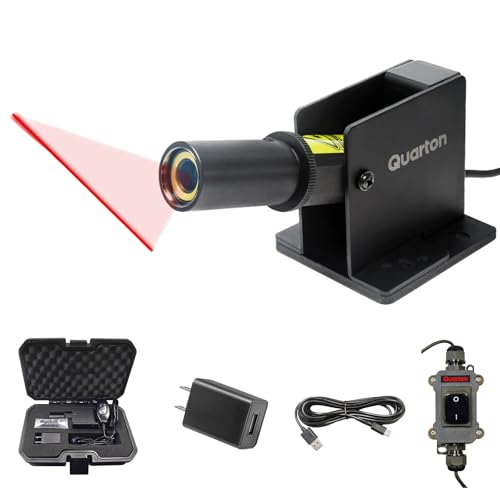
Quarton Laser Level ML-100 Red Line Generator for Indoor Large-Scale Cutting, Measuring, Alignment, Construction, Laser Projector, Waterproof, Type-C Charging, Magnetic Base, Class 1 product
High-Quality & Durable: Designed and manufactured in Taiwan. Includes a built-in tempered glass window and IP67-rated waterproof protection,…
As an affiliate, we earn on qualifying purchases.
As an affiliate, we earn on qualifying purchases.
Conclusion
Did you know that just a 1-degree misalignment in your UST projector placement can reduce image sharpness by up to 50%? That tiny error might seem insignificant, but it seriously impacts your viewing experience. So, take the time to carefully align your projector; it’s worth it for crisp, clear images. Proper placement isn’t just a detail—it’s the key to getting the most out of your projector and enjoying stunning visuals every time.

Aurzen Roku TV Smart Projector with Wifi and Bluetooth, Roku Streaming Experience Built-in, 1080P FHD, DoIby Audio, Auto Focus & Keystone, Zoom, Movie Portable Outdoor Mini Projector, White
A Roku account and internet connection are required for activation (Creating an account is free). Note: Power Supply:…
As an affiliate, we earn on qualifying purchases.
As an affiliate, we earn on qualifying purchases.
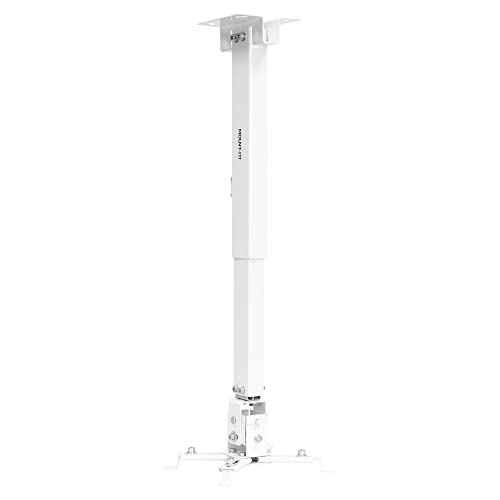
Mount-It! Wall or Ceiling Projector Mount with Universal LCD/DLP Mounting for Epson, Optoma, Benq, ViewSonic Projectors, 44lb Load Capacity, White
3-In-1 Universal Projector Wall Mount Bracket: 1. Flush Ceiling Installation, 2. Telescoping Arm Ceiling Installation, 3. Wall Installation
As an affiliate, we earn on qualifying purchases.
As an affiliate, we earn on qualifying purchases.