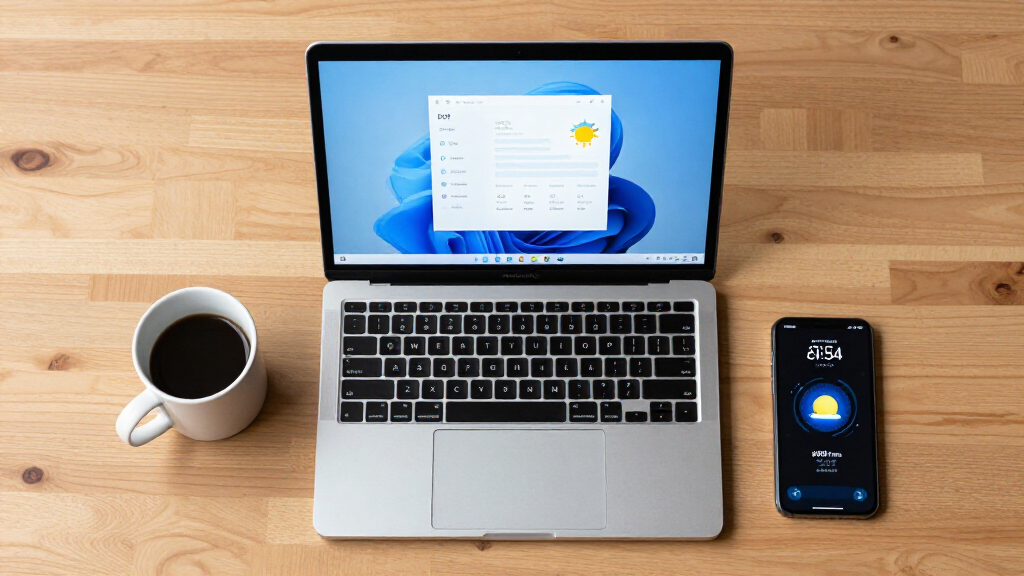

TL;DR

Get the latest gadgets delivered free with Prime
- Fast, free delivery on millions of items
- Prime Video, Amazon Music and more included
- Member-only deals all year
The Windows 11 Weather app has been found to use over 1 GB of RAM, according to user reports. This issue could impact system performance, especially on devices with limited resources. Microsoft has not yet commented publicly.
Recent reports indicate that the built-in Weather app in Windows 11 is consuming more than 1 GB of RAM, a significant amount for a lightweight application. This issue has been observed by users and technical analysts, raising concerns about resource management in the operating system. Microsoft has not yet issued an official statement on the matter, making it a developing story with potential implications for system performance.
Multiple users and independent testers have reported that the Weather app in Windows 11 exhibits unusually high RAM usage, exceeding 1 GB in some cases. This behavior appears consistent across different devices and configurations, suggesting a possible systemic issue rather than isolated incidents.
The problem was identified through performance monitoring tools and user feedback on forums and social media. Microsoft has not publicly acknowledged the issue or provided a fix, leaving users uncertain about whether this is a bug, a feature, or a compatibility problem.
Potential Impact on System Performance and User Experience
This excessive RAM consumption could lead to degraded system performance, especially on devices with limited memory resources. Users may experience slower response times, increased battery drain, or system instability. The issue also raises broader questions about resource management in Windows 11, particularly as Microsoft pushes for more integrated and resource-heavy features.
For enterprise users and those with older hardware, this could mean a need to disable or limit the Weather app until a fix is released. The situation underscores the importance of efficient software design and the potential consequences of poorly optimized background processes in modern operating systems.
As an affiliate, we earn on qualifying purchases.
Background on Windows 11 Resource Management and App Performance
Windows 11, released in October 2021, introduced numerous new features and visual enhancements, but also faced criticism over system resource demands. The built-in Weather app, part of Microsoft’s suite of integrated apps, has generally been considered lightweight. However, recent performance monitoring indicates that it may now be consuming significantly more memory than expected.
Past updates and features, such as Widgets and live tiles, have occasionally caused performance issues, but this RAM usage spike appears to be a new development. It is unclear whether recent updates or changes in the app’s code have contributed to this problem, or if it is related to broader system issues.
Extent and Cause of Excessive RAM Usage Still Unclear
It remains unclear whether this RAM consumption is caused by a bug, a recent update, or a design choice. Microsoft has not released an official statement explaining the root cause or whether this behavior is intentional or temporary. It is also not confirmed if this issue affects all Windows 11 devices or only specific configurations.
Microsoft Likely to Release Patches or Updates Soon
Microsoft is expected to investigate the reported RAM usage and potentially release updates to optimize the Weather app’s performance. Users are advised to monitor official channels for patches and to consider temporarily disabling the app if system performance is impacted. Further details are anticipated in the coming weeks as the company assesses the scope of the problem.
Key Questions
Is the high RAM usage caused by a bug or a feature?
It is currently unknown whether this behavior is due to a bug or an intentional design choice. Microsoft has not provided an official explanation.
Should I disable the Weather app to improve performance?
If you experience system slowdowns or instability, temporarily disabling the app may help. Users should stay tuned for official updates from Microsoft.
Will Microsoft fix this issue with an update?
Microsoft is investigating the problem and is expected to release a fix or optimization update in the near future.
Does this affect all Windows 11 devices?
It is not yet confirmed whether all devices are affected or only specific configurations. More information is expected as investigations continue.
Source: hn
Halloween Picks
halloween
As an affiliate, we earn on qualifying purchases.