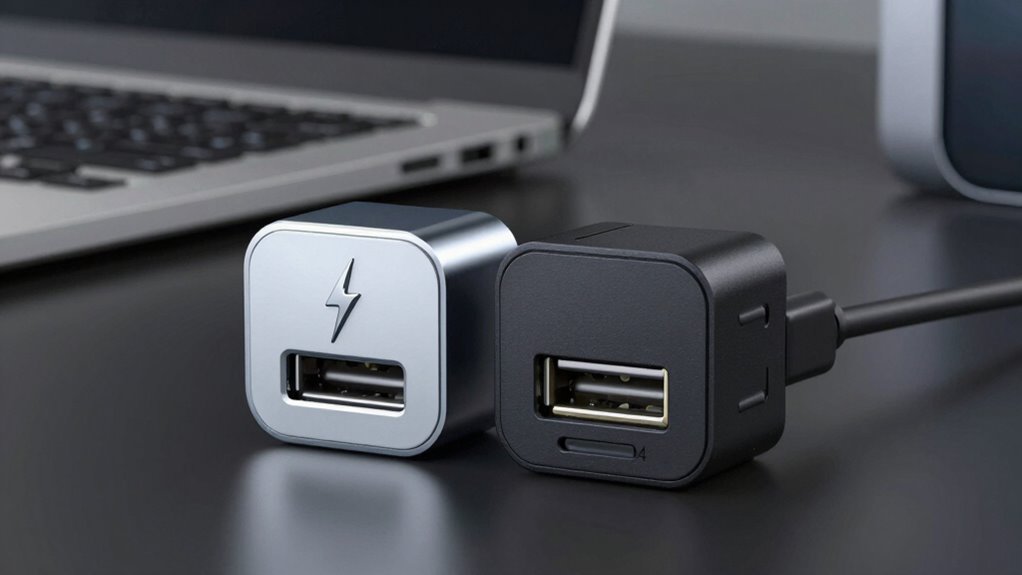

Before clicking “add to cart,” understand that Thunderbolt offers faster speeds and higher power delivery, mainly suited for Macs and professional equipment, while USB4 is more versatile, compatible with a broader range of devices, and supports future-proof standards. Thunderbolt’s higher performance may be worth it if you need top speed, but USB4 covers most needs at a lower cost and wider compatibility. Keep these differences in mind; exploring further will help you pick the best option for your setup.
Key Takeaways
- USB4 offers broader device compatibility and is more future-proof, while Thunderbolt provides faster speeds and higher power for specific tasks.
- Thunderbolt supports higher power delivery, making it ideal for charging laptops, unlike USB4 which suits smaller devices.
- Check device compatibility: Thunderbolt ports are specialized and mainly work with Thunderbolt devices, whereas USB4 is widely compatible.
- USB4 is based on the latest USB standards, ensuring better longevity, but Thunderbolt may deliver faster transfer speeds in certain scenarios.
- Your choice depends on your specific needs for power, device support, and speed; verify device specs before adding to cart.
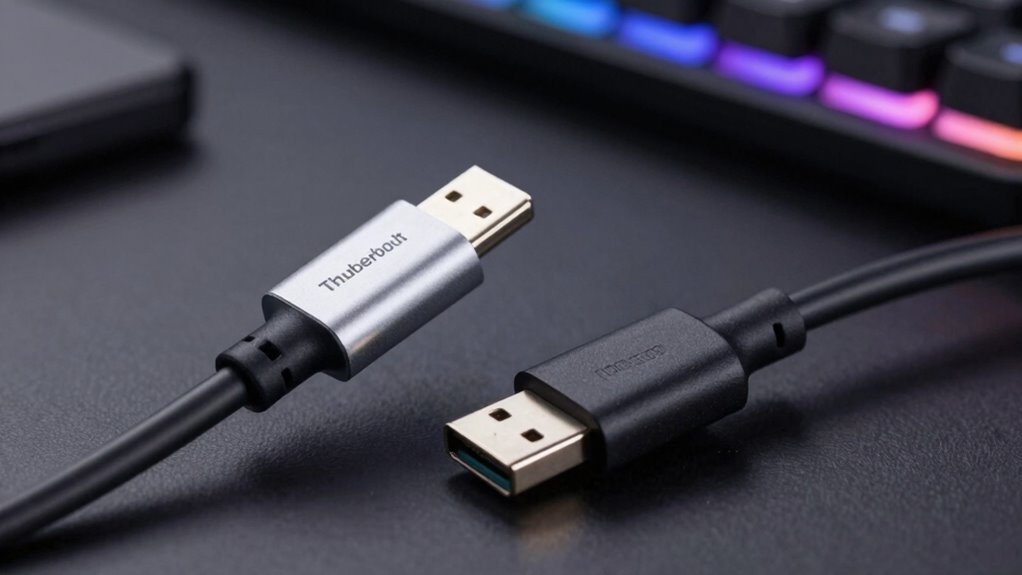
When choosing between Thunderbolt and USB4, understanding their differences is vital because both offer high-speed data transfer and versatile connectivity. While they may seem similar on the surface, there are key factors you should consider before making a decision, especially around power delivery and compatibility concerns. These aspects can profoundly impact your experience and guarantee you get the most out of your devices. Power delivery is a major difference that can influence your choice. Thunderbolt typically supports higher power output, allowing you to charge larger devices like laptops more efficiently through a single cable. If you rely on fast charging or need to power peripherals alongside data transfer, Thunderbolt might be the better option. USB4, on the other hand, generally provides sufficient power for smaller devices such as smartphones or tablets, but it doesn’t match Thunderbolt’s capability for powering larger hardware. Knowing your device’s power needs helps you select the right interface, especially if you want a seamless setup without needing multiple chargers or cables. Compatibility concerns also play a vital role. Thunderbolt ports are more specialized, primarily compatible with Thunderbolt devices and Macs, though recent versions have improved compatibility with some USB devices. If you own a Mac or plan to use Thunderbolt-specific peripherals, sticking with Thunderbolt makes sense. Conversely, USB4 is designed to be backward compatible with older USB standards and works across a broader range of devices, including many Windows PCs, Android phones, and peripherals. This wider compatibility means you won’t have to worry about whether your device will connect or perform properly. However, not all USB4 ports support the full speed or power delivery capabilities, so it’s important to verify device specifications. Additionally, European standards are increasingly influencing the adoption and development of these protocols, ensuring compatibility and sustainability. Another point to weigh is future-proofing. USB4 is built on the latest USB standards and is expected to become more prevalent as it’s adopted widely across manufacturers. Thunderbolt, while still highly capable, is more specialized and might have limited support in some budget or mid-range devices. If you’re investing in a setup that you want to last several years, USB4 could offer better flexibility and broader device support, whereas Thunderbolt might give you slightly faster speeds and higher power delivery where it matters most. Ultimately, your decision should be guided by your specific needs: whether you prioritize maximum power delivery, broad compatibility, or future-proofing. Both standards excel at high-speed data transfer, but understanding these nuances ensures you don’t end up with a cable or port that doesn’t fit your workflow. Take the time to check device specs and consider what peripherals or devices you’ll connect most often—they’ll tell you which technology will serve you best.
Frequently Asked Questions
Can USB4 Devices Support Daisy Chaining Like Thunderbolt?
USB4 devices generally don’t support daisy chaining like Thunderbolt does. While USB4 offers impressive device compatibility and high data transfer speeds, it lacks native daisy chain support, limiting you to connecting devices in a star or hub configuration. If daisy chaining is essential for your setup, Thunderbolt remains the better choice. Always check your device specifications to confirm whether they support daisy chaining before making a purchase.
Are Thunderbolt Ports Compatible With All USB4 Devices?
Think of Thunderbolt ports as the universal translators of your tech world. They’re compatible with all USB4 devices because both follow the same port standards, making integration seamless. So, when you plug in a USB4 device into a Thunderbolt port, it’s like fitting the right key into a lock—smooth and effortless. Rest assured, Thunderbolt ports embrace USB4 devices, ensuring device compatibility without a hitch.
What Are the Security Differences Between Thunderbolt and USB4?
You’ll find that Thunderbolt offers stronger security because it uses data encryption and device authentication to protect your data and prevent unauthorized access. USB4, while also supporting some security features, generally relies on standard USB security protocols, which are less robust. So, if security is a top concern, Thunderbolt’s advanced data encryption and device authentication give you added peace of mind.
How Do Power Delivery Capabilities Compare Between Thunderbolt and USB4?
Imagine you’re charging your laptop with a USB4 port, which supports up to 100W, or using Thunderbolt that also delivers around 100W. Both prioritize power delivery, but Thunderbolt often offers more consistent power efficiency and faster charging standards. Your choice depends on device compatibility, but generally, they provide similar power capabilities, ensuring quick, reliable charging for your devices without sacrificing performance.
Is Thunderbolt Backward Compatible With Older Thunderbolt Versions?
Yes, Thunderbolt is backward compatible with older versions, guaranteeing legacy compatibility and backward support. When you connect a Thunderbolt 3 device to a Thunderbolt 4 port, it works seamlessly, and the same applies vice versa. This means you won’t lose functionality or performance, making it easier to upgrade your setup without worrying about compatibility issues. Just ensure your devices support the specific Thunderbolt versions for peak performance.
Conclusion
Don’t dive into decisions without data. Recognize the real differences between Thunderbolt and USB4, and don’t let deception dictate your device desires. By understanding the capabilities, compatibility, and costs, you’ll confidently choose the connector that truly caters to your needs. Remember, making mindful, measured moves minimizes mistakes. So, before you add to cart, assess all aspects, avoid ambiguities, and verify your tech choices are both brilliant and budget-friendly. Be wise, be well-informed, and buy boldly!