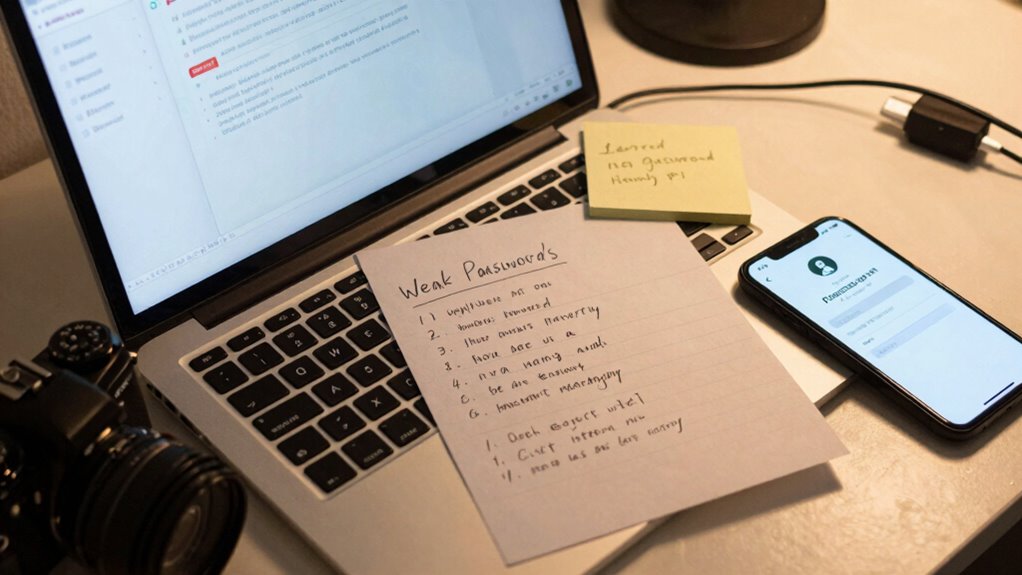

To guarantee your password manager keeps your data safe, avoid common setup mistakes like neglecting biometric authentication, which adds an essential security layer, and misconfiguring cloud sync, risking data loss or breaches. Using a weak master password or ignoring security settings also weakens protection. Enable two-factor authentication and verify encryption protocols for added safety. If you keep these pitfalls in mind, you’ll improve your setup—stay tuned to learn how to avoid these errors altogether.

Get the latest gadgets delivered free with Prime
- Fast, free delivery on millions of items
- Prime Video, Amazon Music and more included
- Member-only deals all year
Key Takeaways
- Relying solely on a weak master password leaves your vault vulnerable; use a strong, unique password instead.
- Failing to enable biometric authentication reduces security and convenience, increasing risk if your device is lost or stolen.
- Ignoring cloud sync setup or disabling it prematurely can lead to data loss or inability to access passwords across devices.
- Neglecting regular security reviews, including updating master passwords and enabling two-factor authentication, weakens overall protection.
- Overlooking encryption protocols and security settings can expose your stored data to potential breaches during synchronization.
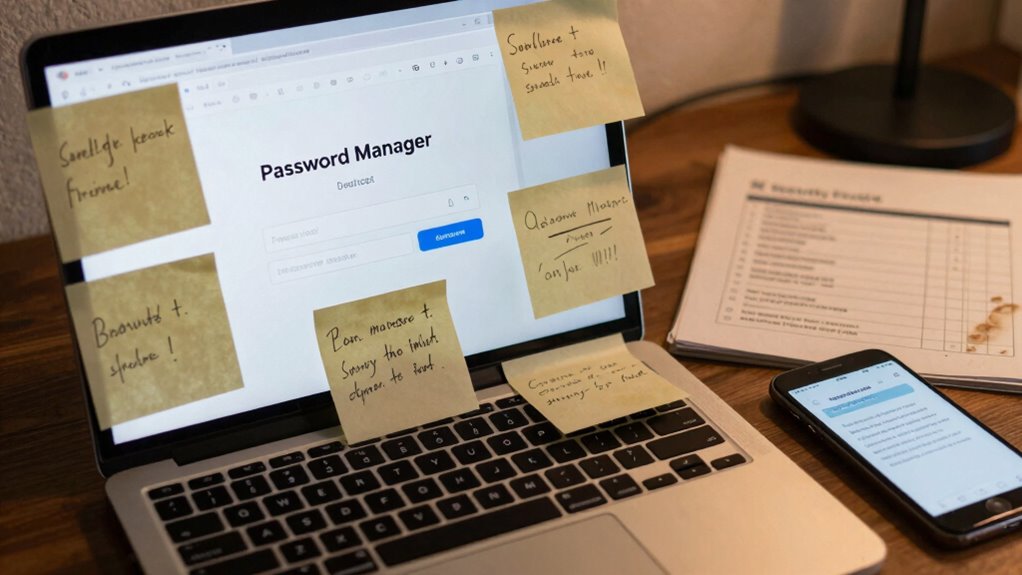
In today’s digital world, managing multiple passwords can feel overwhelming and risky. That’s where password managers come in, promising to simplify your online life by securely storing all your login details. But if you set them up incorrectly, they can end up doing more harm than good. One common mistake is neglecting to enable biometric authentication. Without it, you rely solely on a master password to protect your vault, which can be risky if you choose a weak one or forget it. Enabling biometric login—using fingerprint or facial recognition—adds a layer of security that’s both convenient and hard to bypass. It ensures that only you can access your stored passwords, even if someone else gets hold of your device. However, many users skip this step, leaving their password manager vulnerable if their master password is compromised or guessed.
Another setup mistake involves overlooking cloud synchronization features. Most modern password managers offer cloud syncing, allowing you to access your passwords across multiple devices seamlessly. While this feature is incredibly useful, it’s only effective if you understand how it works and set it up properly. If you neglect to enable cloud sync or disable it after initial setup, you risk losing access to your passwords when switching devices or reinstalling the app. Conversely, if you enable cloud synchronization without understanding the security measures in place, you might worry about data breaches. Reputable password managers encrypt your data before syncing it to the cloud, ensuring that even if someone intercepts the data, it remains unreadable. Still, you must verify that encryption protocols are robust and that your account has strong, unique passwords. Additionally, understanding how encryption functions within these services can help you assess their security more accurately. Many users also make the mistake of not reviewing their security settings after initial setup. It’s crucial to regularly check that biometric authentication is active, your cloud sync is functioning correctly, and your master password remains strong. Neglecting these steps can create vulnerabilities. Additionally, some users don’t enable two-factor authentication (2FA) for their password manager accounts, which adds an extra barrier against unauthorized access. Failing to set up 2FA leaves your stored passwords exposed if someone manages to crack your master password or gain access through phishing.
biometric fingerprint scanner for laptops
As an affiliate, we earn on qualifying purchases.
As an affiliate, we earn on qualifying purchases.
Frequently Asked Questions
Are Free Password Managers as Secure as Paid Ones?
Free password managers can be as secure as paid ones if they use strong encryption standards and have a solid vendor reputation. You should check their security features, encryption methods, and transparency. While paid options often offer extra features, free managers can protect your data effectively if they prioritize security. Always research the vendor’s reputation and verify they use industry-standard encryption to keep your passwords safe.
Can I Use a Password Manager Across Multiple Devices?
Yes, you can use a password manager across multiple devices. Most modern password managers offer cross device synchronization and multi platform compatibility, allowing you to access your passwords seamlessly whether you’re on a phone, tablet, or computer. Confirm the service you choose supports your devices and enables secure sync, so your passwords stay updated and protected no matter where you access them. This way, you stay secure and efficient everywhere.
How Often Should I Update My Master Password?
Think of your master password like a garden that needs regular tending. You should update your master password every 3 to 6 months to keep it secure. Just like weeds can take over if left unchecked, outdated passwords can leave your accounts vulnerable. Regular updates guarantee your master password stays strong, minimizing risks. So, make it a habit to change your master password periodically to stay protected.
What Happens if I Forget My Master Password?
If you forget your master password, you’ll likely lose access to all your stored passwords. That’s why master password recovery options are essential, so check if your password manager offers that. Also, having backup strategies, like securely saving your master password or recovery keys, can save you from this situation. Always guarantee you understand your password manager’s recovery process and keep backups in safe, accessible locations.
Do Password Managers Protect Against Phishing Attacks?
You might think password managers are invincible against phishing, but they’re not magic shields. They can help with phishing prevention by autofilling login details only on legitimate sites, reducing the risk of accidental credentials theft. However, user education is essential—always double-check URLs and avoid clicking suspicious links. While they’re powerful tools, password managers work best when you stay vigilant and understand that the real defense is your awareness.
Conclusion
To truly open the potential of your password manager, you need to avoid common setup slip-ups. Think of it as fine-tuning a delicate instrument—small adjustments can make a big difference. When you pay attention to detail and don’t rush the process, your digital security becomes more resilient. Remember, a little care in setup acts like a sturdy foundation, ensuring your passwords stay safe and your online life stays trouble-free.
Fall Picks
fall essentials
As an affiliate, we earn on qualifying purchases.