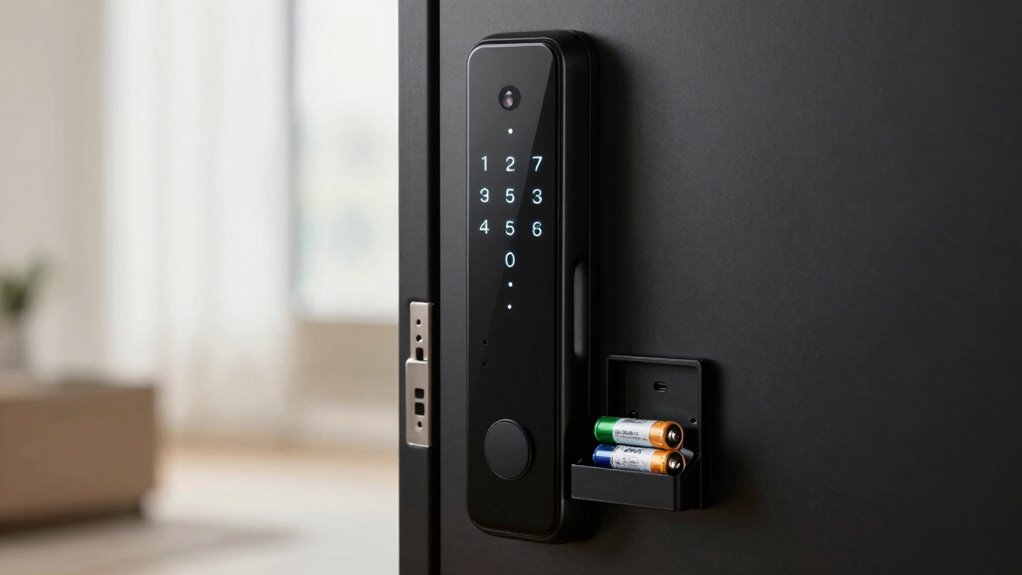

Your smart lock’s battery life isn’t just about the brand; it’s mainly influenced by its design, features, and how you use it. Power-efficient models with smart management options last longer, while frequent use of communication features speeds up battery drain. Features like auto-locking or remote access will also affect how often you need to replace or recharge batteries. To really maximize your lock’s lifespan, understanding these factors is key—there’s more to discover on how to get the most out of your device.

Get the latest gadgets delivered free — and shop member deals
- Fast, free delivery on millions of items
- Access to Prime Big Deal Days deals on October 6–7
- Prime Video, Amazon Music and more included
Key Takeaways
- Battery capacity alone doesn’t determine lifespan; energy-efficient design and power management are equally important.
- Usage patterns, such as frequent communication or remote access, significantly impact battery drain.
- Features like Bluetooth, Wi-Fi, and background functions accelerate power consumption.
- Power-saving modes and battery monitoring enhance longevity and optimize energy use.
- Proper management of communication features and regular battery maintenance extend overall battery life.
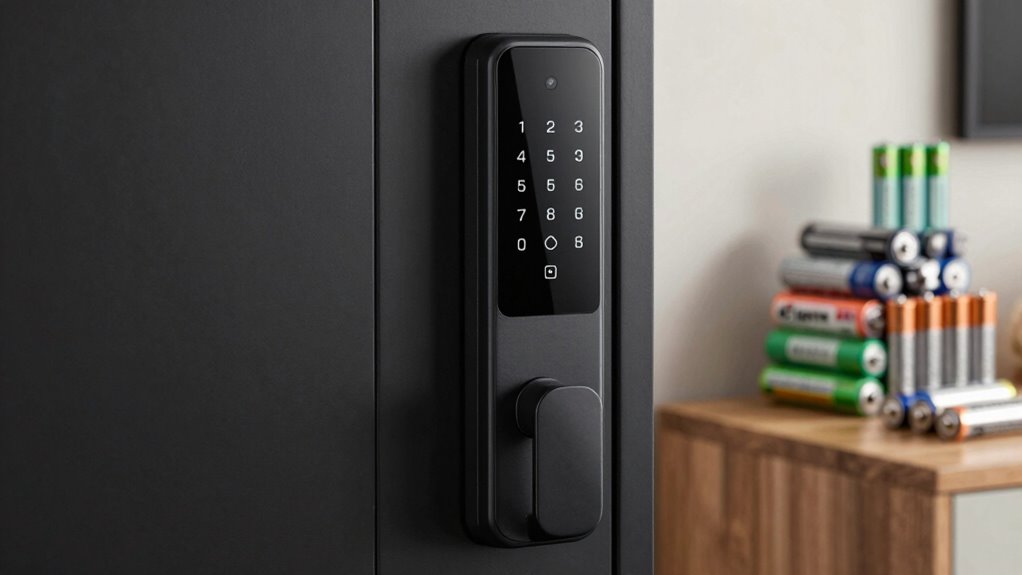
Smart locks rely on batteries to keep your home secure, but their battery life can vary considerably depending on usage and model. When you’re choosing a smart lock, understanding what influences battery longevity is essential. Two key factors are battery capacity and power consumption. Battery capacity refers to how much energy the batteries can store, typically measured in milliamp-hours (mAh). The higher the capacity, the more energy the batteries hold, and the longer your lock can operate before needing a recharge or battery replacement. However, having a large capacity alone doesn’t guarantee extended battery life if the lock’s power consumption is high. Power consumption depends on how often the lock uses energy, such as during keyless entry, Bluetooth or Wi-Fi communication, and when it performs background functions like status updates or firmware checks.
Battery life in smart locks depends on capacity and how often features like Bluetooth, Wi-Fi, or background updates are used.
Different smart lock models are designed with varying levels of power efficiency. Some prioritize minimal energy use, which means they can last longer on smaller batteries, while others may have features that demand more power, reducing overall battery life. For example, a lock with a high battery capacity but frequent use of Wi-Fi connectivity might drain its batteries faster than one with a lower capacity but fewer communication features. You should also consider how often you use features like remote unlocking, auto-locking, or voice commands, as these can substantially impact power consumption. The more actively a lock communicates with your smartphone or smart home system, the quicker its batteries will drain. Power management is crucial in designing a smart lock that can balance functionality with battery efficiency. Additionally, some models incorporate battery monitoring features to help users track and optimize battery usage over time. Proper usage patterns can significantly extend your lock’s battery life by reducing unnecessary communication or updates. Moreover, adopting energy-efficient communication protocols can further help conserve power during daily use.
Manufacturers often provide estimates for battery life, but these are based on specific usage scenarios that might not match your daily habits. If you tend to use your lock frequently or rely on features that require constant communication, you’ll see shorter battery life. Conversely, if your usage is limited to basic locking and unlocking, you might enjoy a longer battery lifespan. Additionally, some smart locks incorporate power-saving modes, which can extend the battery life significantly. It’s also worth noting that some smart locks have power-saving modes or low-battery alerts, which can help you manage their lifespan better. Regularly replacing batteries or choosing models with rechargeable options can help you maintain ideal security without unexpected power failures.
In the end, the brand of your smart lock isn’t the sole factor determining battery life. Instead, focus on how the lock’s design balances battery capacity with power consumption. A well-designed lock with efficient energy use can outperform a less optimized model, regardless of brand reputation. By understanding these principles, you can select a smart lock that meets your security needs while providing dependable battery life.
smart lock batteries with high capacity
As an affiliate, we earn on qualifying purchases.
As an affiliate, we earn on qualifying purchases.
Frequently Asked Questions
Do Smart Locks Consume More Battery When Used Frequently?
Yes, if you use your smart lock frequently, it will consume more battery. To extend battery life, you should focus on battery maintenance and power optimization. Regularly check the battery status and replace or recharge as needed. Utilizing power-saving settings and limiting unnecessary remote access can also help reduce energy consumption, ensuring your smart lock stays functional longer without frequent replacements.
How Does Weather Affect Smart Lock Battery Longevity?
Weather impacts your smart lock’s battery longevity through temperature sensitivity. Cold weather can drain batteries faster because it affects chemical reactions within, while extreme heat can cause overheating and reduce battery life. To optimize performance, regularly calibrate your battery and avoid exposing your lock to harsh temperatures for prolonged periods. Maintaining a moderate environment helps guarantee consistent battery life and reliable smart lock operation.
Can Smart Lock Batteries Be Recycled or Reused?
You can recycle or reuse smart lock batteries, just like many tech companies encourage battery recycling programs. For example, some municipalities have designated drop-off points for rechargeable batteries, including those from smart locks. By participating in battery recycling, you help reduce environmental impact. Reuse options, like repurposing old batteries for low-power devices, also exist. Always check local regulations and manufacturer recommendations to guarantee safe disposal or reuse of your smart lock batteries.
What Are Signs of a Failing Smart Lock Battery?
You’ll notice signs of a failing smart lock battery when the lock responds slowly, or you see warning messages about low power. Battery types vary, but most need regular recharging or replacement. To extend battery life, enable power-saving features and reduce unnecessary notifications. If your smart lock isn’t functioning properly, it’s time to replace or recharge the batteries, ensuring continued security and convenience.
Does Wi-Fi Connectivity Drain the Smart Lock Battery Faster?
Like a knight’s armor, your smart lock’s battery fights off Wi-Fi interference and Bluetooth compatibility issues daily. Wi-Fi connectivity can drain your battery faster, especially if your lock constantly communicates with the network. If you notice rapid battery drain, check for Wi-Fi interference or weak signals. Ensuring your lock has strong Bluetooth compatibility and minimizing Wi-Fi disruptions can help extend its battery life, keeping it ready for action.
Conclusion
Just like the legendary tale of the tortoise and the hare, your smart lock’s battery life isn’t about speed or brand alone—it’s about steady, mindful usage. You hold the key to longevity, ensuring your lock stays reliable through simple habits like regular checks and smart settings. Remember, even the strongest fortress needs a watchful guardian. Keep your smart lock well-maintained, and it’ll serve you faithfully, echoing the timeless wisdom that consistency often beats haste.
Fall Picks
fall essentials
As an affiliate, we earn on qualifying purchases.