Relying solely on USB-C for portable monitors can cause issues on your travel setup because not all models support a single cable for both power and video. Some USB-C ports only handle data, and others may require extra cables or power sources. This can limit your options and affect performance, especially with gaming or high-resolution needs. To optimize your setup, it’s essential to understand your monitor’s USB-C capabilities—more details are just ahead.
Key Takeaways
- Not all portable monitors with USB-C support both power and video, which can disrupt travel setups.
- Relying solely on USB-C may limit gaming accessories or high-performance features requiring additional connections.
- USB-C port capabilities vary; some only support data transfer, leading to compatibility issues for power and video.
- Many monitors need extra power sources despite USB-C claims, affecting portability and setup simplicity.
- Understanding USB-C limitations ensures better planning for efficient, reliable travel monitor configurations.

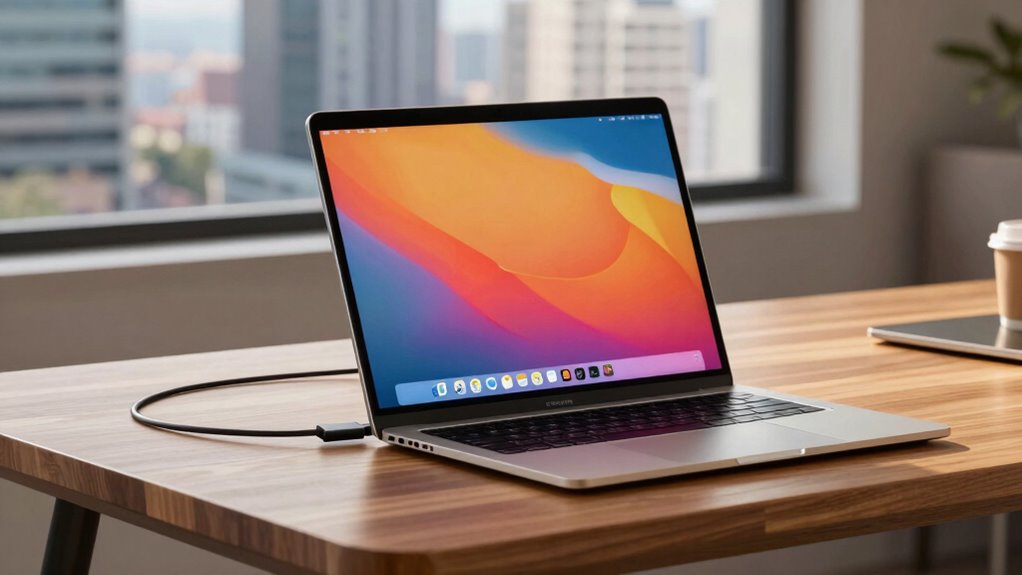
A portable monitor can transform how you work and play on the go, offering a lightweight, easy-to-carry screen that expands your display options. Whether you’re a professional needing extra workspace or a gamer wanting a better mobile experience, these devices make a big difference. But don’t fall for the myth that USB-C is the only way to connect these monitors. Many assume that a single USB-C cable is all you need for power and data, simplifying setups. While that’s true for some models, it’s not a universal rule, and relying solely on USB-C can limit your choices, especially when considering gaming accessories or energy efficiency.
A portable monitor offers flexibility but often requires multiple connections beyond just USB-C.
When you’re shopping for a portable monitor, it’s tempting to choose one that claims effortless connectivity through USB-C. But keep in mind that many top-tier monitors still require additional power sources or separate cables, especially if you’re using high-performance gaming accessories or demanding software. This is where understanding the specifics becomes essential. For gaming, you want a monitor that supports low latency and fast refresh rates, which sometimes means using a dedicated power supply or different connection types. Relying solely on USB-C might compromise performance, so it’s crucial to check whether the monitor supports these features without additional adapters.
Energy efficiency is another key factor that’s often overlooked. Many portable monitors are designed with power saving in mind, helping you extend battery life during travel. Some models feature auto-brightness adjustments or low-power modes that conserve energy without sacrificing display quality. When connecting via USB-C, ensure your device and monitor support Power Delivery (PD) standards, so you don’t drain your laptop or tablet’s battery unnecessarily. This makes your setup more sustainable and cost-effective over time, especially if you’re frequently on the move.
Furthermore, not all USB-C ports are created equal. Some only support data transfer, while others handle both power and video. If you’re relying on a single cable for everything, double-check the specifications to avoid surprises. You might need an additional HDMI or DisplayPort connection for certain gaming accessories or high-resolution displays. This combined approach ensures you get top performance, whether gaming or working.
In essence, while USB-C simplifies portable monitor setups, it’s not the be-all-end-all. You’ll benefit from understanding the nuances—especially if you use gaming accessories or want energy-efficient solutions. Don’t settle for the myth; instead, choose a monitor that meets your specific needs, offers flexible connectivity options, and supports energy-saving features. That way, your portable setup stays versatile, powerful, and efficient wherever your travels take you. Recognizing connectivity options can significantly enhance your overall experience.
Frequently Asked Questions
Are Portable Monitors Compatible With Gaming Laptops?
Yes, portable monitors are compatible with gaming laptops. You can connect them using USB‑C or HDMI, depending on your laptop’s ports, ensuring gaming compatibility. They support various resolution options, so you can enjoy sharp visuals whether you’re gaming or working. Just check that your gaming laptop has the right ports and the monitor’s resolution matches your performance needs for a smooth experience.
How Long Does the Battery Last on Portable Monitors?
Your portable monitor’s battery life typically lasts between 3 to 8 hours, depending on its power consumption and usage. If you’re watching videos or working on demanding apps, expect shorter durations. To maximize battery life, reduce screen brightness and turn off unnecessary features. Always check the manufacturer’s specifications for precise battery performance, and consider carrying a portable charger if you need extended usage during your travels.
Can Portable Monitors Be Used Outdoors in Bright Sunlight?
Sunlight visibility can be a challenge, but don’t throw in the towel. Portable monitors with matte screens or anti-glare coatings help reduce glare, making outdoor use more feasible. Brightness levels also matter; look for models with high luminosity to combat sunlight. While they won’t perform perfectly in direct sunlight, these features can markedly improve outdoor visibility, proving that with the right tools, you can make the best of any situation.
Do Portable Monitors Support Touch Screen Functionality?
Yes, many portable monitors support touch screen compatibility, allowing you to interact directly with the display. You’ll find that input responsiveness varies depending on the model, but high-quality options offer smooth, responsive touch experiences similar to tablets. When choosing a portable monitor, check for touch features and responsiveness specs to guarantee it meets your needs, especially if you plan to use it for tasks requiring precise input or drawing.
Are There Any Security Concerns With Portable Monitors?
Imagine your portable monitor as a treasure chest, holding your valuable data. Yes, there are security concerns. You should always guarantee data encryption is enabled and avoid connecting to untrusted networks. Unauthorized access can happen if someone gains physical access or intercepts signals. Protect your setup with strong passwords and keep your device updated. Staying vigilant helps prevent data theft and keeps your information safe while on the move.
Conclusion
Don’t let the USB-C myth fool you into thinking portable monitors are a one-way ticket to simplicity. They’re more like reliable travel companions, ready to turn your scattered setup into a well-orchestrated symphony. With a little knowledge, you can navigate their quirks and make your on-the-go workspace feel as seamless as a smooth melody. Embrace these tech marvels, and watch your portable setup transform from chaos into harmony—anywhere your journey takes you.