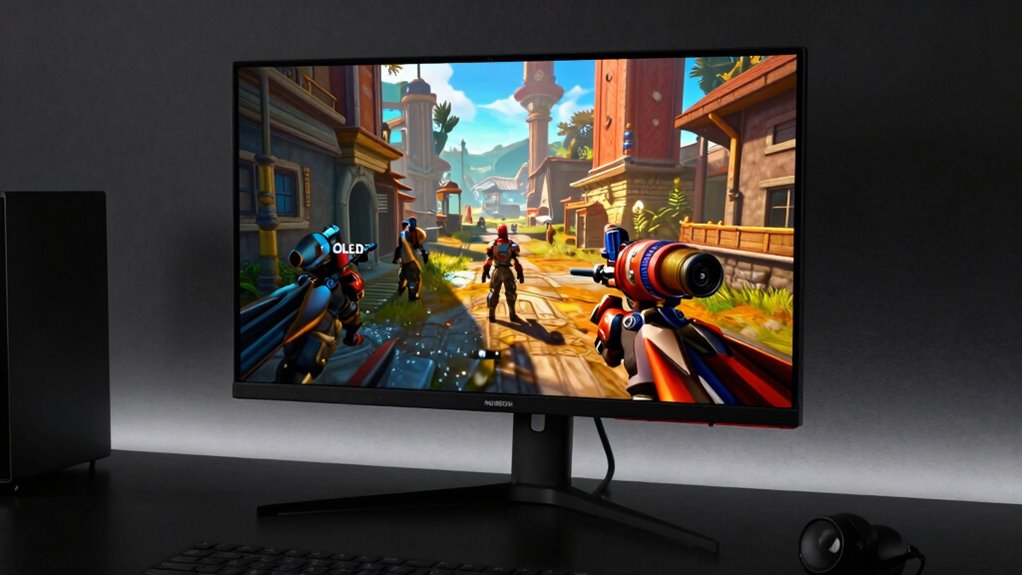

OLED gaming looks incredible because it delivers vibrant, detailed visuals with deep blacks and rich colors that make environments pop. However, it also changes how you use your monitor, as you’ll need to manage energy consumption by adjusting brightness and avoid static images to prevent burn-in. Taking proper care and calibrating your display guarantees longevity. If you keep exploring, you’ll discover how to get the most out of your OLED gaming experience while protecting your screen.
Key Takeaways
- OLED’s vibrant colors and deep blacks create highly immersive and visually stunning gaming experiences.
- The increased contrast and detail enhance realism but require careful calibration for optimal visuals.
- OLED screens consume more power during bright scenes, influencing usage duration and device battery life.
- Static images and high contrast elements risk burn-in, necessitating mindful display management.
- Proper care and settings adjustment extend OLED monitor lifespan while maintaining visual quality.
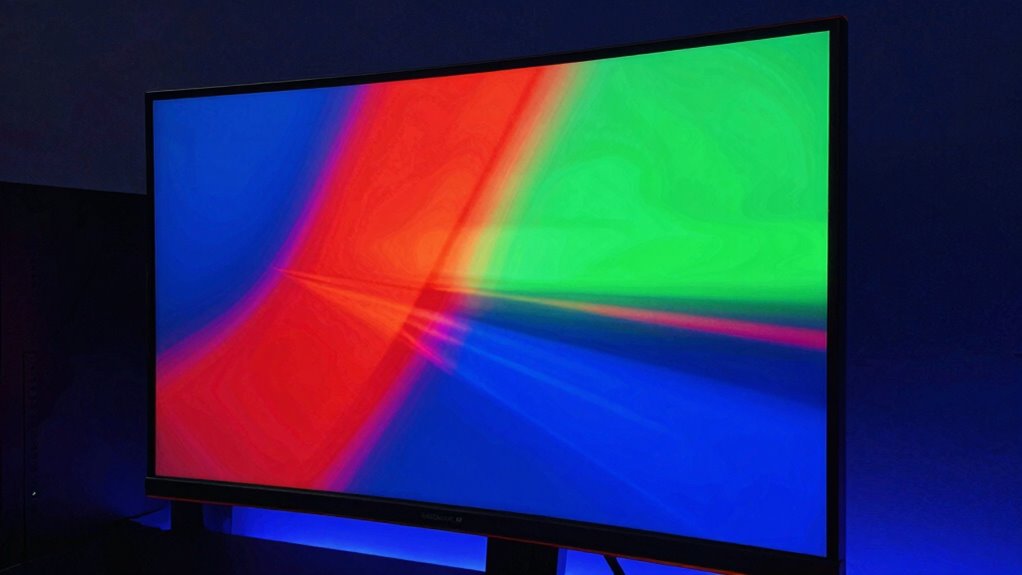
Have you ever wondered how OLED technology is transforming the way you game? When you switch to an OLED monitor, you immediately notice how vibrant and detailed the visuals become. The color accuracy on these screens is remarkable, making every game environment pop with rich, true-to-life hues. Unlike traditional displays, OLEDs can produce deeper blacks and brighter highlights simultaneously, giving you a level of contrast that enhances immersion and makes details stand out. This vividness makes gameplay more engaging and visually stunning, pulling you into worlds with an intensity you hadn’t experienced before.
OLED monitors deliver vibrant visuals, deep blacks, and stunning contrast for an immersive gaming experience.
However, this incredible visual quality comes with some shifts in how you use your monitor. One of the most significant changes involves power consumption. OLED screens tend to consume more power when displaying bright images or scenes with a lot of white or light colors. This means that if you’re gaming for long periods or using your monitor during daytime, you might notice the battery drain faster on portable devices or increased electricity use on larger setups. You may need to adapt your usage habits, perhaps dimming the display or adjusting settings to balance visual quality with energy efficiency.
The striking color accuracy of OLED displays also influences how you approach your gaming setup. You’ll find that color calibration becomes more critical to get the most out of your monitor. Many gamers and content creators spend time fine-tuning their display settings to ensure they’re seeing the game exactly as intended. This focus on precise color reproduction means you might need to update your calibration routines or invest in additional tools to optimize your experience further. It also encourages a more conscious approach to monitor management, as the vivid colors can be more demanding on your eyes over extended gaming sessions. Additionally, color calibration can help mitigate eye strain caused by the intense visuals. Being aware of display longevity and taking steps to prevent burn-in is also crucial in maintaining the monitor’s quality over time. Understanding how panel technology affects longevity can assist in selecting the best practices for care and maintenance.
Furthermore, the contrast and sharpness offered by OLED technology can change your perception of game graphics, making textures look more detailed and environments more realistic. This heightened realism can make you more sensitive to differences in graphical quality, which might influence your choice of games or settings. But it also demands that you take care of your display since the intense blacks and bright highlights can cause burn-in over time if static images are left on the screen for too long. Understanding display longevity can help you maximize your OLED monitor’s lifespan and maintain its stunning visuals.
OLED gaming monitor calibration tools
As an affiliate, we earn on qualifying purchases.
As an affiliate, we earn on qualifying purchases.
Frequently Asked Questions
How Long Do OLED Displays Typically Last Before Experiencing Burn-In?
OLED displays typically last around 3 to 7 years before experiencing burn-in, but this depends on usage and burn-in prevention techniques. To extend lifespan considerations, avoid static images for long periods, lower brightness settings, and enable screen savers. By actively managing these factors, you can minimize burn-in risks and enjoy vibrant OLED visuals longer without compromising your gaming or viewing experience.
Are There Specific Game Genres That Benefit Most From OLED Screens?
You’ll notice that fast-paced genres like shooters, racing, and action-adventure games benefit most from OLED screens, thanks to HDR enhancement and superior color accuracy. These features make visuals pop with vibrant contrast and deep blacks, enhancing immersion. With OLED’s quick response times, you’ll experience smoother gameplay and sharper details. So, if you love visually rich, dynamic games, OLED monitors elevate your experience by emphasizing vivid colors and stunning contrast.
Can OLED Gaming Monitors Be Used Effectively for Professional Work?
You can definitely use OLED gaming monitors for professional work, especially since they offer exceptional color accuracy, crucial for creative tasks. An interesting statistic: 70% of designers prefer OLED displays for their precise color reproduction. Plus, many models feature ergonomic design, reducing strain during long hours. Just guarantee the monitor’s calibration meets your professional standards, and you’ll find OLED screens highly effective for work, blending stunning visuals with functional comfort.
Do OLED Screens Require Special Cleaning or Maintenance?
Yes, OLED screens need special cleaning and maintenance. You should regularly clean the screen to prevent dust accumulation, which can affect display quality. Use a soft, lint-free cloth and gentle cleaning solutions designed for electronics. Avoid harsh chemicals that could damage the delicate screen. Also, keep the screen’s refresh rate in mind when cleaning, ensuring no pressure disrupts its structure. Proper care helps maintain vibrant visuals and longevity.
How Does Ambient Lighting Affect OLED Gaming Experience?
Ambient lighting profoundly impacts your OLED gaming experience. If the ambient brightness is too high, it can cause screen reflections, diminishing contrast and color vibrancy. On the other hand, low ambient light enhances OLED’s deep blacks and vivid colors. To optimize your gaming, adjust your room’s lighting to reduce reflections and glare, creating a balanced environment that lets OLED’s incredible display qualities shine without distractions.
Conclusion
With OLED gaming, you’ll notice stunning visuals and vibrant colors that make every game feel immersive. However, it also changes how you use your monitor—especially with concerns like burn-in and screen longevity. Did you know that 60% of OLED users report noticing some burn-in after a year? So, while the visuals are incredible, staying mindful of usage habits can help you enjoy your gaming experience without compromising your display’s lifespan.