Your stream quality heavily depends on how you set the bitrate slider in OBS. Setting it too high can overload your CPU or GPU, causing lag, dropped frames, or crashes, while setting it too low results in pixelation and blurry images. Finding the right balance is key, based on your hardware and stream resolution. If you keep the bitrate at ideal levels, your stream will look professional and run smoothly. Keep exploring to learn more about fine-tuning this essential setting.
Key Takeaways
- The bitrate slider simplifies complex encoding settings, risking either overshooting hardware limits or undercutting quality.
- Adjusting bitrate without considering hardware capacity can cause dropped frames or stream instability.
- Higher bitrate improves quality but may overload CPU/GPU, especially if set too high for your system.
- Optimal bitrate depends on resolution, frame rate, and hardware; blindly sliding can harm stream clarity.
- Conduct testing and monitor system performance to find a balanced bitrate, rather than relying solely on the slider.
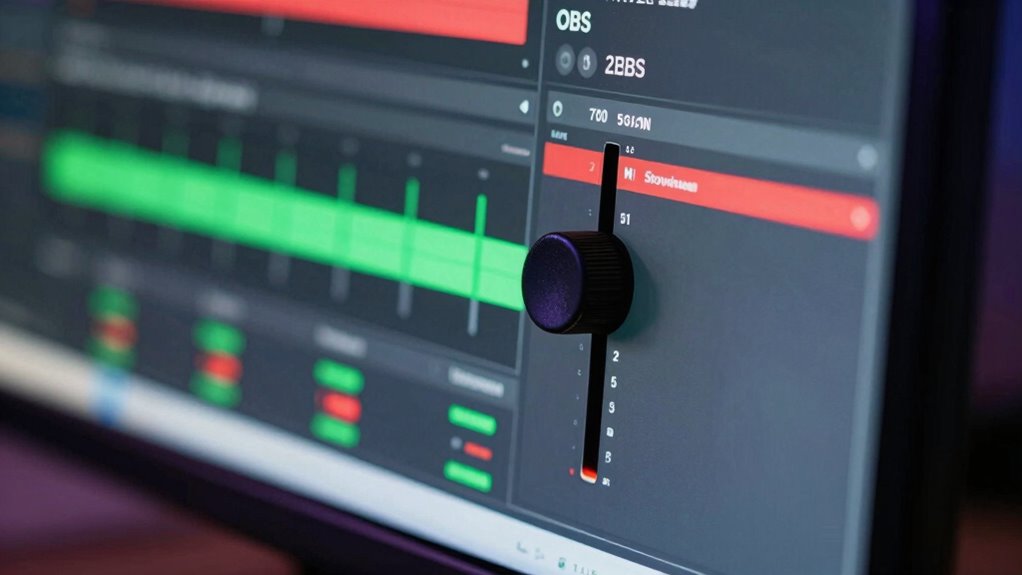
Are you unsure how to set the right bitrate for your OBS streams? If so, you’re not alone. Many streamers get caught up in adjusting this one slider without fully understanding its impact on your stream quality. The bitrate directly influences your video’s compression efficiency and can considerably affect how smooth and clear your stream appears to viewers. Too low, and your stream looks pixelated or blurry; too high, and you risk overloading your hardware or causing buffering issues for your audience. Striking the right balance is essential, and understanding what that balance entails can make a noticeable difference in your streaming experience.
Finding the right bitrate balances stream quality and hardware performance for smoother broadcasts.
The key lies in compression efficiency, which is how well your encoding settings turn raw video into a manageable data stream without sacrificing too much quality. When you set your bitrate too low, your encoder struggles to compress video effectively, resulting in a loss of detail and clarity. On the other hand, setting it too high might seem like a good idea, but it can overwhelm your hardware, especially if your CPU or GPU isn’t powerful enough to handle the increased data processing. This hardware impact can lead to dropped frames, lag, or even crashes, severely ruining your stream’s quality and causing frustration for both you and your viewers. Additionally, understanding the optimal bitrate range for your specific setup can help prevent common streaming issues and improve overall viewer satisfaction.
To find the ideal bitrate, consider your streaming resolution and frame rate. For example, if you’re streaming at 1080p and 60fps, a higher bitrate—usually between 4,500 and 6,000 kbps—is recommended for good quality. However, if your hardware isn’t top-tier, you might need to lower the bitrate slightly and accept some compromise in visual fidelity. Conversely, if your system can handle it, pushing the bitrate higher can improve clarity, but only up to a point before your hardware impact becomes detrimental. Always run some test streams to observe how your system handles different settings, paying close attention to CPU and GPU usage, as well as stream stability.
Ultimately, setting the right bitrate isn’t about blindly increasing or decreasing it; it’s about fine-tuning your encoding parameters to match both your hardware capabilities and your desired stream quality. Recognize that the slider isn’t just a number; it’s a balancing act between compression efficiency and hardware impact. Taking the time to experiment and understand your system’s limits will ensure your streams look professional and run smoothly, providing a better experience for your viewers and reducing the stress on your hardware.
Frequently Asked Questions
How Does Bitrate Impact CPU Usage During Streaming?
Higher bitrate increases CPU usage because it demands more from your hardware, affecting encoding efficiency. When you set a higher bitrate, your CPU works harder to process and compress the video, which can lead to performance issues. To optimize hardware and maintain smooth streaming, find a balance that matches your system’s capabilities. Adjusting bitrate thoughtfully helps you improve encoding efficiency, ensuring better stream quality without overloading your CPU.
Can Changing Bitrate Improve Latency Issues?
Yes, changing your bitrate can improve latency issues by reducing network congestion and better matching your viewer’s bandwidth. Lowering the bitrate decreases the data load, which helps your stream reach viewers faster and minimizes lag. However, make certain you find a balance so your stream remains clear. Adjusting bitrate thoughtfully, considering your network and viewers’ bandwidth, optimizes latency without sacrificing too much quality.
What Is the Ideal Bitrate for Mobile Streaming?
For mobile streaming, aim for a bitrate around 3,000 to 5,000 kbps. Did you know that 60% of viewers leave streams with poor quality? You should choose a bitrate that balances video compression and network congestion. Too high, and your connection struggles; too low, and quality drops. Testing different settings helps find the sweet spot, ensuring smooth streaming and best viewer experience.
How Do I Know if My Bitrate Is Too High or Low?
You can tell if your bitrate is too high or low by observing your stream quality and stability. If your stream buffers frequently or looks pixelated, your bitrate might be too low, requiring an adjustment for better clarity. Conversely, if your stream stutters or drops frames despite good quality, your bitrate could be too high, causing bandwidth issues. Fine-tune your bitrate to balance stream quality and smoothness for ideal results.
Does Bitrate Affect Stream Stability on Different Platforms?
You might notice that your bitrate directly impacts stream stability across platforms, as higher bitrates can cause lag on less compatible devices, while lower ones might compromise viewer experience. When you match your bitrate to platform compatibility, your stream stays smoother and more reliable. Coincidences like this reveal that adjusting your bitrate thoughtfully guarantees consistent quality, making your viewers’ experience better no matter where they watch.
Conclusion
Remember, your bitrate is like a garden hose: too wide, and you drown your plants (or stream), too narrow, and they don’t get enough water. I once watched a streamer crank their bitrate to max without considering their upload speed—soon, their stream stuttered like a broken record. Finding that perfect balance isn’t just technical; it’s about nurturing your stream’s health. Adjust wisely, and your viewers will stay refreshed, engaged, and coming back for more.