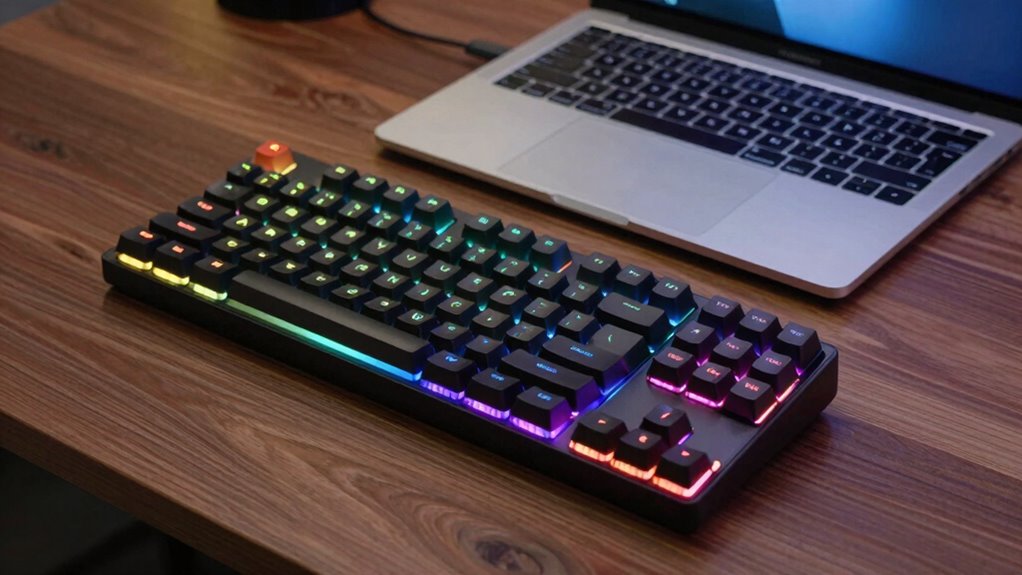

Using a separate keyboard with your laptop helps you maintain better ergonomic support, which reduces strain on your hands, wrists, and arms. It allows you to position your keyboard at the right height and angle, promoting healthier posture and decreasing discomfort during long typing sessions. This setup can prevent long-term health problems like repetitive strain injuries. If you want to discover more about optimizing your workspace for comfort and health, keep exploring the options.
Key Takeaways
- External keyboards provide superior ergonomic support, reducing strain and promoting healthier posture during long typing sessions.
- They offer better build quality and durability, ensuring consistent performance over time.
- Using a separate keyboard allows customizable positioning for optimal comfort and workspace organization.
- Mechanical or feature-rich keyboards enhance typing speed, accuracy, and overall productivity.
- An external keyboard minimizes the risk of repetitive strain injuries associated with laptop keyboards.
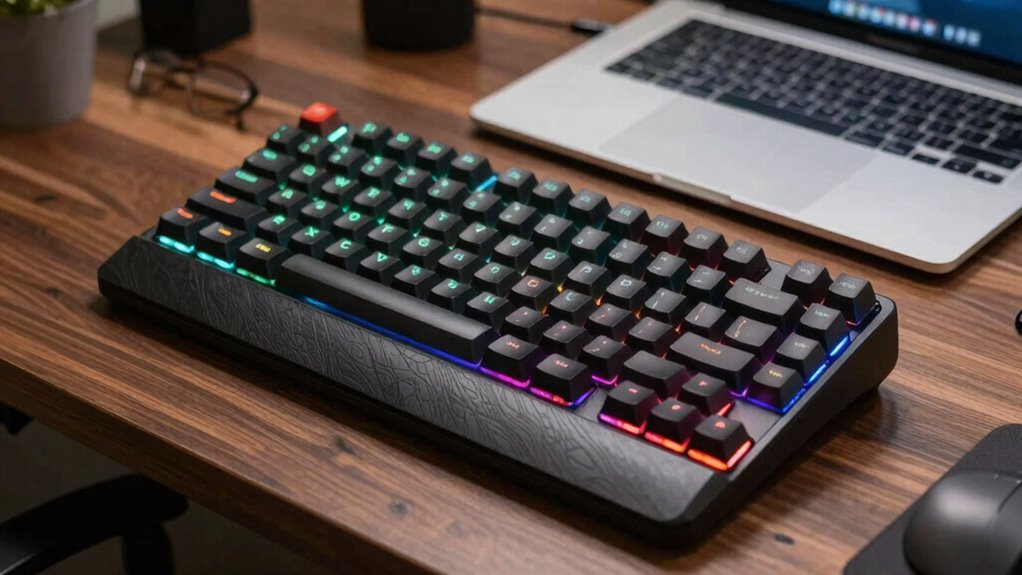
If you spend hours typing on your laptop, you’ve probably noticed that its built-in keyboard can be uncomfortable or imprecise. This discomfort isn’t just a minor annoyance; it can lead to strain, fatigue, and even long-term health issues like repetitive strain injuries. That’s where using a separate keyboard makes a big difference. A dedicated keyboard designed for comfort offers superior ergonomic support, which means you can type longer without feeling sore or tense. When your hands, wrists, and arms are properly aligned, you reduce stress on your joints, making your work sessions more comfortable and sustainable. This ergonomic comfort isn’t just about feeling better; it directly impacts your productivity. When you’re comfortable, you can focus more on your tasks without constantly adjusting your position or fighting discomfort. The improved ergonomics also help you maintain better posture, preventing slouching or awkward angles that can slow you down or cause errors.
Using a separate keyboard improves ergonomic support, reduces strain, and boosts your productivity during long typing sessions.
A separate keyboard typically has more keys, better key travel, and a layout optimized for steady, accurate typing. These features allow you to type more precisely and quickly, boosting your overall efficiency. For instance, mechanical keyboards with tactile feedback give you a clearer sense of each keystroke, reducing mistakes and enabling faster input. This improved productivity means you can complete tasks more efficiently, whether you’re drafting documents, coding, or managing emails. Plus, many external keyboards include customizable keys or shortcuts that streamline your workflow, saving you time and effort over the course of a workday. Additionally, laboratory safety measures emphasize the importance of ergonomic tools to prevent injury during prolonged use. Using an ergonomic accessory like a separate keyboard can also help in maintaining a healthy workspace environment. Incorporating ergonomic design principles into your setup ensures that your workspace supports your health and comfort over time. Furthermore, choosing a keyboard with durable construction can extend its lifespan and maintain consistent performance, which is essential for long-term comfort and productivity.
Another key benefit is that a separate keyboard often offers better build quality and durability than a laptop’s built-in option. This means fewer typos caused by sticky or unresponsive keys and less frustration when typing for extended periods. Additionally, a separate keyboard lets you position your hands at the optimal height and angle, which isn’t always possible with a laptop keyboard. This flexibility helps you maintain a neutral wrist position, further reducing strain and fatigue. Moreover, selecting a keyboard with ergonomic features such as adjustable tilt or wrist support can further enhance your comfort during long work sessions.
In essence, the best reason to use a separate keyboard with your laptop setup is that it significantly enhances your ergonomic comfort, which translates directly into improved productivity. You’ll notice that typing feels more natural and less tiring, and you’ll be able to work longer and more efficiently. It’s a simple upgrade that can make a meaningful difference in how you work and your overall health.
ergonomic external keyboard for laptop
As an affiliate, we earn on qualifying purchases.
As an affiliate, we earn on qualifying purchases.
Frequently Asked Questions
Can a Separate Keyboard Improve Typing Speed?
Yes, a separate keyboard can improve your typing speed. With an ergonomic design, it encourages better typing ergonomics, reducing strain and allowing you to type more comfortably and efficiently. When you choose a keyboard tailored to your needs, you can maintain proper wrist positioning and minimize fatigue, leading to faster, more accurate typing sessions. Overall, a good external keyboard enhances your productivity by making typing easier and more comfortable.
Are Wireless Keyboards More Convenient Than Wired Ones?
Wireless keyboards are generally more convenient than wired ones because they offer greater flexibility and reduce clutter. You can position them ergonomically for comfort, which can prevent strain and improve your typing experience. Plus, their sleek, modern design adds to your workspace’s aesthetic appeal. While they rely on batteries or rechargeable power, their portability and ease of use make them a smart choice for a tidy, comfortable setup.
How Do I Choose the Right Keyboard for My Needs?
To choose the right keyboard, consider your ergonomic needs for comfort during long typing sessions and look for models with ergonomic design features that reduce strain. Also, explore aesthetic options to match your setup’s style. Think about whether you want wireless or wired, and select a layout that suits your workflow. Prioritize build quality, key feel, and compatibility with your devices to guarantee a satisfying, efficient typing experience.
Does Using a Separate Keyboard Affect Gaming Performance?
Using a separate keyboard can turn your gaming experience into a finely tuned symphony. With ergonomic design and the right key switch types, you’ll enjoy quicker responses and reduced fatigue. It might feel like upgrading your gear, giving you more control and precision. While some gaming mice might outperform, a high-quality, dedicated keyboard guarantees your moves are swift, making your gameplay smoother and more enjoyable overall.
Can a Separate Keyboard Reduce Wrist Strain?
Yes, a separate keyboard can reduce wrist strain. You can choose an ergonomic design that promotes a natural hand position, minimizing discomfort during long use. Additionally, selecting key switch types that require less force, such as mechanical or membrane switches, helps reduce fatigue. By customizing your setup with these features, you improve comfort and decrease the risk of repetitive strain injuries during extended typing or gaming sessions.
mechanical keyboard for office work
As an affiliate, we earn on qualifying purchases.
As an affiliate, we earn on qualifying purchases.
Conclusion
Using a separate keyboard transforms your laptop experience from a cramped cage into a spacious command center. It’s like giving your fingers room to dance, boosting comfort and efficiency. Don’t let cramped keys hold you back—embrace the freedom of a dedicated keyboard. After all, isn’t your productivity worth giving your hands the space they deserve? Elevate your setup today and make every keystroke count—because comfort isn’t just a luxury; it’s the secret to true mastery.
compact ergonomic keyboard
As an affiliate, we earn on qualifying purchases.
As an affiliate, we earn on qualifying purchases.
durable external keyboard for typing
As an affiliate, we earn on qualifying purchases.
As an affiliate, we earn on qualifying purchases.