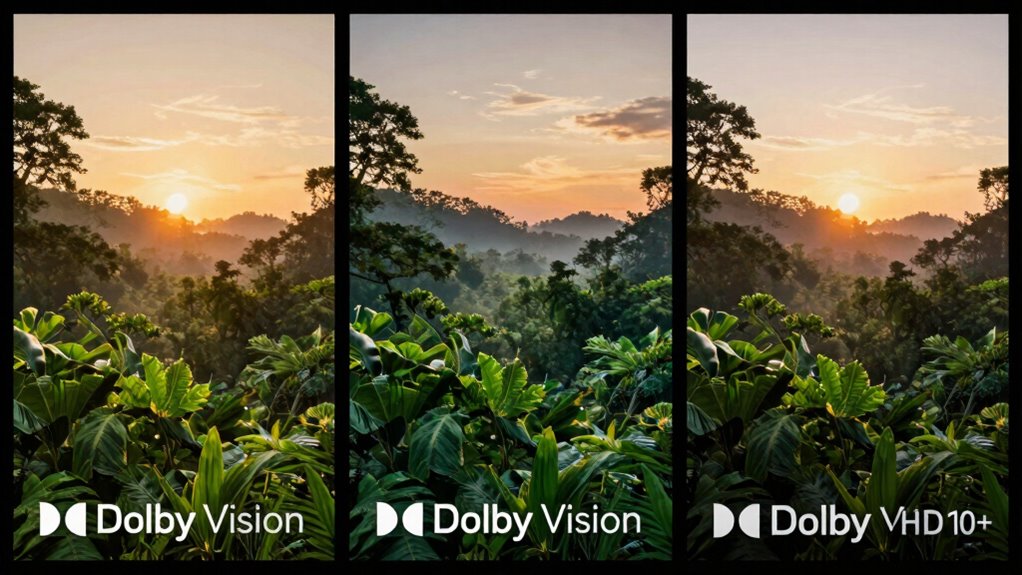

When choosing between Dolby Vision, HDR10+, and HDR10, Dolby Vision often offers the best visual quality thanks to dynamic metadata that adjusts scenes frame-by-frame. HDR10+ also provides scene-by-scene optimization but has less industry support, while HDR10 is widely compatible but less precise. Your choice depends on your device’s support and content availability. Keep exploring to discover which HDR format suits your setup best and how each impacts your viewing experience.
Key Takeaways
- Dolby Vision offers superior picture quality with dynamic metadata, optimizing visuals scene-by-scene more effectively than HDR10+ and HDR10.
- HDR10 is the most widely supported standard, ensuring broad compatibility across devices and platforms but with less precise tone mapping.
- HDR10+ provides dynamic metadata like Dolby Vision but has less industry support and fewer available titles.
- Dolby Vision is preferred for premium viewing due to its adaptive tone mapping and extensive content availability.
- Choosing the best format depends on device support; Dolby Vision often “wins” for quality, but HDR10 ensures maximum compatibility.

High dynamic range (HDR) technology has transformed the way you experience visual content, offering brighter highlights and richer colors. When choosing a device or content, HDR compatibility becomes essential. Not all HDR formats are created equal, and understanding their support across streaming devices can make a significant difference. Dolby Vision, HDR10+, and HDR10 each have unique features and levels of support that influence which one is most suitable for you.
Dolby Vision is often regarded as the premium HDR format, thanks to its dynamic metadata that adjusts tone mapping scene-by-scene or even frame-by-frame. This means your compatible TV or streaming device can deliver optimized visuals tailored to each moment, resulting in a more vivid and accurate picture. When it comes to streaming device support, Dolby Vision is widely adopted by major platforms like Netflix, Disney+, and Apple TV+. If your device supports Dolby Vision, you’re likely to enjoy a more consistent, high-quality HDR experience across various streaming services. Keep in mind, however, that Dolby Vision support isn’t universal. Some budget-friendly devices or streaming sticks may only support HDR10 or HDR10+.
HDR10, the open standard, is the most broadly supported HDR format across devices and streaming platforms. It’s compatible with virtually all HDR-capable TVs and streaming devices, making it a safe choice if broad compatibility is your priority. However, HDR10 relies on static metadata, which applies the same tone mapping throughout the entire content. This can result in less precise visuals compared to Dolby Vision’s dynamic approach, especially in scenes with high contrast or complex lighting. Still, if your device only supports HDR10, you’ll still enjoy significant improvements over SDR content. Additionally, because HDR10 is open and royalty-free, it benefits from widespread industry adoption and ongoing development.
HDR10+ sits somewhere between Dolby Vision and HDR10. It uses dynamic metadata like Dolby Vision, allowing for scene-by-scene optimization, but it doesn’t enjoy the same level of industry support or content availability. Streaming device support for HDR10+ is growing, especially among Samsung TVs and certain streaming devices like Fire TV. If your equipment supports HDR10+, you’ll benefit from enhanced picture quality compared to HDR10, but you’ll find fewer titles available compared to Dolby Vision.
Ultimately, the choice depends on your device’s HDR compatibility and your streaming device support. Dolby Vision offers the best visual quality but requires compatible hardware and content. HDR10 provides maximum compatibility, ensuring you won’t miss out on HDR content. HDR10+ offers a middle ground with dynamic metadata but less support. To get the best experience, choose a device and streaming service aligned with the HDR format that suits your viewing habits and equipment. Recognizing the differences in HDR formats can help you make more informed decisions to optimize your viewing experience.
Frequently Asked Questions
Can I Upgrade My Existing TV to Support Dolby Vision?
You can’t upgrade your existing TV to support Dolby Vision through a firmware update alone, as hardware compatibility is necessary. However, you can explore TV upgrade options, like replacing your current set with a Dolby Vision-enabled model. Keep in mind, some newer TVs may support firmware updates that enable Dolby Vision if the hardware is compatible. Check your TV manufacturer’s recommendations before considering an upgrade.
Do All Streaming Services Support Hdr10+?
You might feel like chasing rainbows, but unfortunately, not all streaming services support HDR10+. Content licensing and hardware compatibility often act as gatekeepers, limiting availability. Some platforms prioritize Dolby Vision or HDR10+ due to licensing costs, so check your device’s compatibility and streaming service offerings. While HDR10+ gains ground, it’s not yet universally embraced, meaning your viewing experience depends on what’s available and compatible.
Which HDR Format Offers Better Gaming Performance?
HDR10+ generally offers better gaming performance because it provides dynamic metadata that enhances picture quality without adding significant latency. You’ll notice improved input responsiveness and reduced gaming latency, making gameplay smoother. Unlike Dolby Vision, which is more focused on cinematic experiences, HDR10+ is optimized for gaming environments, ensuring you get sharper visuals and quicker response times, giving you an edge during fast-paced gameplay.
Is HDR10 More Widely Supported Than Dolby Vision?
Is HDR10 more widely supported than Dolby Vision? Absolutely, and it’s like the classic underdog in the tech world. Thanks to open HDR licensing, HDR10 benefits from broader content compatibility and device support. Many TVs, gaming consoles, and streaming services favor HDR10 because it’s free and easy to implement, making it the more common choice. If you want wide compatibility, HDR10’s your go-to format.
How Do I Determine Which HDR Format My Content Uses?
You can ascertain which HDR format your content uses by checking the file or streaming service details, often in the video settings or info menu. Look for labels like Dolby Vision, HDR10+, or HDR10. This helps verify color accuracy and content compatibility on your device. Additionally, some TVs and players automatically detect and display the HDR format, so verify your device’s specifications and supported formats for the best viewing experience.
Conclusion
When it comes to choosing the best HDR format, Dolby Vision often stands out as the reigning champion, delivering stunning visuals that can transform your viewing experience into something almost otherworldly. While HDR10+ and HDR10 are solid contenders, Dolby Vision’s dynamic metadata ensures every scene looks perfect—making it the ultimate upgrade for your entertainment setup. Ultimately, investing in Dolby Vision is like giving your TV a superpower, revealing a level of picture quality that’s truly mind-blowing.