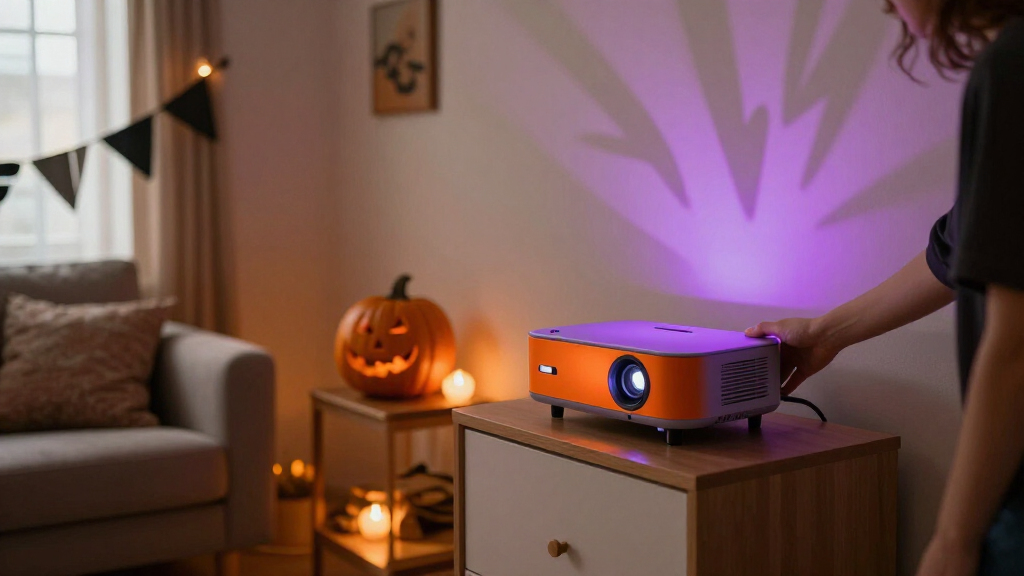

🔍 Read the full analysis: AI-Powered Halloween Decor For Every Room on ThorstenMeyerAI.com

Get the latest gadgets delivered free — and shop member deals
- Fast, free delivery on millions of items
- Access to Prime Big Deal Days deals on October 6–7
- Prime Video, Amazon Music and more included
TL;DR
AI-powered Halloween decorations can generate visuals or audio, recognize speech, or adapt character responses. Some products marketed as AI use only motion sensors and prerecorded effects, so shoppers should check what features run locally, what depends on internet access, and how visitor data is handled.
ThorstenMeyerAI.com has published guidance on AI-powered Halloween decor, urging shoppers and decorators to distinguish generated or responsive features from ordinary motion-triggered recordings. The difference affects what a prop can do, how much setup it needs, whether it relies on an online service and what information may leave the home.
The guide describes several different capabilities sold under the broad label of AI-powered decor. Generative tools can help create artwork, dialogue or audio; speech systems can interpret spoken input and produce a reply; and computer vision can analyze camera images. A decoration that plays the same growl whenever someone approaches, by contrast, is using a sensor and a fixed recording. That can still make an effective scare, but it does not adapt its response.
The practical advice is to choose a feature for a specific moment rather than add interactivity everywhere. A portrait might display generated artwork, play a short voice line and cue a smart bulb to change color as guests arrive. The guide says a single well-timed effect can be easier for visitors to notice than several competing sounds and lights. Each added device can also mean more setup and more chances for triggers to conflict or stall.
Decorators are advised to check which parts work locally and which require an internet connection. Local playback may offer less variety but can be more dependable during a busy evening. Online services can support more flexible responses, but may depend on connectivity and transmit data. The guide also recommends reviewing generated content and checking current product capabilities, pricing, availability and privacy settings before buying.
A motion-triggered recording is automation; AI usually means a system generates or interprets content.
Use generated art, voices, or dialogue to personalize a scene, then review the results and usage terms.
Plan one clear visitor moment before choosing sensors, lights, speakers, or controllers.
Test offline behavior, sensor timing, audio, cable placement, and outdoor protection before Halloween night.
Tell visitors when a display processes faces or voices, limit collection, and provide a way to pass without interacting.
How Features Change the Display
The distinction matters because an AI label alone does not tell buyers what a decoration will do. A prerecorded jump scare can be predictable and straightforward to operate; a speech-responsive character may offer more varied interactions but can mishear guests, especially in a noisy setting. Generated content gives decorators more control over a scene’s look or dialogue, while adding a review step and possible restrictions on how that content can be shared or used.
Reliability and privacy also shape the visitor experience. A connected light or character can miss its cue if a network or online service is unavailable. A microphone or camera feature can raise questions about what is captured and where it is processed. Knowing those tradeoffs helps households pick effects that fit the space, audience and available time for setup, without assuming that every product marketed as intelligent can respond in the same way.
From Sensors to Responsive Props
Halloween props have long used automation: a motion detector can trigger a sound, movement or light when someone walks past. AI features add other possibilities, such as generating the media in advance or varying a character’s reply based on a visitor’s words. The guide treats these as separate tools that can be combined, rather than assuming a sensor-triggered prop is AI by itself.
Its example is an entryway portrait that whispers as guests approach, paired with a bulb that shifts from amber to blue. The portrait’s artwork could be generated and edited before the event; a speaker would play its voice; and a connected bulb would provide the lighting cue. If the bulb depends on Wi-Fi, a connection problem could disrupt the scene. A local recording or a basic backup light cue can keep the effect working if a more flexible component fails.
“A motion sensor that triggers a prerecorded shriek can still make an excellent scare, but by itself it is ordinary automation.”
— ThorstenMeyerAI.com guide
Product Claims Need Checking
The guide does not compare specific products or verify their current capabilities, prices or availability. Those details can change, and marketing language may not explain which functions use AI, which run on the device and which send data to an online service. It is also not clear from the general advice how individual products handle recordings, speech input or camera images; buyers need to check each product’s current settings and terms.
Performance can depend on the environment. Speech recognition may struggle with background noise, while online features can be affected by network access or service availability. The guide does not establish how well any particular prop will perform in a crowded household display.
Plan and Test One Scene
The recommended next step is to define one brief visitor experience, create and review any generated artwork or dialogue, then select a trigger and output that fit the scene. A motion detector and recording may be enough for a fixed scare; a microphone and speech tool are options for changing replies. Decorators should test the sequence from a visitor’s approach, check fallback behavior if a connected device loses service and review the privacy settings before the display is used.
Because product details may change, shoppers should confirm current features, pricing, availability and data handling directly with the seller before purchase. The guide offers general planning advice rather than a product ranking or a report on a particular launch.
Key Questions
What makes Halloween decor AI-powered?
It may use generative tools to create media, speech systems to interpret spoken input, or computer vision to analyze images. A motion sensor that triggers the same recording is ordinary automation by itself.
Can a motion-triggered prop still be a good choice?
Yes. A fixed sound or movement can serve a clear purpose and be simpler to operate. The key is to check whether the product actually offers the adaptive or generative features its marketing suggests.
Do connected decorations need internet access?
Some features depend on an online service, while local playback may work without one. Check the product details; internet-dependent effects can be affected by connection or service interruptions.
What privacy questions should buyers ask?
Check whether a microphone or camera is used, whether processing happens on the device or online, what information is transmitted and which privacy settings are available.
How should I start planning a display?
Choose one moment a guest should see or hear, then add only the trigger and effects needed to create it. Test the scene in place and plan a simple fallback for any connected component.
Source: ThorstenMeyerAI.com
Fall Picks
fall essentials
As an affiliate, we earn on qualifying purchases.