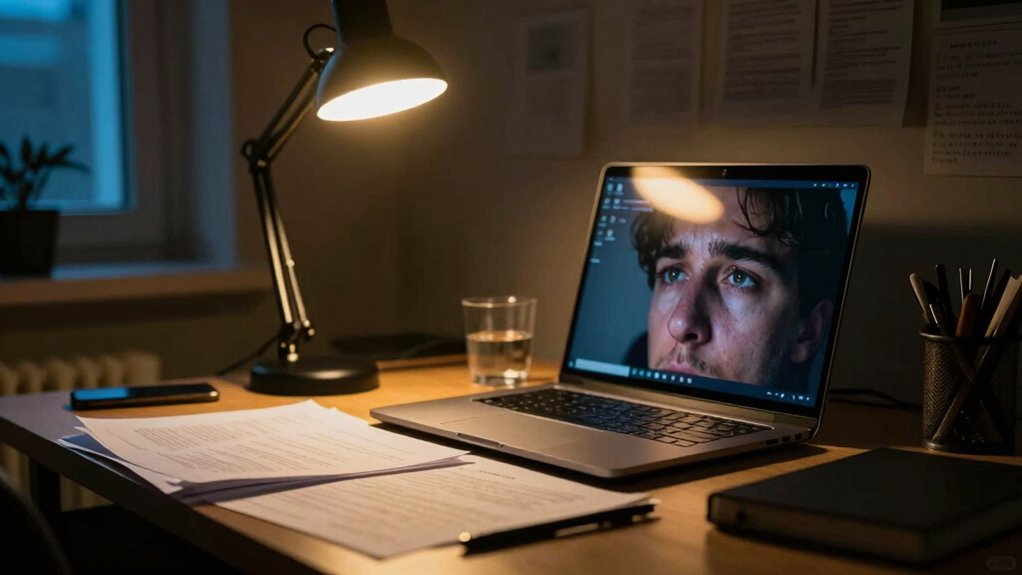
Poor lighting in your home office, especially relying solely on natural or harsh artificial light, can cause eye strain and fatigue by mid-afternoon. When lighting is uneven, overly bright, or poorly positioned, your eyes work harder to focus, leading to exhaustion. Balancing natural and layered artificial lighting with proper placement reduces strain and keeps your eyes fresh longer. If you want to discover how to improve your setup, there’s more to contemplate.
Key Takeaways
- Insufficient or poorly balanced lighting causes eye strain, leading to fatigue by mid-afternoon.
- Glare from harsh or flickering lights worsens eye discomfort and reduces focus.
- Lack of layered lighting results in uneven brightness, making eyes work harder and fatigue faster.
- Relying solely on natural light can cause inconsistency, contributing to eye crashes during cloudy or late-day hours.
- Poor placement and color temperature of artificial lights can increase eye strain and decrease alertness by 3 PM.
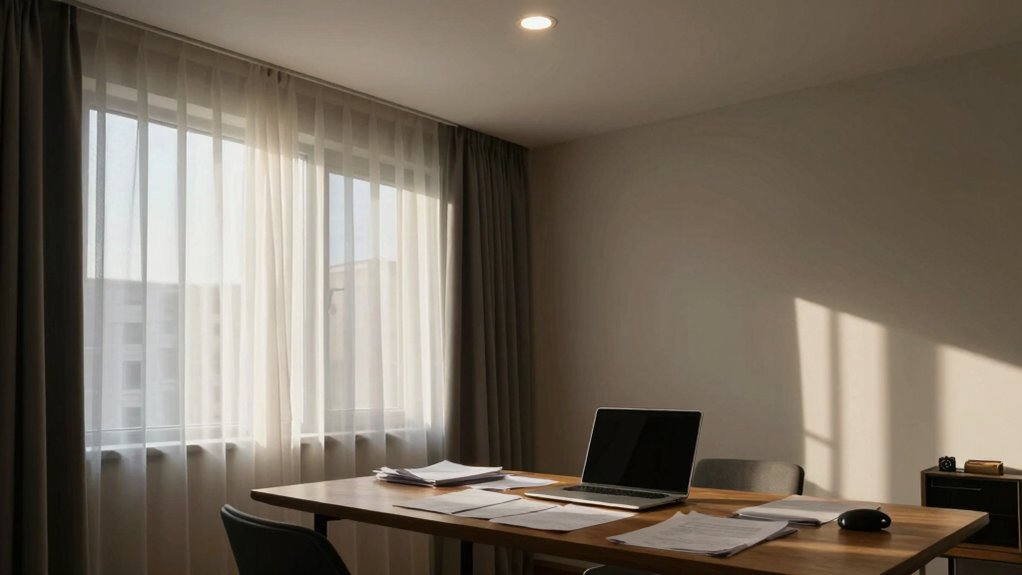
Good lighting can make or break your home office experience. When you’re working from home, the quality and placement of your lighting directly impact your productivity, comfort, and even your eye health. One of the biggest mistakes people make is neglecting the importance of natural light and relying solely on artificial illumination. Natural light, coming from windows, is not only more energizing but also easier on your eyes. It helps you stay alert and reduces eye strain that comes from staring at screens for hours. If you have a well-lit space with plenty of natural light, you’ll notice a significant boost in your mood and focus throughout the day.
Natural light boosts mood, reduces eye strain, and enhances productivity in your home office.
However, relying solely on natural light isn’t always practical, especially if your home office is tucked away in a darker corner or during winter months. That’s where artificial illumination becomes *essential*. Good artificial lighting should complement natural light without causing glare or harsh shadows. It’s *vital* to layer your lighting with ambient, task, and accent lights to create a balanced environment. Ambient lighting provides overall illumination; you might use ceiling fixtures or wall-mounted lights. Task lighting targets specific areas, like your desk, and should be adjustable to prevent shadows and reduce eye strain. Think adjustable desk lamps or adjustable wall-mounted lights that let you direct light exactly where you need it.
The goal is to avoid harsh, uneven lighting that can cause your eyes to fatigue quickly. Too much artificial light, especially if it’s overly bright or flickering, can create discomfort and reduce your concentration. Conversely, insufficient lighting makes it hard to see details clearly, forcing your eyes to work harder. This constant strain can lead to headaches, fatigue, and that sluggish feeling you experience by mid-afternoon. To prevent this, choose bulbs with a color temperature that mimics natural daylight—around 5000K to 6500K—so your eyes are less stressed. Additionally, understanding the importance of proper lighting placement can significantly improve your visual comfort and reduce glare issues.
Position your lighting thoughtfully. Your light sources should be placed to minimize glare on your screens and work surfaces. Use diffusers or lampshades to soften the light and avoid direct exposure to bright bulbs. If your windows provide ample natural light, keep heavy drapes or blinds handy to control glare during the brightest parts of the day. When natural light is limited, supplement with quality artificial illumination that mimics daylight, reducing the gap between the two and maintaining a consistent, eye-friendly environment. Properly balanced lighting keeps your eyes comfortable, helps sustain your energy levels, and prevents that mid-afternoon crash.

EMEET C960 4K Webcam for PC, 4K UHD CMOS Sensor, PDAF Auto Focus, Dual Omnidirectional Mics, Auto Light Correction, 73° FOV, Plug&Play Webcam w/Privacy Cover, Works w/Zoom/Teams/Skype/Google Meet
Unmatched Clarity with True 4K Resolution - Experience ultra-clear video conferencing with a genuine EMEET SmartCam C960 4K...
As an affiliate, we earn on qualifying purchases.
Frequently Asked Questions
How Does LED Lighting Affect Eye Strain?
LED lighting can cause eye strain because it emits blue light, which can tire your eyes and disrupt your sleep. Additionally, the flicker effect from some LED lights can lead to discomfort and headaches over time. You might notice increased fatigue or difficulty focusing after long exposure. To reduce strain, consider using LED bulbs with lower blue light emissions and flicker-free technology, especially during extended screen work.
What Color Temperature Is Best for Home Office Lighting?
You should choose a color temperature around 4000K to 5000K for your home office. This range offers the benefits of bright, crisp lighting that reduces eye strain and enhances focus. It’s an ideal lighting choice because it mimics natural daylight, helping your eyes stay alert and comfortable throughout the day. Selecting the right color temperature improves productivity and minimizes fatigue, making your workspace healthier and more efficient.
Can Screen Glare Contribute to Eye Fatigue?
Did you know that up to 40% of computer users experience eye fatigue? Screen glare considerably contributes to this, making your eyes strain and tire faster. When glare hits your screen, your eyes work harder to focus and adjust, leading to discomfort and fatigue. To reduce this, use anti-glare screens, position your monitor properly, and adjust brightness. Cutting down glare helps preserve your eye health and keeps you focused longer.
How Often Should I Update My Home Office Lighting?
You should update your home office lighting at least every 1-2 years to maintain ideal eye comfort. Incorporate ergonomic furniture and maximize natural light integration to reduce strain. Adjust lighting as needed, especially if you notice eye fatigue or headaches. Regular updates ensure your workspace remains comfortable, reduces glare, and supports your health, making it easier to stay focused and productive throughout the day.
Do Eye Exercises Help Reduce Lighting-Related Fatigue?
If you’ve felt eye strain after long hours, eye exercises can help reduce lighting-related fatigue. For example, a remote worker improved her comfort through regular eye relaxation routines and vision therapy exercises. These techniques strengthen eye muscles and promote relaxation, easing discomfort. Incorporate simple practices like the 20-20-20 rule, which gives your eyes a break, helping you stay focused and reducing fatigue caused by poor lighting conditions.

WYRESTORM 4K AI Tracking Conference Webcam, Auto Framing & Presenter Tracking, 120° Wide Angle, Dual Noise Cancelling Mics, Privacy Cover, USB Plug & Play, Zoom Certified for Teams Meeting Rooms
【Built for Small Conference Rooms】Designed specifically for small meeting spaces, this conference room camera system ensures every participant...
As an affiliate, we earn on qualifying purchases.
Conclusion
So, next time your eyes beg for mercy by 3 pm, remember—poor lighting isn’t just a detail, it’s the predator lurking behind your fatigue. Like a thief in the night, it steals your focus and drains your energy. Don’t let your home office become a battleground. Illuminate wisely, and reclaim the clarity you deserve. Because in the fight for productivity, good lighting isn’t just a helper—it’s your silent hero.

EMEET S600 4K Webcam for Streaming - Sony 1/2.55'' Sensor, PDAF Autofocus, 1080P@60FPS, 2 Noise Reduction Mics, Built-in Privacy Cover, 73° FOV, Streaming Camera for Live Commerce/Gaming/Beauty
Unmatched 4K Streaming Quality - The EMEET S600 streaming camera boasts a high-definition 4K sony 1/2.55'' sensor, delivering...
As an affiliate, we earn on qualifying purchases.

acer 4K Webcam for PC/Mac with All-Metal Unibody Sculpted, Sony 1/2" Sensor, PDAF, 2 Noise Reduction Mics, Privacy Cover, Lightweight, Fast Cooling, Streaming Camera for Live Meeting Commerce Gaming
[4K Premium Image Quality] With UHD 4K resolution and a large Sony 1/2" CMOS sensor, this acer webcam...
As an affiliate, we earn on qualifying purchases.