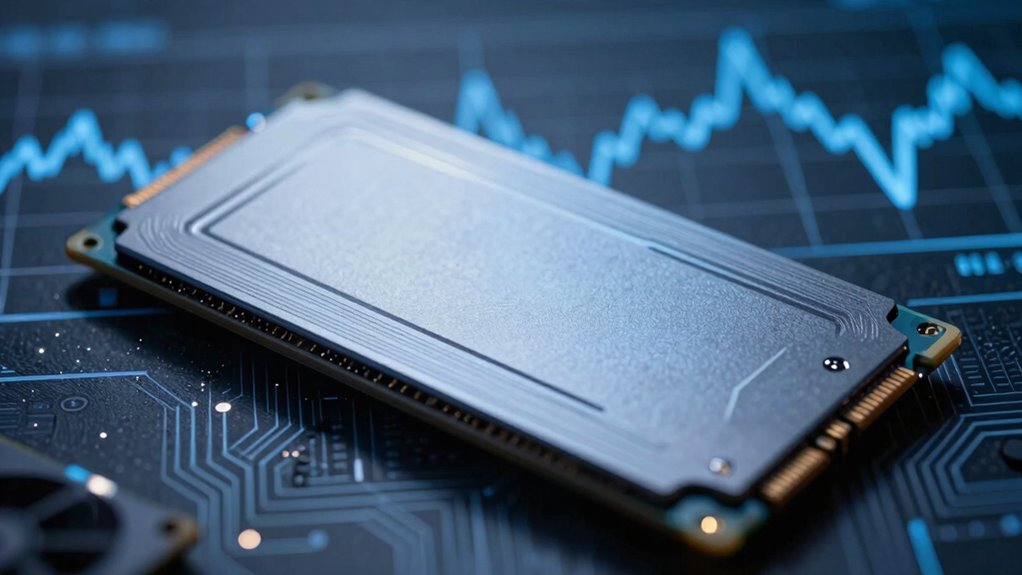

When your SSD slows down, it’s usually due to limited SLC cache, heat buildup, or large file transfers. The cache temporarily speeds things up, but once it fills, speeds drop as data moves to slower NAND memory. Excess heat causes thermal throttling, further reducing speeds to protect the drive. Big or fragmented files take longer to process, affecting overall performance. Want to find out more about how to keep your SSD running at its best?
Key Takeaways
- SLC cache temporarily speeds up writes but can saturate, causing slowdowns when full.
- Excessive heat triggers thermal throttling, reducing SSD speeds to prevent damage.
- Large files take longer to transfer, especially as cache fills and NAND flash slows down.
- Fragmented files increase read/write operations, decreasing overall SSD performance.
- Proper cooling and file management help maintain optimal speeds and prevent slowdowns.
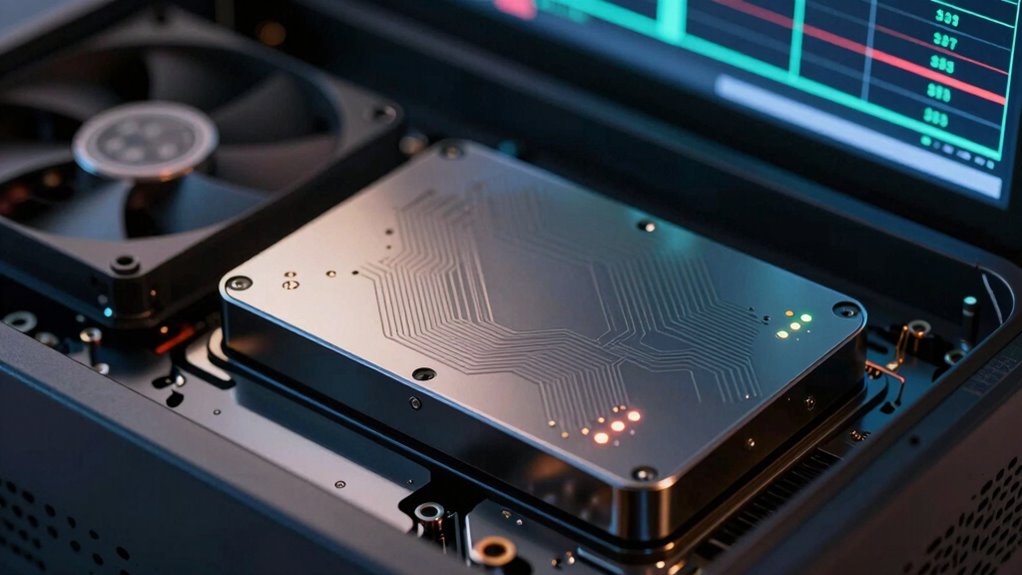
Solid-state drives (SSDs) are known for their fast performance, but over time, you might notice them slowing down. This slowdown can be caused by several factors, including how data is managed internally. One common reason is the way SSDs handle their cache, particularly the SLC (single-level cell) cache. When you write data, the SSD temporarily stores it in this high-speed cache to guarantee quick access. However, as your drive fills up and the cache becomes saturated, the SSD switches to writing directly to the slower NAND flash memory, leading to noticeable delays. This is especially true with large file transfers or heavy workloads, where the cache’s effectiveness diminishes.
Another factor that contributes to SSD slowdown is heat. SSDs generate heat during intensive use, and excessive heat can cause the drive to throttle its performance to prevent overheating. When your SSD runs too hot, it slows down to safeguard its components, which results in slower read and write speeds. Guaranteeing proper airflow and cooling can help maintain peak performance and prevent heat-induced slowdowns. Additionally, thermal throttling is often triggered when temperature thresholds are exceeded, further impacting speed. Recognizing the importance of thermal management can be crucial in maintaining consistent SSD performance over time. Proper thermal regulation is essential for preventing performance degradation caused by heat. Over time, increased heat buildup can lead to more frequent throttling, making effective cooling strategies vital.
Excessive heat causes SSDs to throttle, reducing speed; proper cooling helps maintain optimal performance.
File size also plays a critical role in SSD performance. Small files are typically processed faster because they require less data movement and fewer write cycles. Conversely, large files take more time to transfer and can cause the drive to decelerate, especially if your SSD’s write endurance is nearing its limit. Fragmented files or files stored in non-contiguous blocks can exacerbate this issue, forcing the SSD to perform additional read/write operations, further reducing speed. Regularly defragmenting drives or managing files efficiently can help mitigate these performance drops. Furthermore, file fragmentation can significantly impact transfer speeds, emphasizing the importance of proper file management to optimize SSD performance. An efficient file management strategy can significantly improve overall drive speed and longevity.

ELUTENG Dual Cooling Fan Whisper Quiet 80mm USB Fan 3 Adjustable High Speed USB Port Heatsink Fans Compatible for PS4, PS5, Router, Laptop, PC, Xbox Cooling Electronics
【2-in-1 Dual Row 80mm USB Cooling Fan】 ELUTENG dual-row 8cm USB fan is USB powered and supports plug…
As an affiliate, we earn on qualifying purchases.
As an affiliate, we earn on qualifying purchases.
Frequently Asked Questions
Can Firmware Updates Improve SSD Speed Issues?
Firmware updates can improve your SSD’s speed issues by fixing bugs and optimizing performance. Confirming firmware compatibility with your specific drive model is essential for effectiveness. Regularly updating firmware can also address known slowdowns caused by cache management or thermal issues. Keep in mind, though, that update frequency varies; staying current ensures your SSD runs smoothly and benefits from the latest improvements and stability enhancements.
How Does Power Management Affect SSD Performance?
Power management impacts your SSD performance by balancing power saving and energy efficiency. When it’s set to conserve energy, your SSD might slow down to reduce power consumption, causing delays during data transfer. However, optimized power management can extend your drive’s lifespan without significant speed loss. To maintain performance, find a balance in settings that minimizes power saving while still enhancing energy efficiency, ensuring your SSD runs smoothly without unnecessary slowdowns.
Are There Specific File Types That Slow Down SSDS?
You might think certain file types slow down your SSD, but it’s more about how they’re stored. Large, highly fragmented files or those with poor data compression can cause slower write speeds. When files are fragmented, the SSD works harder to access pieces. Data compression affects how much space files occupy, impacting performance. To keep your SSD running smoothly, defragment files and optimize data compression, especially for large or fragmented files.
Can SSD Slowdown Occur During Data Transfer Between Drives?
Yes, SSD slowdown can happen during drive-to-drive transfer, especially if a data bottleneck occurs. When transferring large files between drives, the SSDs may struggle to keep up, reducing transfer speeds. This slowdown results from limited bandwidth or controller limitations, causing the data transfer to become less efficient. To avoid this, guarantee your drives are optimized and connected via high-speed interfaces like SATA III or NVMe.
Does SSD Age Influence Slowdown Severity?
Your SSD aging definitely impacts slowdown severity, and it’s no small matter—like a slow-motion avalanche. As it ages, wear leveling and NAND degradation kick in, gradually reducing performance. Over time, cells wear out, and data management becomes less efficient, causing slower data access. So, the older your SSD gets, the more noticeable the slowdowns, making it vital to monitor its health and replace it before performance plummets completely.

WAVLINK NVMe Heatsink with M.2 Thermal Pads, 2280 SSD Cooler for PC/Laptop/PS3/PS4/PS5/XBOX, Includes 4x1mm and 2×0.5mm NVMe Thermal Pads, 2x1mm Copper Heatsinks (8PCS Pack)
Universally Fit: This M.2 heatsink is compatible with M.2 2280 SSDs. It is universally designed to fit for…
As an affiliate, we earn on qualifying purchases.
As an affiliate, we earn on qualifying purchases.
Conclusion
So, savvy you, now you see how slc cache, heat, and file size can slow your SSD. Staying sharp on storage strategies helps sidestep sluggishness and sustain speed. By managing heat, monitoring cache, and measuring file size, you maintain maximum momentum. Remember, small steps prevent sluggish stalls, and smart habits keep your storage swift and secure. Stay savvy, stay speedy—your SSD’s performance depends on your prowess!

TEAMGROUP T-Force Vulcan Z 1TB SLC Cache 3D NAND TLC 2.5 Inch SATA III Internal Solid State Drive SSD, PC Upgrade (Read/Write Speed up to 550/500 MB/s) T253TZ001T0C101
[Gaming & PC Upgrade] Boost your PC with 3D NAND technology. Significantly reduces game loading times and system…
As an affiliate, we earn on qualifying purchases.
As an affiliate, we earn on qualifying purchases.
large file transfer SSD optimization
As an affiliate, we earn on qualifying purchases.
As an affiliate, we earn on qualifying purchases.