
You don’t need a perfectly smooth, white wall for a great UST projector experience since modern models handle textured and imperfect surfaces well. Advanced technology and calibration help improve image clarity, even on rough walls. Ambient lighting isn’t a big issue either, as high lumens allow clear images in well-lit rooms. With simple adjustments, you can enjoy sharp visuals on diverse surfaces. Keep going to discover more tips for optimizing your setup and image quality.

Get the latest gadgets delivered free with Prime
- Fast, free delivery on millions of items
- Prime Video, Amazon Music and more included
- Member-only deals all year
Key Takeaways
- Modern UST projectors effectively handle textured or imperfect walls due to advanced technology and calibration features.
- Wall surface quality has minimal impact on image clarity compared to ambient light and projector brightness.
- Calibration options like keystone and color adjustment help optimize images on various wall surfaces.
- High lumen output allows clear projection even in rooms with ambient lighting, reducing the need for perfect walls.
- Proper setup and light management are often more important than having a perfectly smooth, white wall.
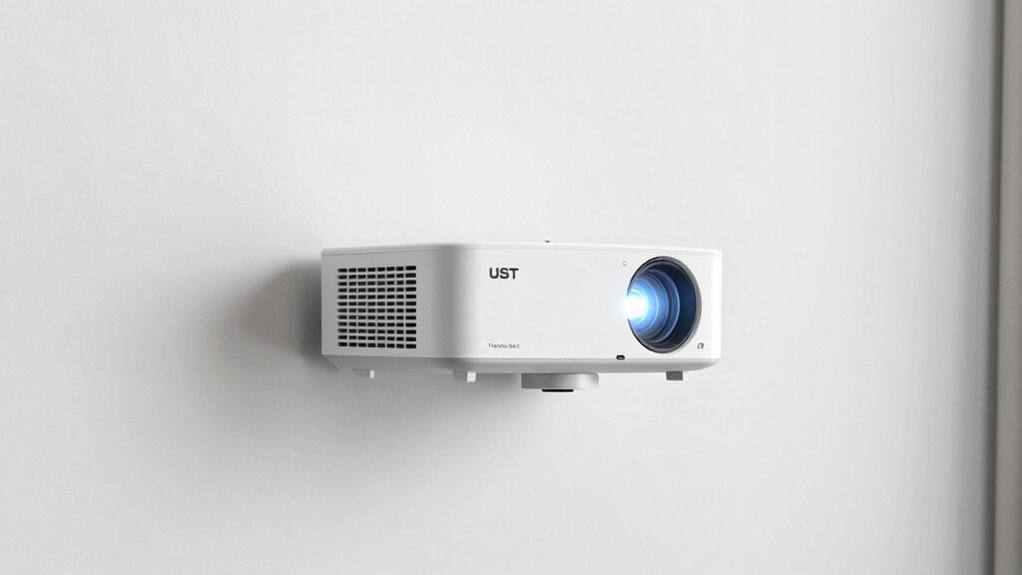
Many people assume that ultra-short throw (UST) projectors require pristine, perfectly smooth walls to deliver a clear image, but that’s not always the case. In reality, UST projectors are more forgiving than you might expect, especially when it comes to ambient lighting and wall surface quality. Modern models are designed to handle a variety of lighting conditions, so you don’t need complete darkness or flawless walls for a decent picture. This means you can set up your projector in a typical living room or multipurpose space without obsessing over every imperfection in your wall’s surface.
Ambient lighting plays a considerable role in your viewing experience, but it doesn’t have to be a deal-breaker. Many UST projectors come equipped with high lumens, allowing them to perform well even in well-lit rooms. You can enjoy your favorite movies or presentations without the constant need to dim the lights excessively. However, to optimize image quality, it’s wise to ponder how ambient light interacts with your wall. Bright rooms can wash out the projected image, but you can compensate with higher brightness settings or use curtains and lamps strategically to control glare. This flexibility means you don’t have to sacrifice your room’s decor or comfort just to get a good picture.
Another key factor is image calibration. With proper calibration, you can markedly improve picture clarity and color accuracy, even if your wall isn’t perfectly smooth. Most UST projectors offer automatic or manual calibration settings, making it straightforward to adjust keystone, focus, and color balance. These adjustments help mitigate common issues like distortion or uneven brightness caused by rough or textured walls. Additionally, some models feature advanced image processing, which can further enhance picture quality on imperfect surfaces. Understanding how wall textures affect projection can help you better optimize your setup and achieve a clearer picture. Furthermore, selecting a proper wall surface or material can also significantly improve the overall viewing experience, even if it’s not perfectly smooth. Keep in mind that wall texture can influence how well the projected image appears, so experimenting with different wall finishes or coatings might be beneficial.
In essence, you don’t need a perfectly smooth, white wall to enjoy the benefits of a UST projector. While a clean, flat surface helps, advanced technology and thoughtful calibration make it possible to get a clear and vibrant picture even on less-than-ideal walls. Ambient lighting can be managed effectively, and with some simple adjustments, your viewing experience can be just as impressive as on a dedicated screen. So, relax—your wall doesn’t have to be perfect for your UST projector to deliver a satisfying, high-quality image.
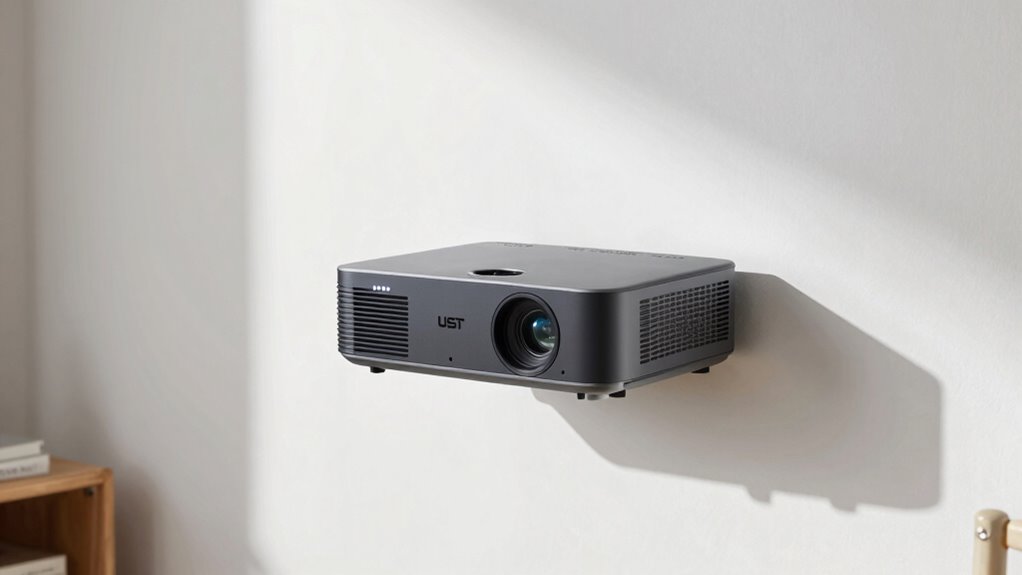
ultra short throw projector with keystone adjustment
As an affiliate, we earn on qualifying purchases.
As an affiliate, we earn on qualifying purchases.
Frequently Asked Questions
Can UST Projectors Be Used Outdoors Effectively?
Yes, UST projectors can be used outdoors effectively, but you should consider their outdoor durability and weather resistance. Look for models specifically designed for outdoor use, with sealed components and sturdy casings to withstand rain, dust, and temperature changes. Keep the projector in a shaded area when possible, and use protective covers to prolong its lifespan. Proper setup ensures you enjoy clear images even outside in various weather conditions.
Do UST Projectors Work Well With Textured or Patterned Walls?
Imagine trying to paint a detailed masterpiece on a bumpy, patterned surface—your effort gets lost in the texture. UST projectors work less effectively with textured or patterned walls because wall texture and patterned surfaces scatter light and distort images. So, if you want sharp, vivid visuals, smooth, clean walls are your best bet. Otherwise, the textured surface becomes a barrier, dulling the brilliance of your projected scene.
How Long Do UST Projectors Typically Last?
UST projectors typically last around 10,000 to 20,000 hours, depending on usage and maintenance. To maximize their lifespan, follow proper maintenance tips like cleaning the lens regularly and avoiding overheating. Lens durability is essential—handle it carefully and keep it free from dust. Regularly update firmware and use the projector in ideal conditions to guarantee it operates efficiently over time, giving you many years of clear, vibrant images.
Are There Specific Cleaning Requirements for UST Projectors?
You should clean your UST projector regularly—about once a month—to keep it in top shape. For maintenance tips, avoid harsh cleaning solutions that might damage sensitive components. Use a soft, lint-free cloth and gentle, approved cleaning solutions. Dust off vents and filters to prevent overheating. Remember, keeping your projector clean guarantees ideal performance and longer lifespan, saving you money and hassle in the long run.
Can UST Projectors Connect to Multiple Devices Simultaneously?
Yes, UST projectors can connect to multiple devices simultaneously. Thanks to their device compatibility and connection versatility, you can easily switch between smartphones, laptops, and streaming devices without hassle. This feature makes them perfect for presentations, movie nights, or multi-user environments, ensuring seamless changes and effortless sharing. So, you don’t have to disconnect and reconnect each device — just enjoy smooth, versatile connectivity whenever you need it.
Conclusion
So, don’t stress over perfectly spotless walls. Think of your projector’s wall as a canvas that’s more forgiving than you might imagine—like a sponge that happily absorbs a bit of splatter without losing its beauty. As long as you keep the surface reasonably clean, your UST projector will still paint a vibrant, sharp picture. Embrace the imperfections, and enjoy your home theater experience without the hassle of perfection.
Fall Picks
fall essentials
As an affiliate, we earn on qualifying purchases.