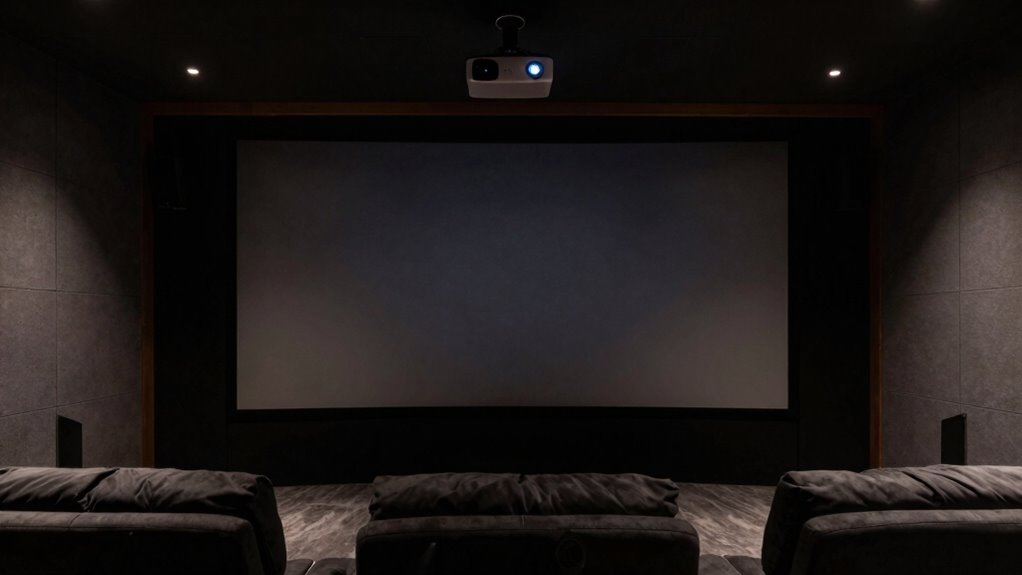

ALR screens are designed to improve picture quality in bright spaces by rejecting ambient light and enhancing colors and contrast. You’ll need one if you have a room with lots of natural sunlight or uncontrolled lighting that washes out images on regular screens. If your room is dark or you control the lighting easily, a standard screen might suffice. Keep going to uncover how to choose, install, and maintain an ALR screen for ideal performance.
Key Takeaways
- ALR screens are ideal for bright rooms with ambient light, as they reject glare and enhance image clarity.
- They are unnecessary in dark, controlled lighting environments where traditional screens suffice.
- Proper installation and maintenance maximize ALR screen performance and durability over time.
- Use ALR screens when you want vibrant, high-contrast images without dimming the room lights.
- Avoid ALR screens if your room has minimal ambient light or if budget constraints are a concern.
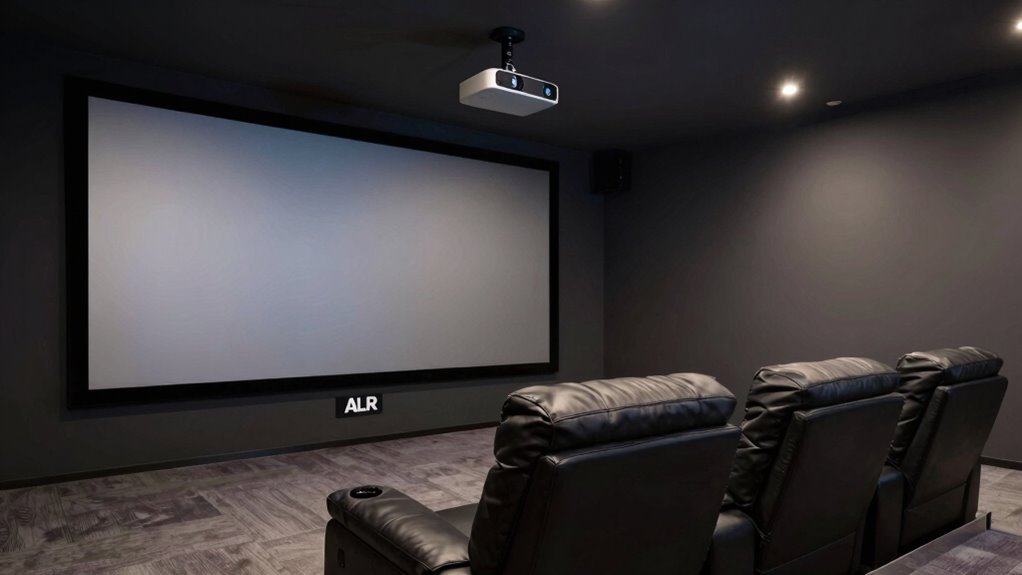
Have you ever wondered how ALR screens work and why they’re gaining popularity? These advanced projection screens, known as Ambient Light Rejecting screens, are designed to improve picture quality in bright environments. Unlike traditional screens, ALR screens use special materials and optical layers to reflect projected light directly towards the viewer while absorbing or canceling out ambient light from other directions. This technology makes them ideal for home theaters with lots of windows or rooms where controlling natural light is challenging.
ALR screens enhance picture quality in bright settings by rejecting ambient light with advanced optical technology.
When considering installing an ALR screen, you’ll want to follow specific installation guidelines to maximize its performance. First, ensure the screen is mounted on a flat, stable surface, ideally at eye level when seated. Proper alignment is critical; the screen should be perpendicular to your projector to avoid distorted images. Keep in mind the distance from the projector to the screen, as the throw ratio affects image size and clarity. You should also pay attention to ambient lighting conditions—while ALR screens are designed for bright rooms, minimizing direct sunlight and harsh reflections will enhance viewing quality. Additionally, the mounting hardware should be sturdy and compatible with the screen’s weight and size. Many manufacturers provide detailed installation guides that specify the ideal mounting height, spacing, and wall type. Following these guidelines ensures your ALR screen performs superbly and remains securely in place over time.
Another important aspect is understanding the technology behind ALR screens, which helps optimize their use and maintenance. Maintenance tips are straightforward but essential to keep your ALR screen functioning at its best. Regularly dust the surface with a soft, dry cloth or a gentle vacuum using a brush attachment to prevent dirt buildup. Avoid using harsh chemicals or abrasive cleaners, as they can damage the optical layers of the screen. If you notice fingerprints or smudges, lightly dampen a microfiber cloth with water or a mild screen cleaner and gently wipe the surface. It’s also good practice to check the mounting hardware periodically, especially after significant temperature changes or vibrations, to make sure everything stays secure. Keep the room’s lighting in mind; although ALR screens excel in bright conditions, excessive direct sunlight can still cause glare or wash out the image. Using curtains or shades can help control light levels and preserve picture quality. With proper care and installation, your ALR screen will deliver sharp, vibrant images for years to come, making your viewing experience truly immersive.
In short, understanding the installation guidelines and maintenance tips for ALR screens helps you get the most out of this technology. They’re a smart investment for any space where ambient light is unavoidable, providing a bright, clear picture that rivals traditional screens, even in well-lit rooms.

AAJK ALR Projector Screen, 4K Movie Projector Screen 16:9 HD Foldable Anti-Crease Portable Projector, Movies Screen for Home Theater Outdoor Indoor Support (120in Pro)
【Watch What You Want, When You Want!】 Remember when you could only really use your projector at night?...
As an affiliate, we earn on qualifying purchases.
Frequently Asked Questions
How Long Do ALR Screens Typically Last?
ALR screens typically last around 10 to 15 years, depending on their durability lifespan and how well you maintain them. You might need replacement more frequently if they face harsh weather, frequent use, or damage from debris. Proper upkeep can extend their life, but eventually, wear and tear will require you to replace the screen to guarantee ideal performance and protection for your space.
Can ALR Screens Be Used Outdoors?
You might wonder if ALR screens stand up to the elements outdoors. The answer is yes, but only if they’re designed for outdoor durability. Weather resistance is key; high-quality ALR screens can withstand rain, sun, and wind, maintaining their performance over time. However, not all are built for outdoor use. Make certain you choose a screen specifically rated for outdoor durability to enjoy the best visuals without worrying about weather damage.
Are ALR Screens Compatible With All Projector Types?
ALR screens aren’t compatible with all projector types because projection compatibility depends on the projector’s brightness and contrast, as well as the screen material. You should check if your projector’s specs match the screen’s recommended projection compatibility to guarantee peak performance. Some ALR screens work best with high-lumen projectors, so always verify the screen material and projector compatibility before making a purchase.
What Maintenance Is Required for ALR Screens?
Imagine you’re maintaining your ALR screen after a presentation. You should regularly clean the screen with a soft cloth to prevent dust buildup, which can affect image quality. Also, check the frame’s durability, ensuring it’s secure and undamaged. Avoid harsh chemicals during cleaning, and prevent scratches or dents. Proper maintenance keeps your ALR screen looking great and functioning at its best, extending its lifespan and maintaining excellent image clarity.
Do ALR Screens Affect Image Resolution?
ALR screens can impact resolution and image clarity, especially if the screen’s gain isn’t well-matched to your projector. While they enhance contrast and reduce ambient light interference, some may slightly lower resolution, making images appear less sharp in certain conditions. However, when properly installed and used with compatible projectors, ALR screens generally preserve excellent image clarity, providing a vibrant viewing experience without significant resolution loss.

Official Licensed Google TV Smart Projector, HAPPRUN 4K UHD Home Theater with Dolby Sound, Wi-Fi & Bluetooth, Built-in Streaming Apps, Compatible with Games Consoles & Smartphone, Indoor & Outdoor Use
[ Built-in Official Licensed Google TV ] - Without additional equipment, the smart projector can directly access Netflix,...
As an affiliate, we earn on qualifying purchases.
Conclusion
So, next time you’re dazzled by that perfect image, remember—ALR screens are like that overenthusiastic friend who’s only needed when the stars align exactly right. For most, they’re just a fancy distraction, complicating your setup without offering much real benefit. If you’re seeking clarity and simplicity, skip the drama and embrace a good old-fashioned screen. After all, why settle for a spectacle when basic is perfectly fine—unless you’re aiming for that elusive “cinematic perfection,” of course.
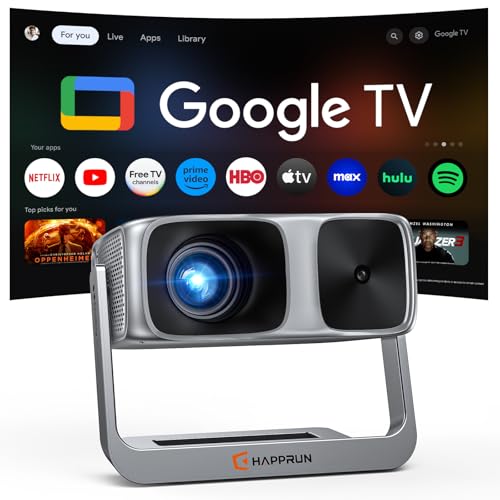
2000 ANSI Official Licensed Google TV Outdoor Projector 4K Decoding, Smart Projector with Wifi and Bluetooth, Auto Focus, Dolby Sound, Built-in Apps, HAPPRUN Indoor Home Theater with 270° Stand
[Built-in Streaming System - Without extra equipment ] - The smart projector has Google TV system built-in, giving...
As an affiliate, we earn on qualifying purchases.

HAPPRUN 2500 ANSI Lumens Outdoor Projector with Built-in Streaming Apps, 4K Decoding Resolution, Dolby Audio, WiFi 6 and Bluetooth 5.2 for Indoor and Outdoor Home Theater
[ Built-in Streaming System ] – No extra equipment needed. This smart projector gives you direct access to...
As an affiliate, we earn on qualifying purchases.