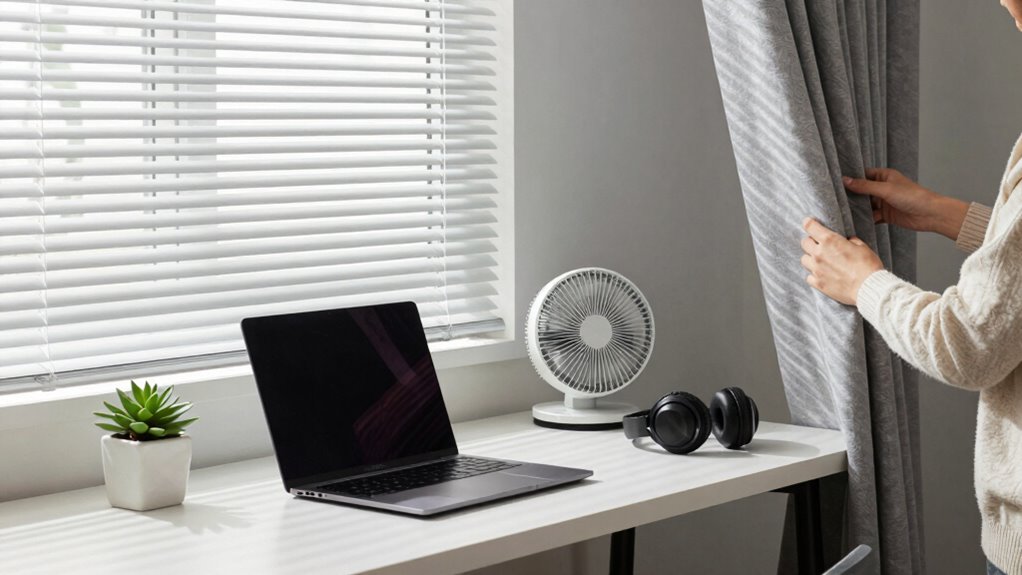

To silence your home office noise, start by installing acoustic panels on walls or ceilings near the fan to absorb sound. opt for quieter fans or even bladeless models to reduce origin noise. reposition your fan away from your workspace or behind furniture. Keep noise-canceling headphones handy for sudden spikes and consider automation to adjust fan speed. These steps will help create a peaceful environment—continue exploring for more expert tips and tricks.
Key Takeaways
- Install acoustic panels near the fan to absorb sound and reduce echo.
- Use noise-canceling headphones for immediate relief during noisy periods.
- Reposition the fan away from your workspace or choose quieter, bladeless models.
- Keep fan speeds low or automate adjustments to minimize noise during work hours.
- Combine multiple strategies—like acoustic panels, headphones, and smart fan placement—for optimal silence.
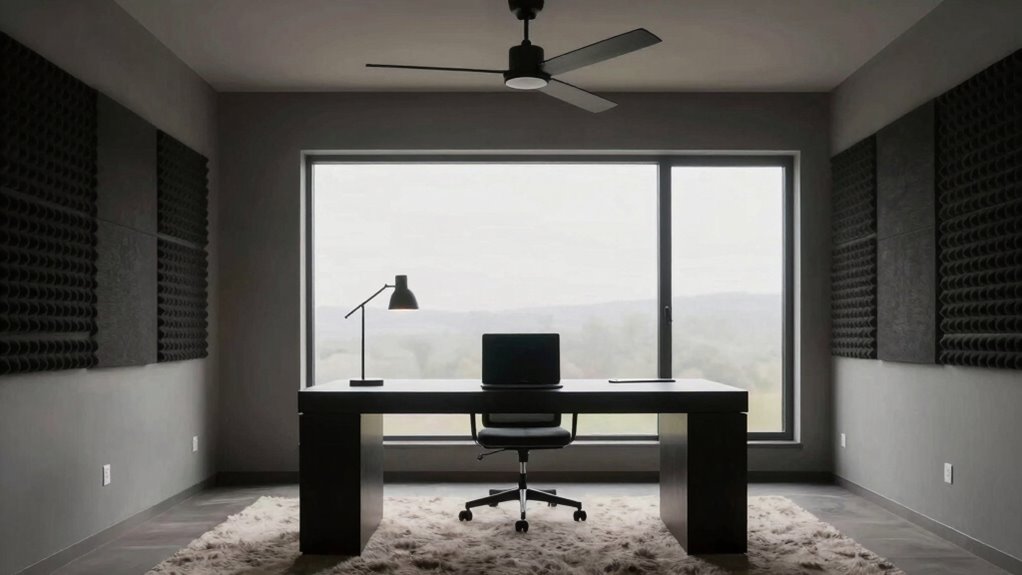
A noisy fan can turn your quiet home office into a frustrating distraction, but you don’t have to accept constant background noise. There are practical solutions to minimize or even eliminate the fan’s hum, allowing you to focus and work efficiently. One effective approach is to incorporate acoustic panels into your space. These panels absorb sound waves, reducing echo and muffling the noise that travels around your room. By strategically placing acoustic panels on walls or ceilings near the fan, you can considerably dampen the sound that reaches your ears. Acoustic panels are especially useful because they don’t block airflow or light and can be customized to match your decor, making them both functional and aesthetically pleasing.
In addition to acoustic panels, noise canceling headphones offer a portable and immediate way to block out fan noise. When the fan’s hum becomes overwhelming, slipping on a pair of quality noise canceling headphones can instantly restore your focus. These headphones use active noise control technology to detect and cancel out ambient sounds, creating a quiet bubble around your ears. They’re especially handy if you can’t make structural changes to your space or if the fan noise varies throughout the day. Noise canceling headphones also provide the added benefit of allowing you to listen to music or white noise, further masking the fan’s sound and helping you concentrate.
If you’re looking for a more thorough solution, consider combining both strategies. Install acoustic panels to treat the room’s acoustics, reducing the overall noise level, and keep noise canceling headphones nearby for moments when the fan’s noise spikes or becomes particularly disruptive. This layered approach ensures you have consistent quiet, whether you’re working on an important project, participating in a video call, or simply trying to enjoy some peace and quiet. Additionally, exploring smart‑home integrations that automatically adjust fan speed or sound levels can help maintain a quieter environment without manual intervention. Another simple tip is to reposition the fan if possible. Moving it further away from your workspace or placing it behind furniture can lessen the sound’s intensity. Additionally, using a fan with a quieter motor or switching to a different type of fan, such as a bladeless model, can make a noticeable difference. By combining these tactics—acoustic panels, noise canceling headphones, strategic placement, and selecting quieter fans—you can transform your home office into a peaceful haven, free from irritating fan noise. You deserve a workspace that supports focus and productivity, and managing noise levels is a vital step toward achieving that.

TONOR Wood Slatwall Panels, 4 Pack 47.2" x 23.6"/ 120 x60cm(31ft²) Acoustic Wall Panels, Wood Slat Acoustic Panels for Noise Cancelling and Home Decor, Living Room, Bedroom, Office, Room Decor, Walnut
- High-Quality Materials: Polyester fiber, MDF, wood veneer
- Easy Installation: Adhesive or screw mounting included
- Multiple Panel Options: Available in 2 or 4 packs
As an affiliate, we earn on qualifying purchases.
As an affiliate, we earn on qualifying purchases.
Frequently Asked Questions
Can I Completely Eliminate Fan Noise in My Home Office?
You can’t entirely eliminate fan noise, but you can markedly reduce it with fan noise reduction techniques. Switch to quiet fan options like bladeless or DC fans, which operate more quietly. Place fans strategically to minimize noise transfer, and consider soundproofing your home office with panels or insulation. Using a combination of these methods, you’ll create a much quieter environment, making your work more comfortable and focused.
Are There Specific Fan Models Designed for Silent Operation?
Did you know that silent fans can operate at noise levels below 20 decibels? Yes, there are specific fan models designed for silent operation, including noise canceling fans that drastically reduce sound. These fans use innovative technology to minimize noise while maintaining airflow, so you won’t be distracted during work. Look for models explicitly labeled as silent fans or noise canceling fans to guarantee a peaceful home office environment.
How Do I Choose the Best Soundproofing Materials for My Space?
To select the best soundproofing materials, focus on material selection and soundproofing techniques that suit your space. Choose dense materials like mass-loaded vinyl or acoustic foam to absorb sound effectively. Use resilient channels and double drywall to improve insulation. Consider your room’s size and noise source, and combine these techniques for ideal results. Prioritize quality and proper installation to guarantee your home office stays quiet and distraction-free.
Will Insulating My Walls Affect the Room’s Temperature?
Yes, insulating your walls can affect your room’s temperature, keeping it warmer in winter and cooler in summer. To balance soundproofing and temperature, consider adding soundproof curtains, which help block noise and insulate windows, and acoustic panels, which absorb sound without markedly impacting temperature. Combining these with proper insulation creates a quieter, more comfortable home office environment without sacrificing climate control.
Are There Any DIY Methods to Reduce Fan Noise Effectively?
Yes, you can reduce fan noise with DIY methods. Start by adjusting the fan blade design if possible; smoother, balanced blades produce less noise. Use vibration dampening materials like foam or rubber pads under the fan’s base to minimize vibrations that amplify sound. Additionally, tightening loose screws and ensuring the fan is stable can considerably cut down on noise, creating a quieter environment for your home office.
Conclusion
Now that you know how to tame fan noise, creating a peaceful home office is within reach. Imagine focusing fully on your work without distractions—that’s the power of a quiet space. Are you ready to silence the background hum and boost your productivity? With these simple moves, you can enjoy a serene environment every day. Don’t let noise hold you back; take action today and transform your workspace into the quiet haven you deserve.