If you’re looking for the best 5K monitors for your MacBook Pro in 2025, I recommend considering options like the Apple Pro Display XDR and Studio Display variants. They offer stunning 6K or 5K resolutions, superb color accuracy, and seamless macOS compatibility. Features like adjustable stands, VESA mounts, and nano-texture glass make them versatile for professional workflows. Keep exploring—I’ll show you all the details to help you find the perfect match.
Key Takeaways
- Prioritize displays with 5K resolution (5120 x 2880) for sharp, true-to-life visuals compatible with MacBook Pro’s Retina display.
- Look for models supporting P3 wide color and 10-bit color depth for vibrant, accurate colors in professional workflows.
- Ensure high brightness (600 nits or more) and HDR support for extended contrast and dynamic range.
- Check for Thunderbolt 3/USB-C ports with power delivery (up to 96W) for seamless connectivity and charging.
- Consider ergonomic features, VESA compatibility, and build quality for comfortable, versatile, and durable setups.
Apple Pro Display XDR – Standard Glass

If you’re a creative professional or someone who demands top-tier display quality, the Apple Pro Display XDR – Standard Glass is hard to beat. This 32-inch LCD offers stunning Retina 6K resolution (6016 x 3384 pixels), delivering incredible detail and sharpness. With Extreme Dynamic Range (XDR), it provides 1000 nits sustained brightness and peaks at 1600 nits, ensuring vibrant visuals even in bright environments. Its contrast ratio of 1,000,000:1 and P3 wide color gamut with 10-bit color depth guarantee rich, accurate colors. The superwide viewing angle lets you see consistent quality from almost any position. It’s designed for demanding creative workflows that require precision and excellence.
Best For: creative professionals and demanding users who require high-resolution, color-accurate displays for detailed visual work.
Pros:
- Stunning Retina 6K resolution with sharp, detailed visuals
- Exceptional brightness and contrast for vibrant, true-to-life colors
- Wide color gamut and high contrast ratio ideal for professional-grade workflows
Cons:
- Stand and VESA Mount Adapter sold separately, adding to overall cost
- Heavy and large, which may require a sturdy workspace setup
- Premium price point may be prohibitive for casual users
Apple Studio Display with Nano-Texture Glass and Adjustable Stand
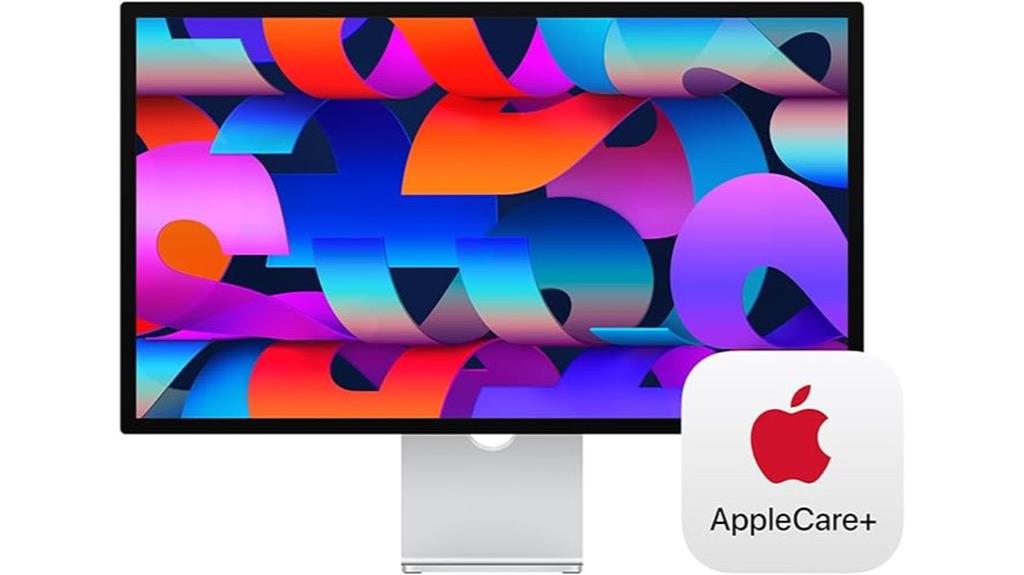
The Apple Studio Display with Nano-Texture Glass and an adjustable stand stands out as an ideal choice for creative professionals who demand the highest image quality combined with customizable ergonomics. Its 27-inch 5K Retina display delivers stunning color accuracy with support for one billion colors and P3 wide color, perfect for detailed visual work. The tilt-adjustable stand allows for personalized comfort, while the 600 nits brightness ensures vivid images even in bright environments. With a six-speaker system featuring Spatial Audio, a 12MP Ultra Wide camera with Center Stage, and multiple USB-C ports, it offers seamless Mac integration. Though pricey, its premium build and exceptional display make it a top-tier choice for professionals.
Best For: creative professionals and designers who require precise color accuracy, high image fidelity, and customizable ergonomic setup for their visual work.
Pros:
- Exceptional 5K Retina Nano-Texture Glass display with one billion colors and P3 wide color support ensures stunning image quality.
- Tilt-adjustable stand and 600 nits brightness provide personalized comfort and vivid visuals in various lighting conditions.
- Seamless Mac integration with multiple USB-C ports, Thunderbolt 3, high-quality speakers, and a 12MP Ultra Wide camera enhance productivity and multimedia experience.
Cons:
- High price point around $1600 USD makes it a luxury investment not suitable for every budget.
- Lacks high refresh rates (not 120Hz or higher), making it less ideal for gaming or fast-paced activities.
- No OLED or microLED technology, which some users might prefer for even deeper contrast and black levels.
Apple Studio Display – Standard Glass – Tilt-Adjustable Stand

The Apple Studio Display with standard glass and a tilt-adjustable stand stands out as a top choice for professionals seeking stunning visuals and flexible ergonomics. Its 27-inch 5K Retina display delivers exceptional clarity, supporting one billion colors with P3 wide color and 600 nits brightness. The tilt-adjustable stand allows for personalized positioning, enhancing comfort during long work sessions. It features a 12MP Ultra Wide camera with Center Stage, a studio-quality microphone array, and a six-speaker system with Spatial Audio, creating an immersive experience. With a single Thunderbolt 3 port, three USB-C ports, and 96W power delivery, it seamlessly integrates with your MacBook Pro for a sleek, efficient workspace.
Best For: creative professionals and remote workers who require a stunning display with flexible ergonomic options and immersive audio-visual features.
Pros:
- Exceptional 27-inch 5K Retina display with support for one billion colors and P3 wide color
- Tilt-adjustable stand for personalized ergonomic positioning
- High-quality camera and audio system with Center Stage, Spatial Audio, and studio-quality microphones
Cons:
- Limited to a single Thunderbolt 3 port, which may require additional hubs for multiple connections
- Premium price point may be a barrier for budget-conscious users
- Only standard glass option available, with Nano-texture glass as an additional but more expensive upgrade
Apple Studio Display – Nano-Texture Glass – VESA Mount Adapter
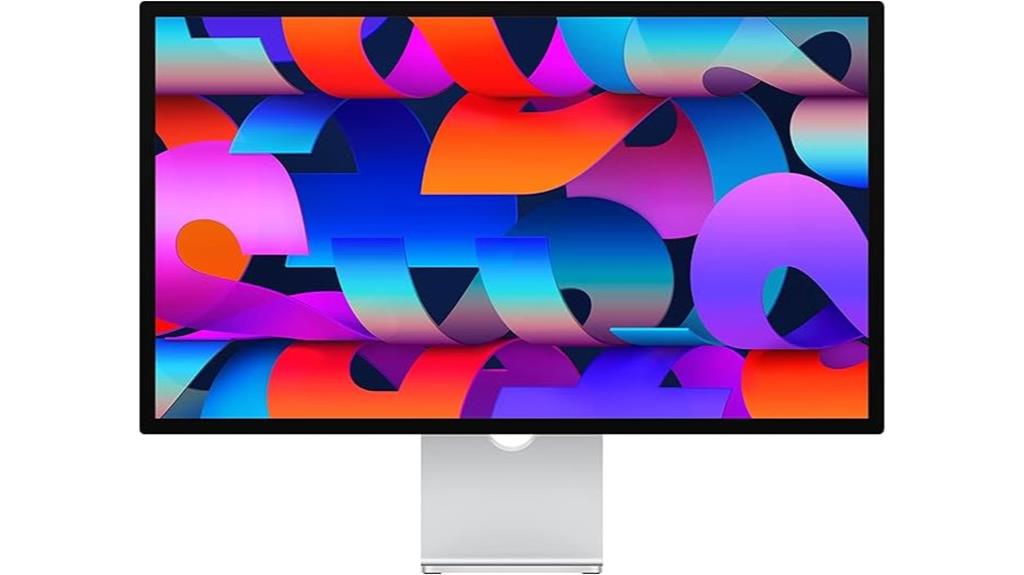
Looking for a monitor that offers stunning visual clarity and flexible mounting options? The Apple Studio Display with Nano-Texture Glass and VESA Mount Adapter fits the bill perfectly. It features a 27-inch 5K Retina display with 600 nits brightness and support for a billion colors, including P3 wide color. The Nano-texture glass option reduces glare while maintaining clarity. Plus, the VESA mount adapter allows easy integration into custom setups, making it ideal for creative professionals. With a sleek design, multiple connectivity ports, and a 12MP Ultra Wide camera, this display combines stunning visuals with versatile usability. It’s a powerful addition to any MacBook Pro workspace.
Best For: creative professionals and power users seeking a stunning display with versatile mounting options for their workspace.
Pros:
- Exceptional 5K Retina display with support for one billion colors and P3 wide color for vibrant visuals
- Nano-texture glass option reduces glare while maintaining clarity, ideal for detailed work
- VESA Mount Adapter allows flexible integration into custom setups and multi-monitor configurations
Cons:
- Relatively high price point compared to standard monitors
- Limited to Mac ecosystem with specific connectivity ports, reducing compatibility with other devices
- Bulkier design may require more desk space and careful positioning
Apple Studio Display with Tilt- and Height-Adjustable Stand

If you prioritize a premium visual experience alongside flexible ergonomics, the Apple Studio Display with its tilt- and height-adjustable stand stands out as an excellent choice. Its 27-inch 5K Retina display delivers stunning clarity, supporting one billion colors and P3 wide color for vibrant visuals. The Nano-texture glass option enhances detail while reducing glare. The adjustable stand allows you to customize height and tilt, ensuring ideal comfort during long work sessions. With a 12MP Ultra Wide camera, studio-quality microphones, and spatial audio, it’s perfect for professional calls and multimedia. Plus, its single Thunderbolt 3 port and three USB-C ports keep connectivity simple and efficient.
Best For: professionals and creatives seeking a premium 27-inch 5K display with exceptional visual quality, flexible ergonomics, and advanced audio and camera features for work and multimedia.
Pros:
- Stunning 5K Retina display supports one billion colors and P3 wide color for vibrant visuals
- Adjustable tilt and height stand for customized comfort during extended use
- Integrated studio-quality microphone array and spatial audio for high-quality calls and multimedia experiences
Cons:
- Limited to a single Thunderbolt 3 port and three USB-C ports, which may require additional hubs for extensive connectivity
- Higher price point compared to standard displays, reflecting its premium features
- Nano-texture glass option may be less suitable for environments with high glare or bright lighting conditions
Apple Studio Display – Standard Glass – VESA Mount Adapter

For professionals who prioritize stunning image quality and accurate color reproduction, the Apple Studio Display with Standard Glass and VESA Mount Adapter stands out as an excellent choice. Its 27-inch 5K Retina display supports a billion colors and P3 wide color, delivering vibrant, true-to-life visuals with 600 nits brightness. Designed for clarity and color precision, it’s perfect for creative work. The display includes a 12MP Ultra Wide camera with Center Stage, studio-quality microphones, and a six-speaker system with Spatial Audio. Its VESA mount adapter guarantees flexible placement, while the sleek design and robust build make it a premium addition to any Mac setup.
Best For: creative professionals and designers seeking stunning image quality, accurate colors, and a premium build for visual work and video conferencing.
Pros:
- Exceptional 5K Retina display with vibrant, true-to-life colors and high brightness
- Built-in high-quality camera, microphones, and speakers for seamless video calls and multimedia experiences
- Sleek, sturdy design with VESA compatibility and premium materials for a luxurious look
Cons:
- High price point around $1,600 USD, which may be costly for some users
- Not suitable for high-refresh-rate gaming or fast-paced video editing due to lack of high refresh rate support
- Limited to Apple ecosystem compatibility, reducing flexibility with non-Apple devices
Apple Pro Display XDR – Nano-Texture Glass

The Apple Pro Display XDR with Nano-Texture Glass stands out as the ultimate choice for creative professionals who demand precise color accuracy and exceptional detail. Its 32-inch Retina 6K display delivers stunning clarity with a 6016 x 3384 resolution, making every pixel count. The Nano-Texture Glass surface minimizes glare while maintaining true color fidelity, ideal for critical visual work. With P3 wide color gamut, 10-bit color depth, and extreme dynamic range, it offers vibrant, lifelike visuals. Brightness peaks at 1600 nits, and contrast hits 1,000,000:1, ensuring every detail pops. Designed for professional workflows, it’s a premium tool for those who settle for nothing but the best.
Best For: creative professionals and visual artists who require the highest color accuracy, detailed imaging, and a premium display for their demanding workflows.
Pros:
- Exceptional 6K resolution with stunning clarity and detail
- Nano-Texture Glass surface minimizes glare while preserving true color fidelity
- Extreme Dynamic Range and high contrast ratio deliver vibrant, lifelike visuals
Cons:
- Stand and VESA Mount Adapter sold separately, adding to total cost
- Premium price point may be a barrier for some users
- Large size requires ample workspace and setup considerations
Apple Studio Display with Nano-Texture Glass and Adjustable Stand

Looking for a premium 5K monitor that delivers stunning image quality and versatile adjustability? The Apple Studio Display with Nano-Texture Glass fits the bill perfectly. It features a 27-inch 5K Retina display with support for one billion colors, P3 wide color, and 600 nits brightness, ensuring vivid visuals. Its tilt- and height-adjustable stand provides flexible ergonomics. The display includes a 12MP Ultra Wide camera with Center Stage, studio-quality microphones, and a six-speaker system with Spatial Audio for immersive sound. With a Thunderbolt 3 port, three USB-C ports, 96W power delivery, and AppleCare+, it’s designed for seamless compatibility and peace of mind.
Best For: creative professionals, designers, and videographers seeking a high-resolution display with excellent color accuracy and versatile ergonomic adjustments.
Pros:
- Stunning 5K Retina display with support for one billion colors and P3 wide color gamut for vibrant visuals
- Adjustable tilt and height stand for ergonomic comfort during long work sessions
- Integrated high-quality camera, microphones, and speakers for seamless video calls and immersive audio
Cons:
- Premium price point may be prohibitive for some users
- Limited to Mac ecosystem compatibility, reducing flexibility for Windows users
- Only one Thunderbolt 3 port and three USB-C ports, which may require additional hubs for extensive connectivity
Factors to Consider When Choosing 5K Monitors for MacBook Pro
When choosing a 5K monitor for my MacBook Pro, I focus on key factors like display resolution compatibility, color accuracy, and brightness levels to guarantee the best visual experience. I also consider connectivity options and stand adjustability to match my workspace needs. Understanding these points helps me pick a monitor that’s both functional and comfortable to use.
Display Resolution Compatibility
Choosing a 5K monitor for your MacBook Pro starts with guaranteeing the display’s resolution and compatibility match your device’s capabilities. The monitor should have a native resolution of 5120 x 2880 pixels or higher to deliver true 5K quality. It’s also vital that the monitor supports macOS-specific scaling and resolution settings, allowing for seamless integration and maximum clarity. Pay attention to the display’s color support; support for P3 wide color gamut and 10-bit color depth ensures the colors are as vibrant and accurate as your MacBook Pro’s display. Additionally, confirm the input ports—Thunderbolt 3 or USB-C—to guarantee smooth connection and data transfer. Finally, adjustable resolution and scaling options are essential for customizing your display experience, guaranteeing everything appears sharp, clear, and properly scaled.
Color Accuracy and Gamut
A monitor’s color accuracy and gamut are crucial for ensuring your MacBook Pro’s display capabilities are fully realized, especially for professional photo and video editing. A wider color gamut, like P3 or Adobe RGB, allows for more vibrant and precise color reproduction, making images look more lifelike. Support for high bit-depth color, such as 10-bit or higher, reduces banding and creates smoother gradients in your visuals. Color accuracy is measured by Delta E values, with lower numbers indicating better precision; professional monitors aim for Delta E below 2. For consistent performance, factory calibration or calibration capabilities are essential. Additionally, supporting a billion colors or more enables the display to render subtle variations, essential for detailed editing work.
Brightness and Contrast Levels
Bright visuals and clear distinction between light and dark areas markedly enhance a monitor’s performance, especially for professional tasks like photo and video editing on a MacBook Pro. A higher brightness, around 600 nits or more, guarantees vivid images and better visibility in bright environments. Contrast ratio, particularly values like 1,000,000:1, helps differentiate subtle tonal differences, making images more dynamic and lifelike. For HDR content, peak brightness around 1000 nits or higher is vital for immersive, true-to-life visuals. Consistent contrast levels across the screen guarantee uniform image quality, which is essential for precise color grading and detail work. When choosing a 5K monitor, prioritize these brightness and contrast features to guarantee sharp, vibrant, and accurate visuals suited for professional workflows.
Connectivity Options Needed
Since seamless connectivity is vital for maximizing a 5K monitor’s performance with your MacBook Pro, it’s important to make certain the display has the right ports. Look for Thunderbolt 3 or USB-C ports, which guarantee a straightforward, high-speed connection. Check if the monitor supports high wattage power delivery, like 96W, so it can charge your MacBook Pro while you work. Multiple USB-C or Thunderbolt ports are also beneficial, allowing you to connect peripherals without hassle. Compatibility with macOS is essential for plug-and-play use and peak performance. If you plan to use an external stand or mount, verify VESA mount compatibility. These connectivity features ensure your setup is efficient, clutter-free, and ready for demanding tasks.
Stand Adjustability Features
Stand adjustability features play a significant role in creating a comfortable and ergonomic workspace when using a 5K monitor with your MacBook Pro. Adjustable stands let you customize height, tilt, and sometimes swivel, which helps you find the perfect viewing angle. A height-adjustable stand aligns the monitor with your eye level, reducing neck and eye strain during long work sessions. Tilt adjustments enable you to fine-tune the screen angle, minimizing glare and improving image clarity. Some monitors offer both height and tilt adjustments, allowing for a highly personalized setup. These features are essential for maintaining good posture and comfort, especially if you spend hours at your desk. A flexible stand can make a noticeable difference in your overall workspace ergonomics and daily productivity.
Size and Desk Space
Choosing the right 5K monitor for your MacBook Pro depends heavily on your available desk space, as larger screens—such as 27-inch or 32-inch models—offer more workspace but need ample room to fit comfortably. These monitors typically range from 24 to over 32 inches wide, so measuring your desk guarantees they won’t overcrowd your setup. Pay attention to the monitor’s depth and height, especially if it has adjustable stands or VESA mounts, which can add to its overall footprint. Also, consider the weight of the monitor—some models can weigh over 12 pounds—requiring a sturdy, stable surface. Evaluating your space helps prevent clutter and makes ergonomic placement easier, ensuring comfortable viewing angles and ideal productivity.
Price and Budget Fit
Budget plays a significant role when selecting a 5K monitor for your MacBook Pro, as prices can vary widely from around $1,200 to over $2,000. It’s crucial to take into account whether the monitor’s features justify its cost within your overall budget, especially for professional or creative work. Higher-priced models often offer advanced display technology, better color accuracy, and extra features that can add long-term value. However, budget constraints might require compromises on size, connectivity options, or premium display features. I recommend weighing the monitor’s price against its expected lifespan and how well it meets your specific performance needs. Ultimately, finding a balance between quality and affordability ensures you get the best value for your investment.
Build Quality and Durability
When selecting a 5K monitor for your MacBook Pro, build quality and durability are essential factors that guarantee your investment lasts. High-quality monitors use premium materials like aluminum or tempered glass, which resist daily wear and tear. Look for features like VESA compatibility and sturdy stands that minimize wobbling and support stable positioning. Well-designed monitors incorporate robust hinges for adjustable stands, maintaining stability over time and frequent adjustments. Reputable brands often implement rigorous manufacturing and quality control processes, preventing issues like dead pixels, uneven backlighting, or color inconsistencies. Additionally, scratch-resistant glass and reinforced panels protect the display from accidental impacts and scratches. Prioritizing these factors ensures your monitor remains reliable, maintains its pristine appearance, and delivers consistent performance over years of use.
Frequently Asked Questions
How Do 5K Monitors Impact Macbook Pro Battery Life?
Using a 5K monitor can slightly impact my MacBook Pro’s battery life because of the higher power demand for driving the ultra-high resolution display. I notice it drains faster during extended use, especially when running demanding tasks. However, I can manage this by adjusting brightness or using energy-saving settings. Overall, the stunning visuals are worth the minor battery hit, making my workflow more efficient and enjoyable.
Are 5K Monitors Compatible With Older Macbook Pro Models?
Yes, 5K monitors can be compatible with older MacBook Pro models, but it depends on your specific MacBook’s ports and graphics capabilities. If your Mac has Thunderbolt 3 or later and supports high-resolution displays, you’ll likely experience smooth performance. However, older models with limited ports or graphics may face challenges, like reduced resolution or slower refresh rates. Always check your Mac’s specifications before connecting a 5K monitor.
What Is the Ideal Desk Setup for 5K Monitor Use?
Imagine a sleek, clutter-free desk that invites focus and creativity. I recommend placing your 5K monitor at eye level, with a comfortable keyboard and mouse within easy reach. Use a sturdy stand or arm for flexibility, and make sure good lighting to reduce eye strain. Keep your workspace tidy with minimal cables, and add personal touches to make it inspiring. This setup keeps you productive and comfortable for long hours.
Do All 5K Monitors Support Thunderbolt 3 or 4?
Not all 5K monitors support Thunderbolt 3 or 4. I’ve found that many high-end models do, especially those designed for professional use, ensuring seamless compatibility with MacBook Pro. However, some 5K displays rely on USB-C or DisplayPort connections, so it’s crucial to check the specs. I recommend sticking to Thunderbolt-supported monitors for peak performance and straightforward integration, especially if you want to avoid any connectivity issues.
How Does Color Accuracy Vary Among Different 5K Monitor Models?
Color accuracy varies among 5K monitors depending on their panel type, calibration, and color gamut coverage. Some models offer factory calibration, ensuring precise color reproduction right out of the box, while others may need manual adjustments. I’ve found that higher-end models often provide better color consistency, wider color gamuts like DCI-P3, and support for professional color grading, making them ideal for creative work.
Conclusion
In the end, choosing the right 5K monitor for your MacBook Pro really boils down to what matters most to you—be it display quality, adjustability, or compatibility. These options are among the best in the market, so don’t put all your eggs in one basket. Remember, it’s worth doing your homework now so you’re not caught with your pants down later. After all, a great setup can make all the difference!