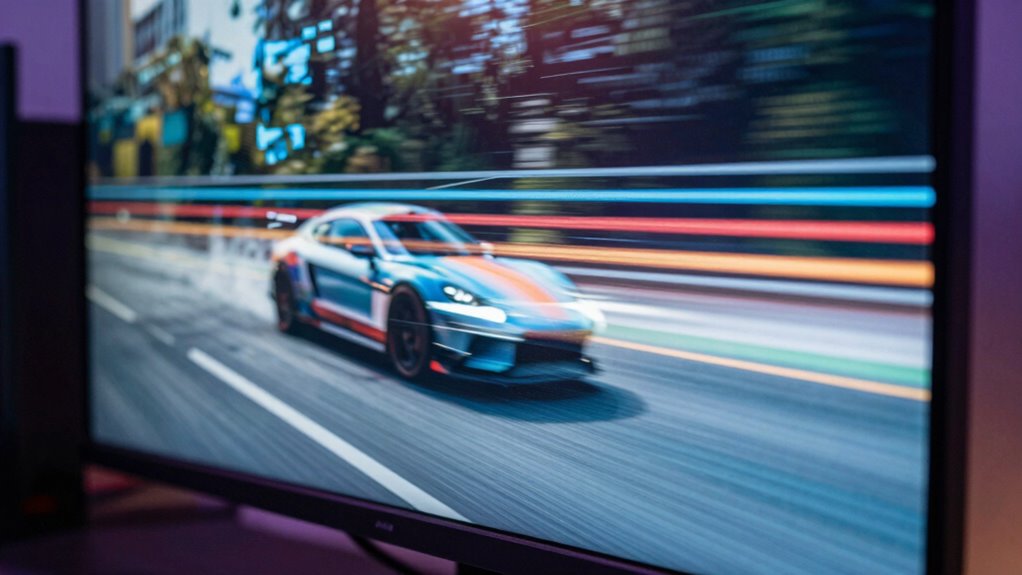

If a game’s frame output doesn’t match your display’s refresh rate, it can cause choppiness, tearing, or stuttering. This mismatch leads to uneven frame pacing and visual artifacts, making gameplay appear jittery. Even with a high refresh rate, poor synchronization results in less fluid motion. Using Variable Refresh Rate (VRR) helps align output with your display, reducing these issues. To understand how VRR improves your gameplay experience, keep exploring the details behind this technology.
Key Takeaways
- Mismatched refresh rates and frame output cause visual artifacts like tearing and stuttering in games.
- Proper frame pacing ensures consistent frame delivery, reducing choppiness and improving smoothness.
- Variable Refresh Rate (VRR) dynamically aligns display refresh with frame output, minimizing tearing and stutter.
- Even with VRR, poor frame pacing or high input lag can still cause choppiness.
- Achieving fluid gameplay requires both high refresh rates and synchronized frame delivery.

If you’ve ever noticed screen tearing or stuttering during gameplay or video playback, it’s likely due to mismatched refresh rates and frame output. This mismatch can make your experience feel choppy, disrupting immersion and making even smooth-looking scenes appear jittery. At the heart of this issue lies the concept of frame pacing, which is how consistently frames are delivered over time. When frame pacing isn’t properly synchronized with your display’s refresh rate, animations can seem uneven, causing that unpleasant “judder” effect. Additionally, if the game or video isn’t matching the display’s refresh rate, you might also notice increased input lag, which can make controls feel sluggish or unresponsive. These issues are especially frustrating in fast-paced games where timing and precision matter.
Modern technologies like Variable Refresh Rate (VRR) aim to solve these problems by dynamically adjusting the display’s refresh rate to match the frame output from your device. When VRR is enabled, your display can adapt in real time, reducing screen tearing and creating smoother motion. This synchronization ensures that each frame is displayed at the right moment, maintaining consistent frame pacing. As a result, your gameplay becomes more fluid, and the visual experience improves markedly. Without VRR, your system might send frames at a rate that doesn’t align with your monitor’s fixed refresh rate—say, 60Hz—causing frames to be skipped or duplicated. This leads to the choppiness you see and feel.
It’s also worth noting that even with a high refresh rate, poor frame pacing can cause “choppy” visuals, because the game isn’t delivering frames evenly. VRR helps mitigate this by aligning the output, but it doesn’t eliminate input lag entirely. Sometimes, enabling VRR can introduce a slight delay, but most gamers find the trade-off worthwhile because the overall experience feels more natural and responsive. The key is understanding that smooth gameplay depends on both a high refresh rate and proper synchronization. When these elements are out of sync, you notice the flaws—stuttering, tearing, and uneven motion. By leveraging VRR technology, you can considerably reduce these issues, making your gaming sessions much more enjoyable and precise. Remember, the goal isn’t just high frame rates but consistent, well-paced frames that keep your experience seamless from start to finish.
Frequently Asked Questions
How Does VRR Impact Gaming Latency?
VRR reduces gaming latency by syncing your monitor’s refresh rate with your GPU’s frame output, which helps prevent frame tearing and minimizes motion blur. This synchronization means you see smoother gameplay with less delay, making fast movements feel more responsive. Without VRR, mismatched frames can cause tearing and choppy visuals, increasing latency and disrupting your gaming experience. Overall, VRR keeps gameplay fluid and responsive, giving you an edge.
Can VRR Improve Image Quality Beyond Flicker Reduction?
Yes, VRR can improve image quality beyond flicker reduction by reducing issues like frame tearing and motion blur. When VRR synchronizes your display’s refresh rate with your GPU, it creates smoother motion and clearer images during fast-paced scenes. You’ll notice less tearing and less motion blur, making gameplay look sharper and more fluid. This enhancement helps you enjoy a more immersive experience without distracting visual artifacts.
Is VRR Compatible With All Gaming Consoles?
Most gaming consoles, like Xbox Series X and PlayStation 5, support VRR, but not all models do. About 75% of modern consoles are compatible, yet some older or budget-friendly options lack it. To get the best experience, you should check your gaming accessories and guarantee proper screen calibration. Compatibility varies, so always verify your console’s specifications before investing in VRR-enabled devices for smoother gameplay.
What Is the Ideal Refresh Rate for Competitive Gaming?
For competitive gaming, aim for a refresh rate of at least 144Hz to reduce motion blur and improve response times. Higher refresh rates help you see fast-moving objects more clearly, giving you an edge. They also enhance color accuracy and smoothness, preventing choppiness that can distract or hinder your gameplay. Staying at or above 144Hz guarantees you experience fluid visuals, making quick reactions more accurate and your overall performance sharper.
How Do I Enable VRR on My Monitor or TV?
To enable VRR on your monitor or TV, start by checking if it supports FreeSync or G-Sync. Then, go into your device’s settings, navigate to the display or gaming options, and turn on VRR or adaptive sync. Make sure to calibrate your image for ideal visuals and minimal input lag. Once enabled, you’ll notice smoother gameplay, especially during fast movements, reducing choppiness and improving overall experience.
Conclusion
Understanding VRR and refresh rate is like tuning a musical instrument—you need everything in harmony for smooth gameplay. When these settings mismatch, your gaming experience can feel like a bumpy ride instead of a smooth sail. By adjusting your VRR and refresh rate, you’re basically giving your games a clear, steady heartbeat. So, take control, fine-tune your settings, and let your games flow as seamlessly as a river—no more choppiness, just pure, fluid fun.