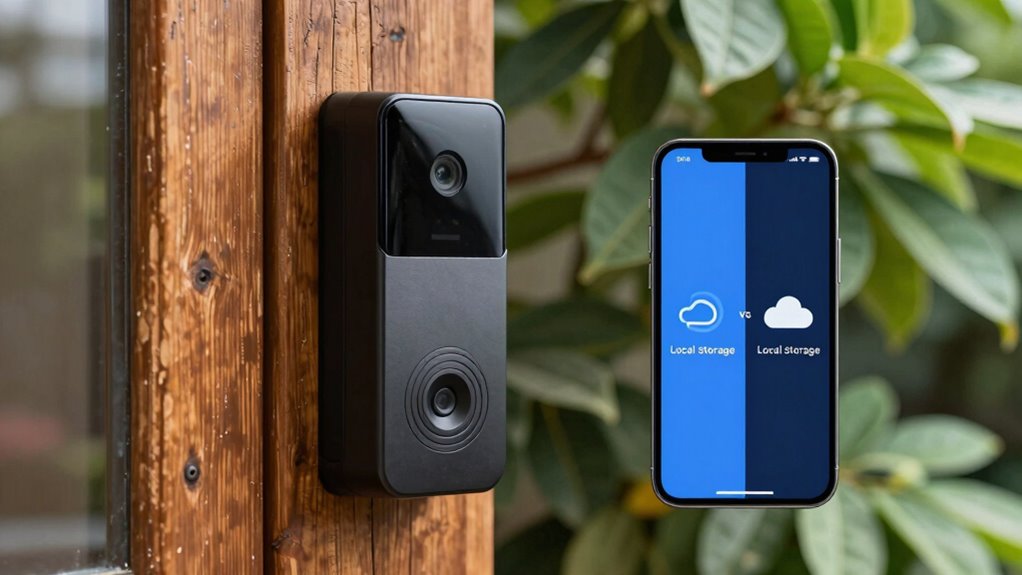

Choosing between cloud and local storage for your video doorbell involves a privacy tradeoff. Cloud storage offers convenience and strong encryption but means trusting a third-party with your footage, which could be shared or breached. Local storage keeps your data in your control and private, but it requires more security effort on your part. To understand which option best suits your privacy needs and how to protect your footage, explore the details further.
Key Takeaways
- Cloud storage offers convenience and encryption but requires trusting third-party providers with your data.
- Local storage gives you control over footage and privacy but demands proper security measures to prevent theft or hacking.
- Cloud solutions facilitate remote access easily, while local storage may limit accessibility to your home network.
- Privacy tradeoff involves balancing external data handling in the cloud versus self-managed security with local storage.
- Understanding encryption levels and access controls is crucial to maintaining privacy regardless of storage choice.
Video Doorbells
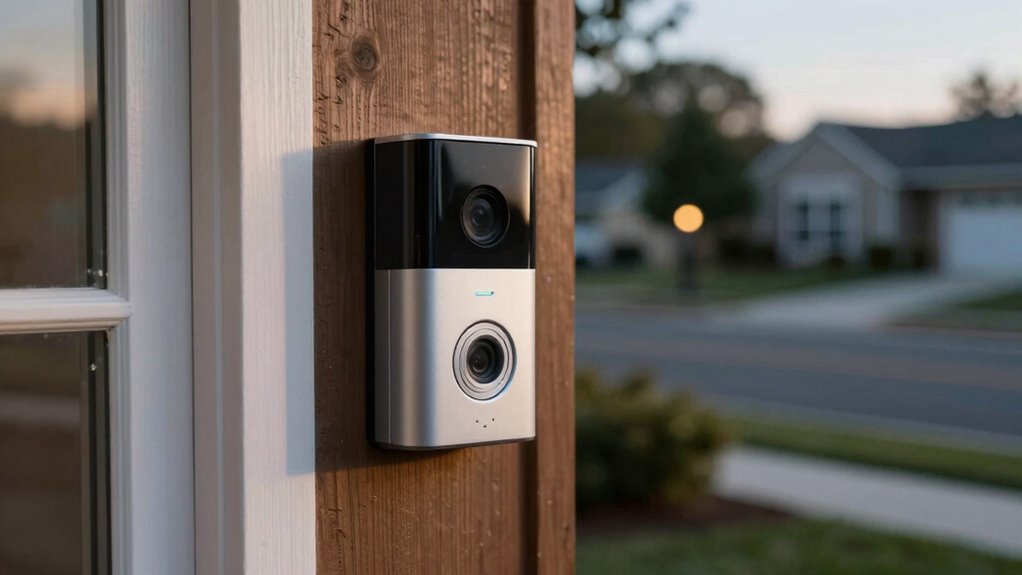
Have you ever wondered how to boost your home’s security while adding convenience? One effective way is by installing a video doorbell. These devices let you see and communicate with visitors from anywhere, providing peace of mind and a sense of safety. But as you consider your options, it’s essential to understand the tradeoffs between cloud storage and local storage, especially when it comes to your privacy and data security.
Installing a video doorbell enhances security and convenience while raising privacy considerations.
When choosing between cloud and local storage, think about how each handles data encryption. Cloud storage providers typically use strong data encryption protocols, both during transmission and while stored on their servers. This means your footage is protected from unauthorized access, which is a big plus for user privacy. However, relying on cloud storage means trusting the provider to keep your data secure and private. If the provider experiences a breach or if their policies change, your footage could be at risk. Knowing that your data is stored off-site also raises concerns about who can access it and how it might be used, especially if the provider shares data with third parties or government agencies.
On the other hand, local storage—using an SD card or a network-attached storage device—gives you more control over your data. You’re the one managing the storage, which means you can implement your own security measures like data encryption and access controls. This setup enhances user privacy because your footage isn’t stored on external servers. However, local storage isn’t foolproof. If someone physically steals your device or if your network is compromised, your footage could still be vulnerable. Plus, local storage often lacks the ease of access that cloud solutions provide; you need to be connected to your home network to view footage, which might be less convenient.
Additionally, some modern video doorbells are compatible with sauna build and maintenance systems, which can incorporate security features to protect your data further. Ultimately, the privacy tradeoff hinges on your comfort level with trusting third-party providers versus managing your own security. Cloud storage offers convenience and robust encryption but involves trusting an external entity with your data. Local storage keeps your footage more private and under your control but requires more effort to set up and maintain security measures. Whichever option you choose, make sure you understand how your data is protected. Look for features like end-to-end encryption, strong user privacy policies, and the ability to control access. By staying informed, you can enjoy the benefits of a video doorbell without sacrificing your privacy or security.
Frequently Asked Questions
How Secure Is Cloud Storage Against Hacking?
Cloud storage can be quite secure if it uses strong encryption protocols and robust data retrieval methods. However, it’s not invulnerable; hackers can sometimes exploit vulnerabilities. You should choose services that prioritize security, enable two-factor authentication, and regularly update your passwords. While cloud providers invest heavily in security, always remember that no system is completely immune. Staying vigilant and understanding their security measures helps you protect your footage better.
Can Local Storage Footage Be Easily Erased?
You can easily erase local storage footage, like in a hypothetical case where a homeowner deletes old clips to free up space. Footage deletion is straightforward, often requiring just a few clicks on the device or connected app. However, storage accessibility varies; some systems may restrict deletion rights or overwrite old footage automatically. Always check your device’s settings to verify you can manually control footage deletion when needed.
Do Different Storage Options Affect Video Quality?
Yes, different storage options can affect your video quality. Cloud storage often uses advanced video compression, which might slightly reduce resolution to save bandwidth, but still provides clear footage. Local storage, like SD cards, offers higher resolution options with ample storage capacity, ensuring better video quality. Your choice influences not only quality but also how much footage you can store, so consider your needs for detail and storage space.
Are There Legal Restrictions on Video Doorbell Recordings?
Think of privacy laws as guardrails guiding your recordings—you gotta follow them. Yes, legal restrictions exist; you must respect neighbors’ privacy and obtain recording consent if required. Laws vary by jurisdiction, so check local regulations before installing your video doorbell. Ignoring these rules can lead to legal trouble, and nobody wants that. Stay informed and respect privacy to keep your security setup both effective and lawful.
How Does Storage Choice Impact Device Battery Life?
Choosing between cloud and local storage impacts your doorbell’s battery life by affecting battery drain and power consumption. If you opt for cloud storage, your device uses more energy transmitting data wirelessly, leading to increased power use. Local storage, especially with a wired setup, minimizes wireless transmission, reducing power consumption. So, your battery lasts longer when you prioritize local storage, while cloud storage can cause faster battery drain due to constant data uploads.
Conclusion
Choosing between cloud and local storage for your video doorbell is like deciding whether to keep your secrets in a locked box or broadcast them to the world’s sky. Cloud storage offers ease and accessibility, but with a risk of exposure—your privacy floating in the cloud. Local storage keeps your memories grounded, safe from prying eyes. Weigh the tradeoff carefully; your peace of mind is the true treasure, hidden behind the doors you choose to lock or leave open.