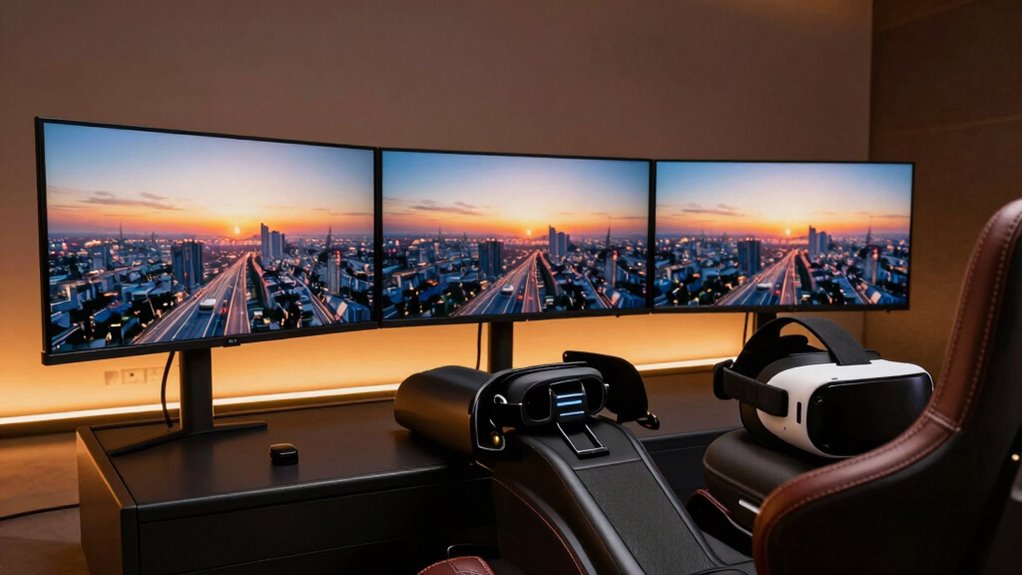

If you’re choosing between triple monitors and VR for sim racing, think about what matters most to you. Triple monitors give you a broad, detailed view of your surroundings but lack true depth perception, making turns feel less natural. VR offers a highly immersive experience with a real sense of presence, but it demands high-end hardware and can cause discomfort if not set up properly. To see how each setup impacts your racing experience, keep exploring the details below.

Get the latest gadgets delivered free — and shop member deals
- Fast, free delivery on millions of items
- Access to Prime Big Deal Days deals on October 6–7
- Prime Video, Amazon Music and more included
Key Takeaways
- Triple monitors provide a wide field of view, enhancing peripheral awareness in sim racing.
- VR delivers immersive, first-person experience, increasing realism and sense of presence.
- VR requires high-end hardware for smooth performance and to prevent motion sickness.
- Triple monitors lack depth perception but are easier to set up with existing hardware.
- Proper ergonomics and system performance are crucial for comfort and optimal VR experience.
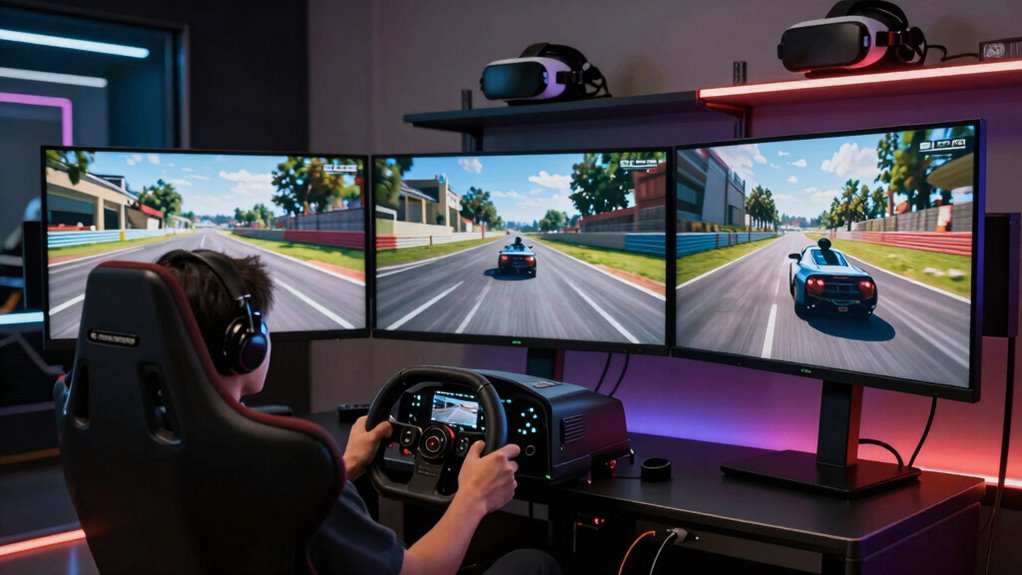
While triple monitors excel in giving a broad, detailed view and are generally easier to set up with existing hardware, they may fall short in delivering the same depth perception and natural perspective that VR offers. VR creates a more immersive, first-person experience, but it’s more sensitive to hardware issues like latency or tracking problems. If your rig can handle the demands, VR can truly elevate your sense of presence, making every turn feel more real. Additionally, hardware compatibility plays a critical role in ensuring a smooth VR experience, as not all headsets work seamlessly with every system. If you are considering a VR setup, it’s essential to assess your PC’s GPU power and overall system performance capacity to prevent issues like lag or motion sickness. Hardware requirements are a key consideration, as insufficient performance can negatively impact your experience. Proper ergonomic design can also help reduce fatigue during extended sessions, which is an important factor to consider. Selecting the right ergonomic accessories can further enhance comfort and reduce strain during long racing sessions, ensuring you stay focused and comfortable. Comfort and fit are vital too; extended sessions can cause fatigue or discomfort if your headset isn’t well-suited to you.
triple monitor setup for sim racing
As an affiliate, we earn on qualifying purchases.
As an affiliate, we earn on qualifying purchases.
Frequently Asked Questions
How Does Motion Sickness Compare Between Triple Monitors and VR?
Motion sickness tends to be more common with VR because it involves full immersion, which can cause your brain to mismatch visual clarity with your inner ear signals. With triple monitors, you usually experience less motion sickness since the visual input is more stable and less intense. If you’re prone to motion sickness, you might find triple monitors more comfortable, but VR offers a more immersive experience that could be worth the risk.
Which Setup Offers Better Visibility in Low-Light Conditions?
Light reveals everything, so visibility depends on how well your setup adapts. With triple monitors, you get better light adaptation and broader peripheral vision, making low-light conditions less challenging. VR can sometimes struggle with visual clarity in dim settings due to screen limitations. Overall, triple monitors offer superior visibility in low-light conditions because they provide a wider, clearer view, helping you stay focused and responsive during those dark, tricky moments.
Can VR Setups Cause Long-Term Eye Strain or Fatigue?
Yes, VR setups can cause long-term eye strain or fatigue if you don’t take breaks or adjust settings for visual comfort. Extended use may lead to eye fatigue due to the close proximity of screens and the constant focusing effort. To minimize this, guarantee proper headset fit, take regular breaks, and adjust brightness and focus settings. Prioritizing your visual comfort helps prevent discomfort and maintains your enjoyment during long sim racing sessions.
How Do Audio Experiences Differ Between Triple Monitors and VR?
With VR, you get superior sound immersion and audio clarity, making you feel like you’re truly in the cockpit. The built-in spatial audio enhances your awareness of surroundings, giving you a realistic racing experience. On triple monitors, audio relies on your speakers or headphones, which can vary in quality. While you can still achieve good sound, VR provides a more integrated and immersive audio experience that heightens your overall sense of presence.
What Are the Space and Setup Requirements for Each Option?
For triple monitors, you need ample desk space for each screen, ensuring ergonomic positioning to prevent strain. High screen resolution enhances clarity, but setup can be complex, requiring sturdy mounts. VR demands less physical space, just enough room for safe movement, but you must have a clear play area. Proper ergonomic positioning in VR involves adjustable head straps and comfortable controllers, making setup straightforward but ensuring safety and comfort is key.
Conclusion
While triple monitors deliver a wide, immersive view, VR truly puts you in the driver’s seat with 360-degree immersion. Some might think VR causes motion sickness or isn’t as sharp, but advancements make it comfortable and crystal-clear. If you’re after realism and a deep sense of presence, VR’s worth trying — don’t let those myths hold you back. Either way, both options elevate your sim racing experience beyond a simple screen.
Halloween Picks
halloween
As an affiliate, we earn on qualifying purchases.