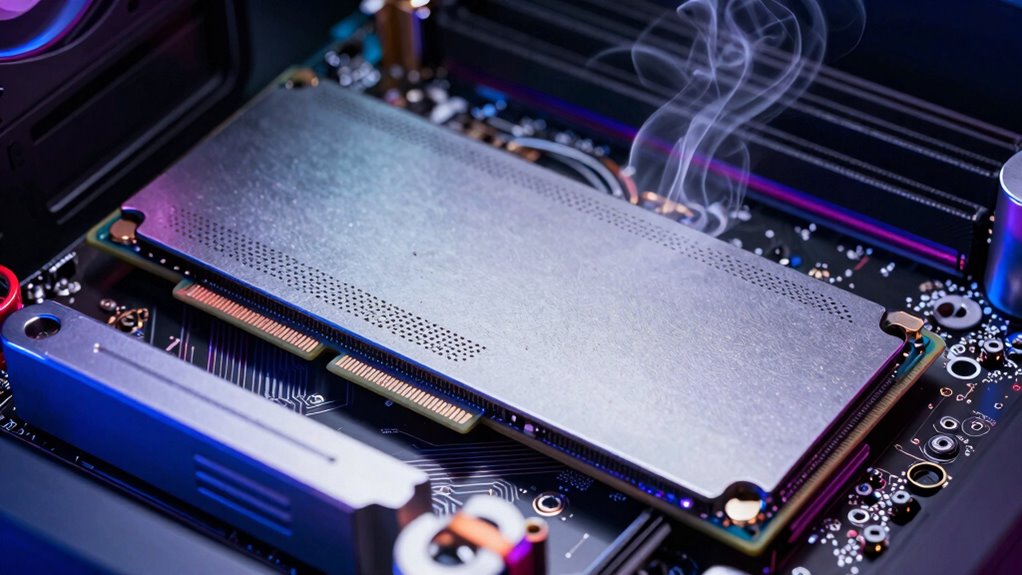

PCIe 5.0 SSDs run hot because they deliver much faster data transfer speeds, which generates more heat during operation. This increased temperature can lead to thermal throttling, slowing down the drive, and affecting performance. Without proper cooling, heat buildup can also shorten the drive’s lifespan and cause stability issues. If you want to learn how to manage this heat effectively and keep your SSD running smoothly, keep exploring the options available.

Get the latest gadgets delivered free — and shop member deals
- Fast, free delivery on millions of items
- Access to Prime Big Deal Days deals on October 6–7
- Prime Video, Amazon Music and more included
Key Takeaways
- PCIe 5.0 SSDs operate at higher speeds, generating more heat during data transfer.
- Increased thermal output can cause thermal throttling, reducing performance.
- Higher data rates lead to greater power consumption and thermal challenges.
- Effective cooling solutions like heatsinks or liquid cooling are essential for heat management.
- Proper thermal management extends SSD lifespan and maintains optimal performance.
As PCIe 5.0 SSDs hit the market, many users are discovering that these high-speed drives tend to run hotter than their predecessors. The increased data transfer speeds come with a significant challenge: managing the heat generated during operation. Because PCIe 5.0 SSDs push the limits of performance, they naturally produce more heat, which can impact both their longevity and stability if not properly addressed. This makes thermal management a vital aspect to contemplate when upgrading to these cutting-edge drives. Without effective cooling solutions, you risk thermal throttling, where the drive reduces its speed to prevent overheating, ultimately negating some of the performance benefits. Ensuring proper heat dissipation is essential to maintain the full potential of your SSD, especially when running intensive tasks like gaming, video editing, or large data transfers.
Furthermore, the heat generated by PCIe 5.0 SSDs can also influence their energy efficiency. While these drives are designed for high performance, increased temperatures can cause them to draw more power as they work harder to keep their components cool. This not only affects energy consumption but also leads to higher operational costs over time. You’ll want to prioritize thermal management solutions that maximize energy efficiency, such as high-quality heatsinks or advanced cooling systems, to keep temperatures in check without wasting excess power. Proper cooling not only preserves the drive’s performance but also extends its lifespan, which is particularly important given the investment involved.
You may find that manufacturers are incorporating better thermal designs into their SSDs, but additional cooling measures often become your responsibility. Installing heatsinks, ensuring proper airflow within your system, or even considering liquid cooling can make a significant difference. These efforts help manage the heat more effectively, ensuring your SSD operates within safe temperature ranges and maintains maximum energy efficiency. Remember, the goal isn’t just to keep the drive cool but to do so in a way that minimizes power consumption and maximizes performance. As you upgrade your system, pay attention to the thermal design options available and invest in solutions that align with your usage patterns. Proper cooling and energy-efficient practices are key to realizing the full potential of PCIe 5.0 SSDs while safeguarding your hardware investment. Additionally, understanding thermal management can help you choose or upgrade cooling solutions more effectively. Properly managing heat dissipation can also prevent potential hardware failures, prolonging the lifespan of your SSD and system components. Recognizing the importance of efficient cooling can lead to better overall system stability and longevity.
As an affiliate, we earn on qualifying purchases.
Frequently Asked Questions
How Does PCIE 5.0 Compare to Previous SSD Standards?
You’ll find PCIe 5.0 SSDs offer considerably higher data transfer speeds compared to previous standards like PCIe 4.0 or 3.0. This boost means faster file transfers and improved performance for demanding tasks. Additionally, PCIe 5.0 allows for greater storage density, enabling larger capacities in smaller forms. However, this increased performance can lead to higher heat generation, so proper cooling is essential to maintain peak operation.
Can Cooling Solutions Significantly Reduce PCIE 5.0 SSD Temperatures?
Cooling solutions can markedly reduce PCIe 5.0 SSD temperatures if you focus on improving air circulation and adding heat sinks. Good airflow helps carry away heat, preventing hot spots, while heat sinks absorb and dissipate thermal energy. By combining these methods, you’ll keep your SSD cooler, maintain peak performance, and extend its lifespan. Don’t overlook the importance of proper cooling; it makes a noticeable difference in managing high-speed SSD heat.
Are There Specific Brands Known for Better Thermal Management?
Think of brands like Samsung and WD as skilled chefs known for their thermal design, serving up cool-running SSDs. Their reputation for quality means they prioritize thermal management, making their drives less likely to overheat. You’ll find these brands often incorporate advanced heatsinks and clever heat dissipation in their designs. Choosing them means trusting a kitchen that’s well-ventilated, ensuring your PCIe 5.0 SSD stays cool and performs at its best.
How Does SSD Heat Impact Overall System Performance?
When your SSD heats up, it can throttle its speed to prevent damage, reducing overall system performance. Good thermal conductivity materials help dissipate heat faster, and airflow optimization in your case guarantees hot air escapes efficiently. If heat isn’t managed well, your system may slow down during intense tasks, impacting productivity and gaming. To avoid this, consider cooling solutions that enhance thermal conductivity and improve airflow around your SSD.
Is Thermal Throttling Common in PCIE 5.0 SSDS?
Thermal throttling typically troubles PCIe 5.0 SSDs due to their tendency to overheat. You’ll find that thermal conductivity and cooling efficiency play vital roles in preventing performance penalties. When your SSD gets too hot, it automatically reduces speed to avoid damage. To avoid this, you can improve cooling setups, such as adding heatsinks or enhancing airflow, helping your SSD stay cool and maintain peak performance without throttling.
Conclusion
Understanding why PCIe 5.0 SSDs run hot helps you appreciate the trade-offs of this cutting-edge technology. While their blazing speeds boost your productivity, they generate more heat—up to 20% higher than previous generations. This emphasizes the importance of proper cooling solutions to maintain performance and longevity. As SSDs continue to evolve, staying informed about their thermal management guarantees you get the most out of your high-speed storage without risking overheating.
Fall Picks
fall essentials
As an affiliate, we earn on qualifying purchases.