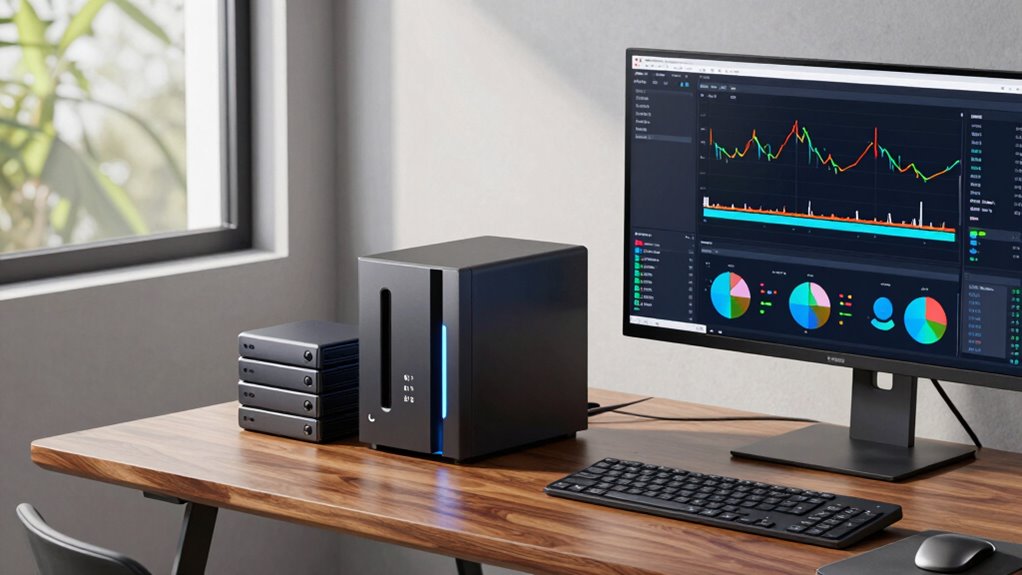

Relying only on RAID in your NAS isn’t enough because it only protects against hardware failure, not theft, malware, or accidental deletion. RAID provides redundancy but doesn’t prevent data loss caused by cyber attacks or disasters. To truly safeguard your files, you need a solid backup plan that includes off-site cloud storage and encryption. Keep exploring to discover how combining local and cloud backups offers the best protection for your data.
Key Takeaways
- RAID protects against drive failure but doesn’t prevent data loss from deletion, malware, or theft.
- Regular backups, including cloud storage, are essential for full data protection beyond RAID.
- Cloud backups offer off-site safety, safeguarding data from physical damage or disasters.
- Encrypting backups ensures data privacy during transfer and storage, enhancing security.
- Combining local and cloud backups creates a robust, layered defense that RAID alone cannot provide.
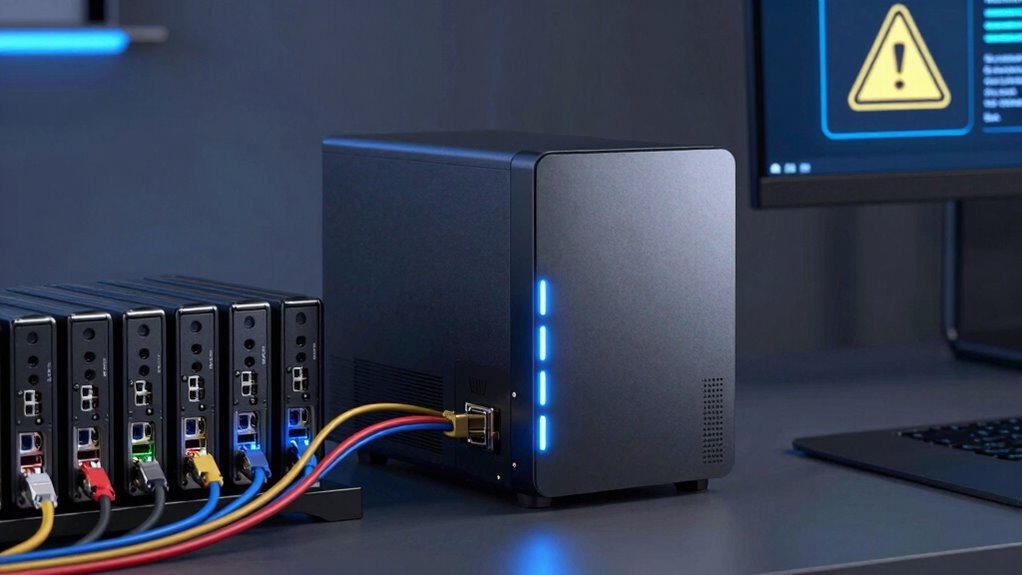
Network Attached Storage (NAS) backups are vital for protecting your data from hardware failures, cyber threats, and accidental deletion. While RAID configurations are often thought of as a safeguard, they’re not enough on their own. RAID helps with redundancy and can keep your data accessible if a drive fails, but it doesn’t prevent data loss caused by malware, theft, or user error. That’s where proper backups come into play, giving you an extra layer of security. One smart move is integrating cloud storage into your backup strategy. Cloud backups allow you to save copies of your data remotely, safeguarding it against physical damage to your NAS device or local disasters. Plus, cloud services often provide robust data encryption, which encrypts your files during transfer and while stored, ensuring that your data stays private and protected from unauthorized access.
Protect your data with NAS backups and cloud storage for added security and peace of mind.
When you back up your NAS to the cloud, you’re fundamentally creating a secure off-site copy. This acts as a safety net if your local hardware is compromised, stolen, or corrupted. You don’t need to worry about losing everything if a fire, flood, or burglary occurs. Cloud storage providers typically use strong data encryption protocols, so even if someone intercepts your data during upload or attempts to access it without permission, they’ll find it nearly impossible to decipher. This added layer of security is vital, especially if your data includes sensitive information or business-critical files.
But it’s not just about having a backup; it’s about making sure those backups are reliable and secure. Regularly scheduled backups to cloud storage guarantee your data is up to date and protected against new threats. And don’t forget to verify that your backup solution employs data encryption, both during transit and at rest. Encryption prevents hackers from easily accessing your files if they manage to breach the storage system. Many cloud providers automatically encrypt your data, but you should double-check their security policies and consider using additional encryption tools if needed. Additionally, understanding the importance of NAS backup strategies can help you develop a comprehensive plan tailored to your needs.
In effect, combining local NAS backups with cloud storage creates a thorough safety net. It’s like having a double lock—your physical drives are protected from hardware issues, and your remote backups are shielded from cyber threats and physical disasters. Remember, RAID can’t replace a well-planned backup strategy. Relying solely on RAID is risky because it doesn’t guard against malware, accidental deletion, or theft. Protect your data proactively by leveraging cloud storage and ensuring your backups are encrypted, so your information remains secure no matter what happens.
Frequently Asked Questions
How Often Should I Back up My NAS Data?
You should back up your NAS data daily or at least weekly to make certain your files stay safe. Regular backups help protect against hardware failure or data corruption. Use cloud synchronization for off-site backups and physical storage for local copies. By doing this consistently, you minimize data loss risks and keep your files protected, no matter what happens to your NAS device.
Can I Automate NAS Backups Easily?
Yes, you can easily automate your NAS backups. Most NAS devices support scheduled backups with options for cloud synchronization and incremental backups, making the process seamless. You just set your preferred backup schedule, choose cloud storage if needed, and enable incremental backups to save time and space. This way, your data stays protected without manual intervention, ensuring continuous, reliable backups that keep everything up-to-date effortlessly.
What Is the Best Backup Destination for NAS?
Imagine your data as a fragile glass sculpture, delicate yet invaluable. Your best backup destination is cloud storage combined with offsite backups, providing a safe haven beyond physical damage risks. Cloud storage offers easy, automated access from anywhere, while offsite backups protect against local disasters. Together, they create a resilient shield, ensuring your data stays safe, accessible, and recoverable, no matter what surprises the future holds.
How Long Does a Typical NAS Backup Take?
A typical NAS backup can take anywhere from a few minutes to several hours, depending on factors like network bandwidth and backup encryption. If you have a fast connection and minimal data, it’s quick. However, large files or encrypted backups require more time, especially over slower networks. To speed things up, optimize your network and consider incremental backups, which only update changed files rather than re-copying everything.
Is There a Way to Test NAS Backup Integrity?
While disk redundancy protects your data, it doesn’t guarantee backup integrity. You can test your NAS backup by performing backup verification, which involves restoring files to a separate location or using dedicated tools. This process confirms your data’s accuracy and reliability, giving you peace of mind. Regularly testing your backups ensures that, even if disaster strikes, your data remains intact and recoverable.
Conclusion
Remember, relying solely on RAID isn’t a safety net—it’s just a part of your backup strategy. Think of your NAS as a sturdy boat, but without proper backups, a storm can still sink you. Protect your data like treasures in a vault; don’t leave them vulnerable to unforeseen disasters. Implement a solid backup plan, and you’ll sleep easier knowing your digital life is truly safeguarded. Because in the end, prevention beats panic.