HLS and DASH are the main streaming technologies that control your video quality and buffering. HLS, developed by Apple, works well on iOS devices and offers broad compatibility, while DASH supports more codecs and devices globally. Your device’s support for codecs like H.264, H.265, VP9, or AV1 affects playback quality and smoothness. Understanding these differences helps you get the best streaming experience—continue to explore how these technologies shape your viewing.

Get the latest gadgets delivered free with Prime
- Fast, free delivery on millions of items
- Prime Video, Amazon Music and more included
- Member-only deals all year
Key Takeaways
- HLS offers broad compatibility on Apple devices, ensuring stable playback and buffering performance.
- DASH supports advanced codecs like VP9 and AV1, enabling higher quality streams with better compression.
- Device and browser support for codecs directly impact DASH stream playback quality and buffering.
- Adaptive streaming in both protocols adjusts video quality based on network conditions to reduce buffering.
- Choice between HLS and DASH depends on device compatibility, supported codecs, and desired video quality.
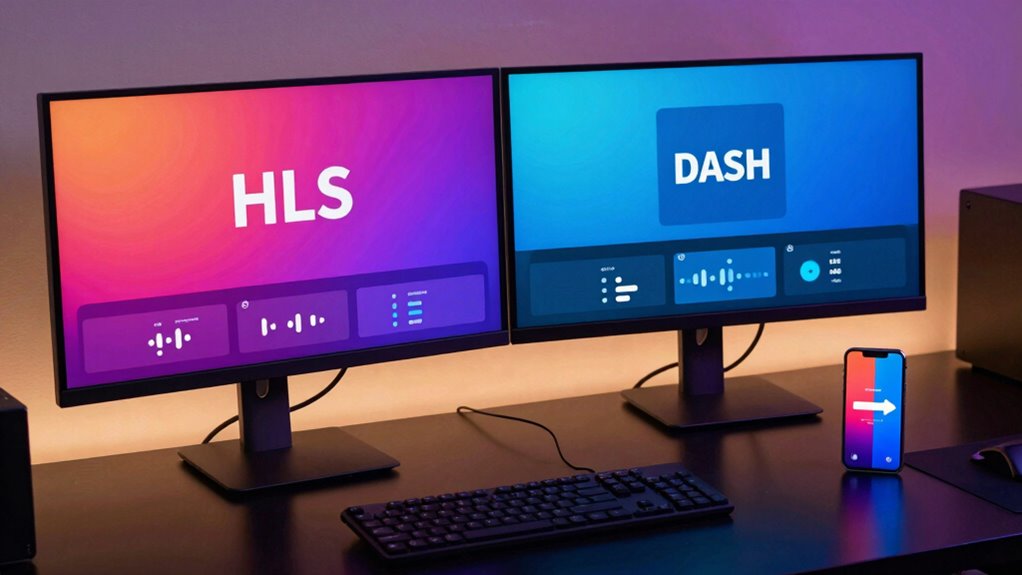
When choosing a streaming technology, understanding the differences between HLS (HTTP Live Streaming) and DASH (Dynamic Adaptive Streaming over HTTP) is vital. Both protocols enable adaptive bitrate streaming, which adjusts video quality in real-time based on your internet connection. This means you get smoother playback and fewer interruptions, but they approach this goal differently. Your device’s ability to handle various codecs plays a significant role here. Codec compatibility determines whether your device can decode and display the streamed content correctly, making it a key factor when selecting between HLS and DASH.
Choosing between HLS and DASH depends on device support and codec compatibility for smooth, high-quality streaming.
HLS, developed by Apple, is widely supported on iOS devices and browsers, making it a dependable choice if you primarily watch content on Apple products or Safari. It uses MPEG-2 Transport Stream (TS) containers and typically relies on codecs like H.264 or H.265. Because HLS is a mature technology, it enjoys broad codec compatibility, ensuring most devices can decode the streams without issues. Its adaptive bitrate feature dynamically switches between different quality levels, which helps prevent buffering during fluctuating network conditions. This seamless quality adjustment is vital for maintaining a consistent viewing experience, especially on mobile networks.
DASH, on the other hand, is an international standard with broader support across various platforms and devices. It offers similar adaptive bitrate streaming capabilities but often employs more modern container formats like MP4 and supports a wider array of codecs, including VP9 and AV1, in addition to H.264 and H.265. This flexibility allows content providers to optimize video quality and compression efficiency, offering viewers higher resolutions or better performance with less bandwidth. However, codec compatibility can become an issue if your device or browser doesn’t support newer codecs like VP9 or AV1. In those cases, DASH streams might not play smoothly or at all, unless compatible decoders are available. Additionally, cloud-based streaming infrastructure is often optimized to support DASH, which can influence delivery performance.
In practice, your choice might depend on the devices you use and the content providers’ implementation. HLS’s widespread compatibility ensures it works well across Apple devices and many smart TVs, with less concern about codec issues. DASH’s flexibility can deliver better quality and efficiency, but only if your device supports the codecs used. Understanding these nuances helps you choose the streaming technology that will deliver the best balance of quality, buffer-free playback, and device compatibility. Whether you prioritize seamless playback on Apple devices or want the latest in streaming standards, knowing the differences in adaptive bitrate management and codec support guides you toward the right choice.
Apple device compatible streaming media player
As an affiliate, we earn on qualifying purchases.
As an affiliate, we earn on qualifying purchases.
Frequently Asked Questions
Which Streaming Protocol Offers Better Compatibility With Older Devices?
You’ll find HLS offers better device compatibility, especially with older devices, because of its widespread support and protocol flexibility. Many legacy devices natively support HLS, making it easier for you to stream seamlessly without needing extra software or updates. DASH, while modern and efficient, often requires newer hardware or additional players, so if you’re using older tech, HLS is your best bet for smooth playback.
How Do HLS and DASH Impact Live Streaming Latency?
Did you know that low latency streaming can reduce delays by up to 50%? Both HLS and DASH use adaptive streaming to improve live streaming latency, but HLS generally offers slightly lower latency, making it better for real-time content. Your experience depends on how well each protocol implements latency reduction techniques, so choosing the right one can markedly enhance your live viewing, especially for sports or interactive broadcasts.
Are There Cost Differences in Implementing HLS Versus DASH?
You’ll find that implementation costs for HLS and DASH are quite comparable, but licensing fees can vary. HLS, developed by Apple, often involves fewer licensing fees, making it potentially cheaper to implement, especially if you’re targeting Apple devices. DASH, being an open standard, typically has no licensing costs but might require more development effort. Consider your target audience and existing infrastructure to choose the most cost-effective option.
Can Both Protocols Support 4K and HDR Content Equally?
Think of streaming like a highway: both HLS and DASH can handle 4K and HDR content, but your vehicle’s compatibility matters. If your codec supports HDR and the bandwidth requirements are met, both protocols can deliver stunning visuals. However, HLS often has broader codec compatibility, meaning smoother playback across devices, while DASH might demand more bandwidth. So, check your device’s codecs and your network’s capacity to enjoy seamless 4K HDR streaming.
What Security Features Are Unique to Each Streaming Technology?
You’ll find that HLS and DASH each have unique security features. HLS integrates DRM systems like Widevine, FairPlay, and PlayReady, offering robust encryption standards to protect content. DASH also supports DRM integration through Common Encryption, enabling secure streaming across different platforms. Both protocols use encryption standards to safeguard data, but HLS’s tighter integration with specific DRM solutions can provide more tailored security, giving you confidence in content protection.
Conclusion
Ultimately, choosing between HLS and DASH is like picking the right gear for a journey—you want smooth sailing and clear visuals. Both streaming techs have their strengths, but understanding their differences helps you optimize your viewing experience. Whether you prefer the widespread support of HLS or the flexibility of DASH, knowing which to use means fewer interruptions and better quality. It’s like having a trusted map that guides you seamlessly through the streaming landscape.
Columbus Day / Indigenous Peoples' Day Picks
long weekend sales
As an affiliate, we earn on qualifying purchases.