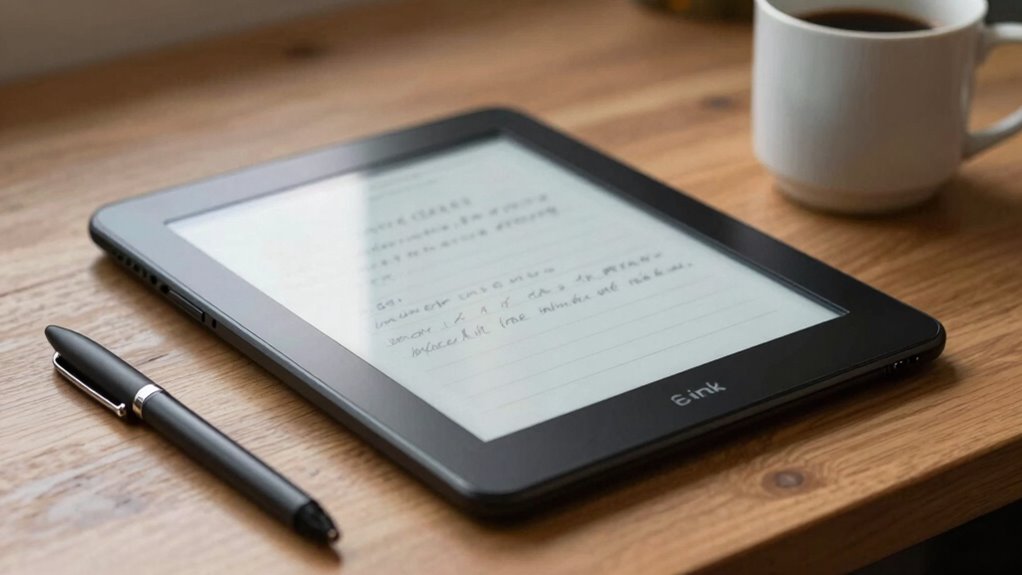
E-Ink note tablets offer a natural writing experience with a paper-like feel, making them great for long note-taking sessions without eye strain. Their long battery life and glare-free screens work well outdoors and in bright sunlight. However, they may lack the full versatility of traditional tablets, especially for multimedia use. If you value handwriting, portability, and extended use, these devices could be a perfect fit. Keep exploring to discover if they suit your needs.
Key Takeaways
- E-Ink note tablets offer a paper-like writing experience with eye-friendly screens ideal for long note-taking sessions.
- They excel in battery life, lasting weeks on a single charge, but have limited multimedia capabilities compared to traditional tablets.
- Best suited for students, writers, and artists who prioritize natural handwriting and outdoor readability over multimedia features.
- They support seamless synchronization, making note organization, backup, and sharing across devices straightforward.
- Their slow refresh rate and limited color options may not satisfy users needing fast, multimedia-rich interactions.
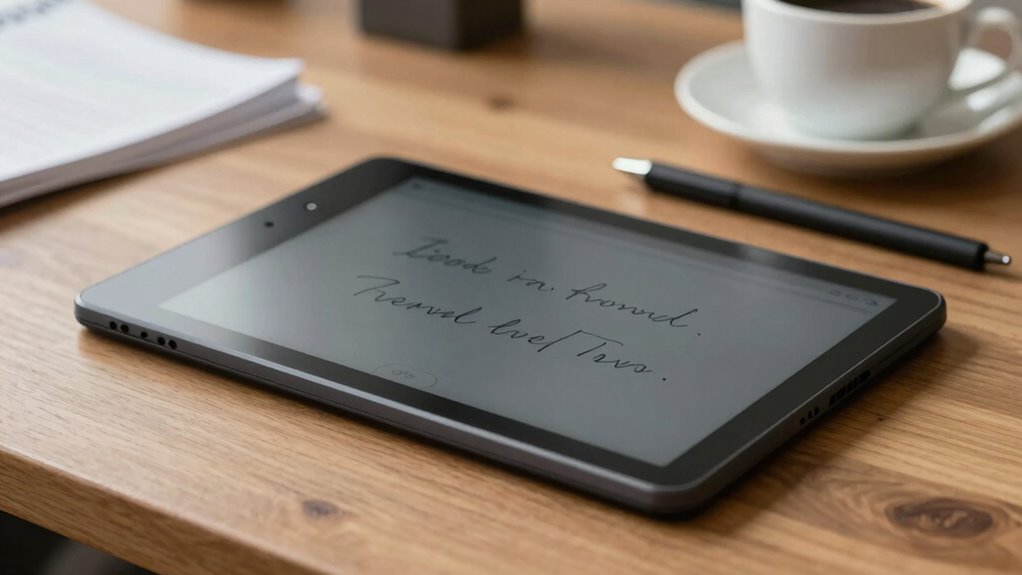
E-Ink note tablets have become a popular choice for those who want a paper-like writing experience with the benefits of digital storage. When you pick one up, you’ll quickly notice how closely the screen mimics actual paper, making digital handwriting feel natural. Unlike traditional tablets with bright screens, E-Ink displays are gentle on your eyes and perform well in bright sunlight. This makes them ideal for long writing sessions or note-taking outside. One of the biggest advantages is their impressive battery life. Since E-Ink screens only consume power when changing content, your device can last for weeks on a single charge. This means you don’t have to worry about frequent recharges, especially if you use your tablet daily for note-taking, sketches, or reading. The extended battery life is a game-changer, allowing you to focus on your work without interruption or concern about running out of juice mid-session. Additionally, their connected technology capabilities enable seamless synchronization with other devices, enhancing productivity and organization.
Digital handwriting on these devices tends to be smooth and responsive, especially on models designed specifically for note-taking. You’ll find that the stylus glides effortlessly across the screen, providing a natural writing feel that closely resembles pen on paper. Many tablets support pressure sensitivity, so you can vary your line thickness or shading just like you would with traditional tools. This makes them perfect for artists, students, or anyone who prefers handwritten notes over typing. The ability to convert handwritten notes into text later adds a layer of convenience, allowing you to organize and search your notes easily. Plus, since the notes are stored digitally, you can back them up, sync across devices, or share them with others effortlessly.
Frequently Asked Questions
Can E-Ink Tablets Replace Traditional Paper Notebooks Effectively?
E-ink tablets can effectively replace traditional paper notebooks for many tasks, especially with digital annotation and handwriting accuracy improvements. You can jot down notes, highlight text, and organize ideas seamlessly. However, if you rely on extensive sketches or tactile feedback, they might fall short. Overall, they suit those seeking a lightweight, eco-friendly option that mimics paper while offering the convenience of digital storage.
How Long Does the Battery Last on Typical E-Ink Note Tablets?
You’ll find that typical e-ink note tablets boast impressive battery longevity, often lasting several weeks on a single charge. This is thanks to efficient power management, which minimizes energy use when the device isn’t actively updating the screen. So, you won’t need to worry about frequent recharging, making e-ink tablets ideal for long study sessions, travel, or daily note-taking without the hassle of constant power concerns.
Are E-Ink Note Tablets Compatible With Third-Party Styluses?
Think of your e-ink note tablet as a canvas waiting for your touch. Most models support stylus compatibility, but not all work with third-party accessories. You can often use third-party styluses, but check compatibility first, as some may not deliver the same precision or pressure sensitivity. So, if you’re exploring options, verify your preferred stylus or accessory is compatible to get the best writing experience.
Do E-Ink Tablets Support Color Displays for Note-Taking?
Most e-ink tablets don’t support color displays for note-taking. If they do, the color accuracy is often limited, making it harder to distinguish hues clearly. You’ll also notice lower display brightness compared to traditional screens, which can affect readability in bright environments. While color e-ink is emerging, current models mainly focus on black-and-white displays, so consider your needs carefully if vibrant, colorful notes are essential for you.
How Durable Are E-Ink Note Tablets for Everyday Use?
Think of your e-ink note tablet as a trusty shield in your daily battles. Its screen durability and impact resistance are designed to withstand bumps and scratches, making it quite resilient for everyday use. While not indestructible, it handles regular handling well, giving you confidence to carry it around, jot notes on the go, and even toss it into your bag without much worry.
Conclusion
E-Ink note tablets might be perfect for your reading and note-taking needs, offering a paper-like experience that reduces eye strain. But if you’re craving fast performance and color, they might fall short. Think of them as a quiet library in a noisy cafe—you get calm and focus, yet miss the vibrancy of a bustling environment. Ultimately, whether they suit you depends on whether you value simplicity over speed and color, shaping your ideal digital companion.