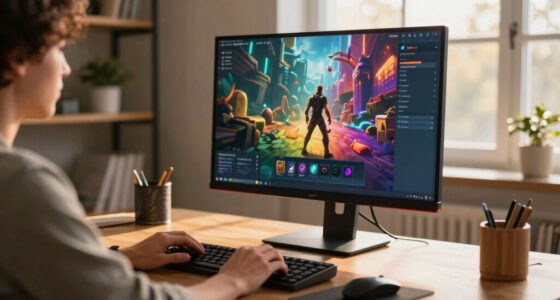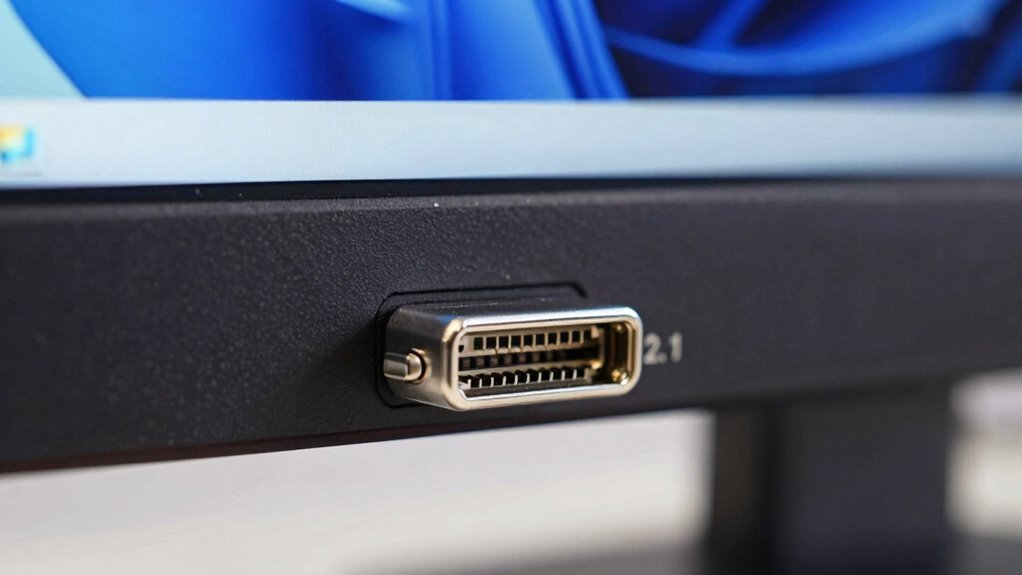
DisplayPort 2.1 is the latest interface that supports ultra-high-resolution setups like 8K displays and fast gaming. It offers much higher bandwidth, ensuring smooth visuals, reduced lag, and adaptive sync to prevent tearing and stuttering. You’ll need certified high-quality cables to fully enjoy its capabilities. Choosing the right cables now helps future-proof your setup and stay compatible with upcoming tech. Continue exploring to discover how to get the most out of DisplayPort 2.1 in your high-resolution experience.

Get the latest gadgets delivered free with Prime
- Fast, free delivery on millions of items
- Prime Video, Amazon Music and more included
- Member-only deals all year
Key Takeaways
- DisplayPort 2.1 offers significantly higher bandwidth, supporting ultra-high-resolution displays like 8K at high refresh rates.
- Certified cables are essential to utilize the full capabilities and prevent issues like flickering or resolution drops.
- Adaptive sync technology in DisplayPort 2.1 ensures smooth visuals during high-resolution gaming and professional workflows.
- Planning with bandwidth in mind helps future-proof setups for upcoming high-resolution and high-refresh-rate displays.
- Compatibility with emerging display standards guarantees optimal performance and avoids obsolescence in high-resolution setups.
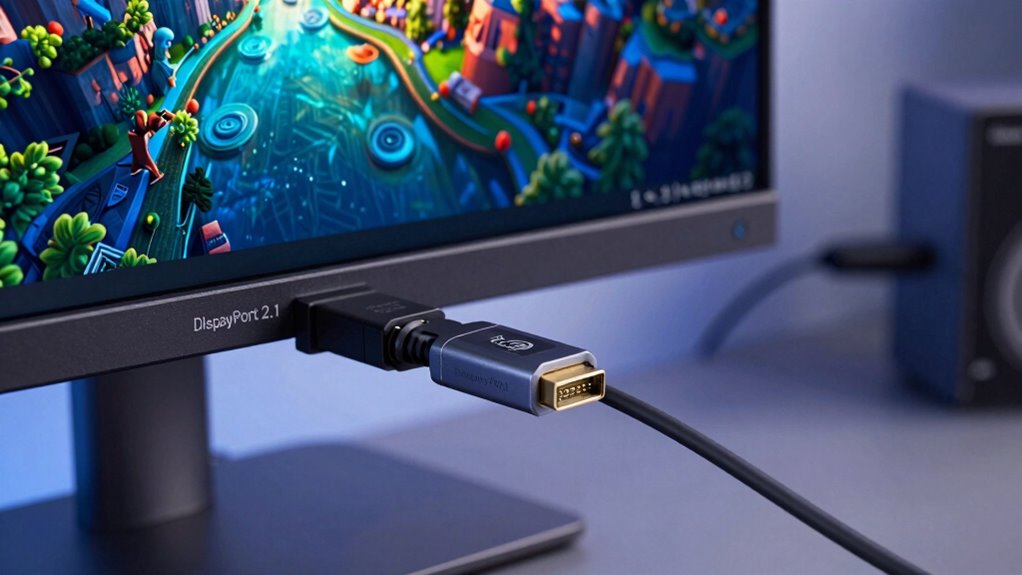
DisplayPort 2.1 is the latest version of the digital display interface, designed to deliver higher bandwidth and improved performance for modern visual setups. If you’re aiming for ultra-high-resolution displays, gaming, or professional content creation, this version offers significant upgrades. One of its standout features is support for adaptive sync technologies, which help eliminate screen tearing and stuttering by syncing the display’s refresh rate with your graphics card’s frame rate. This results in smoother visuals, especially during fast-paced gaming or detailed video editing, providing a seamless viewing experience without artifacts or lag.
DisplayPort 2.1 enhances performance for 8K, gaming, and professional workflows with adaptive sync and increased bandwidth.
Cable compatibility also plays a fundamental role with DisplayPort 2.1. Thanks to its increased bandwidth capabilities, you’ll need high-quality cables that can handle the data transfer demands. Not all DisplayPort cables are created equal; only certified or high-spec cables support the full potential of DisplayPort 2.1. When you’re setting up your high-resolution monitor, make certain your cables are compatible to avoid issues like flickering, reduced resolution, or limited refresh rates. Using the right cables guarantees you get the most out of your display’s capabilities, whether you’re working with 8K content or ultra-wide displays.
Adaptive sync support in DisplayPort 2.1 makes it especially appealing for gamers. It ensures that your monitor’s refresh rate dynamically adjusts to match your GPU’s output, minimizing latency and tearing. This synchronization is essential for high frame rate gaming at high resolutions, where even minor inconsistencies can disrupt your experience. As you upgrade your setup, verify that your monitor and graphics card support adaptive sync protocols like VESA’s Adaptive-Sync or AMD FreeSync, which are compatible with DisplayPort 2.1. When properly paired, these features allow for a more immersive and fluid visual experience.
Cable compatibility is also about future-proofing your setup. With DisplayPort 2.1, you’ll want to choose cables that support the increased bandwidth—up to 80 Gbps—enabling higher resolutions and refresh rates. This means, when you’re connecting the latest high-performance graphics cards and high-res displays, your cables need to support these specifications to avoid bottlenecks. Investing in certified cables ensures you won’t face compatibility issues, allowing you to harness the full potential of DisplayPort 2.1’s advanced features. Additionally, understanding the bandwidth capabilities of DisplayPort 2.1 can help you plan for upcoming high-resolution standards and avoid obsolescence. Being aware of the display resolution your setup can support with DisplayPort 2.1 is crucial for future upgrades. Moreover, staying informed about cable standards helps ensure optimal performance and compatibility as technology evolves. To maximize your setup’s longevity, keep an eye on emerging technology standards that could further enhance your display experience.
DisplayPort 2.1 certified high-speed cable
As an affiliate, we earn on qualifying purchases.
As an affiliate, we earn on qualifying purchases.
Frequently Asked Questions
Is Displayport 2.1 Compatible With Older Displayport Versions?
Yes, DisplayPort 2.1 is compatible with older versions, but you may face bandwidth limitations and compatibility concerns. While it can connect to older displays, you won’t enjoy the full benefits of the increased bandwidth and higher resolutions. Keep in mind, your setup’s performance depends on both your cable and your device’s port. To maximize features, confirm all components support DisplayPort 2.1.
Can Displayport 2.1 Support Multiple Monitors Simultaneously?
Yes, DisplayPort 2.1 can support multiple monitors simultaneously, enhancing your gaming performance with high-resolution displays. To get the best experience, you’ll need high-quality cables, as cable quality impacts bandwidth and signal integrity. This setup allows you to connect several monitors for immersive gaming or productivity, leveraging DisplayPort 2.1’s increased bandwidth. Just make certain your hardware and cables are compatible to maximize performance and avoid issues.
What Are the Cable Requirements for Displayport 2.1?
Think of your cable as the sturdy bridge for your high-tech voyage. For DisplayPort 2.1, you need a cable that’s robust and designed for maximum signal integrity. Look for those labeled as Ultra High-Speed or certified for DisplayPort 2.1; they guarantee your data flows smoothly without hiccups. These cables are built to handle the heavy load of high-res content, keeping your setup sharp and reliable.
How Does Displayport 2.1 Compare to HDMI 2.1?
DisplayPort 2.1 offers higher bandwidth capacity than HDMI 2.1, supporting up to 80 Gbps compared to HDMI’s 48 Gbps, which benefits high-resolution setups. It also excels with adaptive refresh rate technology, reducing screen tearing and providing smoother gameplay or video playback. While HDMI 2.1 is widely compatible with TVs and consumer electronics, DisplayPort 2.1 is more tailored for high-end monitors, making it ideal if you prioritize performance and flexibility in your setup.
Is Displayport 2.1 Future-Proof for Upcoming High-Resolution Displays?
Absolutely, DisplayPort 2.1 is your ticket to future-proofing your setup! With its enormous bandwidth capacity, it handles ultra-high resolutions and fast refresh rates effortlessly, ensuring your display’s color accuracy stays pristine. As technology advances, this port can support even the most demanding high-resolution displays, making it a smart investment now and for years to come. You’ll stay ahead of the curve with this powerhouse connection.
Conclusion
As you explore deeper into DisplayPort 2.1’s capabilities, one thing becomes clear: this isn’t just an upgrade—it’s a game-changer for high-resolution setups. With its impressive bandwidth and future-proof features, you’re poised to open new levels of performance. But the true potential remains just beyond the horizon, waiting to redefine your experience. Are you ready to see what’s possible when technology pushes the boundaries of your imagination? The future of high-res displays is closer than ever.
Fall Picks
fall essentials
As an affiliate, we earn on qualifying purchases.