
TL;DR

Get the latest gadgets delivered free with Prime
- Fast, free delivery on millions of items
- Prime Video, Amazon Music and more included
- Member-only deals all year
Cambridge researchers have published a detailed guide for preserving data from fragile floppy disks. The initiative aims to aid archivists and institutions in safeguarding aging digital content. The guide offers practical methods to recover and archive data from these obsolete storage media.
Cambridge University has published a comprehensive guide aimed at helping archivists, libraries, and institutions preserve data stored on aging fragile floppy disks. The initiative responds to the increasing difficulty of retrieving data from obsolete media as physical disks degrade over time, threatening the loss of valuable digital information.
The guide, titled Copy That Floppy, offers practical recommendations for handling, cleaning, and digitizing floppy disks, which are known for their susceptibility to physical deterioration. It emphasizes the importance of specialized hardware and careful techniques to avoid further damage during data recovery processes.
Developed by a team of digital preservation experts at Cambridge, the guide provides step-by-step procedures, including best practices for cleaning disks, using appropriate drives, and employing software tools for data extraction. It is designed to assist archivists with limited prior experience in handling fragile media, aiming to prevent data loss and facilitate long-term digital preservation.
While the guide is publicly available online, Cambridge officials confirmed that it is part of ongoing efforts to address the broader challenge of preserving digital heritage in an era where storage media rapidly become obsolete.
Why Preserving Floppy Disk Data Matters Now
The release of the Copy That Floppy guide is significant because it tackles the urgent issue of safeguarding digital information stored on obsolete media. As physical disks age and deteriorate, the risk of permanent data loss increases, potentially erasing decades of digital history stored on floppy disks.
Institutions such as libraries, museums, and universities often hold valuable research data, historical documents, and cultural records on floppy disks. Without proper preservation techniques, this information could be lost forever, impacting academic research, historical archives, and cultural heritage.
This initiative highlights the importance of proactive digital preservation strategies, especially as many organizations lack the expertise or resources to handle fragile media effectively. The guide aims to fill that gap, making preservation more accessible and reducing the risk of data extinction.
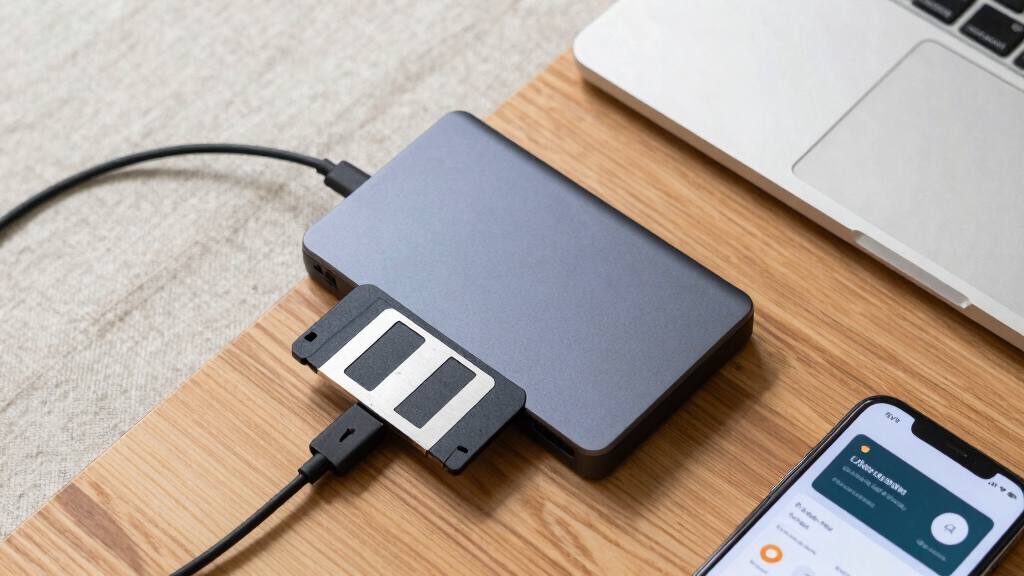
floppy disk data recovery hardware
As an affiliate, we earn on qualifying purchases.
As an affiliate, we earn on qualifying purchases.
Digital Decay and the Growing Need for Preservation
Floppy disks, once a common storage medium, have become increasingly obsolete since the late 1990s. Their physical materials—magnetic tapes and thin plastic shells—are prone to degradation, including demagnetization, warping, and corrosion. Experts have warned that without intervention, many disks could become unreadable within the next decade.
Previous efforts to recover data from floppy disks have often been ad hoc, involving trial-and-error methods and specialized hardware. However, a standardized, accessible approach has been lacking, which has hindered large-scale preservation efforts. The Copy That Floppy guide aims to address this gap by providing clear, practical instructions.
This development comes amid a broader push for digital heritage preservation, with institutions recognizing the need to digitize and archive aging media before the information is lost permanently.
“Our goal with Copy That Floppy is to provide a practical resource that enables archivists to recover data safely from fragile disks, ensuring that valuable digital history is not lost due to physical decay.”
— Dr. Emily Carter, Digital Preservation Expert at Cambridge
Uncertainties in Data Recovery Techniques
While the guide offers detailed procedures, it is not yet clear how effective these methods are across different types and brands of floppy disks. The variability in disk quality and damage levels means some disks may still be unrecoverable despite following the recommended practices.
Additionally, the long-term effectiveness of the preservation techniques outlined in the guide remains to be tested through broader application by various institutions.
Next Steps in Digital Preservation Efforts
Cambridge plans to monitor the adoption of the Copy That Floppy guide by archivists and institutions, gathering feedback to refine the procedures further. There is also an intention to develop training workshops and collaborate with digital preservation networks to promote best practices.
Further research is expected to focus on automating data recovery from damaged disks and creating specialized hardware that can handle a wider variety of floppy disk formats, enhancing recovery success rates.
Key Questions
Who developed the Copy That Floppy guide?
The guide was developed by a team of digital preservation experts at Cambridge University, led by Dr. Emily Carter and Professor James Lee.
What types of floppy disks does the guide cover?
The guide provides general procedures applicable to common floppy disk formats, including 3.5-inch and 5.25-inch disks, but effectiveness may vary depending on disk condition and hardware compatibility.
Can this guide help recover data from severely damaged disks?
The guide offers best practices for handling and recovering data from disks in various states of deterioration, but some disks may still be unrecoverable depending on damage extent.
Is the guide available for public access?
Yes, the Copy That Floppy guide is publicly available online through Cambridge University’s digital preservation resources.
Will this guide be updated in the future?
Cambridge plans to collect feedback from users and update the guide periodically to incorporate new techniques and hardware developments.
Source: hn
Halloween Picks
halloween
As an affiliate, we earn on qualifying purchases.